Follow along here:
Or go at your own pace:
Steps for Setting Up Org IQ for Clients
Follow these steps to add clients one at a time. We also offer bulk upload options, and you can find the instructions for that here. When you upload a client, it creates the account and invites the client to join their own Org IQ organization.
Creation Date: May 21, 2024 Created By: Elizabeth Hanfman View most recent version on Tango.us
# Org IQ
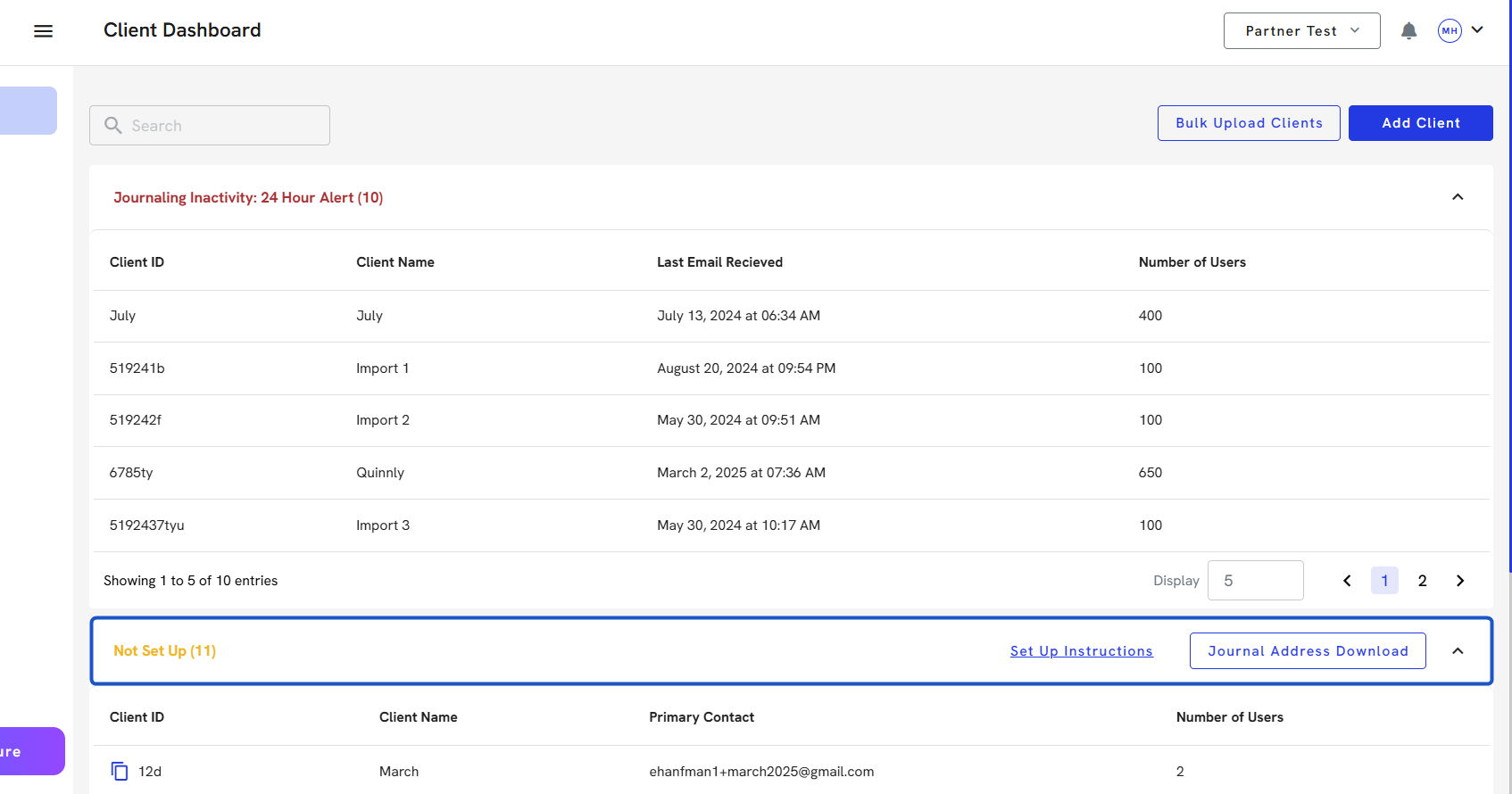
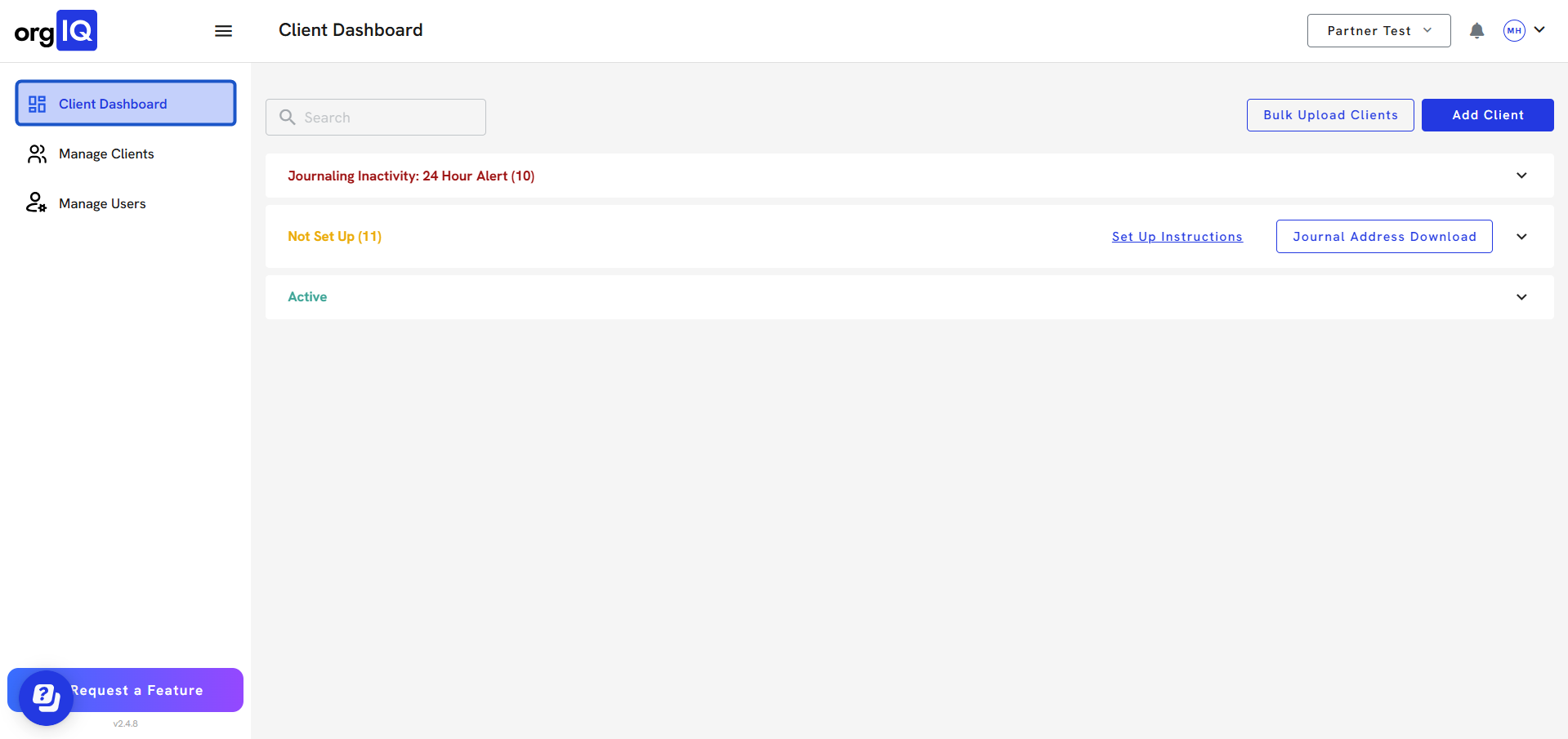
1. Click on Client Dashboard
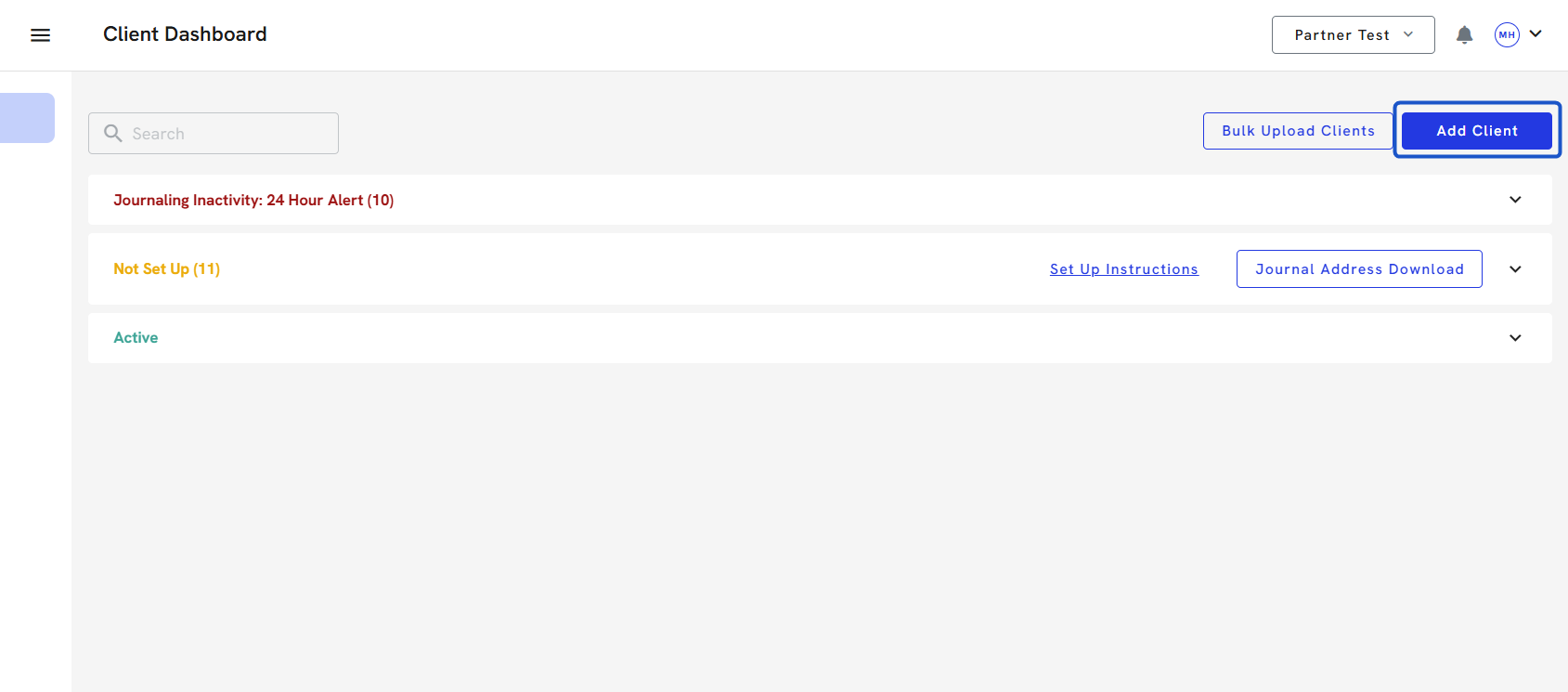
2. Click on Add Client
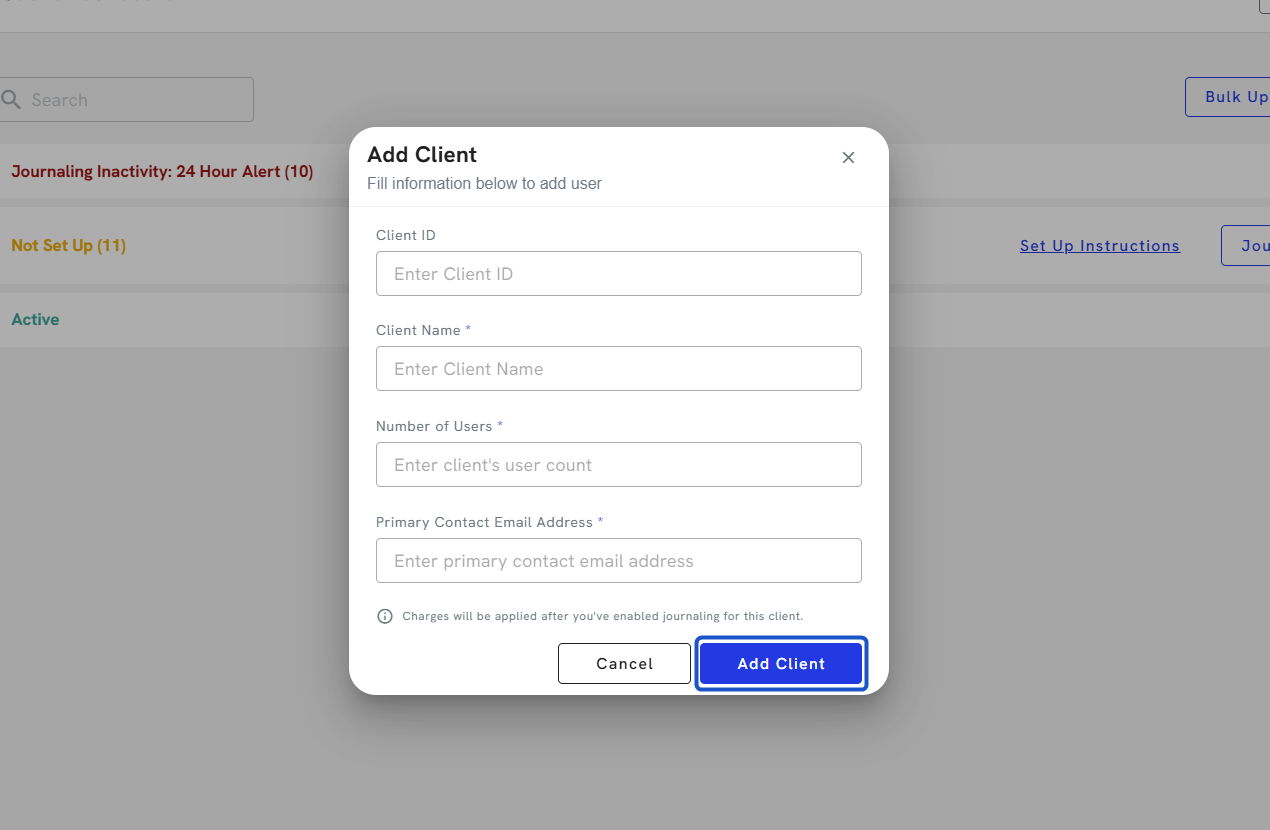
3. Type in Client ID
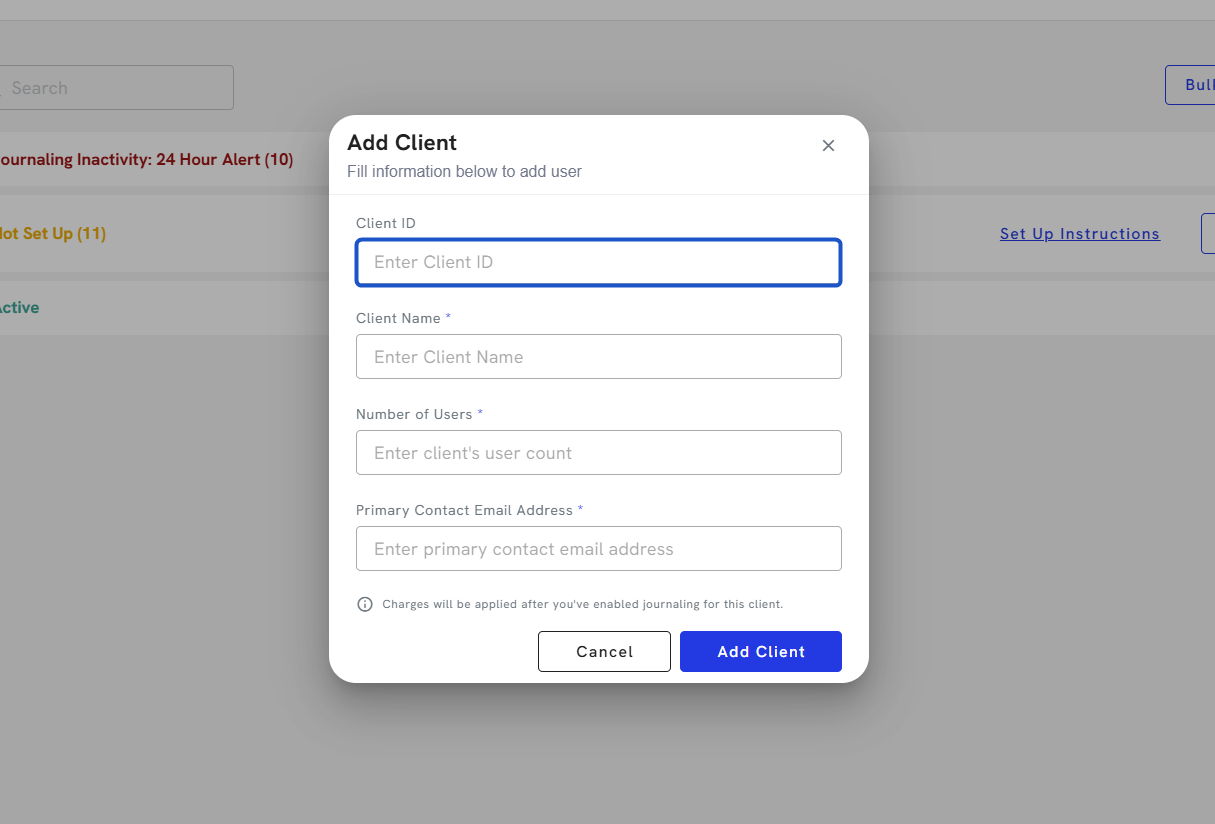
4. Type Client name.
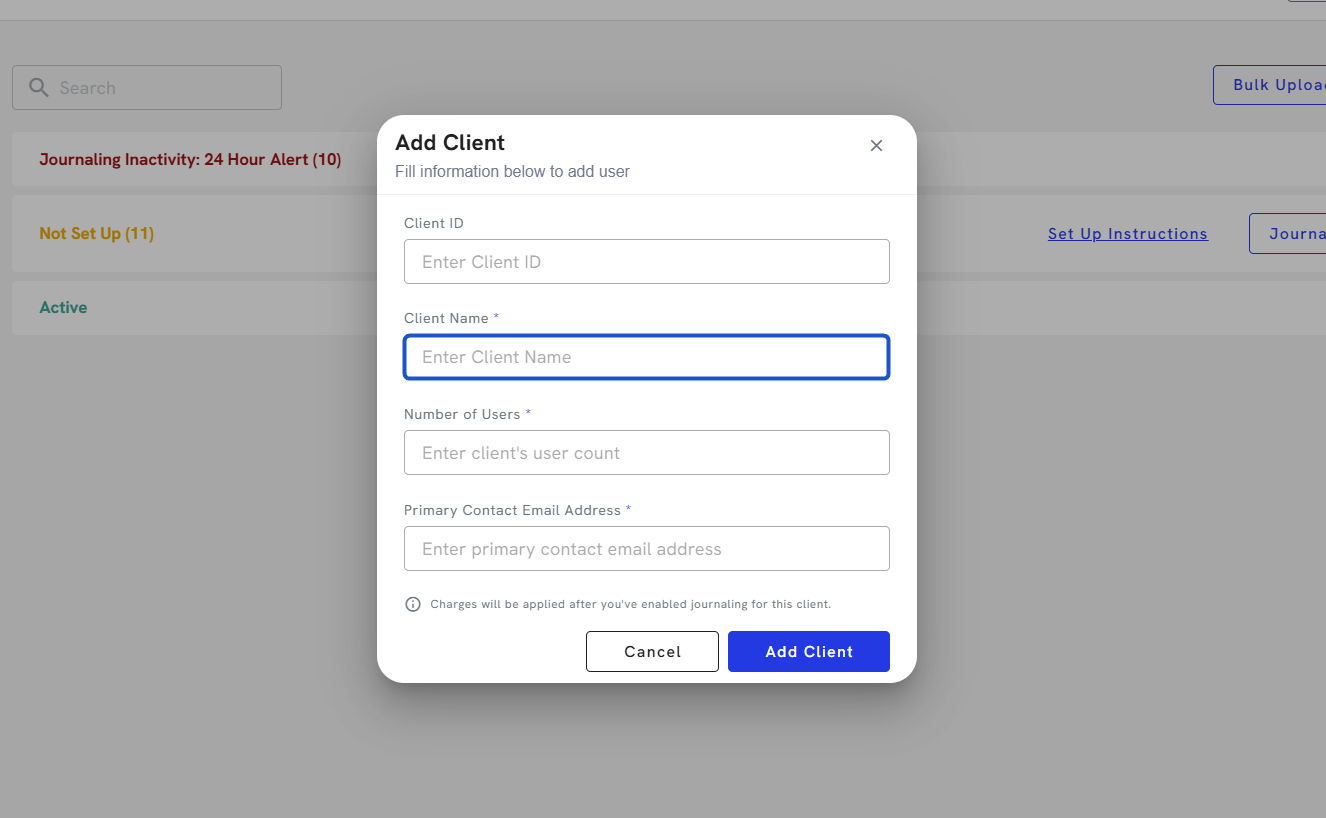
5. Enter the number of users.
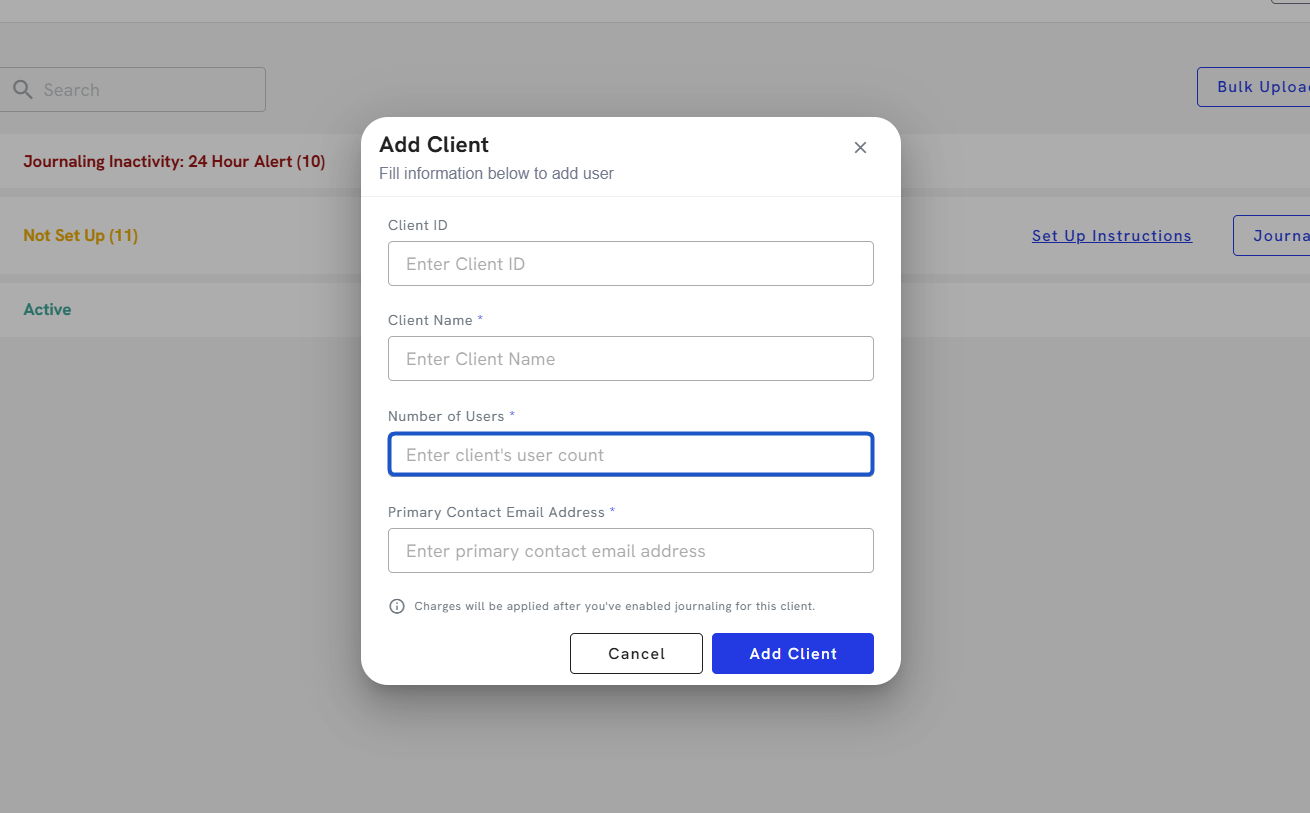
6. Invite the primary contact address of that client.
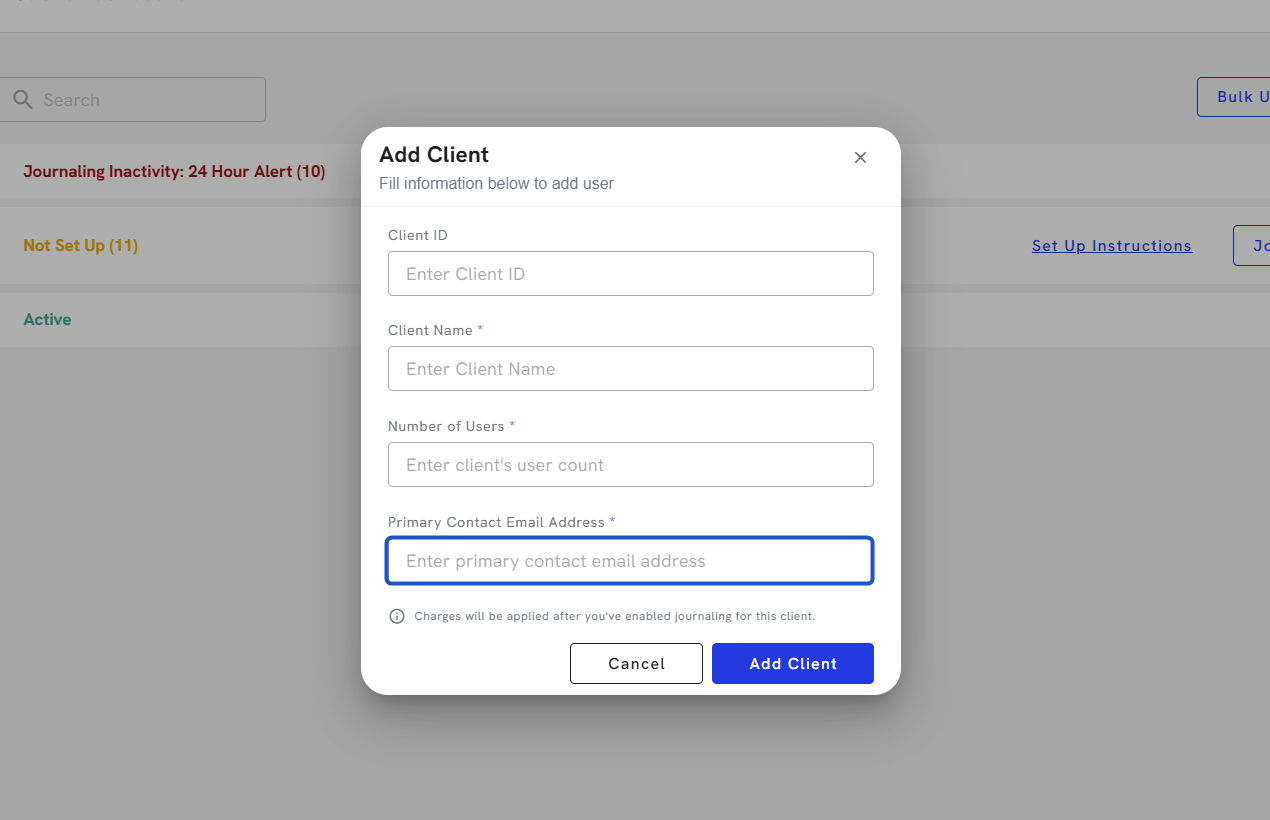
7. Until you have enabled journaling for the client, you will not be billed for their users.
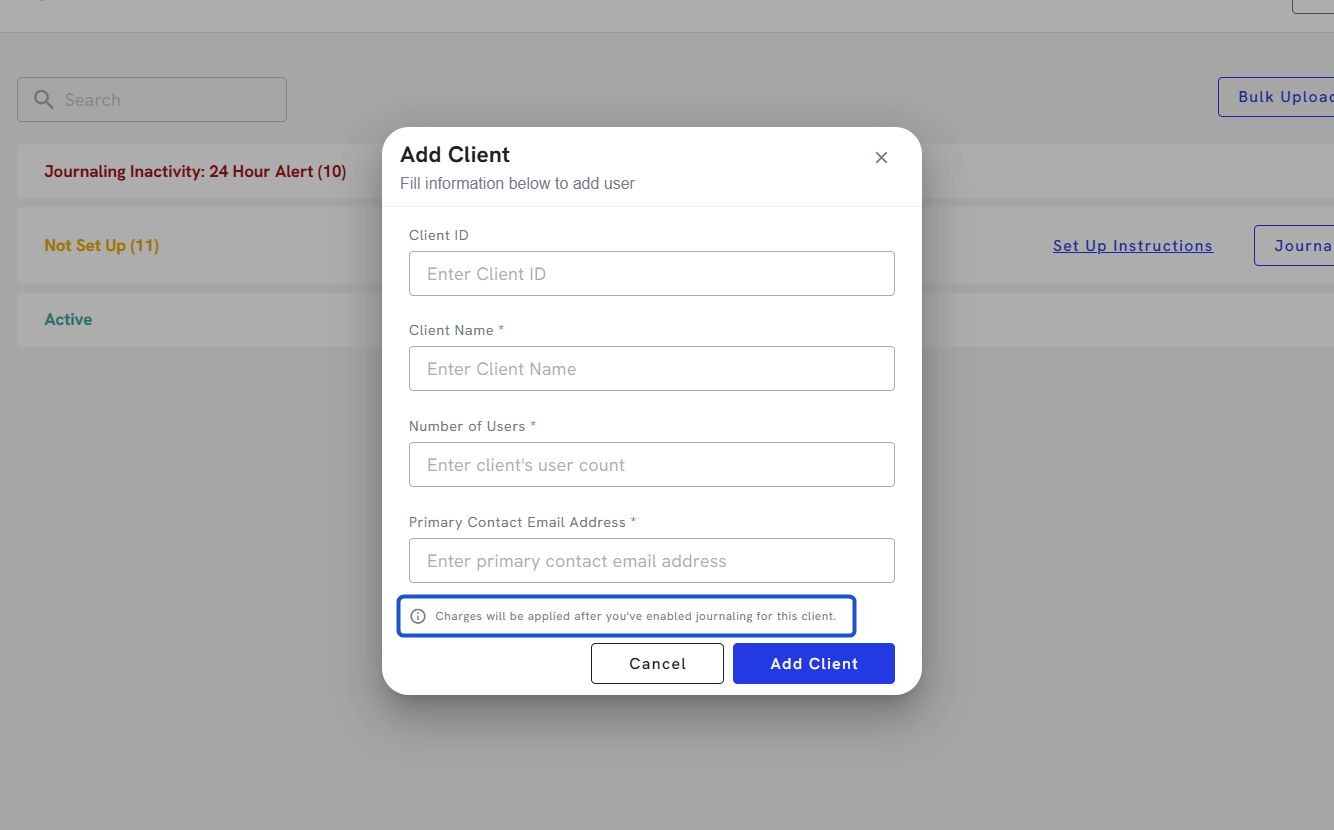
8. Click on Add Client.