Follow along here:
Or go at your own pace:
How to Bulk Upload Clients Using Org IQ
Creation Date: May 21, 2024 Created By: Elizabeth Hanfman View most recent version on Tango.us
# Org IQ
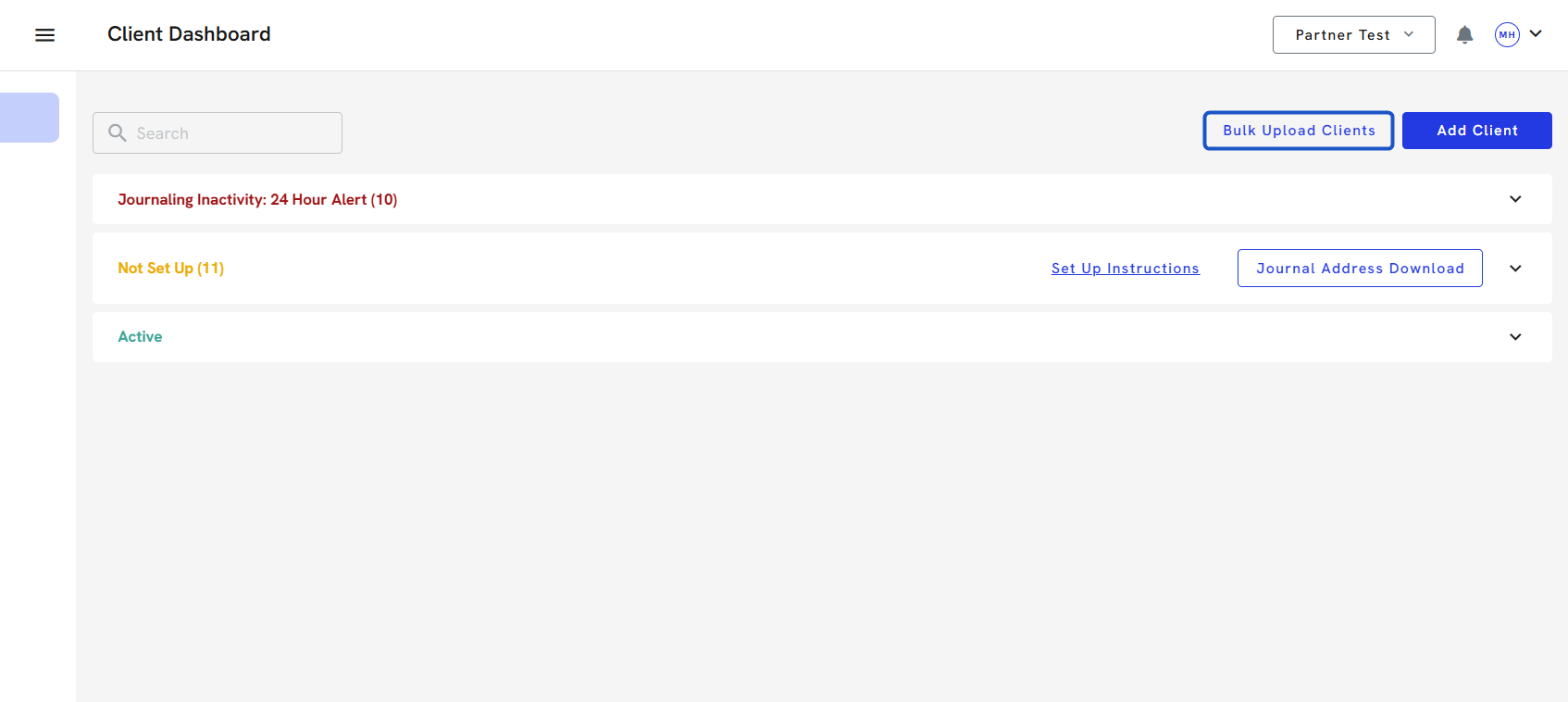
1. Click on Client Dashboard
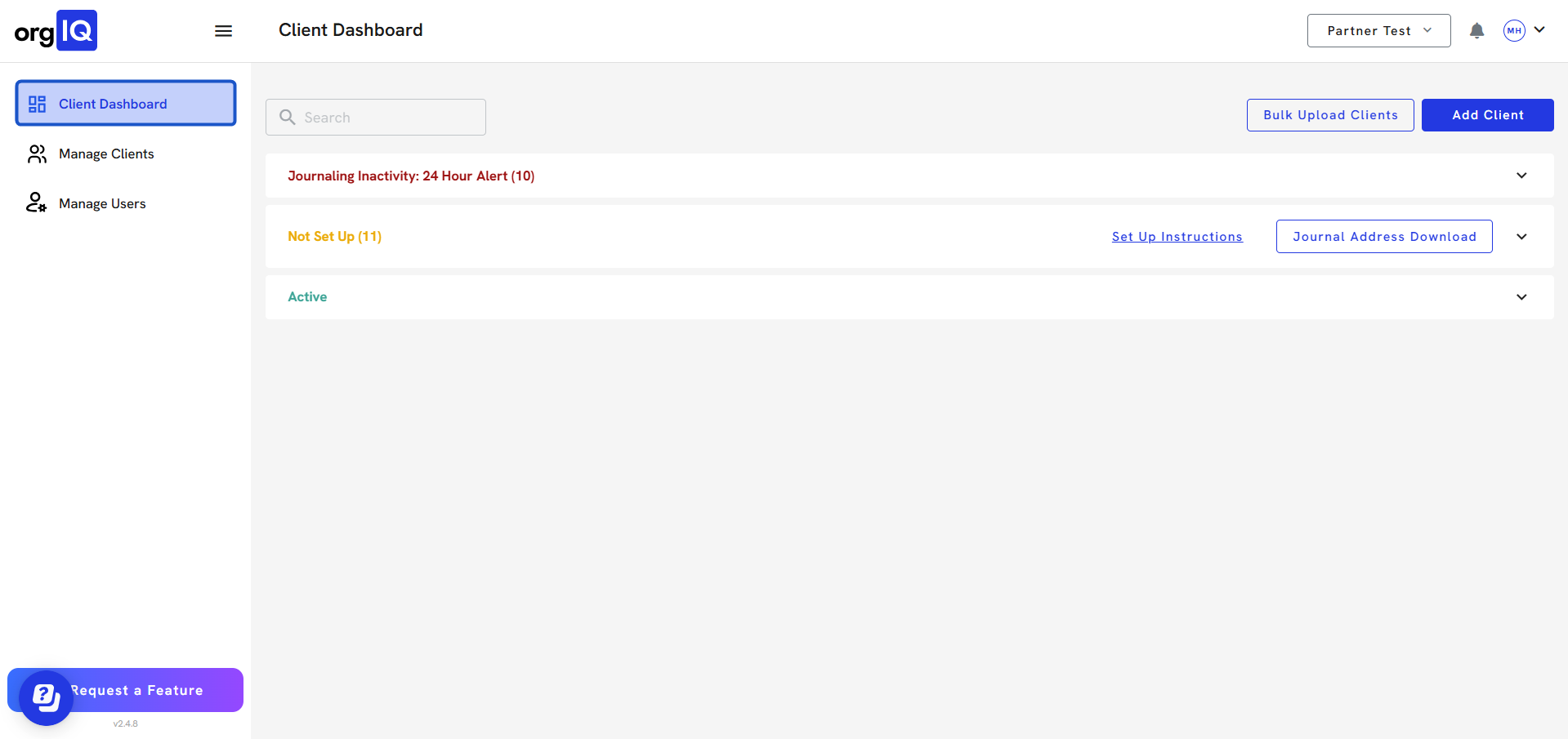
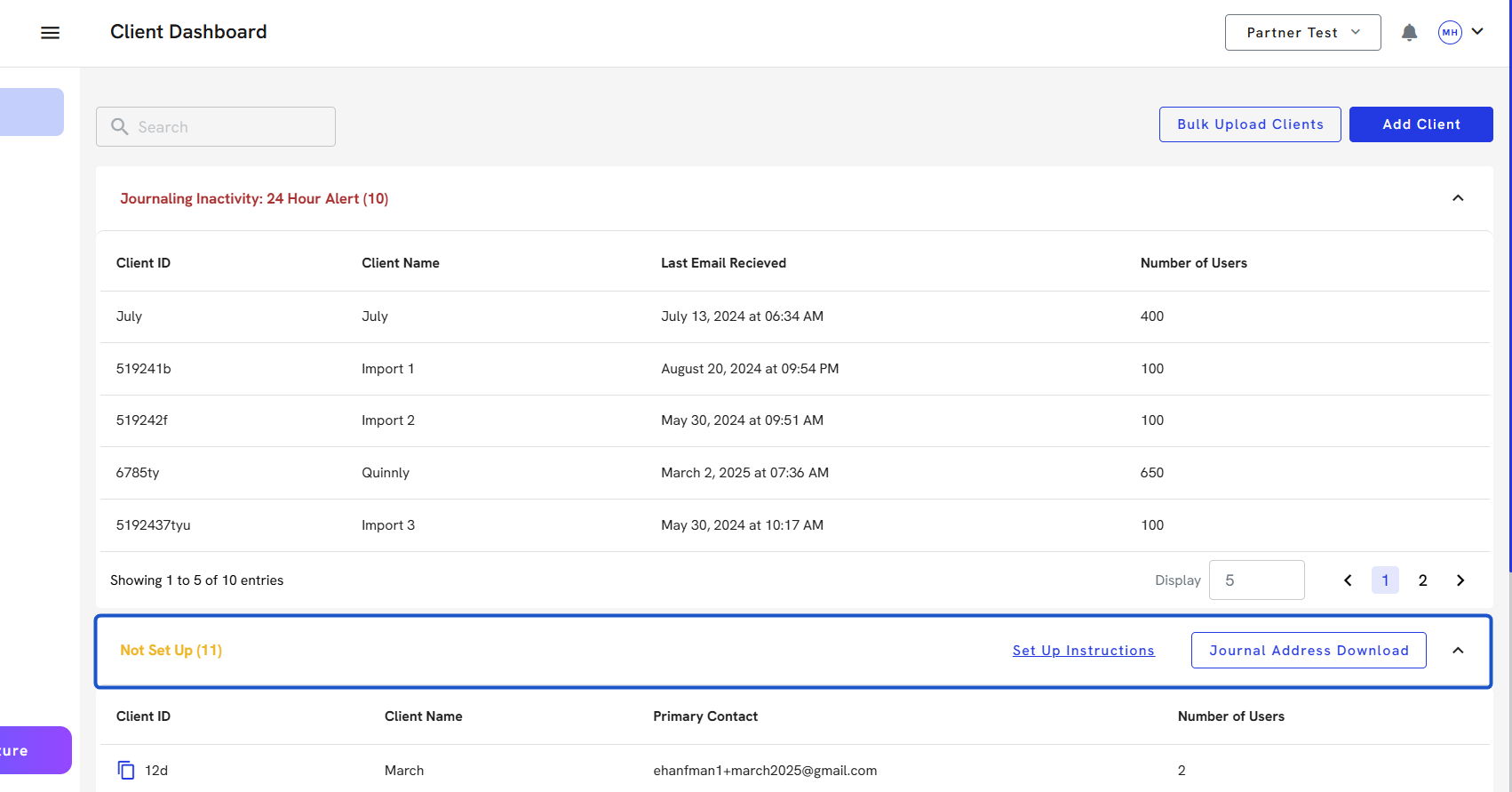
2. Click on Bulk Upload Clients
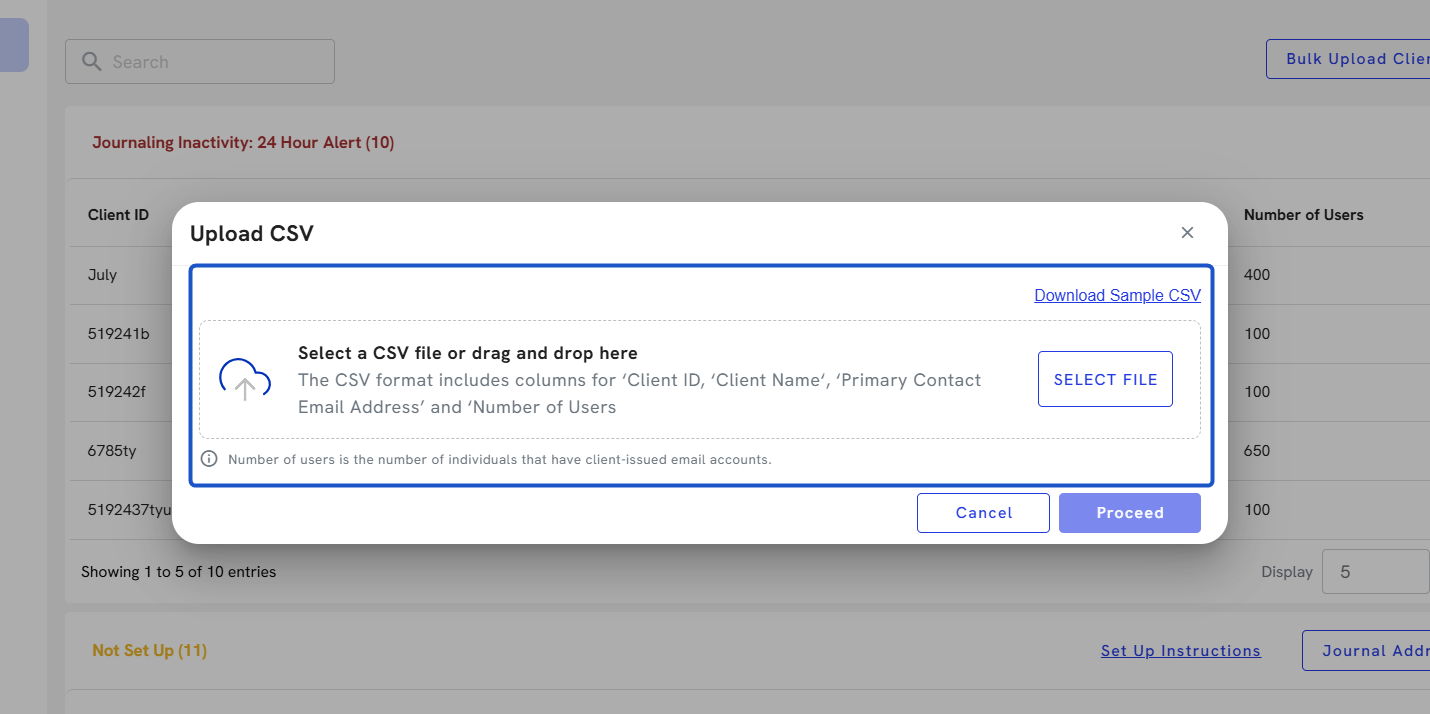
3. Click on Upload CSV…
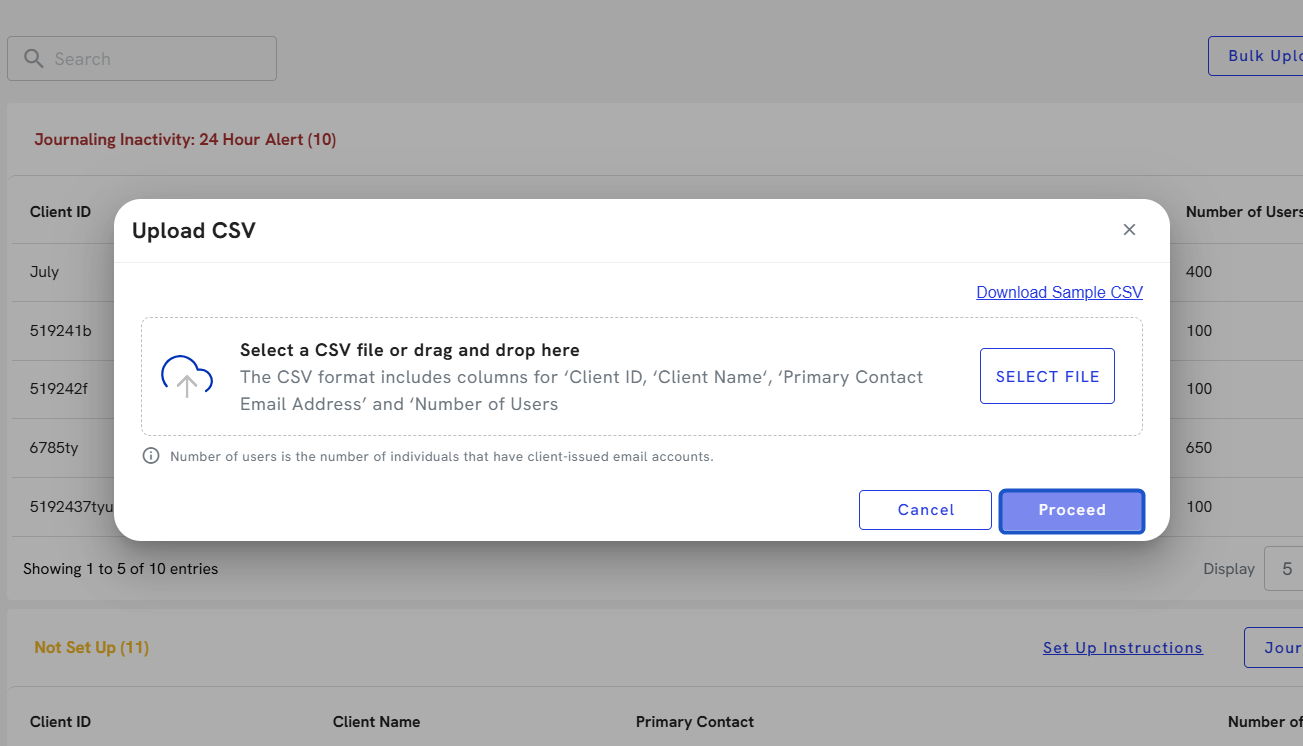
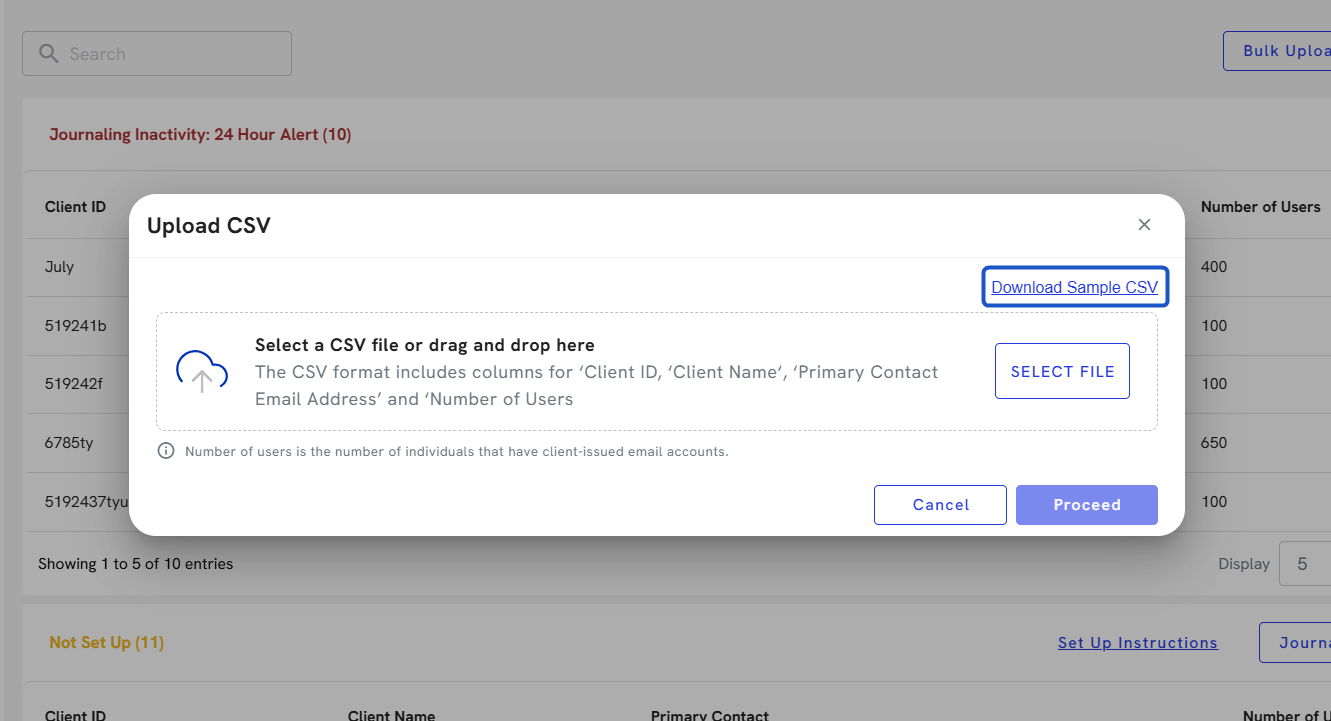
4. Click on Download Sample CSV and fill out the appropriate information.
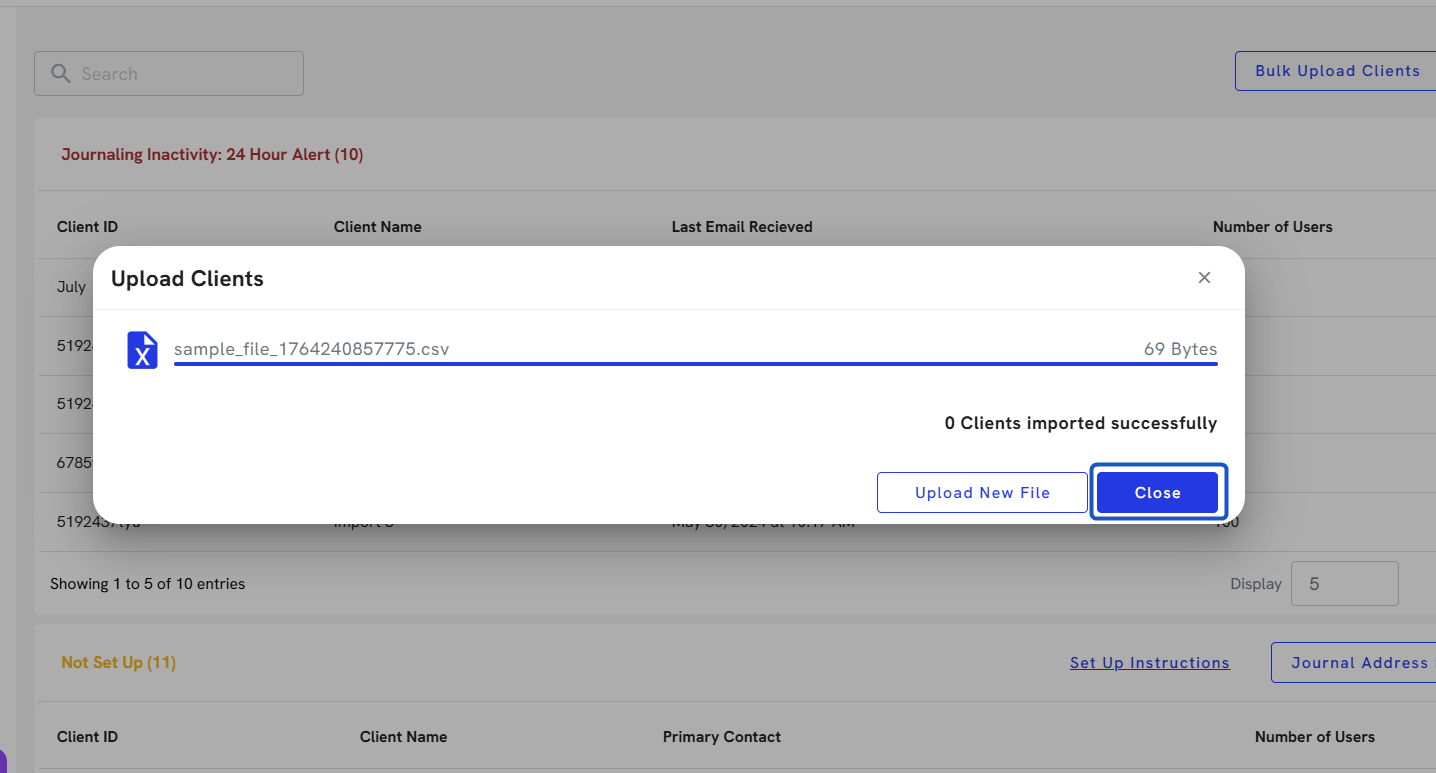
5. Click on SELECT FILE and then Proceed.
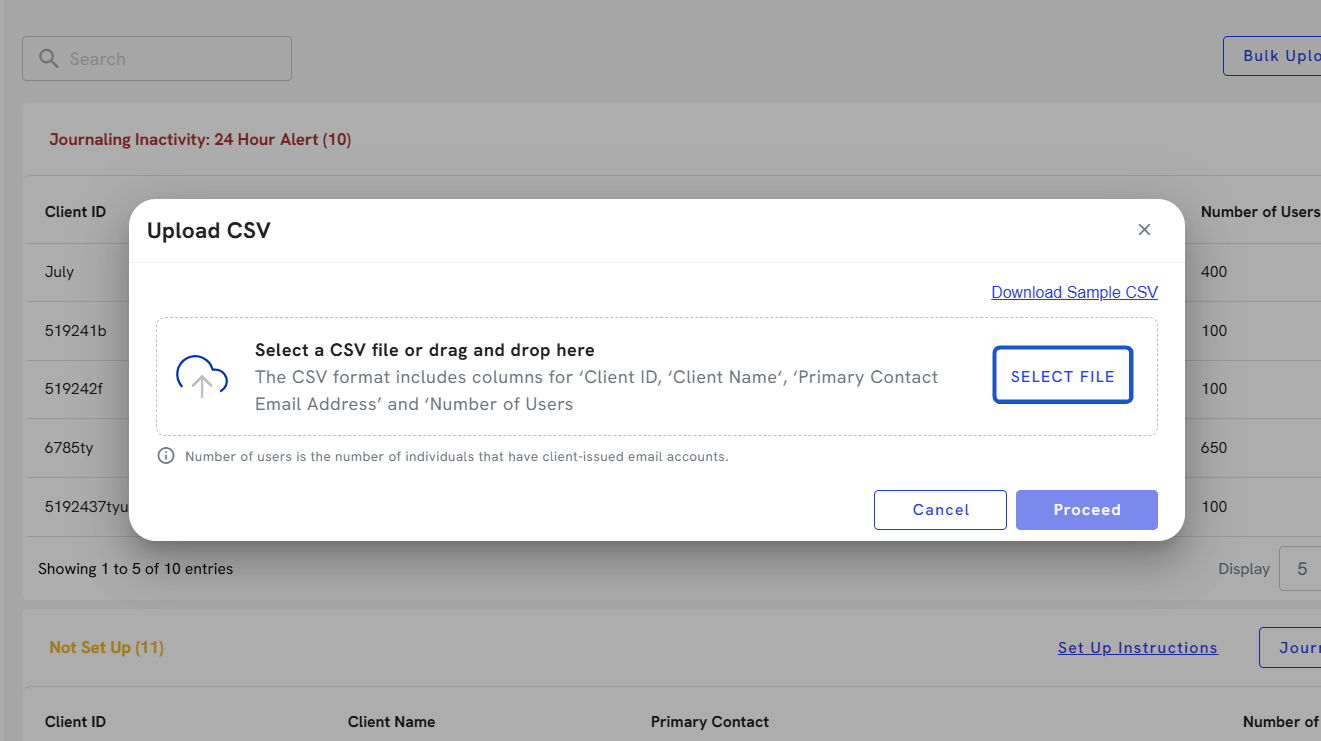
6. Click on Proceed