You can follow along here:
Or go at your own pace here:
Step 1: Office 365 Journaling Set Up (NEW)
Creation Date: Jul 16, 2025 Created By: Muzammil Hasan View most recent version
# Org IQ
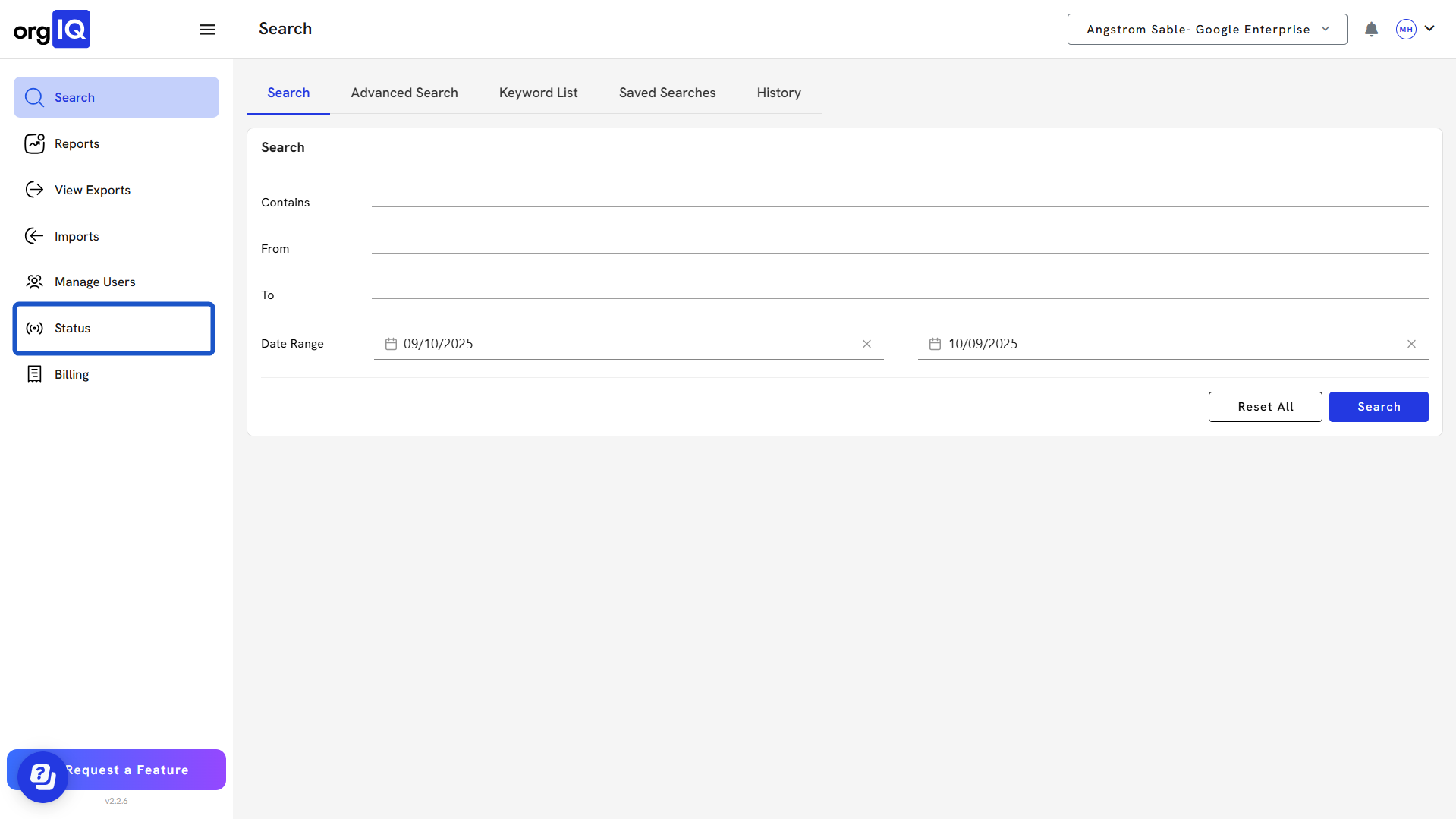
1. Click on Status
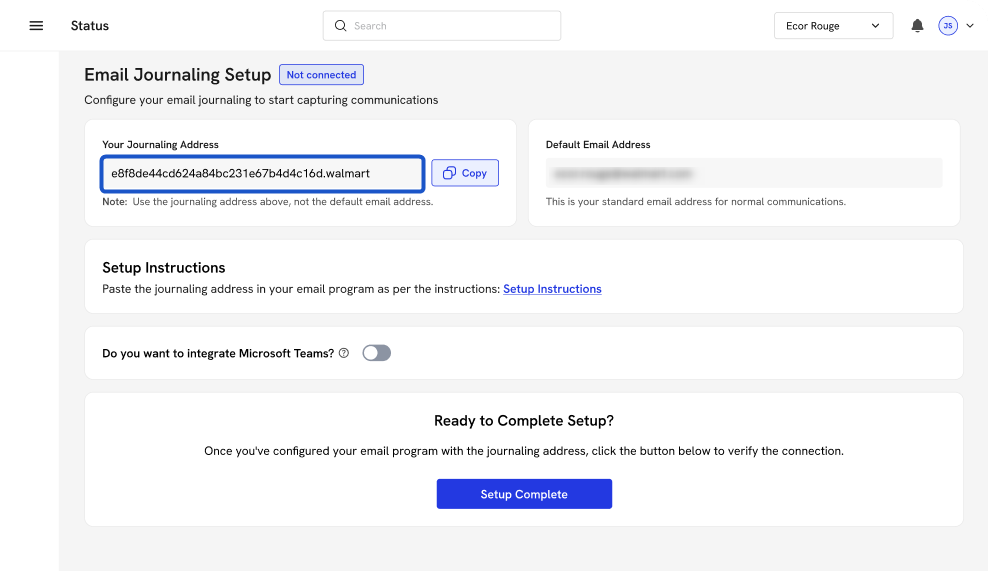
2. Copy Journaling Address
3. Open Microsoft Purview and Sign in.

4. Navigate to Journal Rules

5. Create a new rule

6. Define the rule settings

7. Review the journal rule and finish

# Org IQ
Head back to Org IQ and start Step 2. "Setting Up a Connector."
