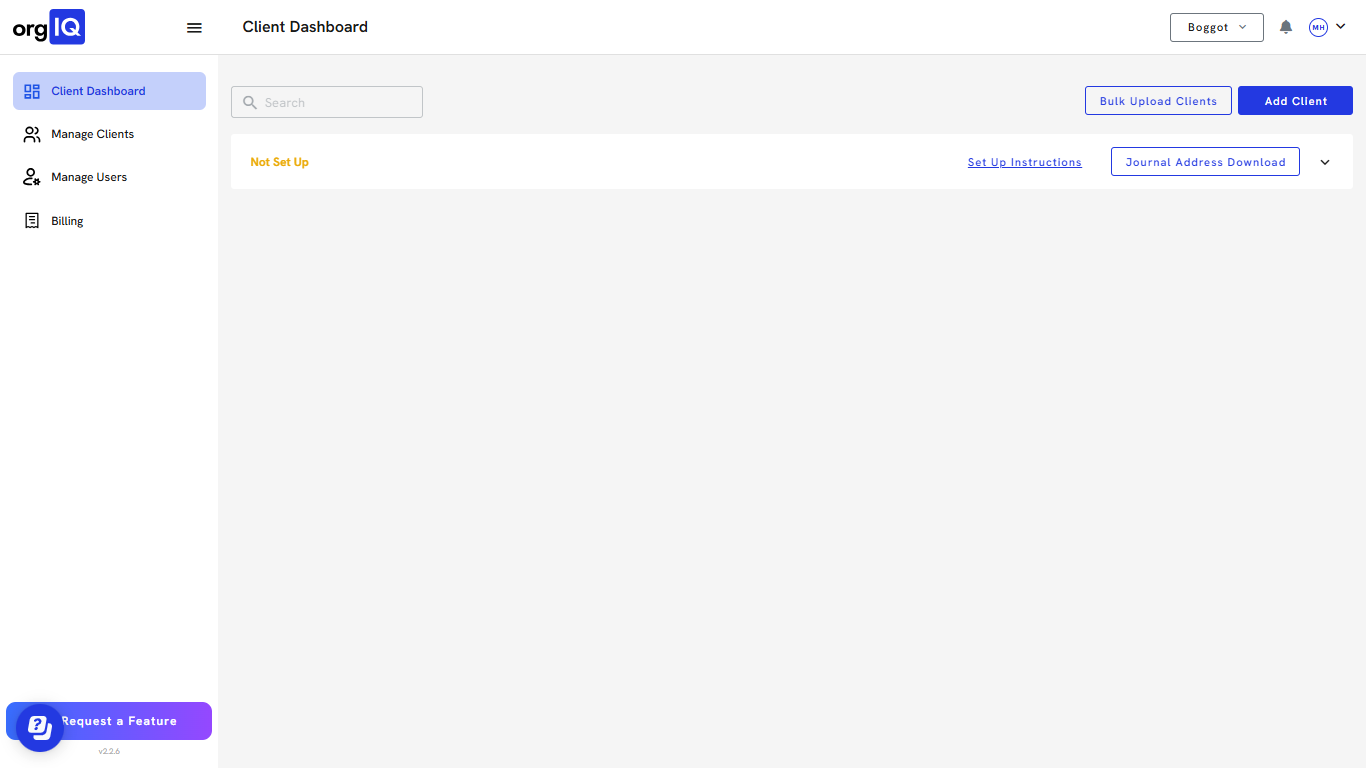
You can follow along here:
Or follow along at your own pace here:
Create Account and Verify Emails in Org IQ (Partner)
This guide will help you sign up as a Partner, add your billing method, complete email verification, enable multi-factor authentication, and log in to your Org IQ dashboard.
Created: July 24, 2025, Created By: Muzammil Hasan. View the most recent version on Tango.us
1. Go to https://app.orgiq.com
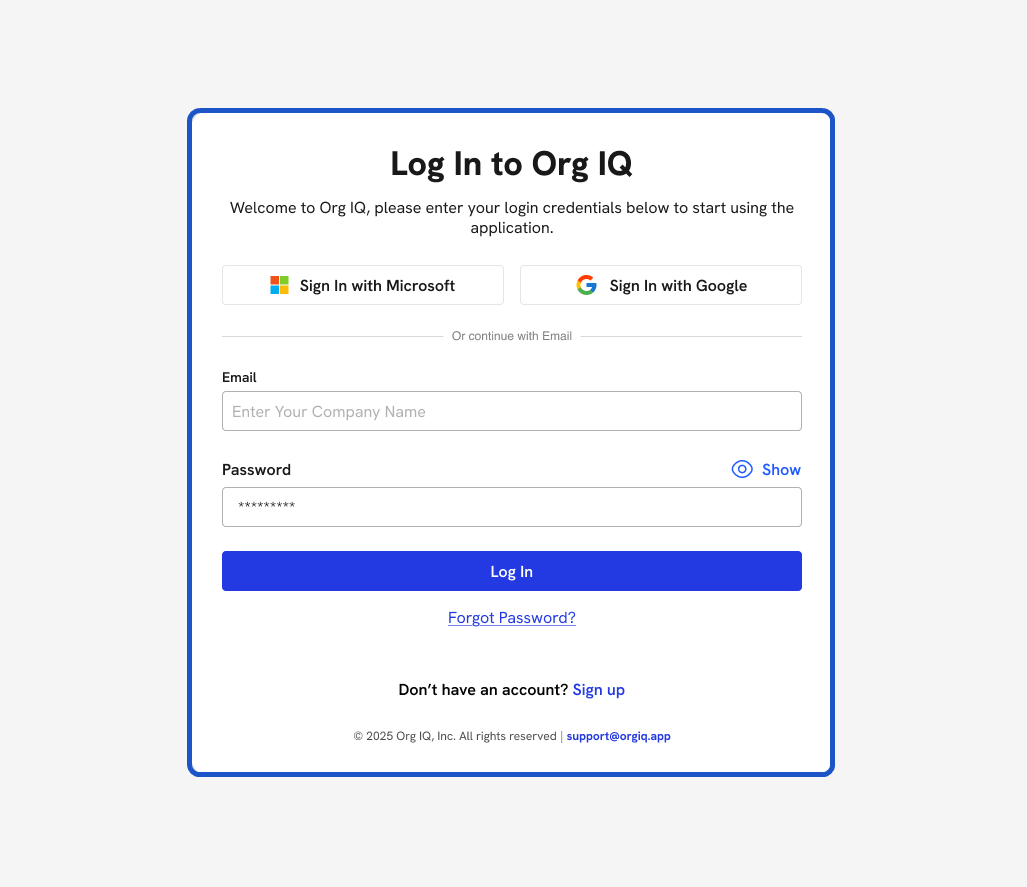
2. Click on Sign up.
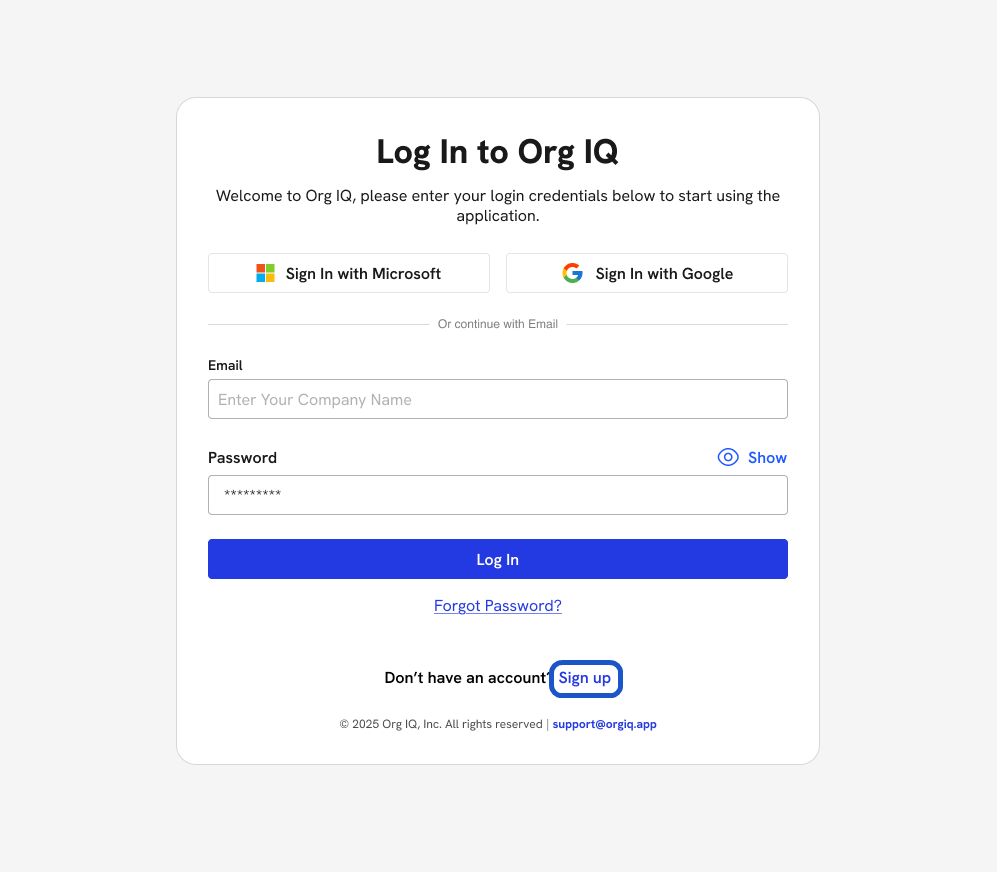
3. This will take you to create a new account.
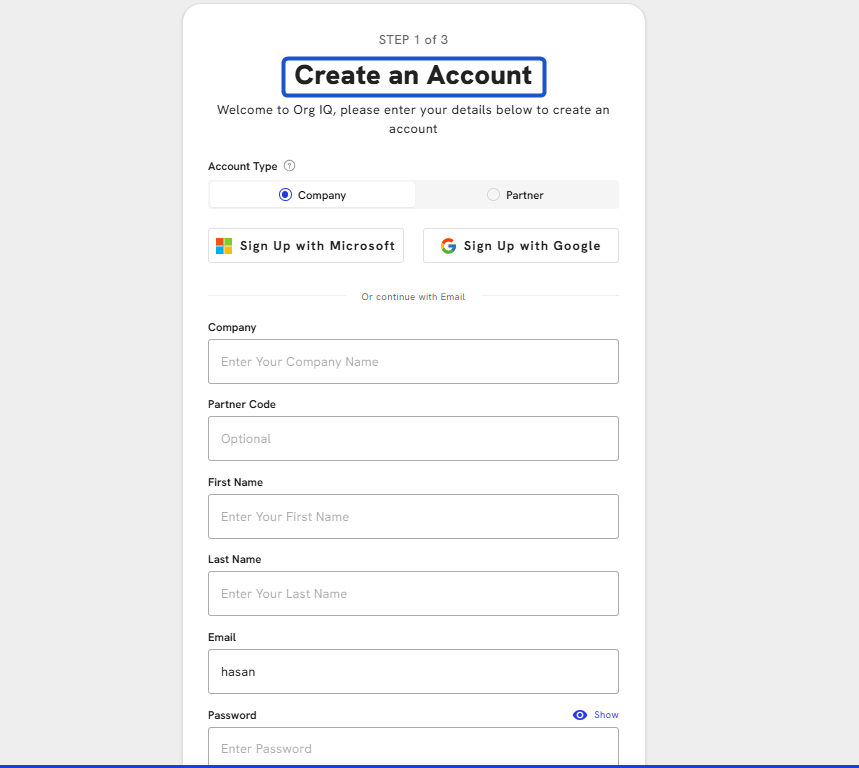
4. Select account type Partner.
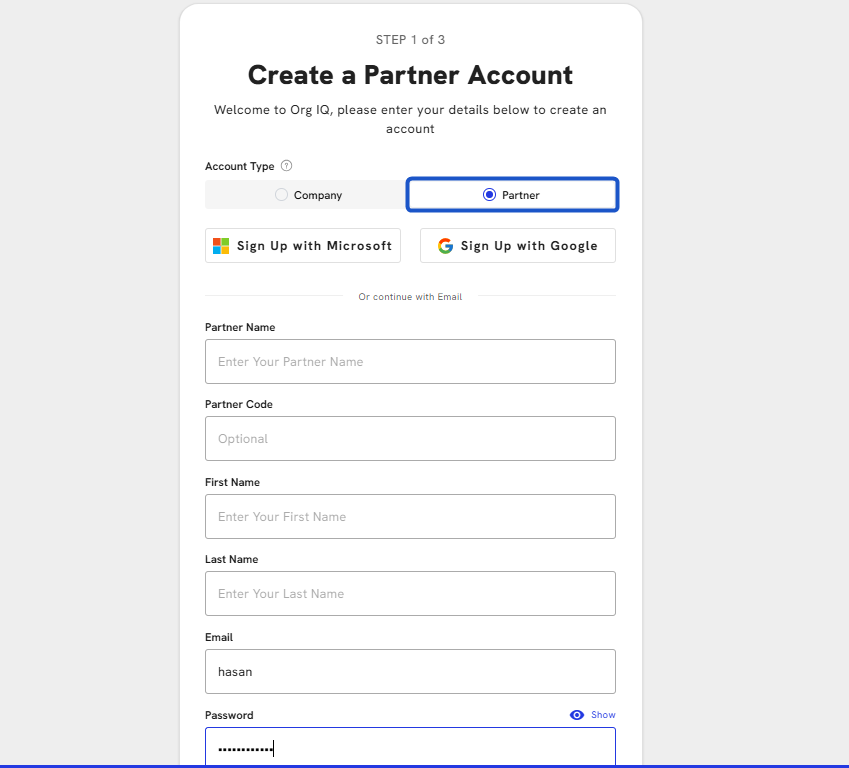
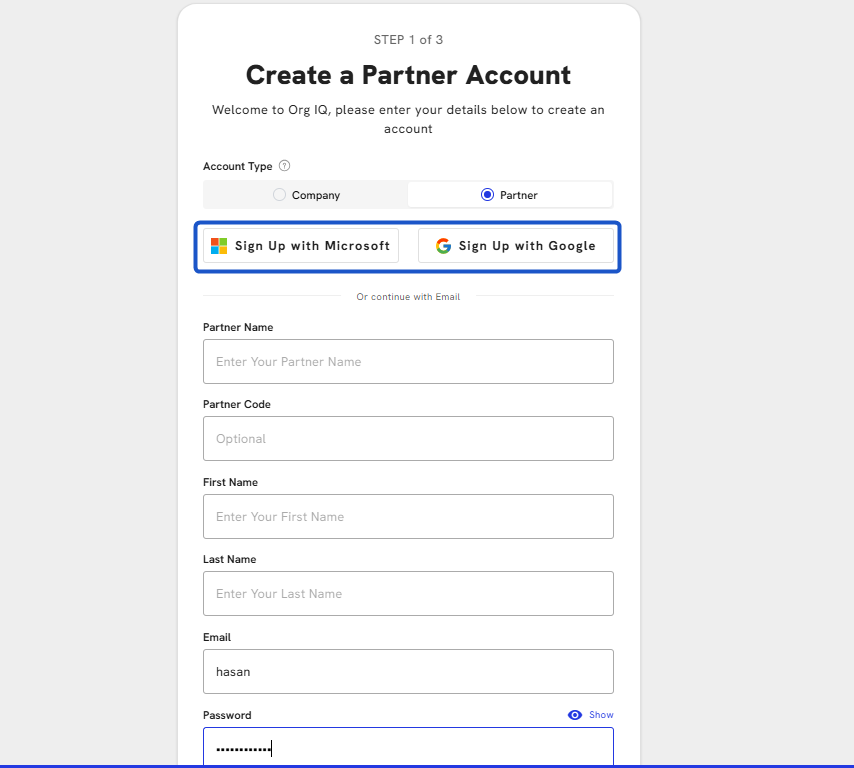
5. Alternatively can sign up with Microsoft and Google.
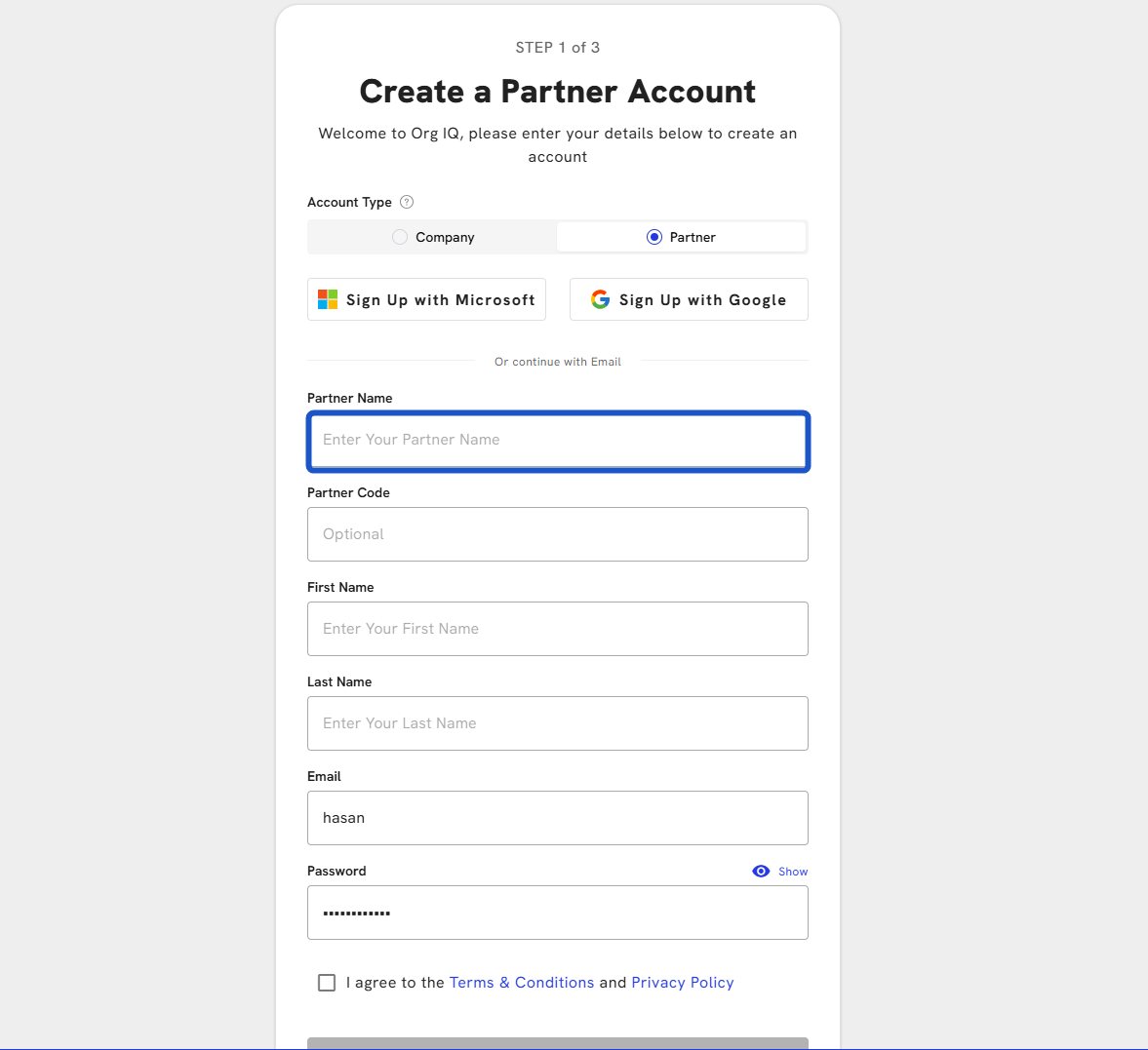
6. Enter your Partner Name
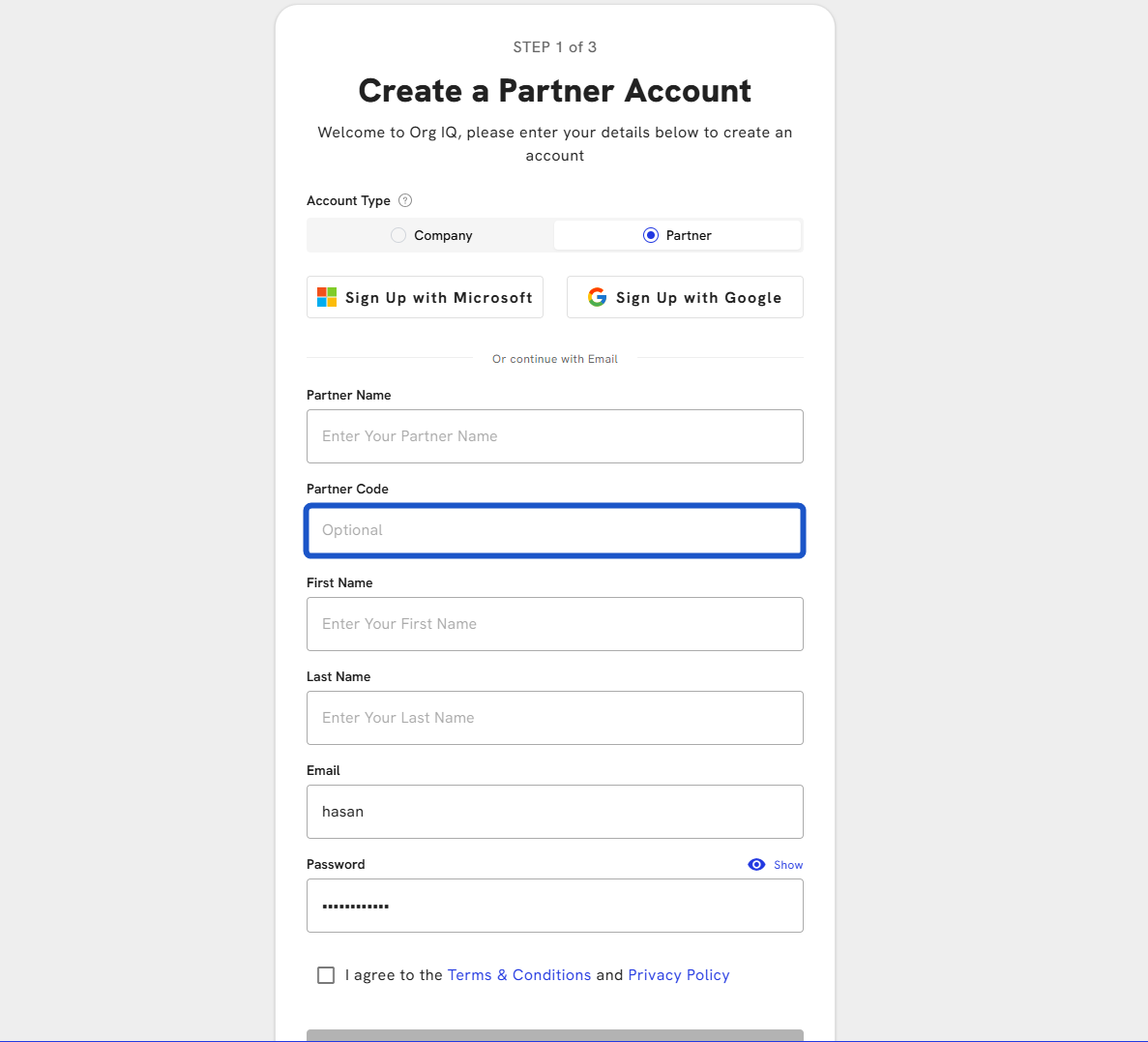
7. Enter Partner Code (Optional). If you have a partner or referral code.
8. Enter your First Name
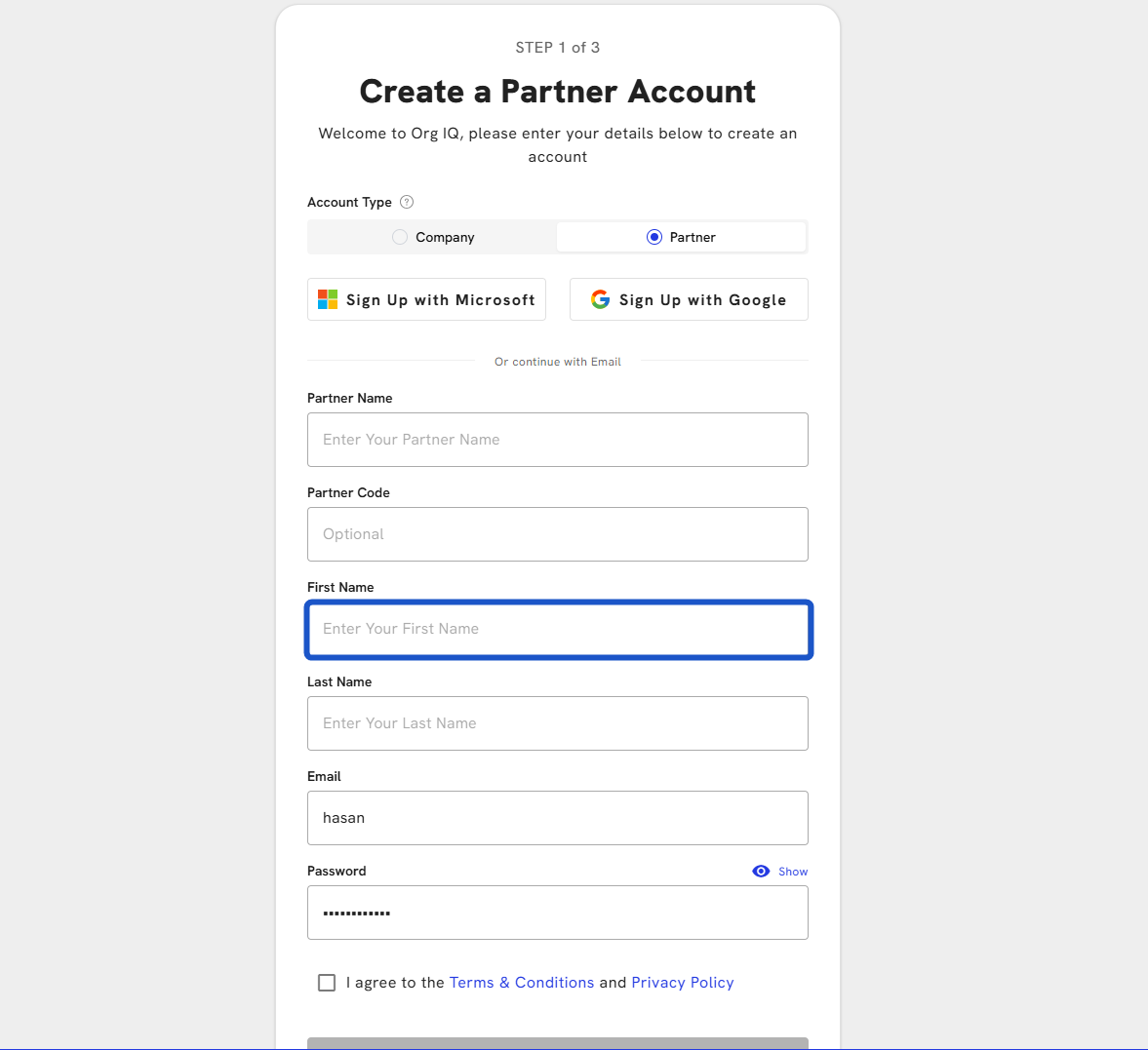
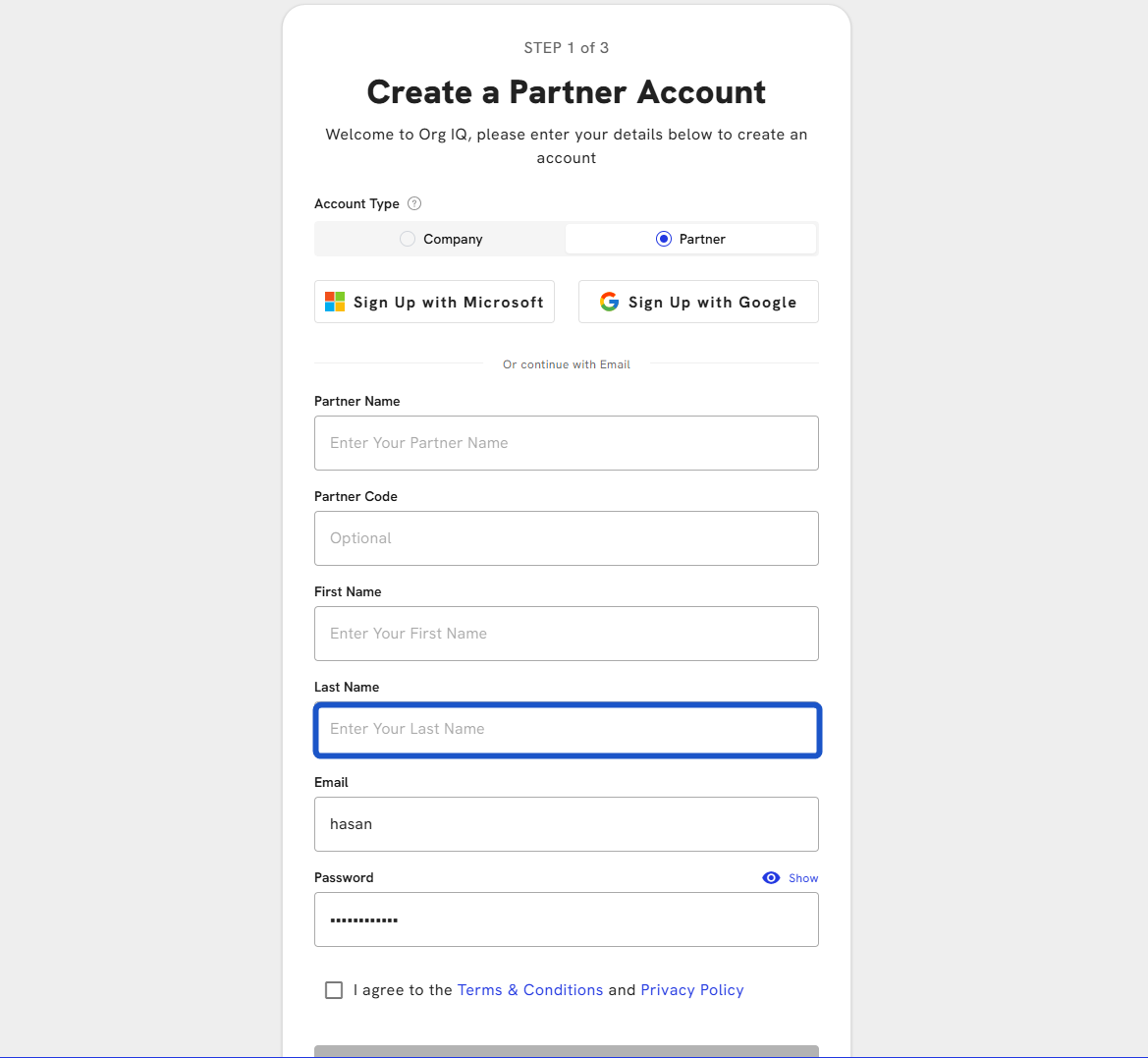
9. Enter Last Name
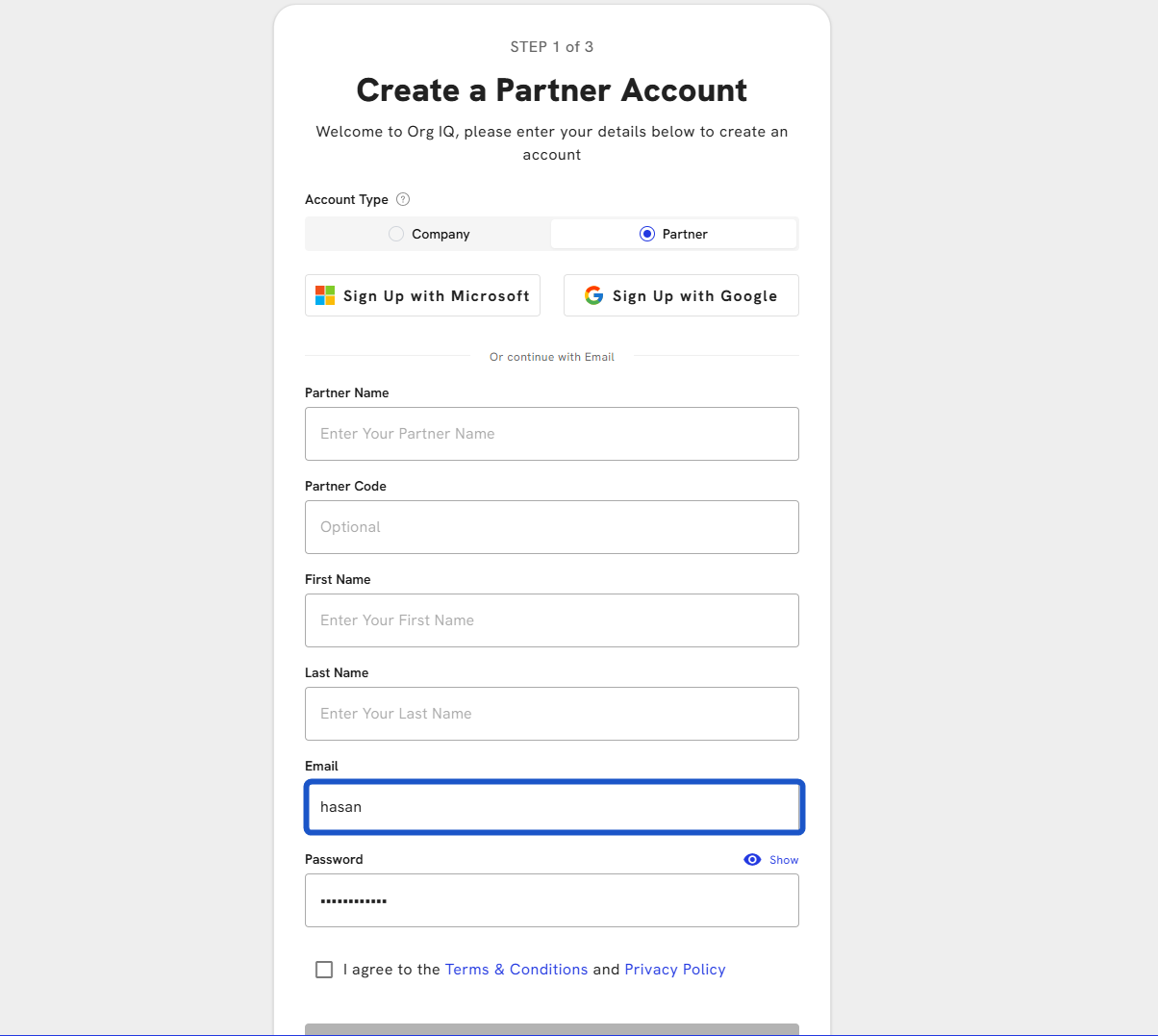
10. Enter the Email address
11. Enter Password
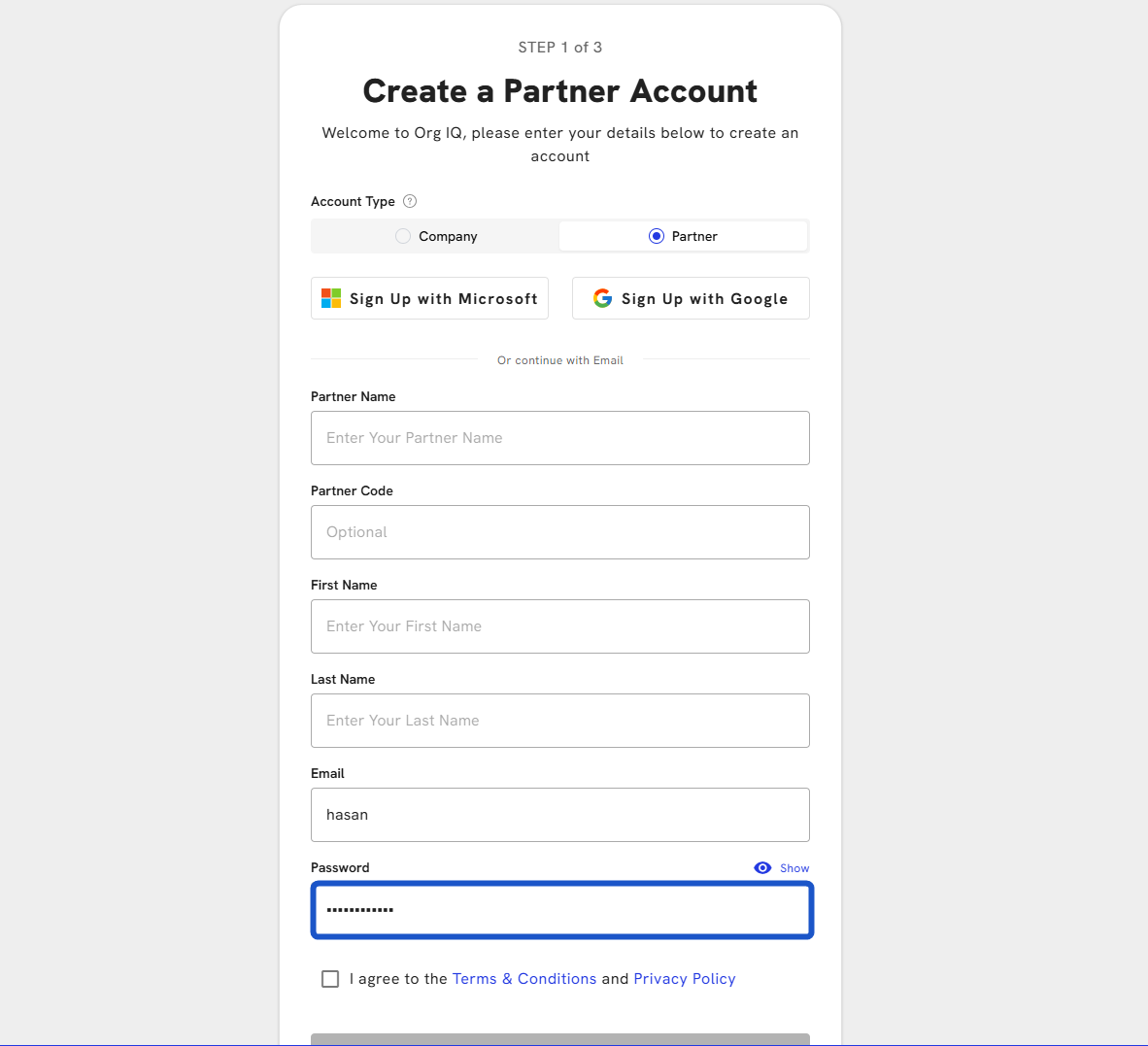
12. Ensure your password meets all listed requirements
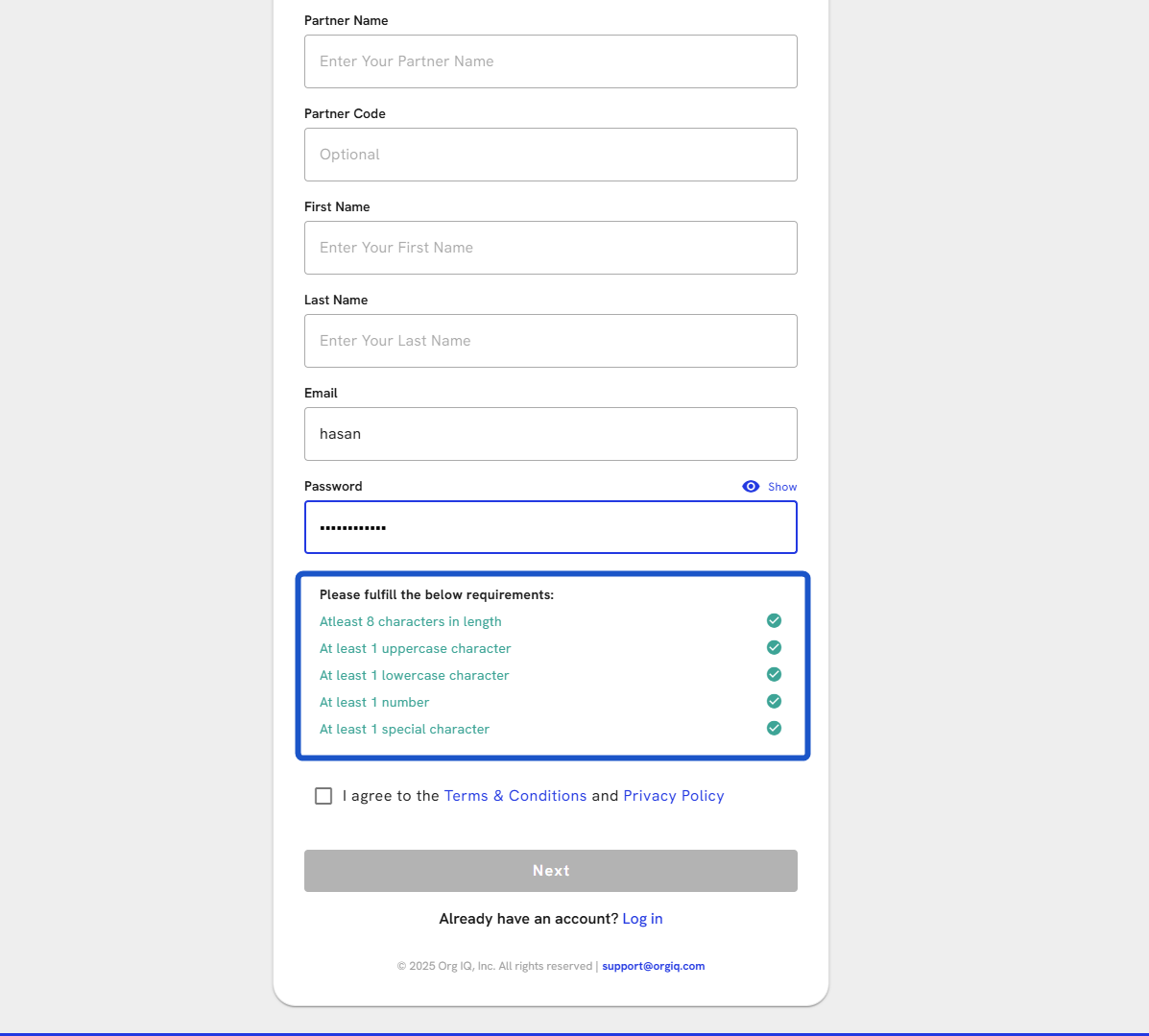
13. Check the box: I agree to the Terms & Conditions and Privacy Policy
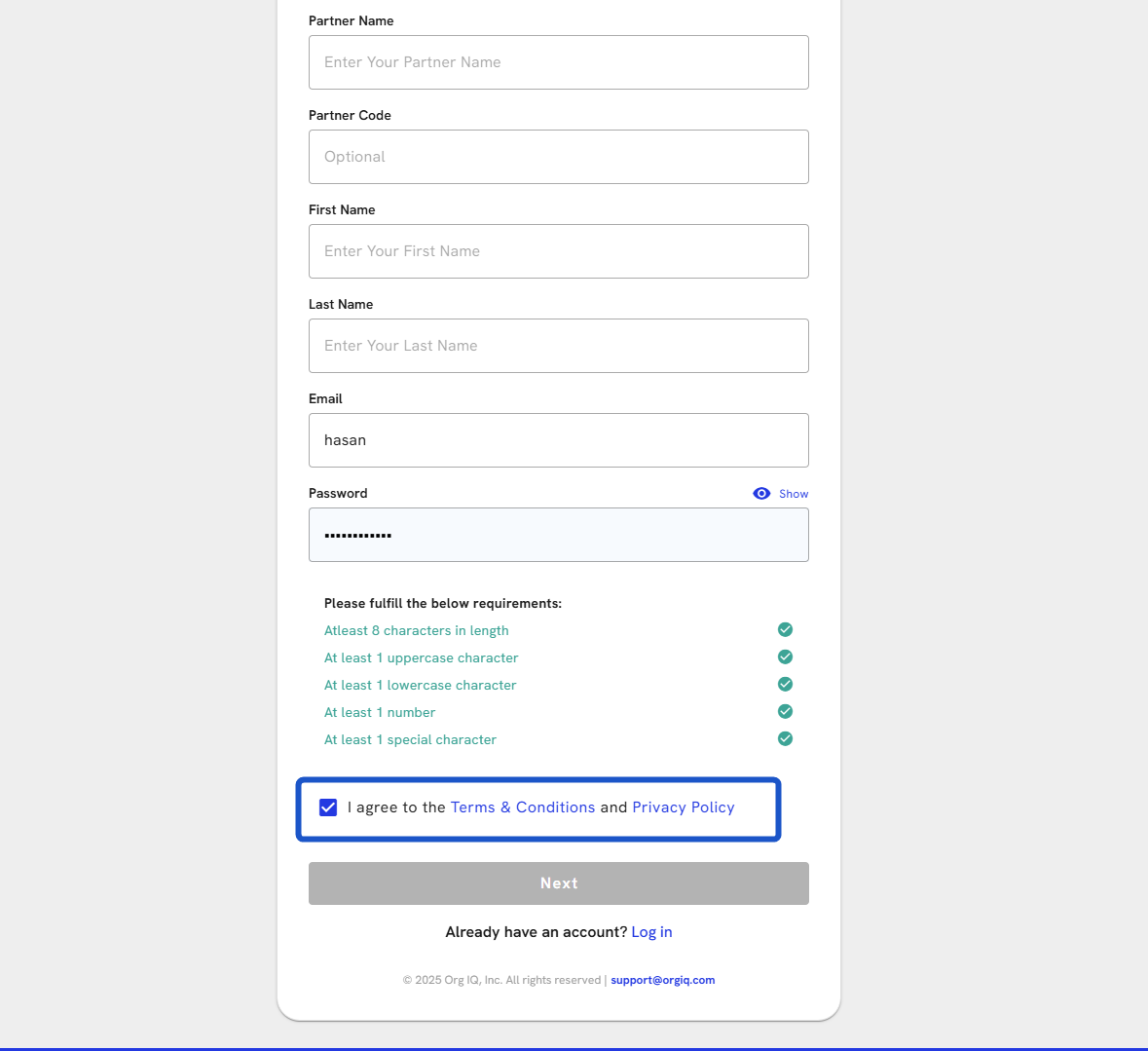
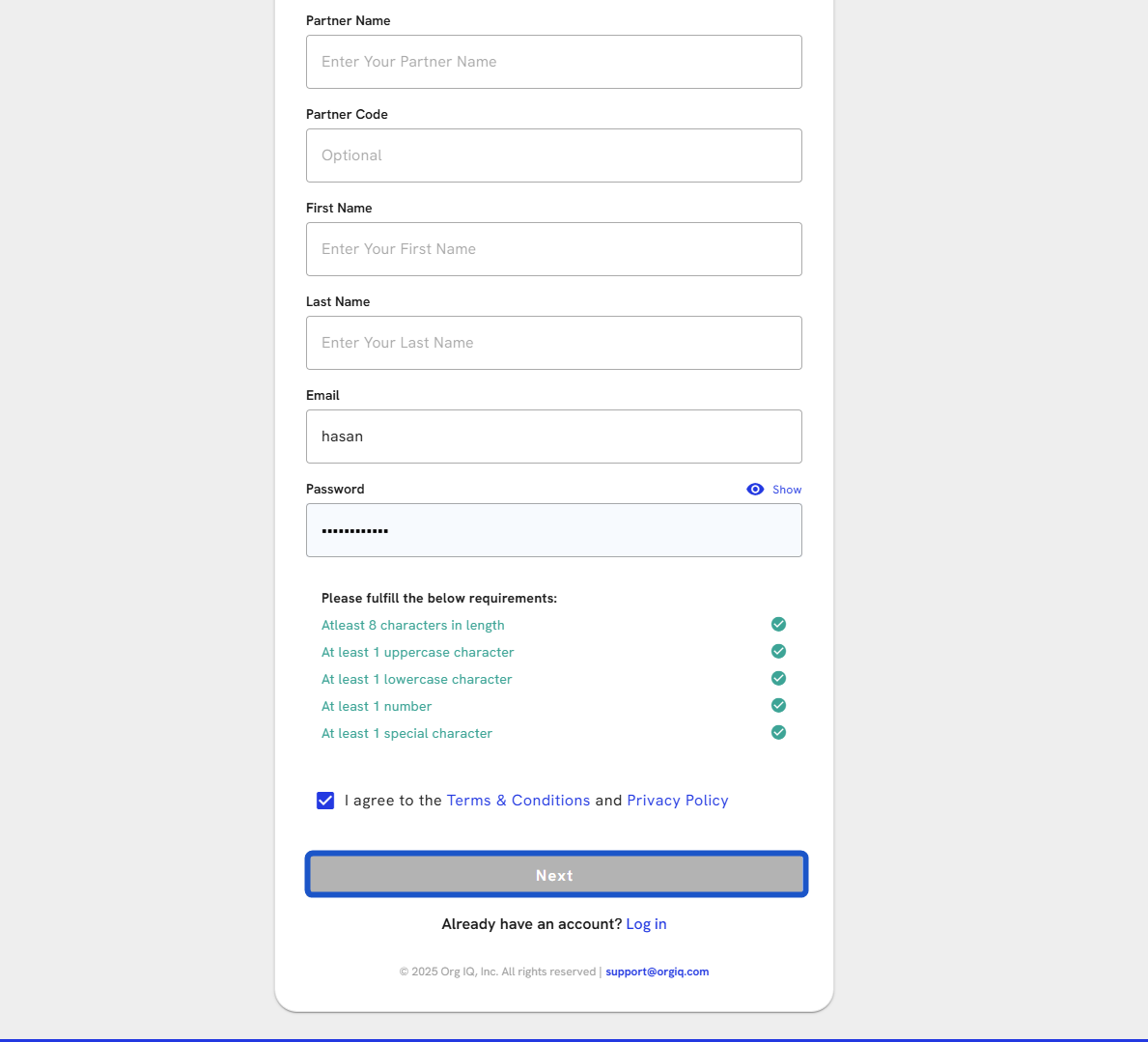
14. Click Next
# Verify Your Email Address
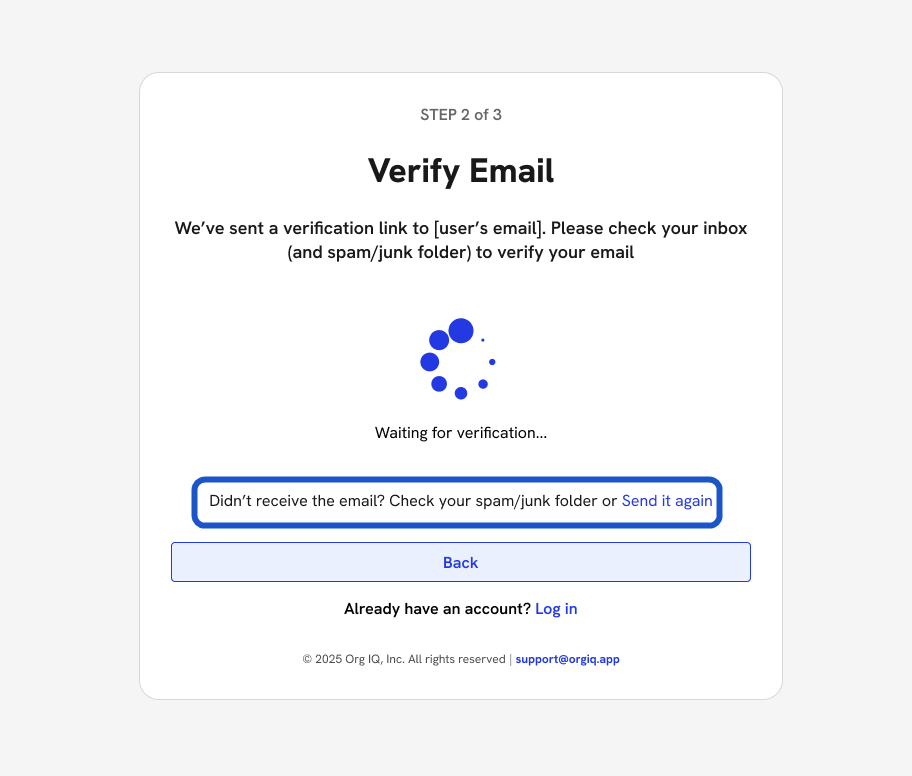
15. This will take you to verify your email.
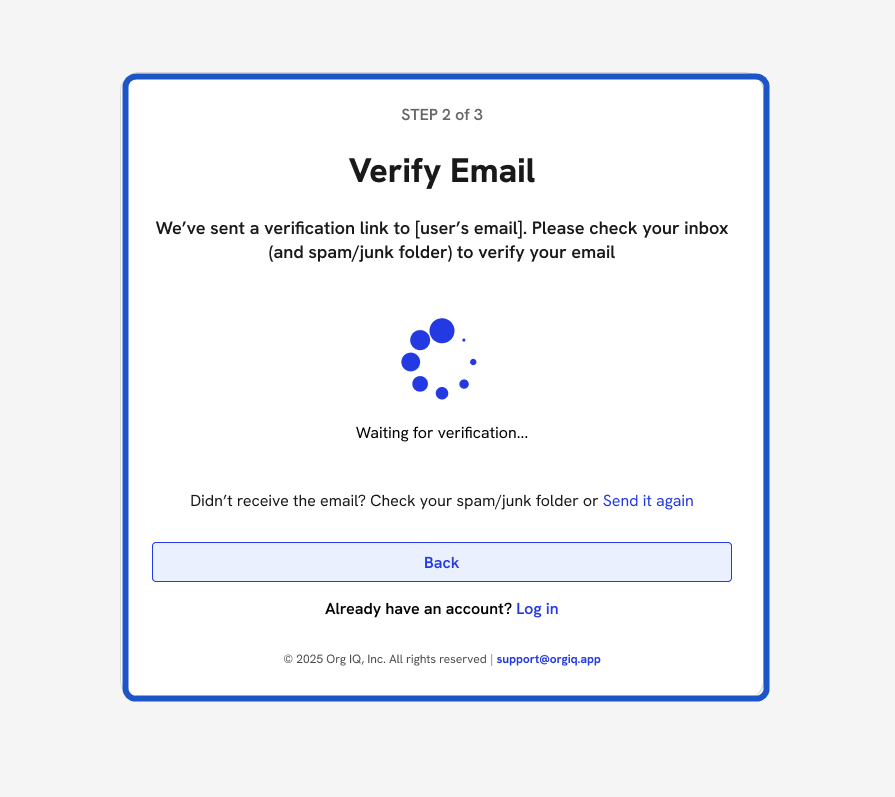
16. If you didn't receive the email? Check your spam/junk folder or send it again
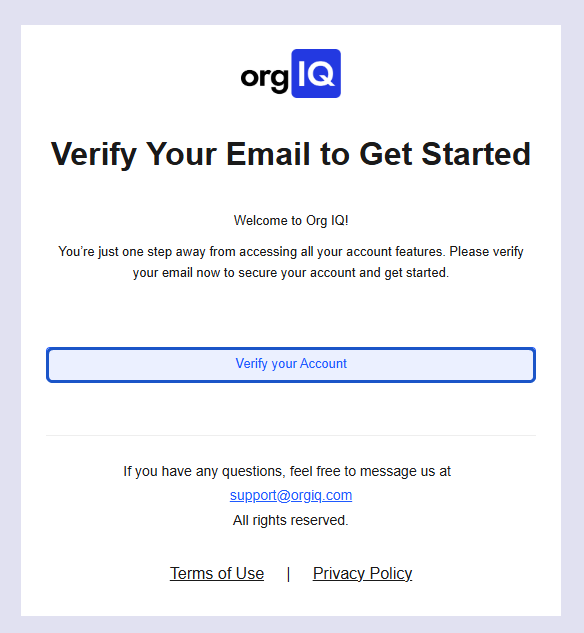
17. Go to the Email thread and click on Verify your Account.
# Set Up Multi-Factor Authentication (MFA)
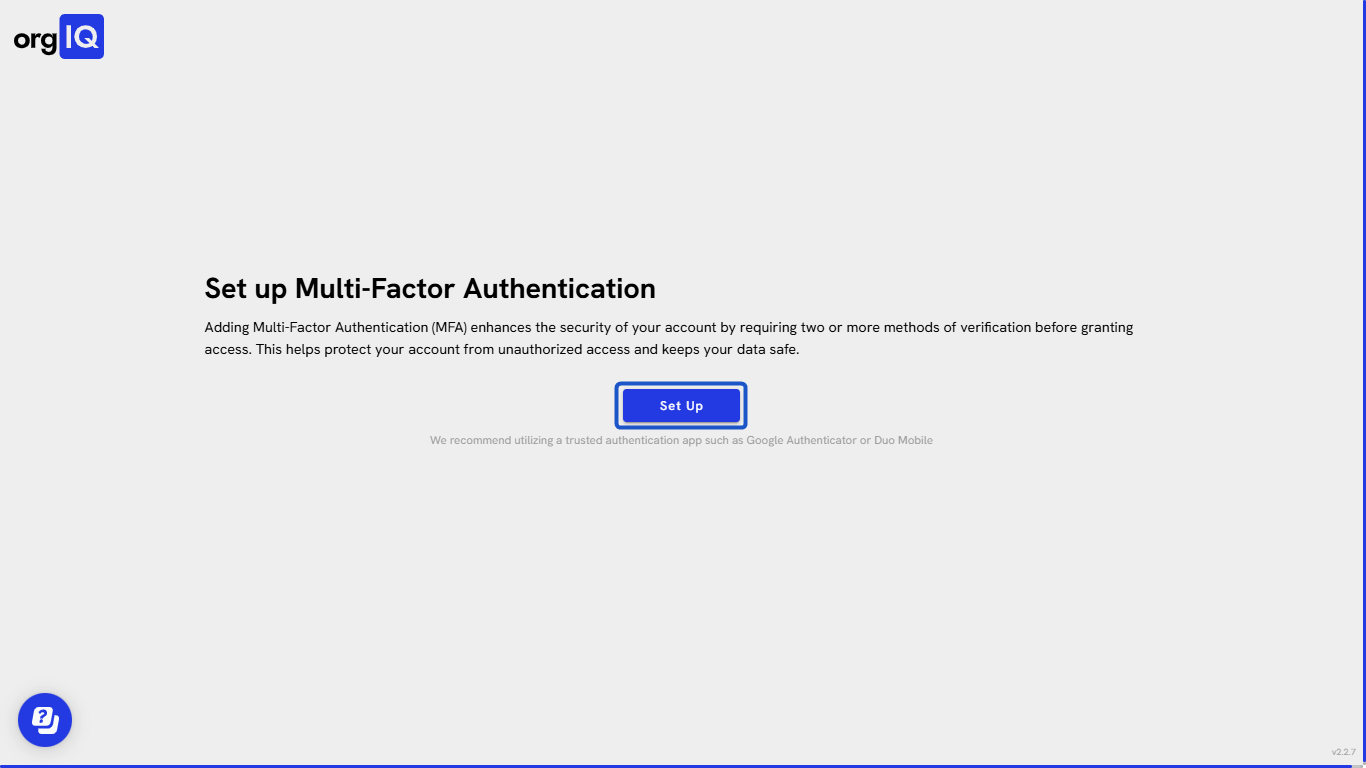
18. Click on the Set Up
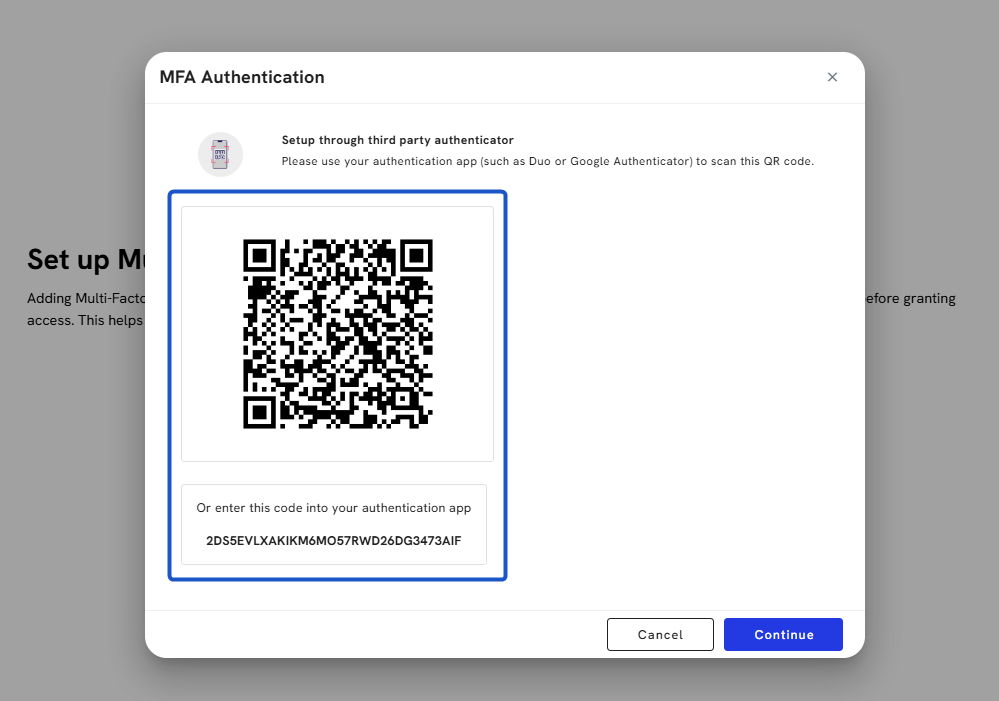
19. Scan the QR code or enter the code on your authenticator app. Click on Continue
20. Enter the generated code and click Continue
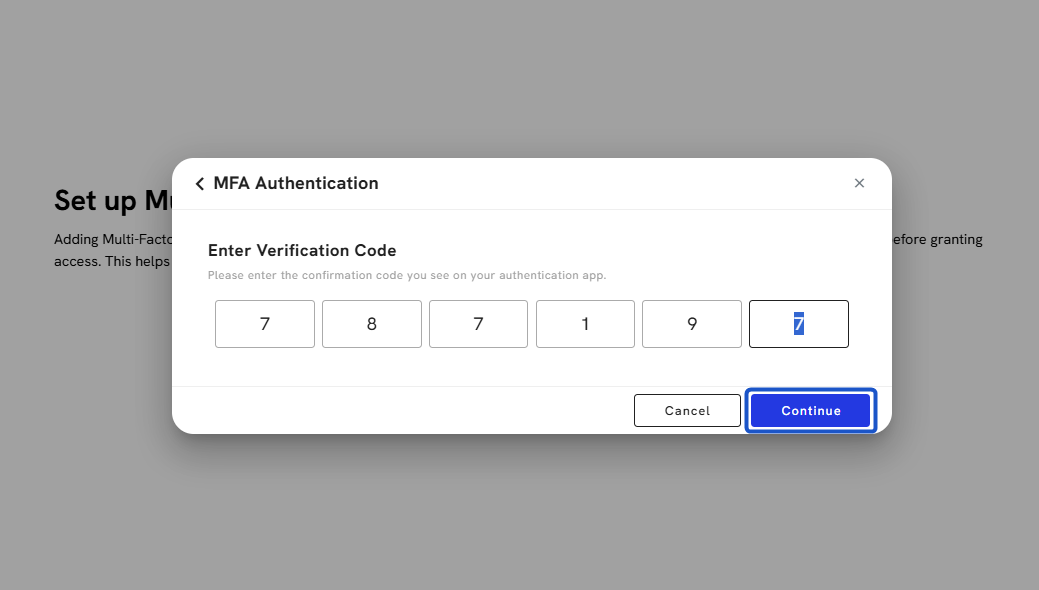
21. Save your recovery codes
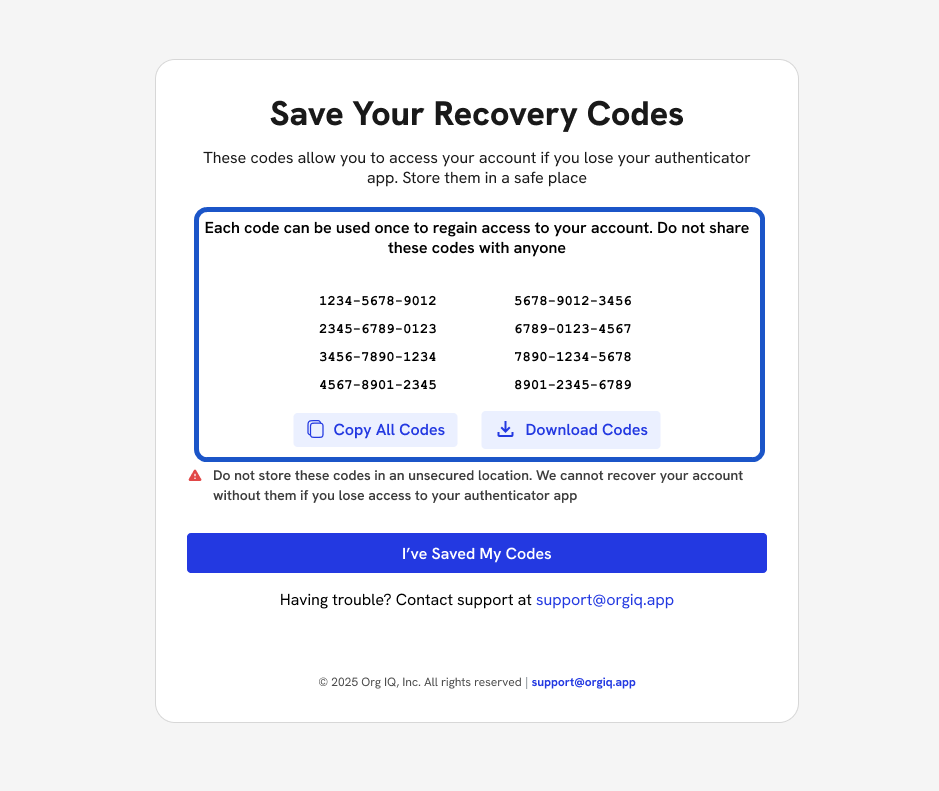
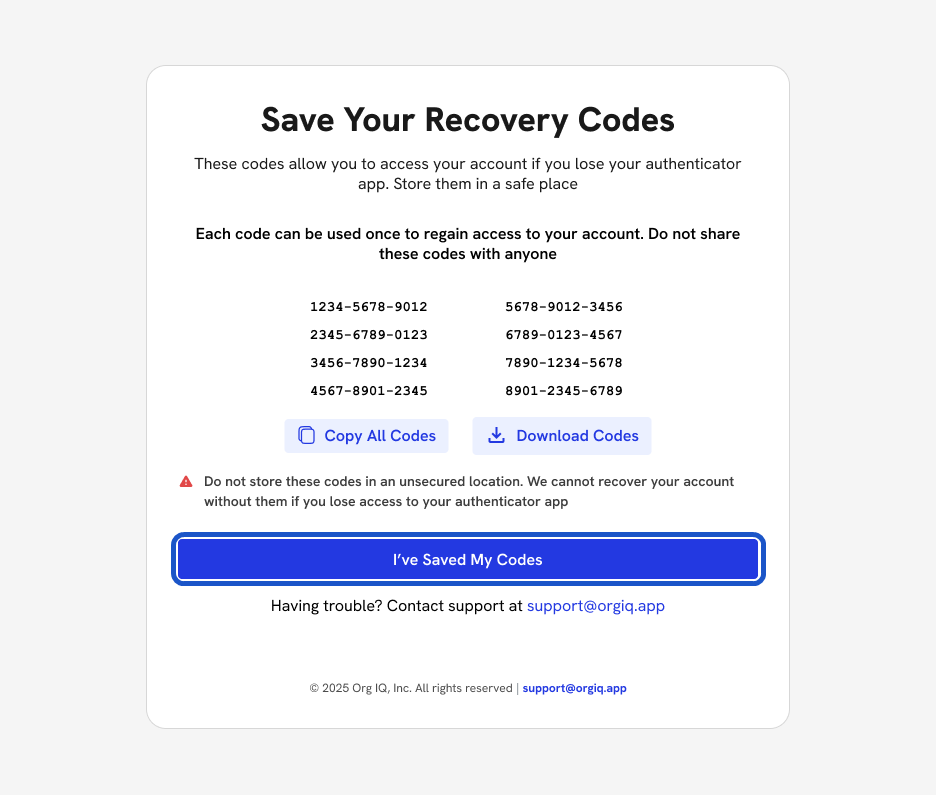
22. Click I’ve Saved My Codes
# Add Billing Method
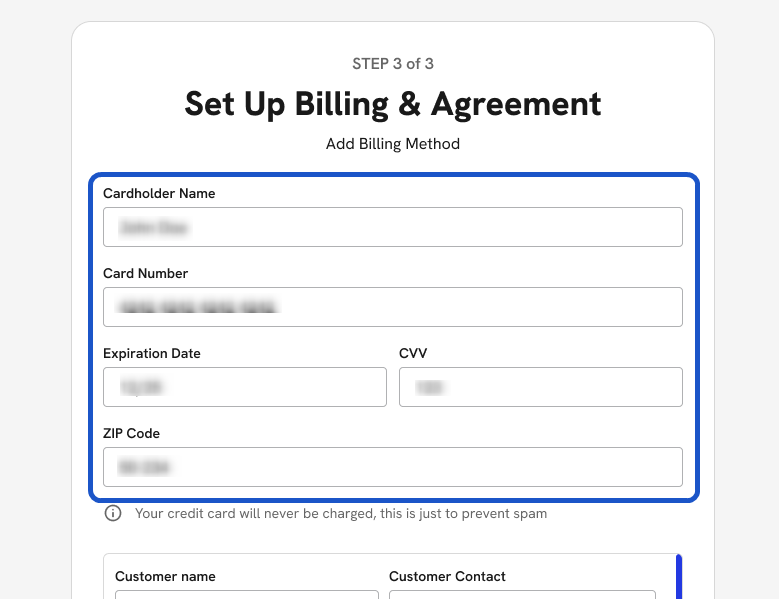
23. You’ll now be redirected to the Set Up Billing & Agreement page.
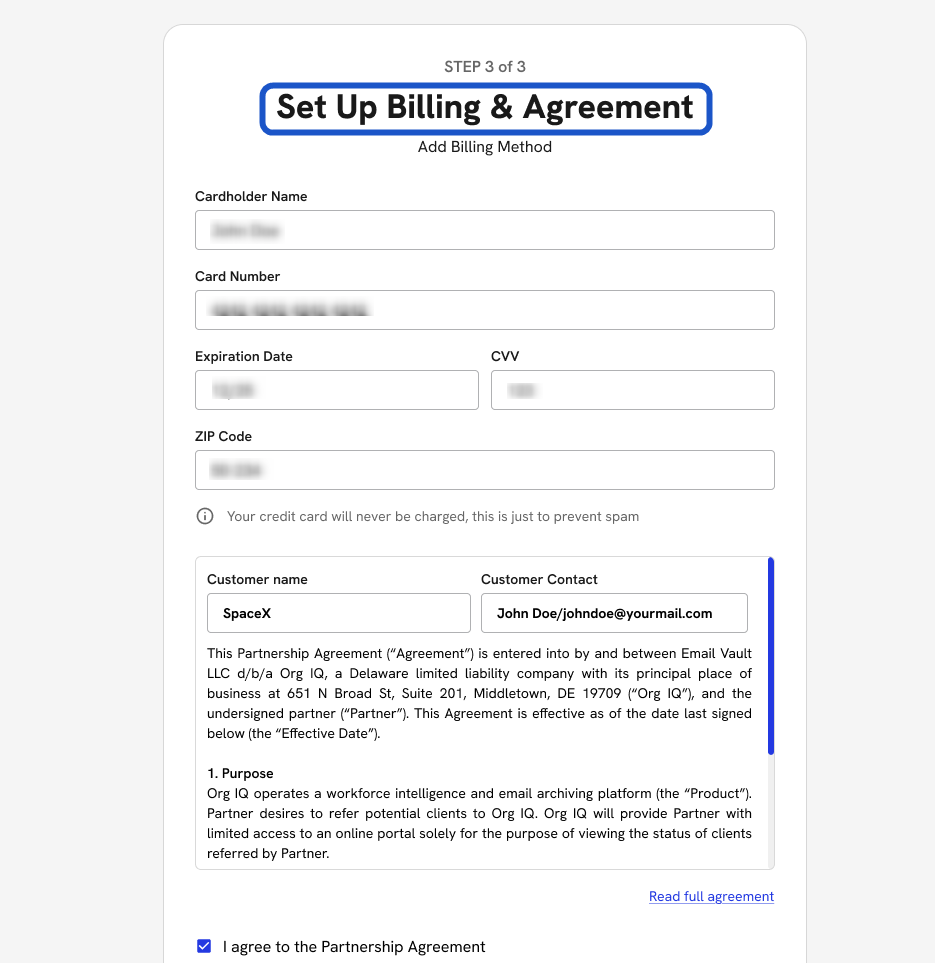
24. Enter the following details to set up billing:
-
Enter Name on Card
-
Enter Card Number
-
Enter Expiration Date
-
Enter CVV Number
-
Enter ZIP Code
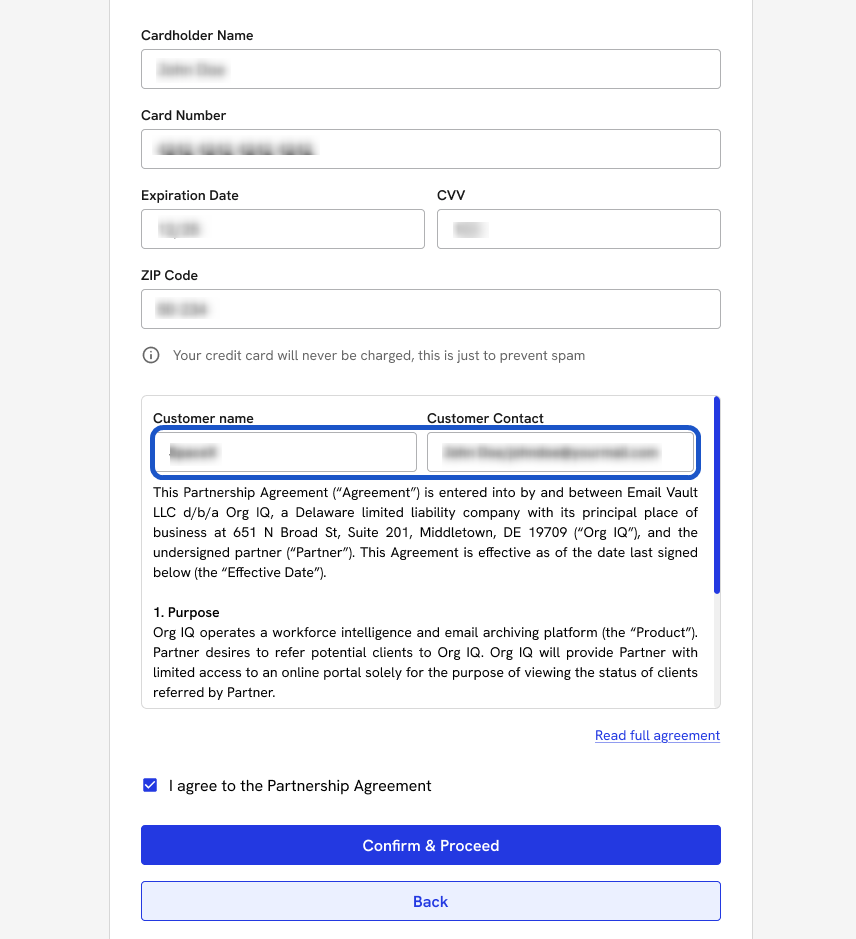
25. Enter Customer Name and Customer Contact Information
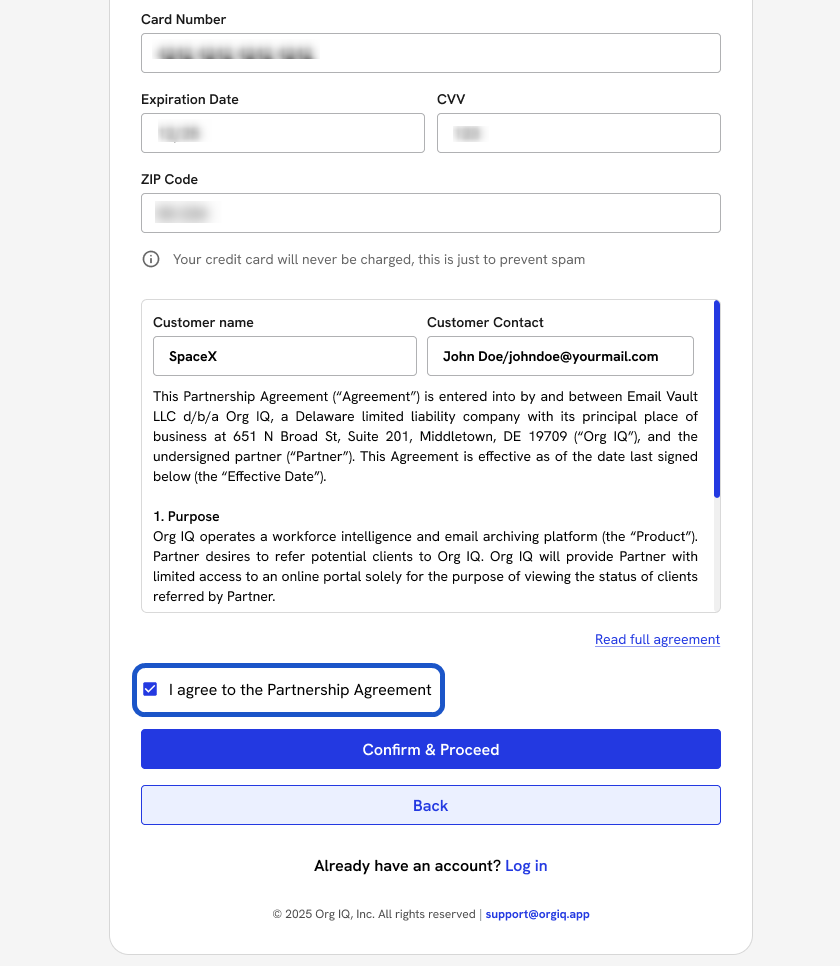
26. Check the box: I agree to the Partnership Agreement.
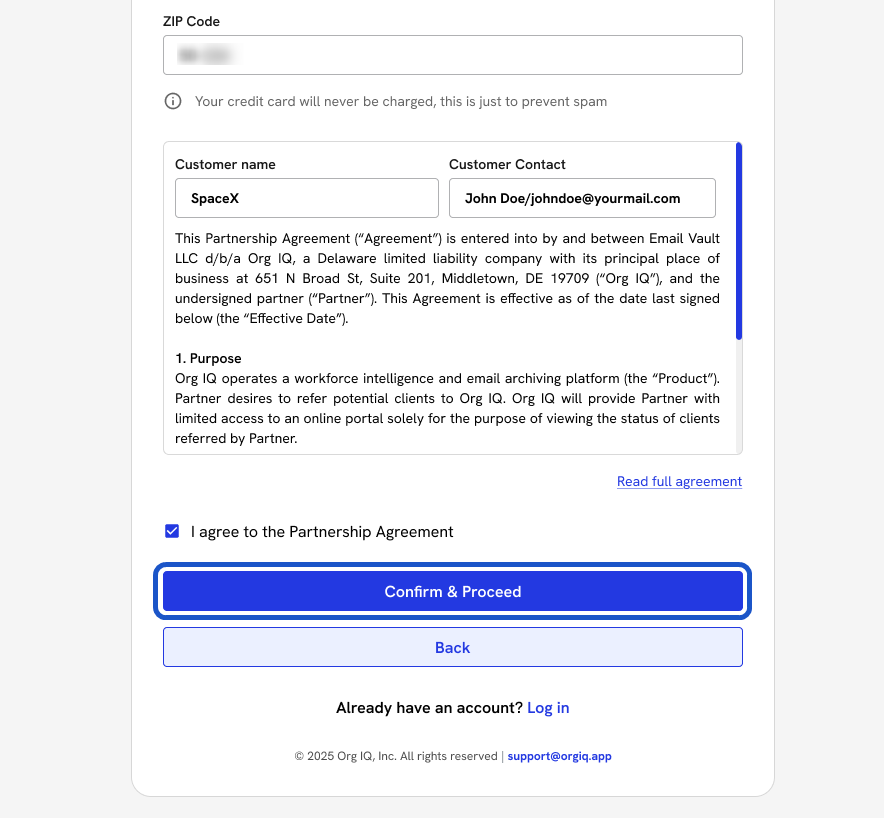
27. Click Confirm & Proceed
28. Click Walk Me Through It to start the onboarding guide
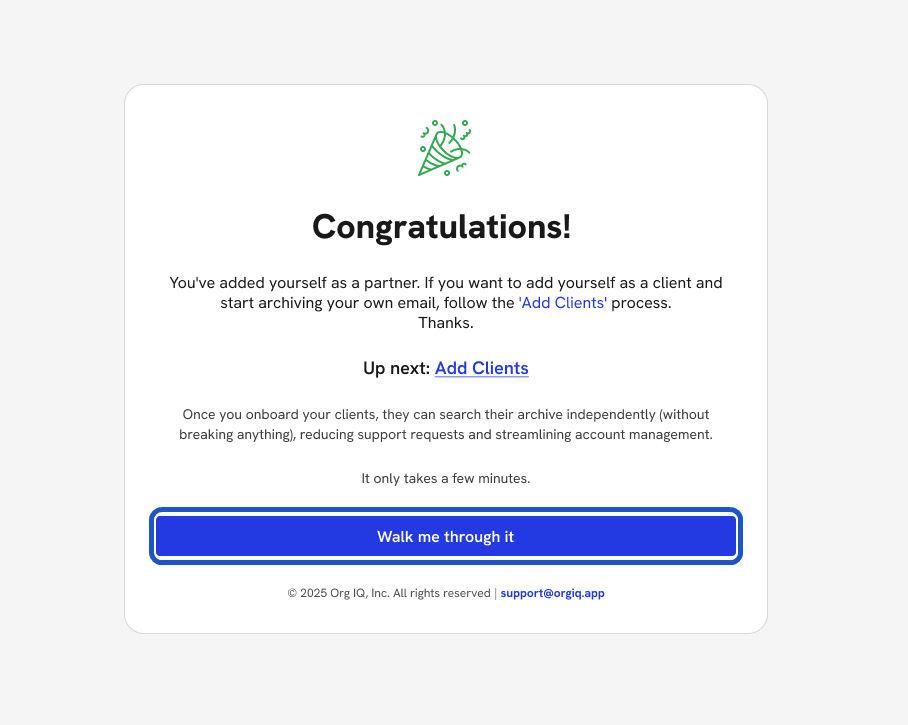
29. You’ll be redirected to the Partner Org IQ Dashboard