You can follow along here:
Or go at your own pace here:
Password Reset and Update
Use this guide to reset your Org IQ login password and regain access to your account securely.
Created: July 25, 2025, Created By: Muzammil Hasan. View the most recent version on Tango.us
1. Go to https://app.orgiq.com
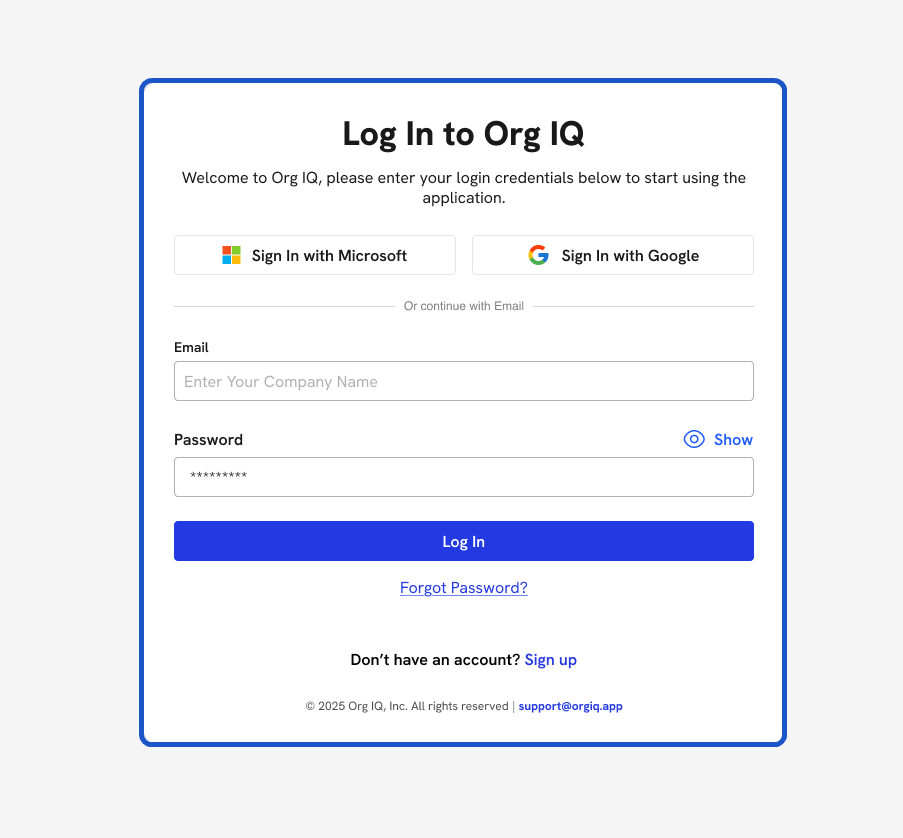
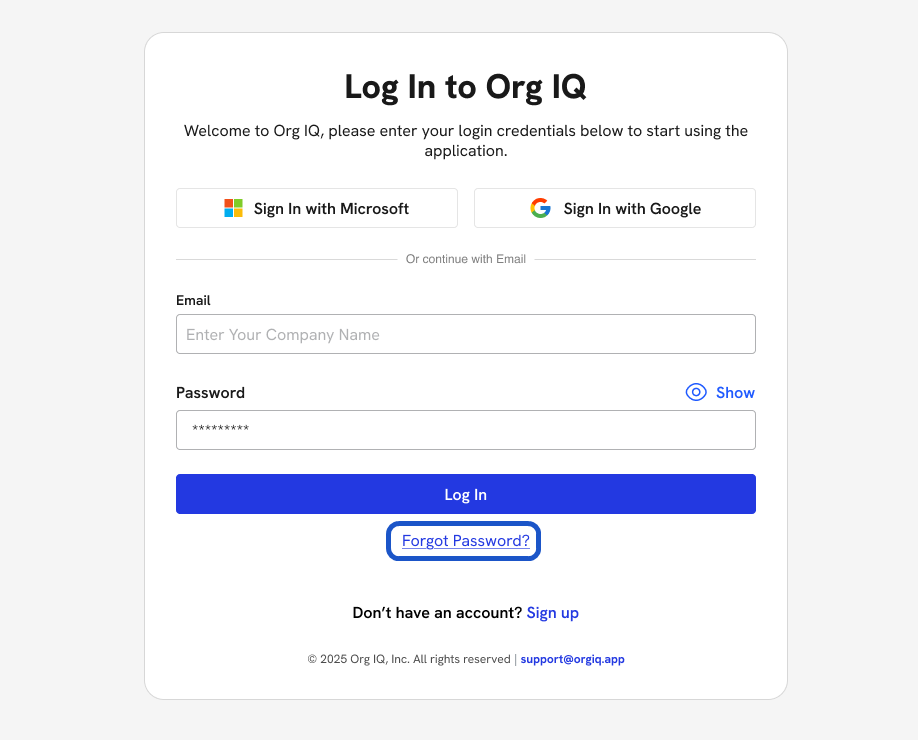
2. Click Forgot Password? Found below the login form.
3. Enter your Email Address. Use the email associated with your Org IQ account.
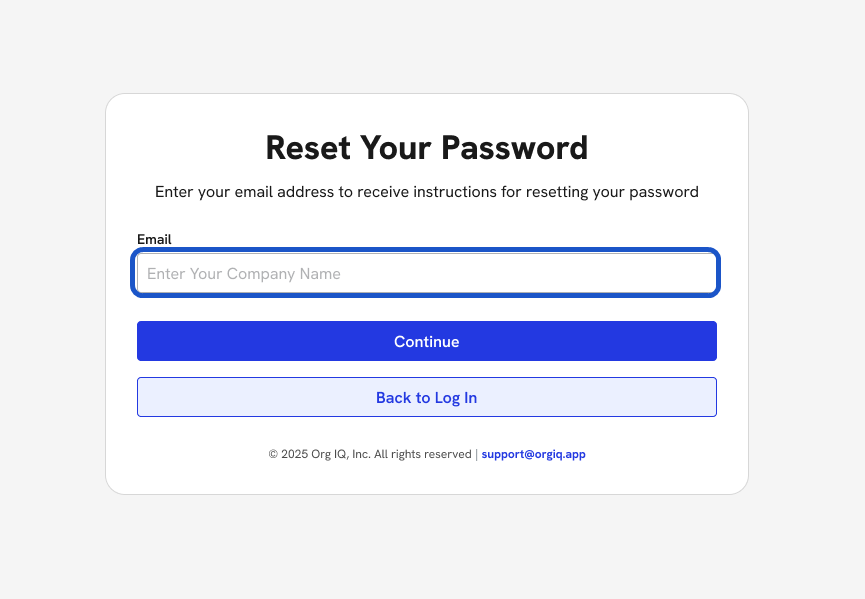
4. Click Continue
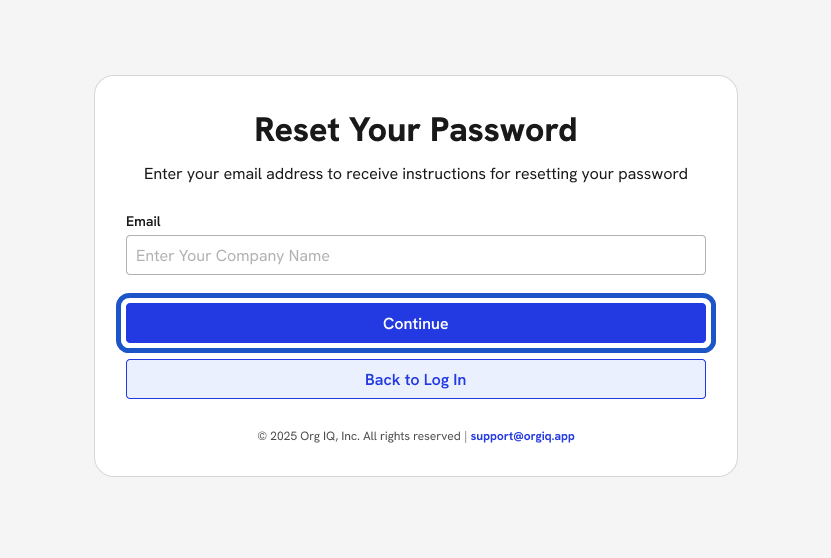
5. A reset email will be sent to your inbox.
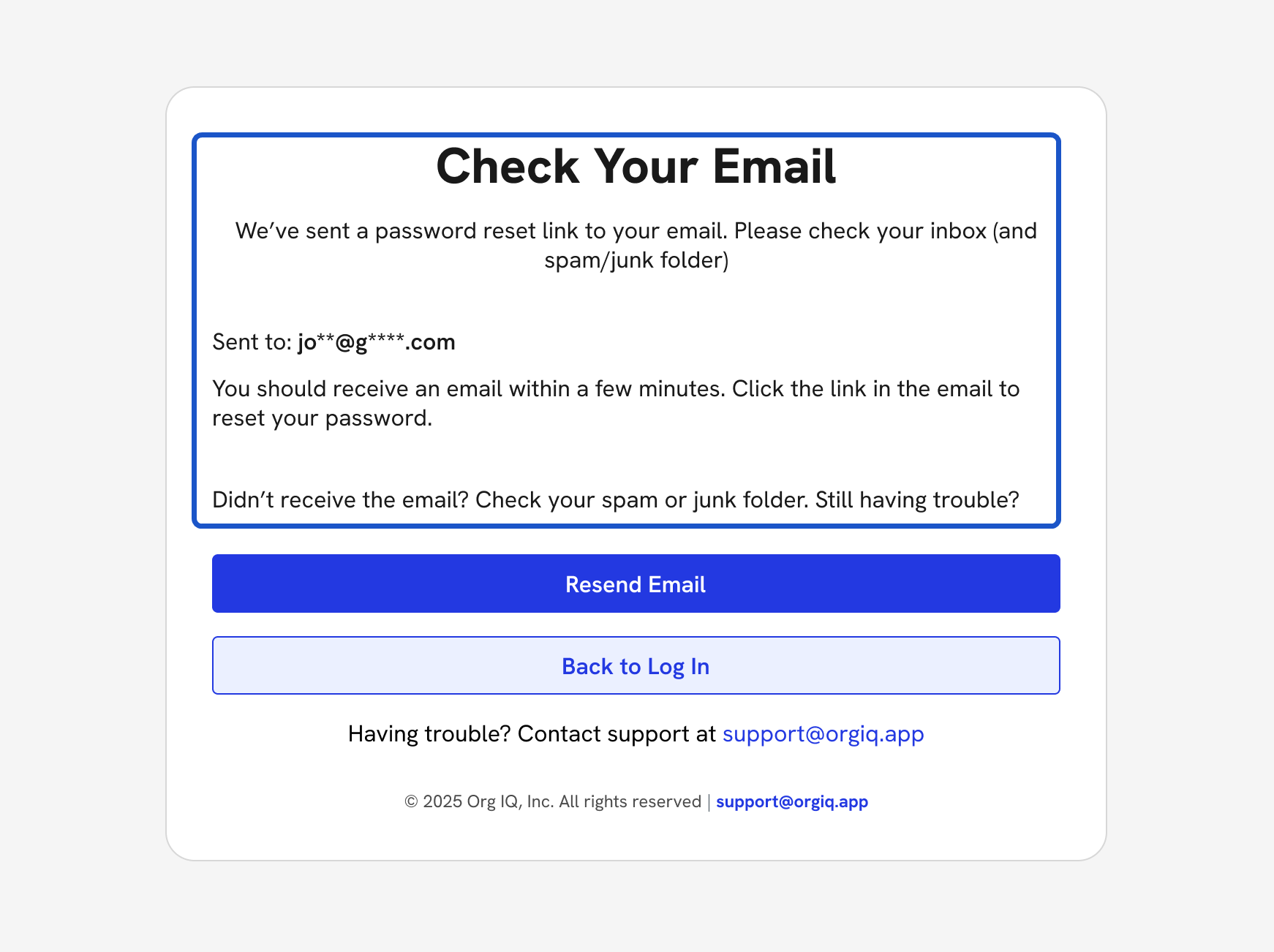
6. Click the Reset Password Link in the email. You’ll be redirected to set a new password.
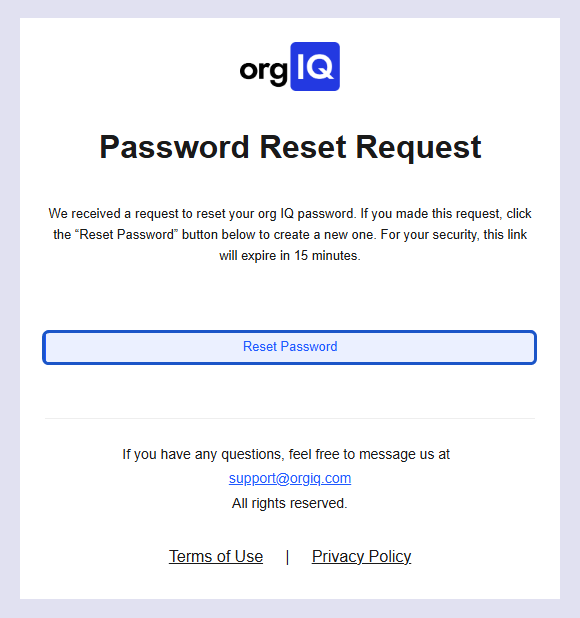
7. This will take you to Set a New Password
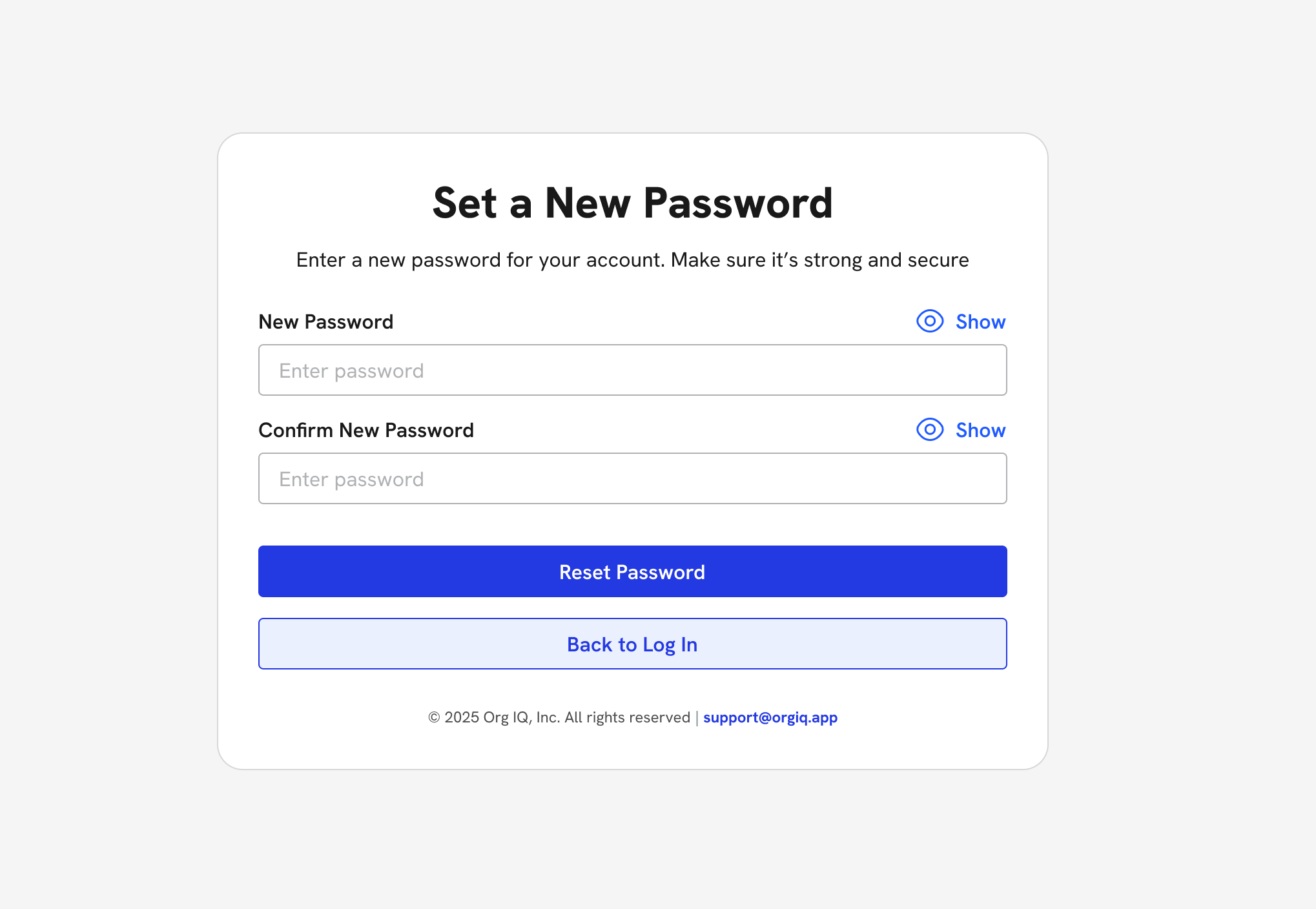
8. Enter your New Password. Choose a secure password.
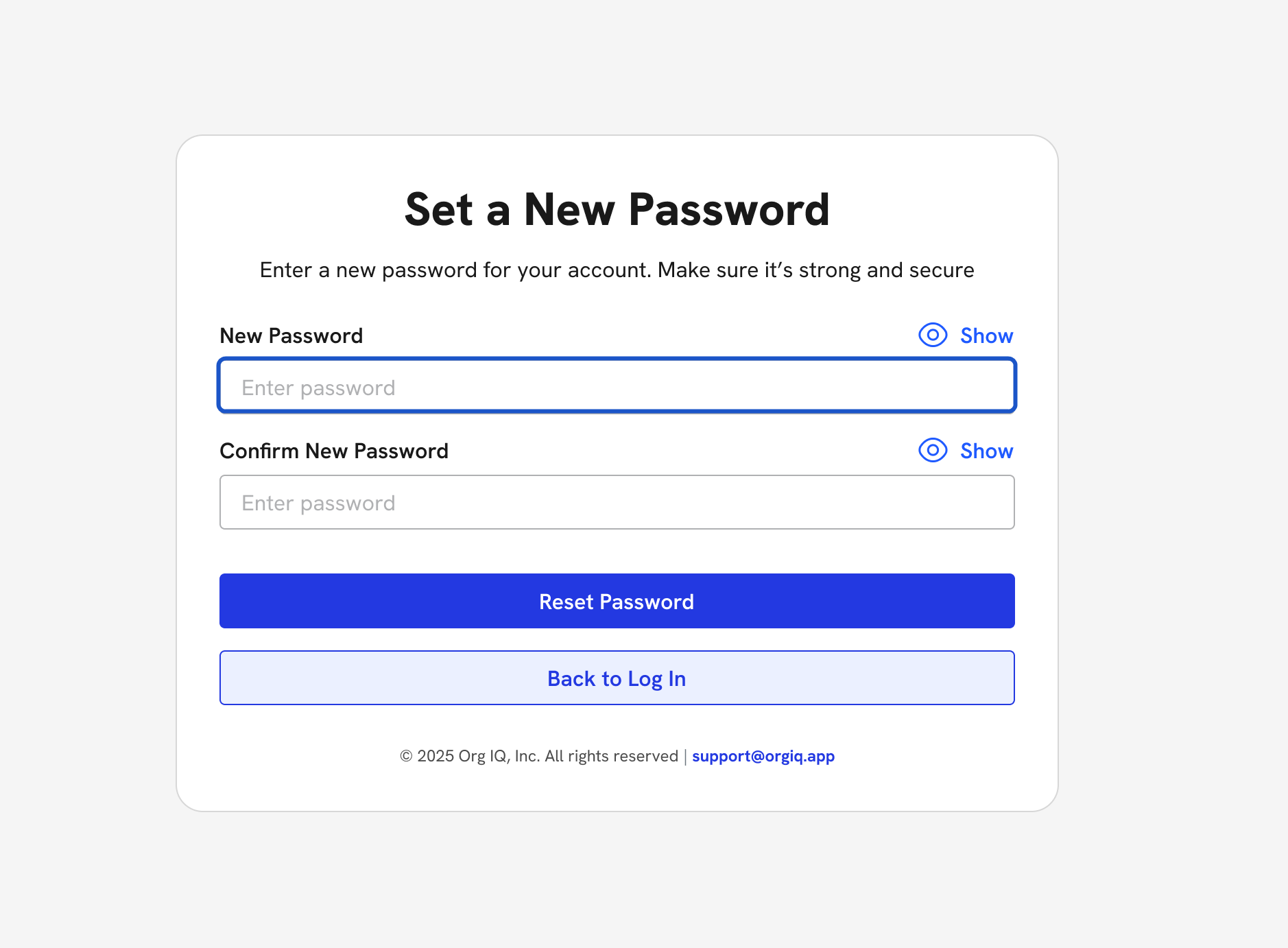
9. Ensure password meets requirements.
- At least 8 characters
- Uppercase, lowercase, numbers, and special characters
Enter the Password again to confirm
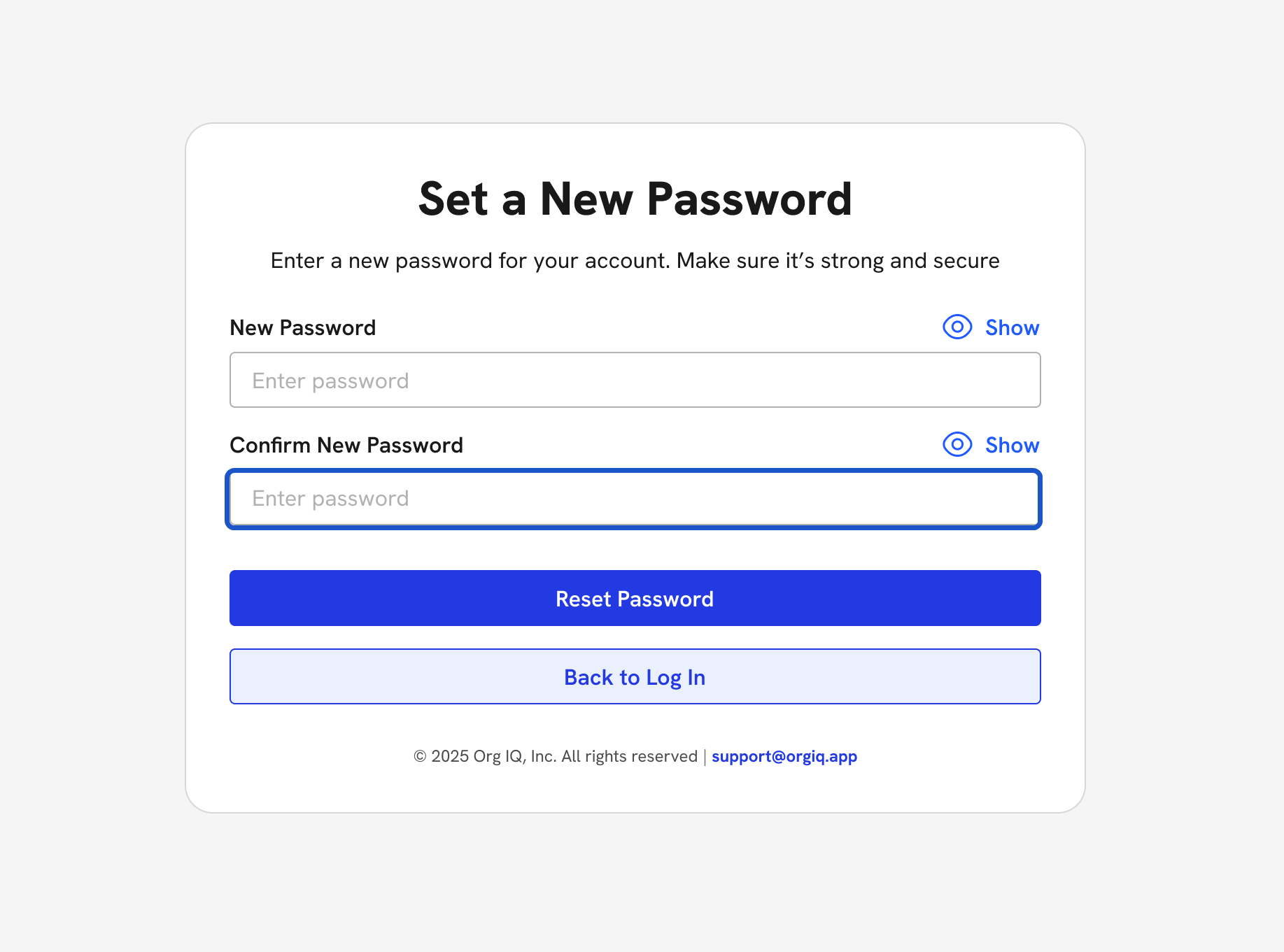
10. Click Reset Password.
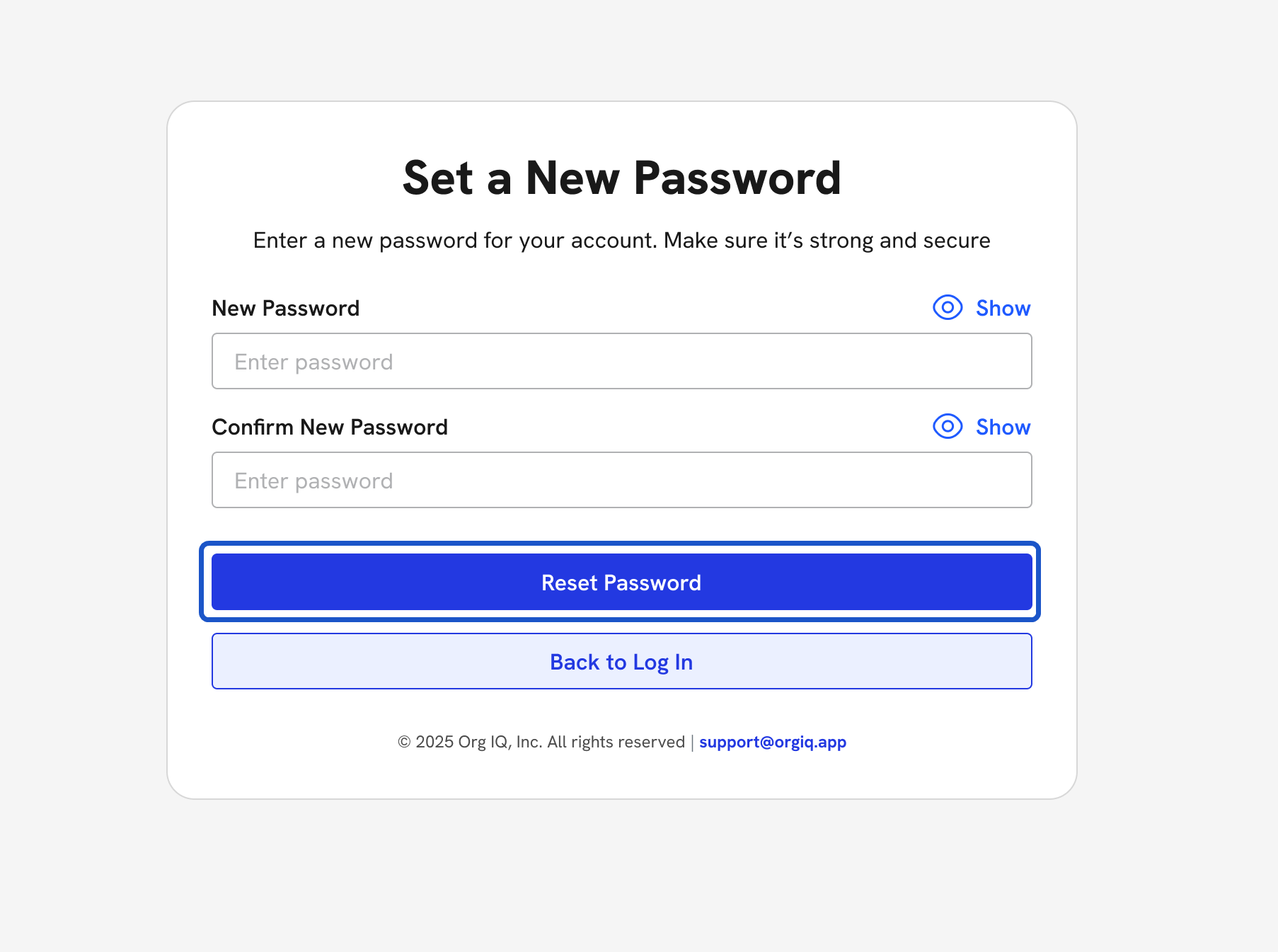
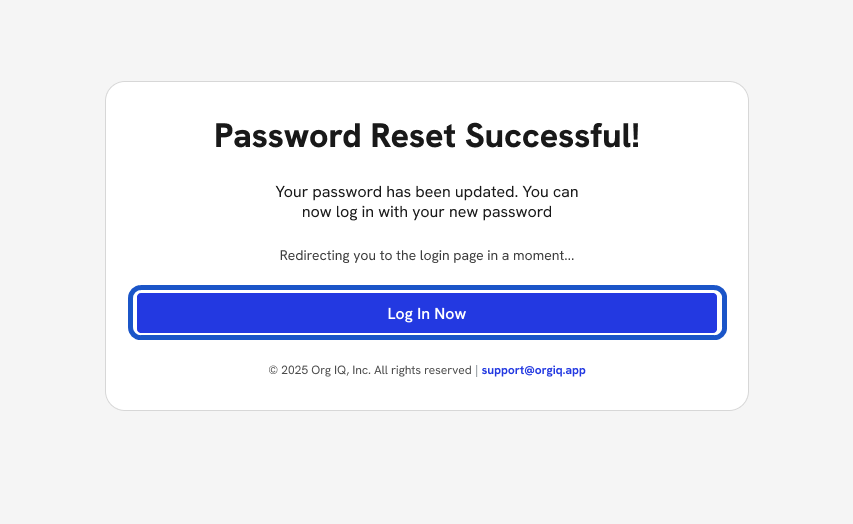
11. Once the password is reset, you can Log In.