You can follow along here:
Or follow along at your own pace here:
Saved Searches in Org IQ
This guide will help you create, view, and manage saved searches in Org IQ, so you can quickly rerun frequently used searches without re-entering filters.
Created: October 9, 2025, Created By: Muzammil Hasan. View the most recent version on Tango.us
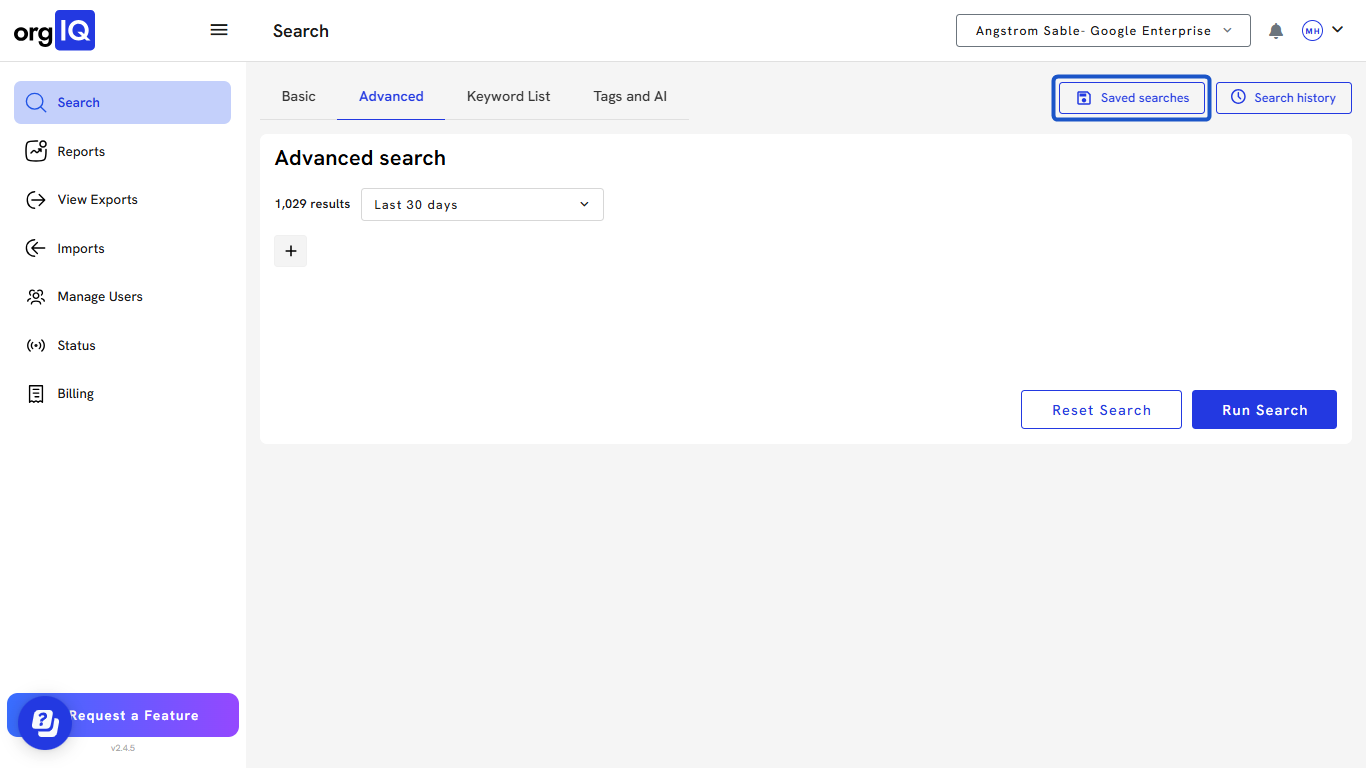
1. Click on Saved Searches from the Org IQ dashboard.
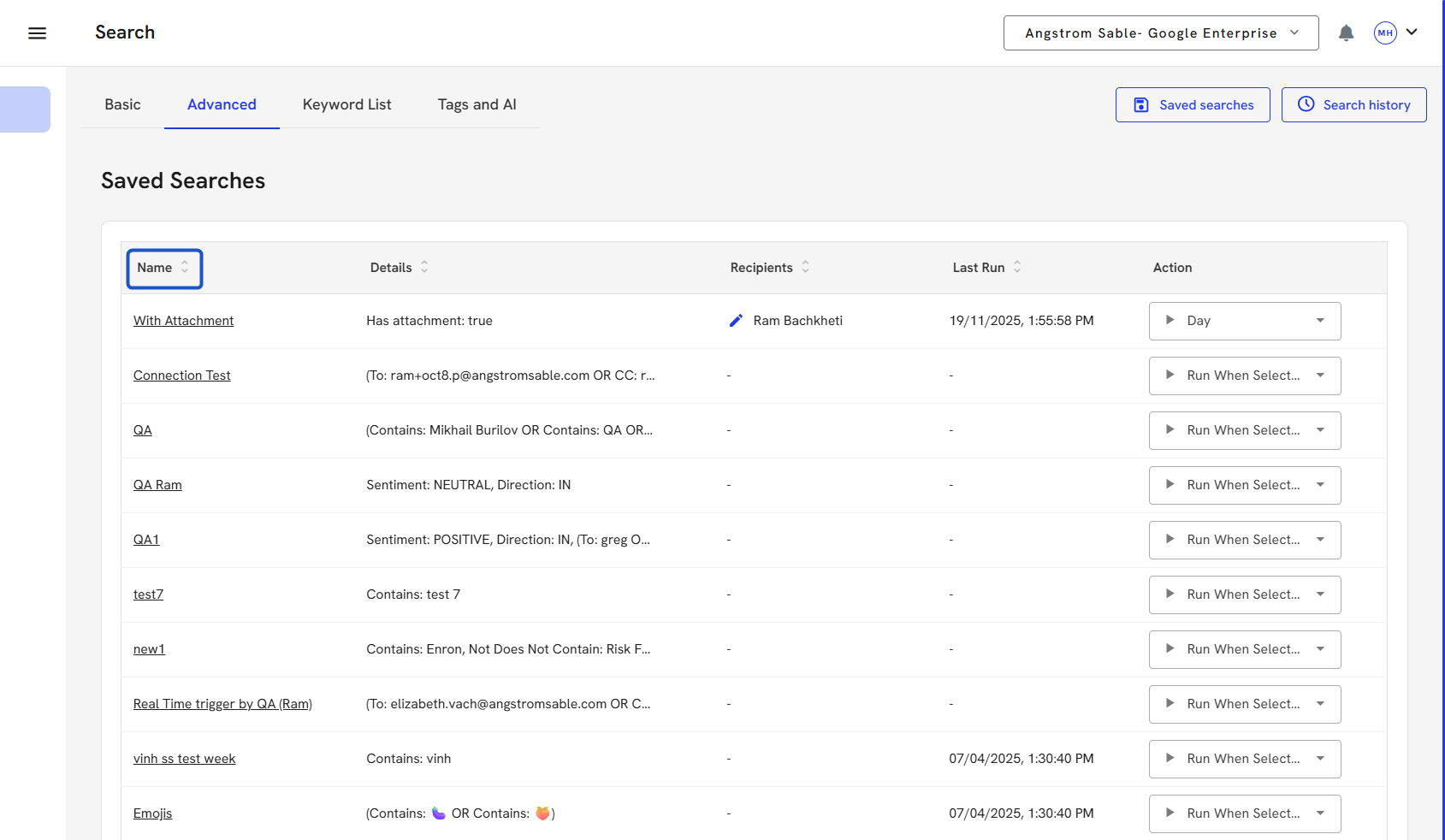
2. In the Saved Searches panel on the Search screen, view the following details:

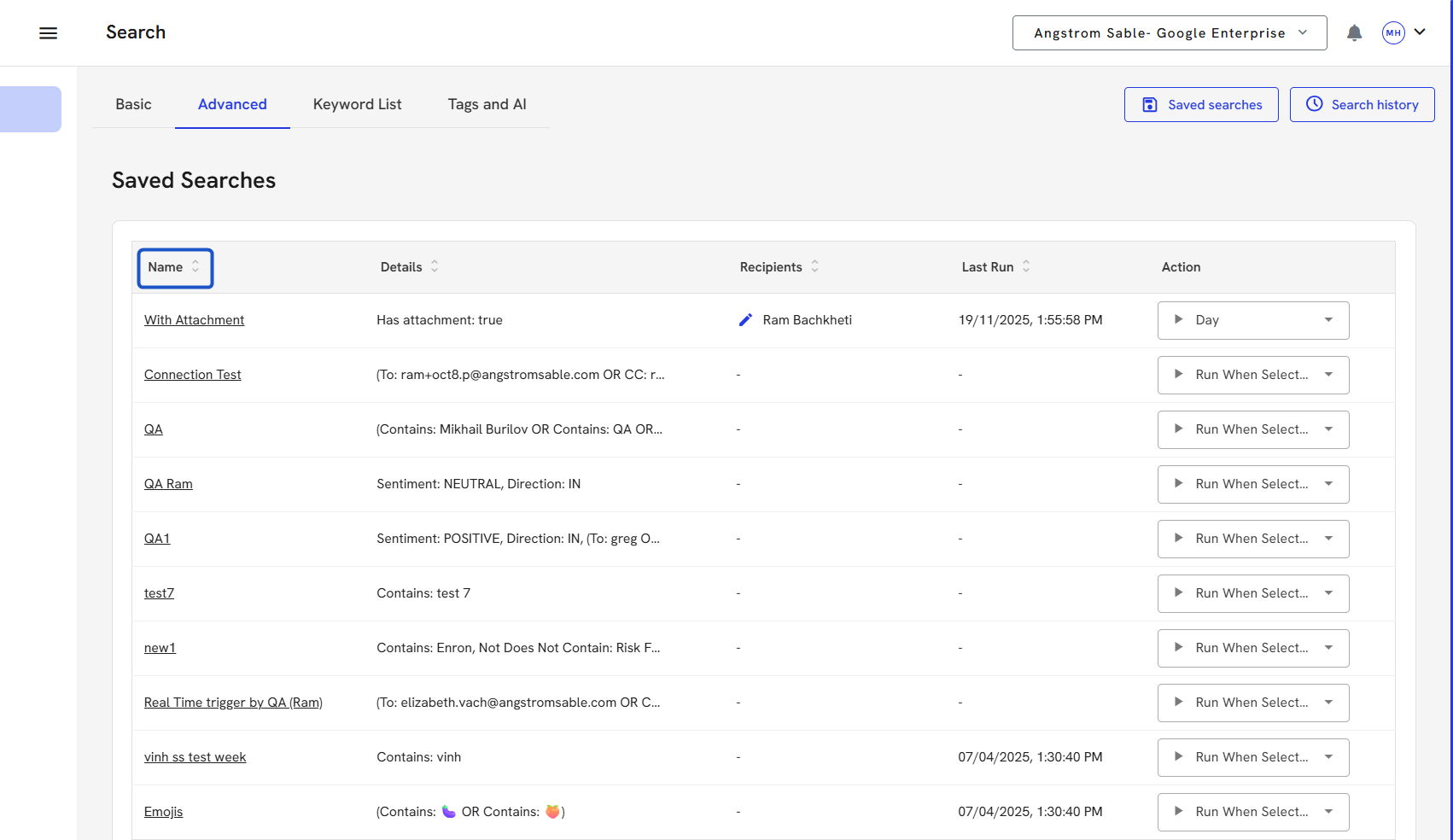
3. Name of the Search
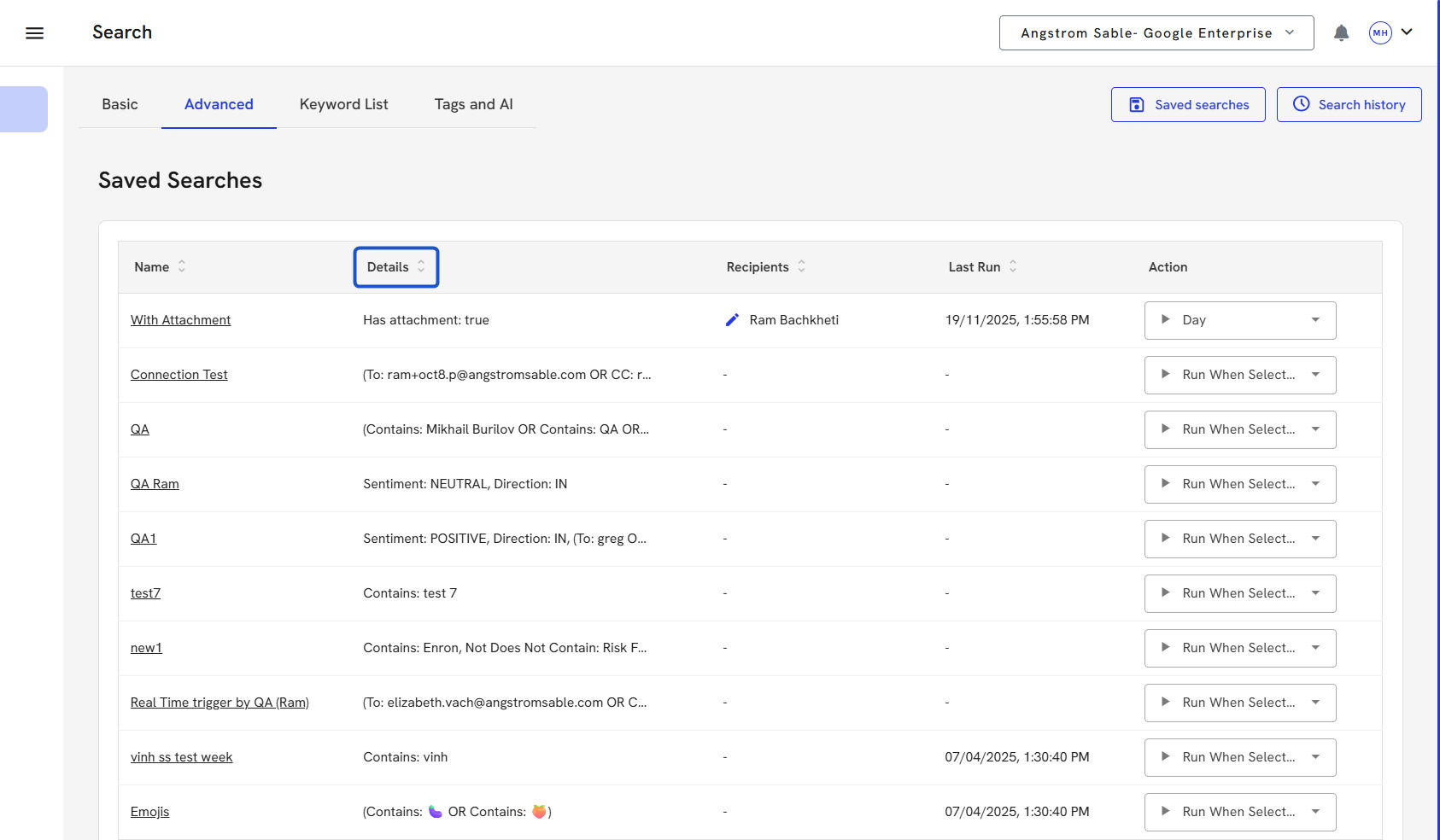
4. Search details
5. Recipients
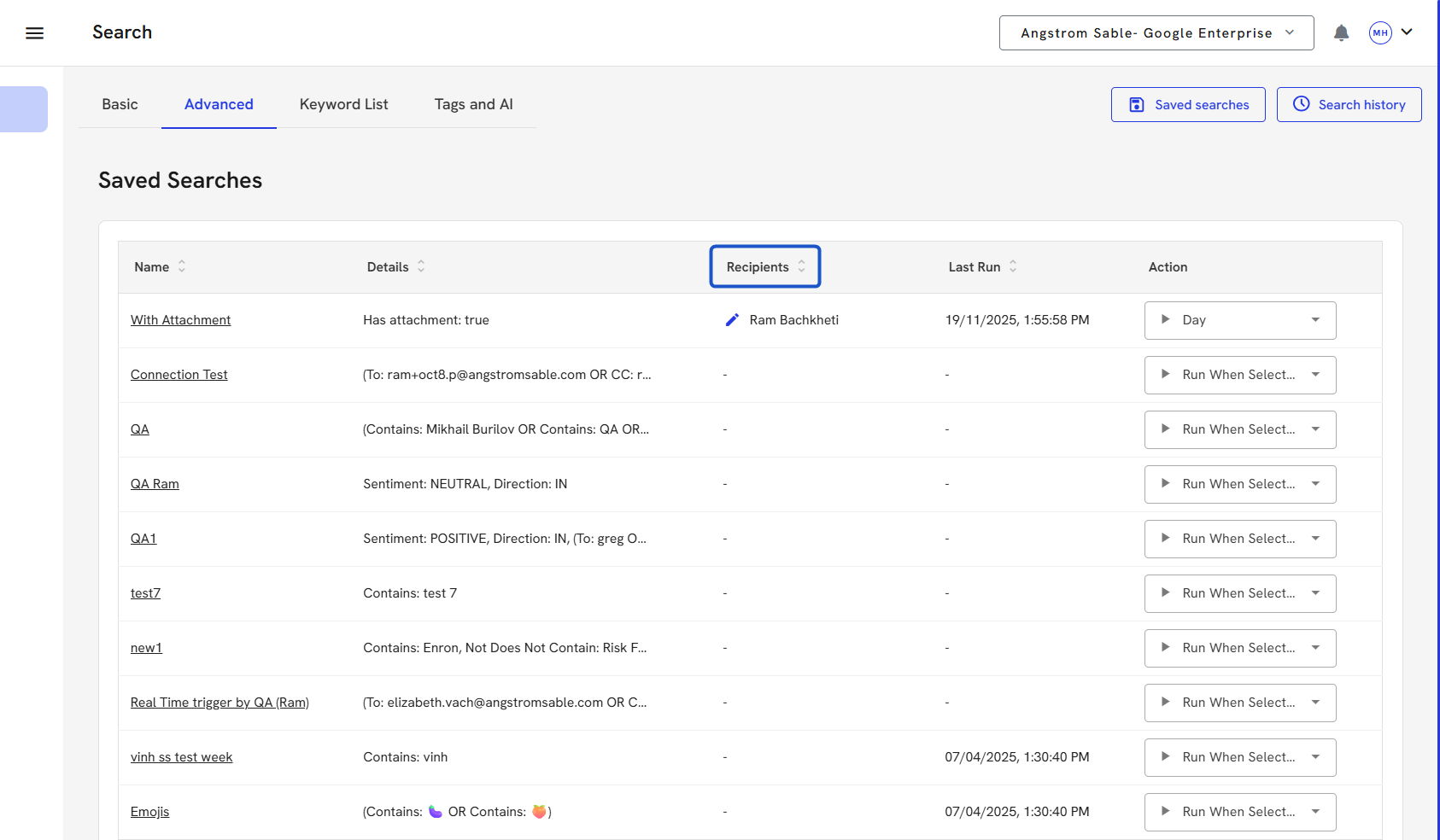
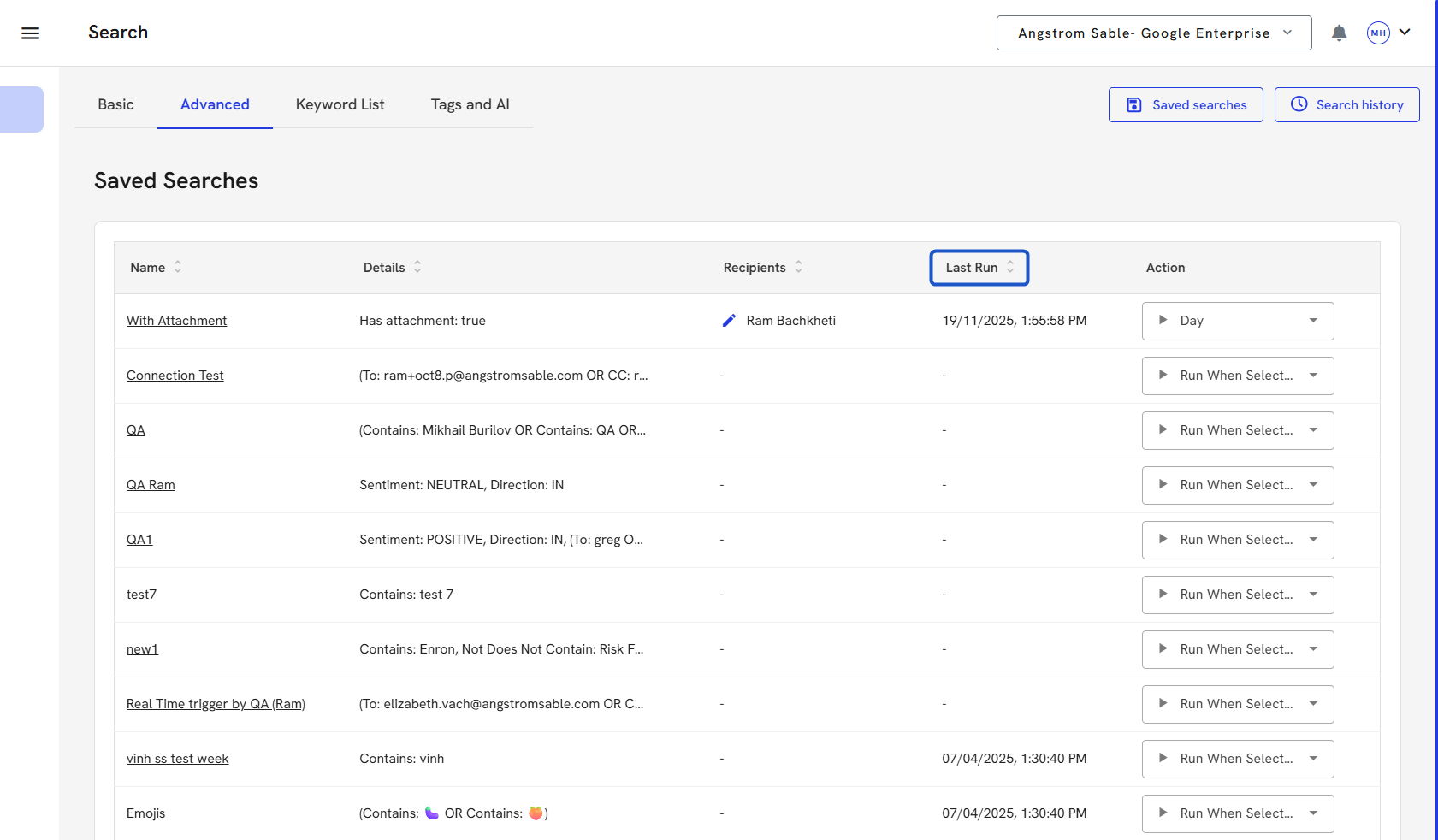
6. Last run.
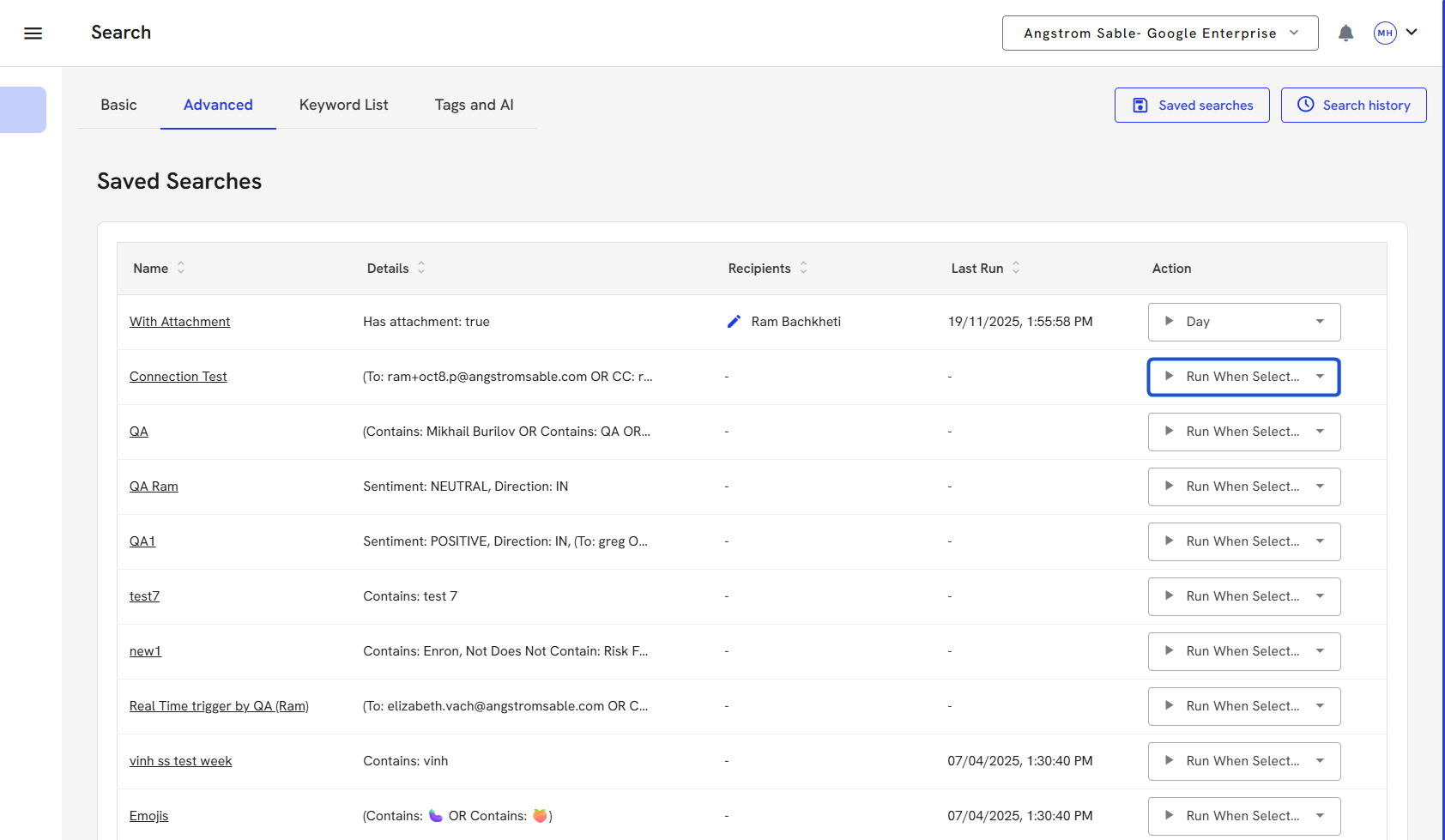
7. To run a Saved Search, click the Run icon next to it. The criteria and results will load automatically.
8. Click on the Search name to edit its title, delete it, or review the details.
9. You can run your saved search anytime from the Saved Search panel by clicking the search name or details.
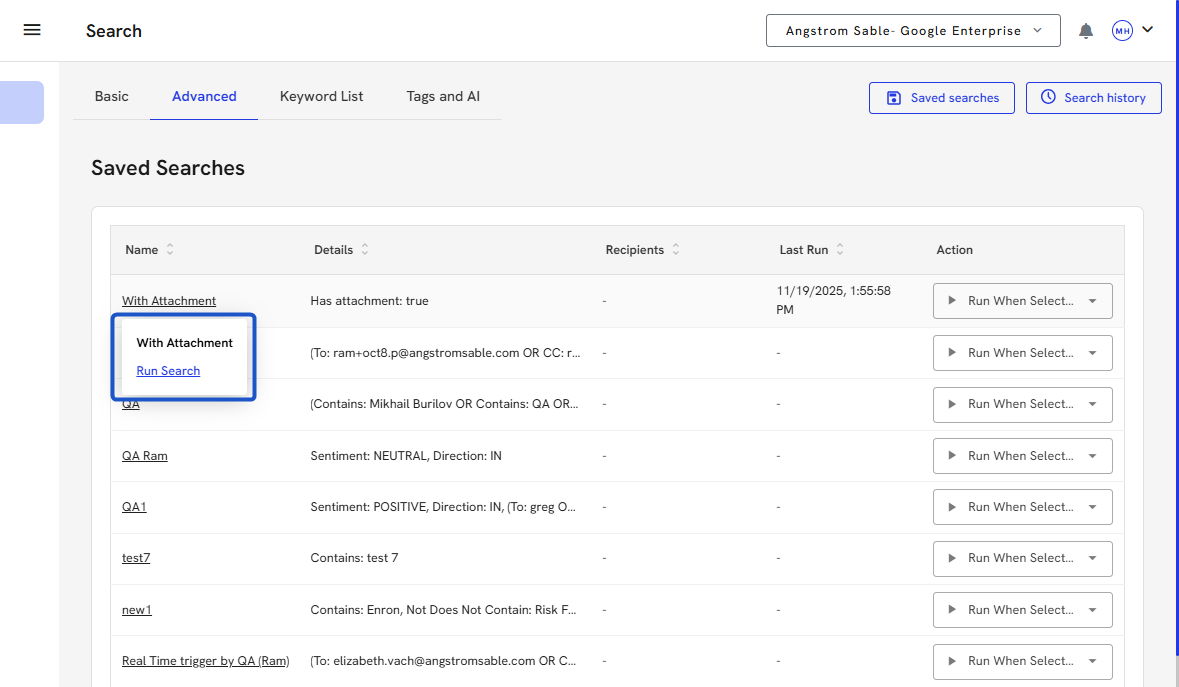
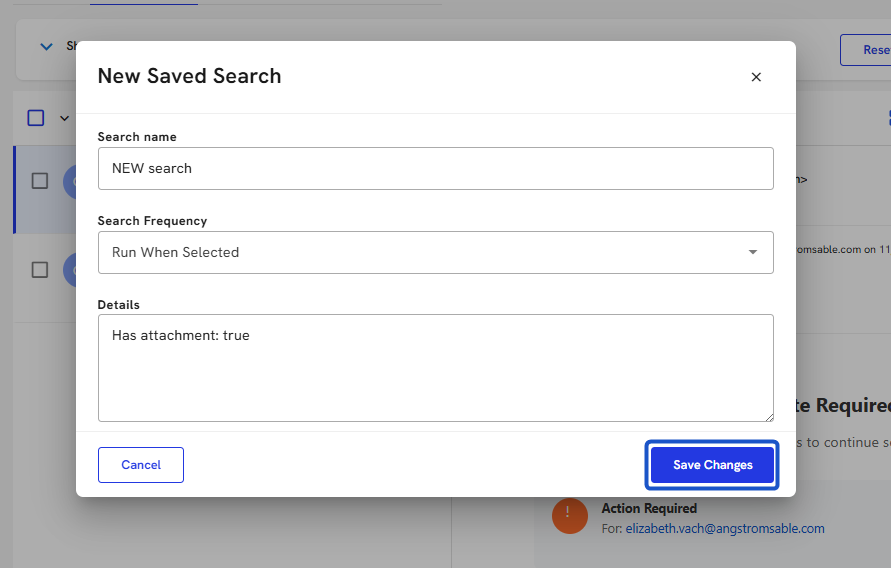
10. To edit a Saved Search details: Update the Saved Search.
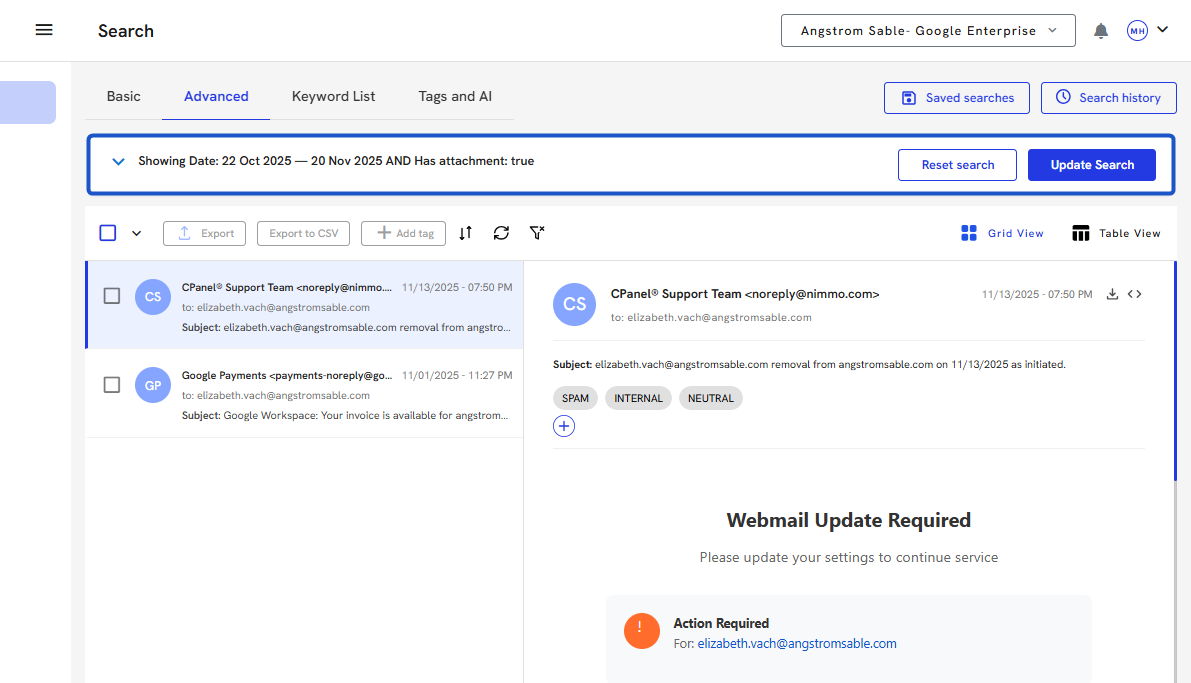
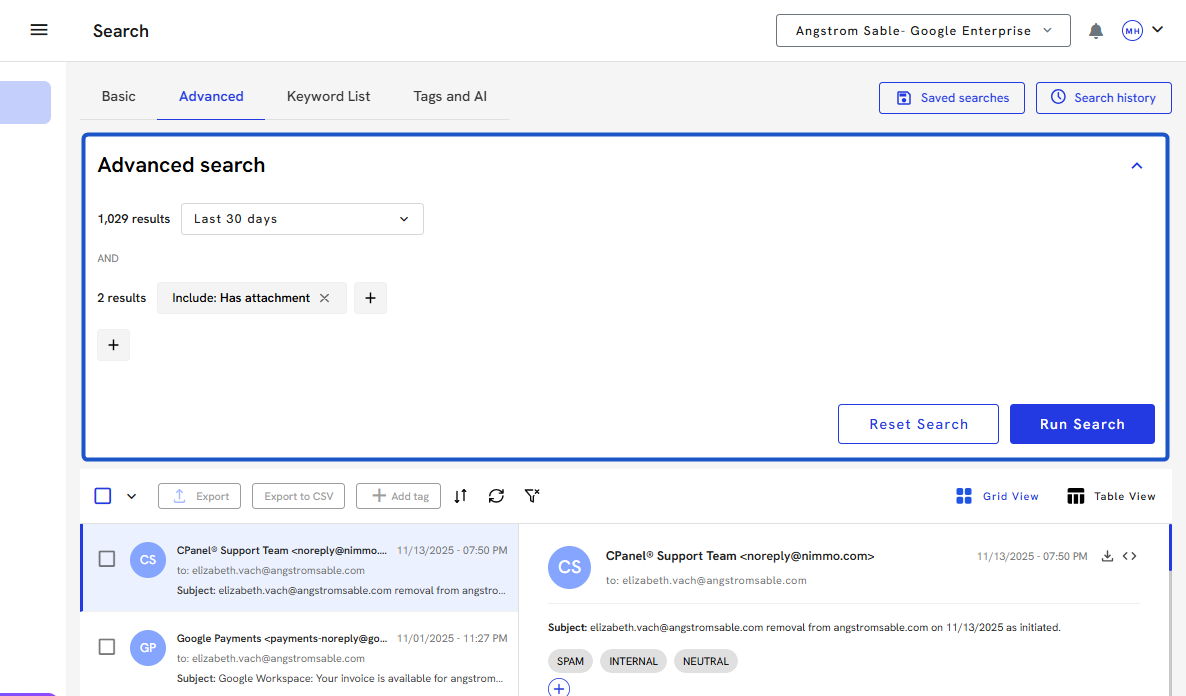
11. Modify the filters or criteria as needed.
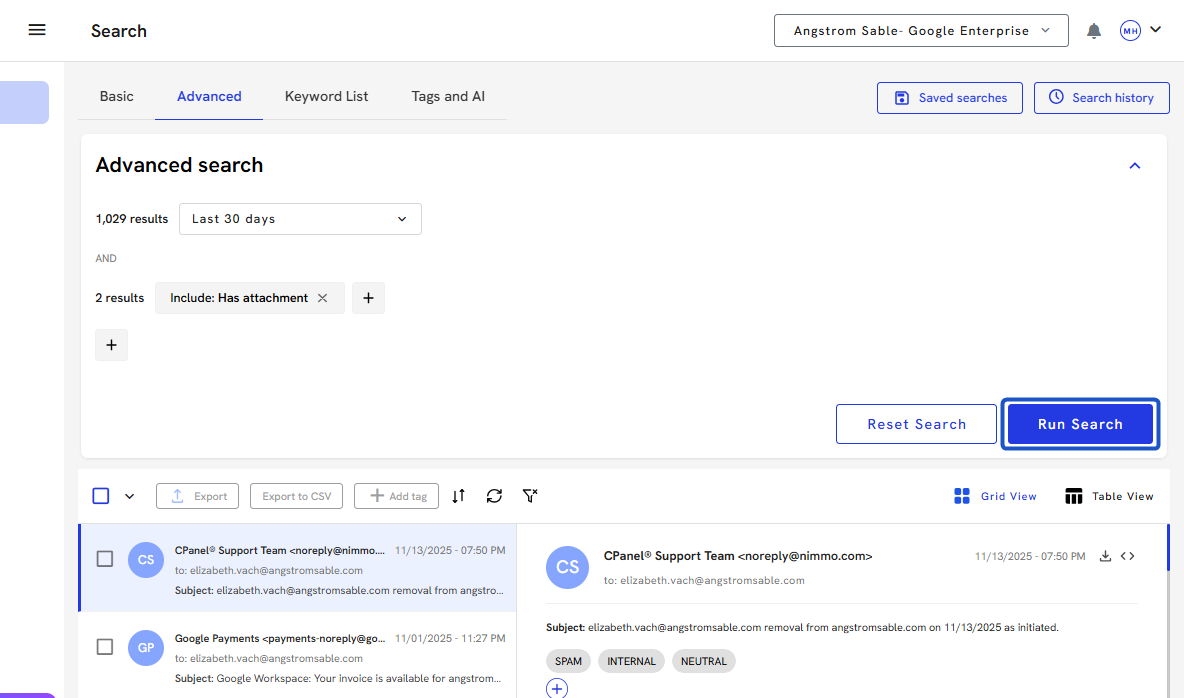
12. Click Run Search to apply updates.
13. Save the version.
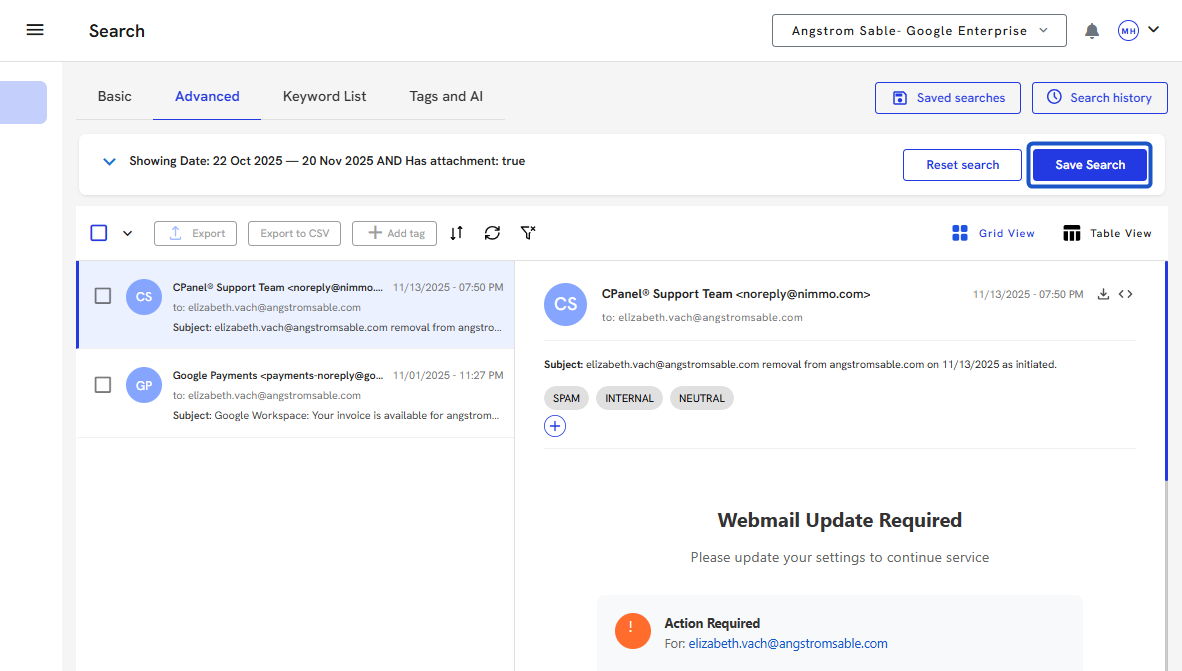
14. Name it and click on Save Changes.