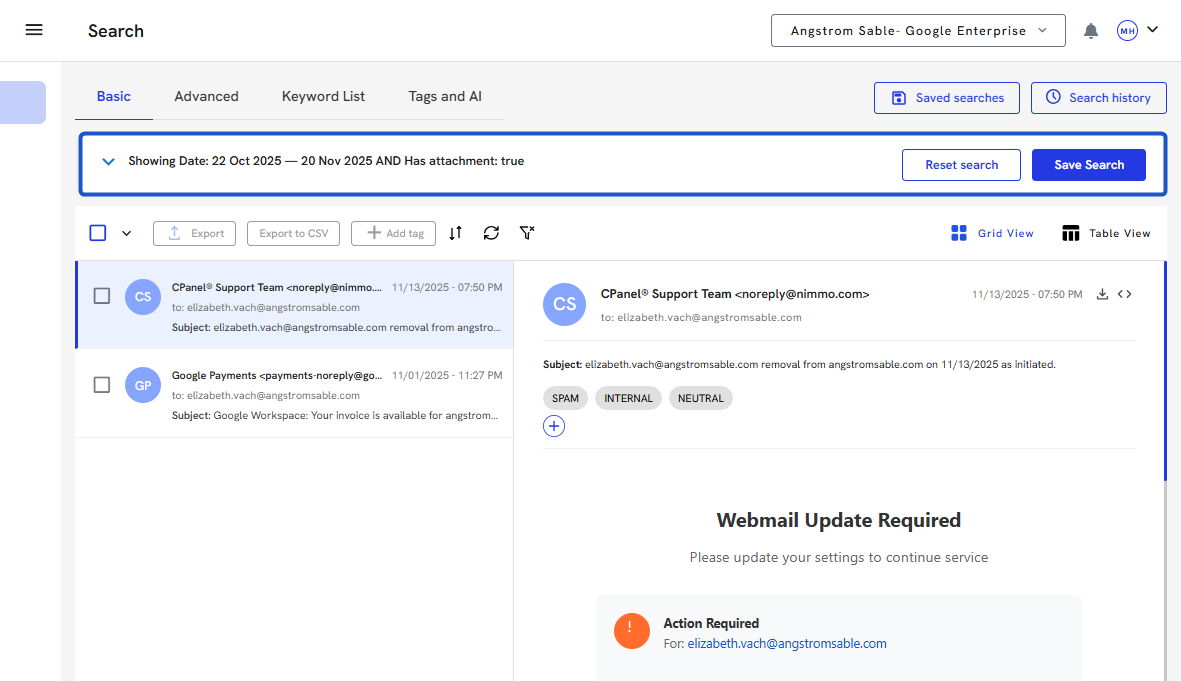
You can follow along here:
Or follow along at your own pace here:
Recent Searches in Org IQ
This guide will help you view and manage your recent searches in Org IQ, see who ran each search and when, find past search details, and rerun previous searches instantly.
Created: October 9, 2025, Created By: Muzammil Hasan. View the most recent version on Tango.us
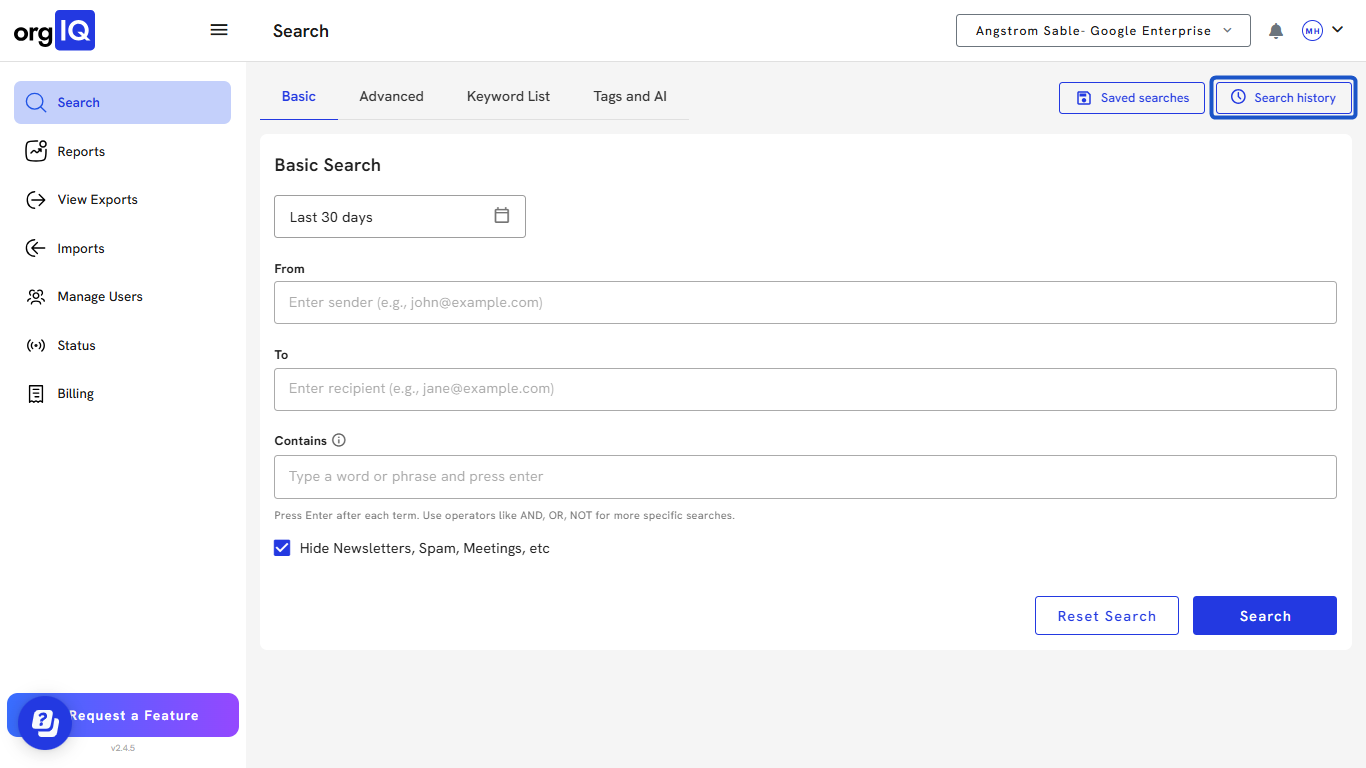
1. Open the Search History tab from the Org IQ dashboard.
2. View your recent search logs.
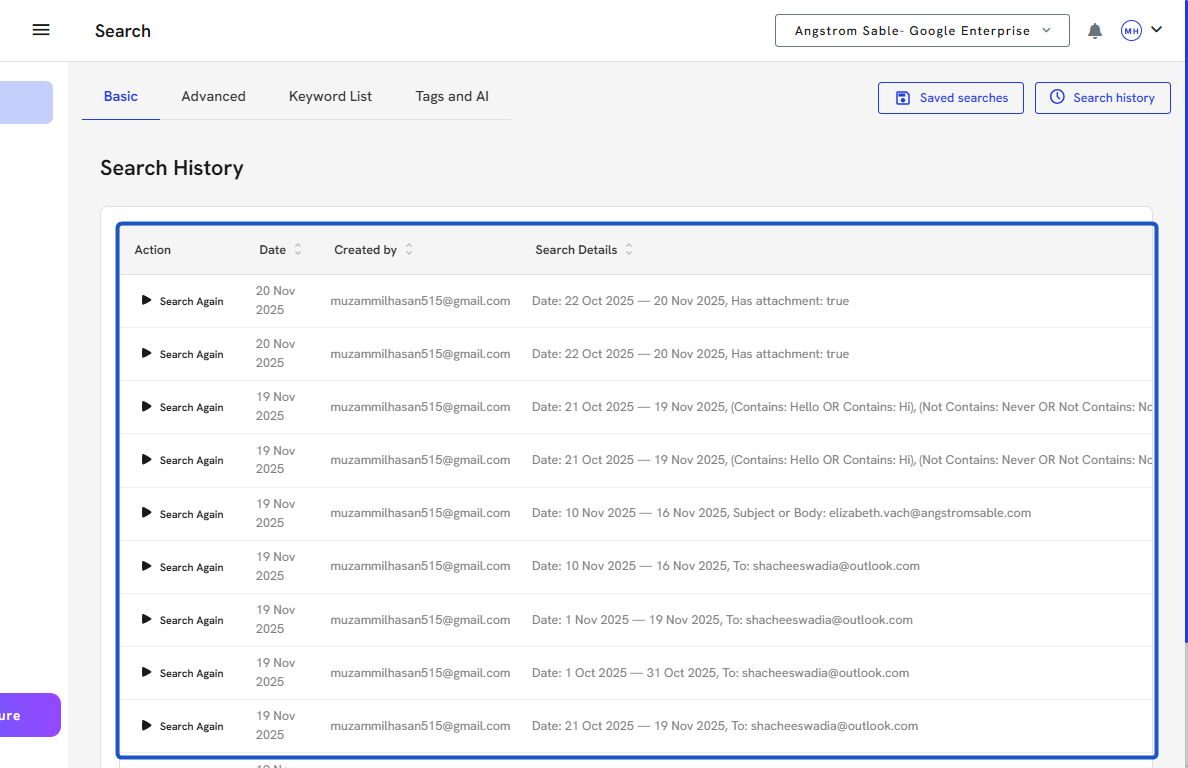
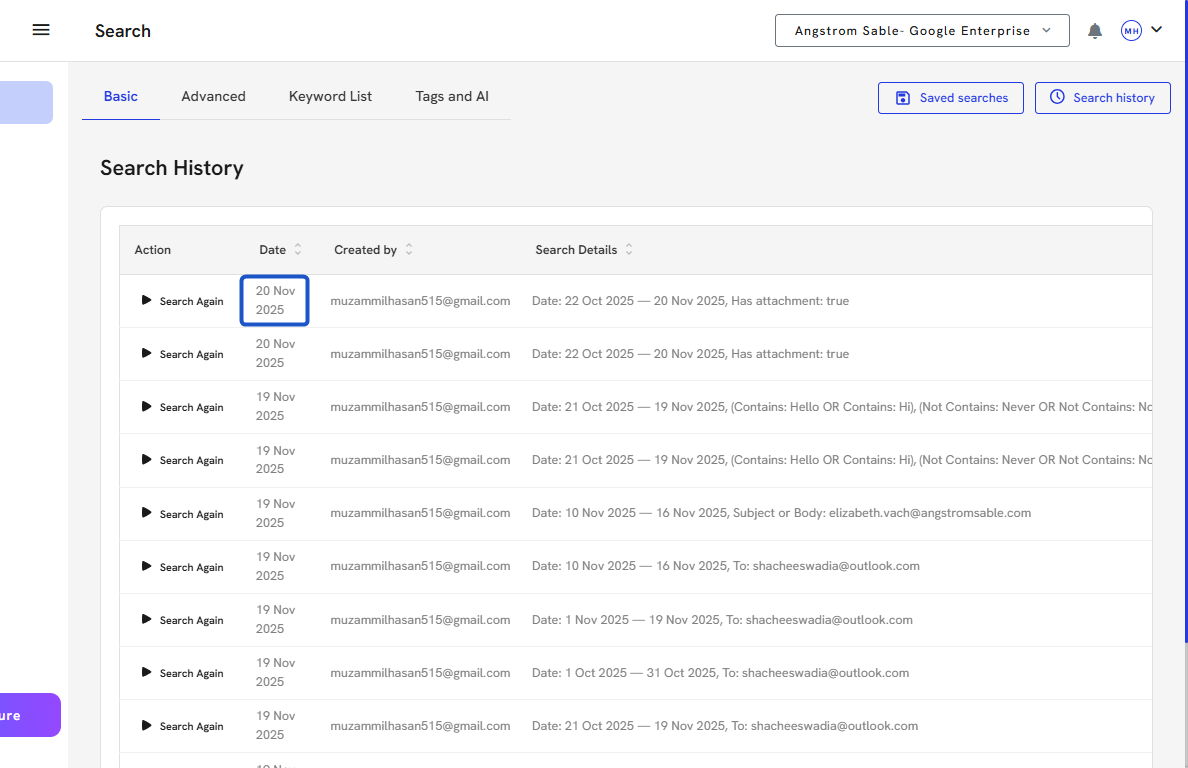
3. Each recent search log gives you the following information: Date the search was run.
4. The user who ran it.
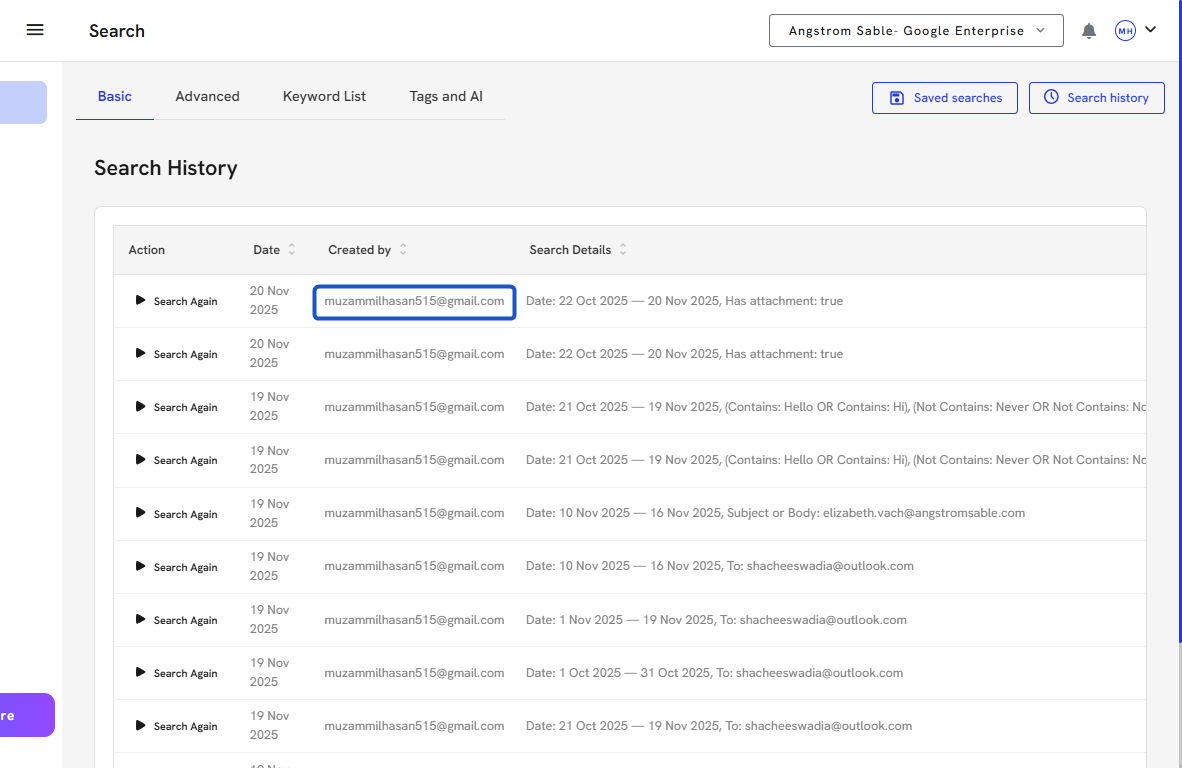
5. The search criteria and filters used.
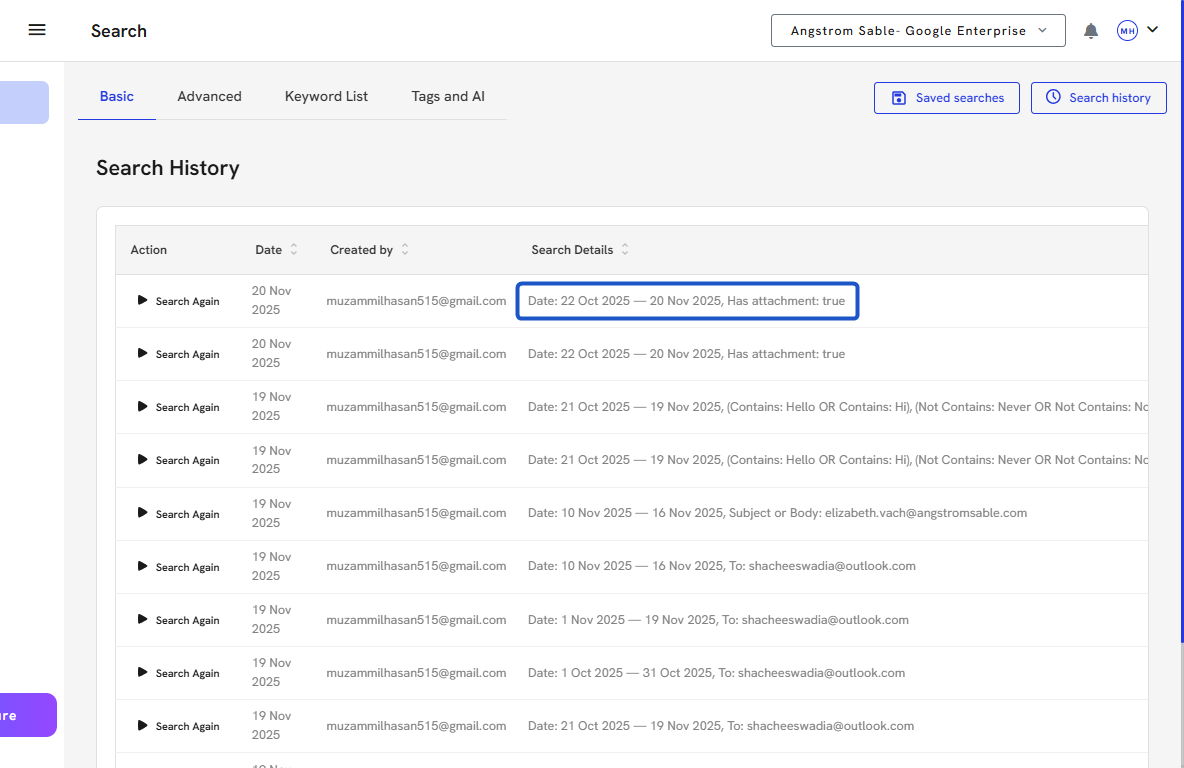
6. Click on Search again for any record to view the full search details.
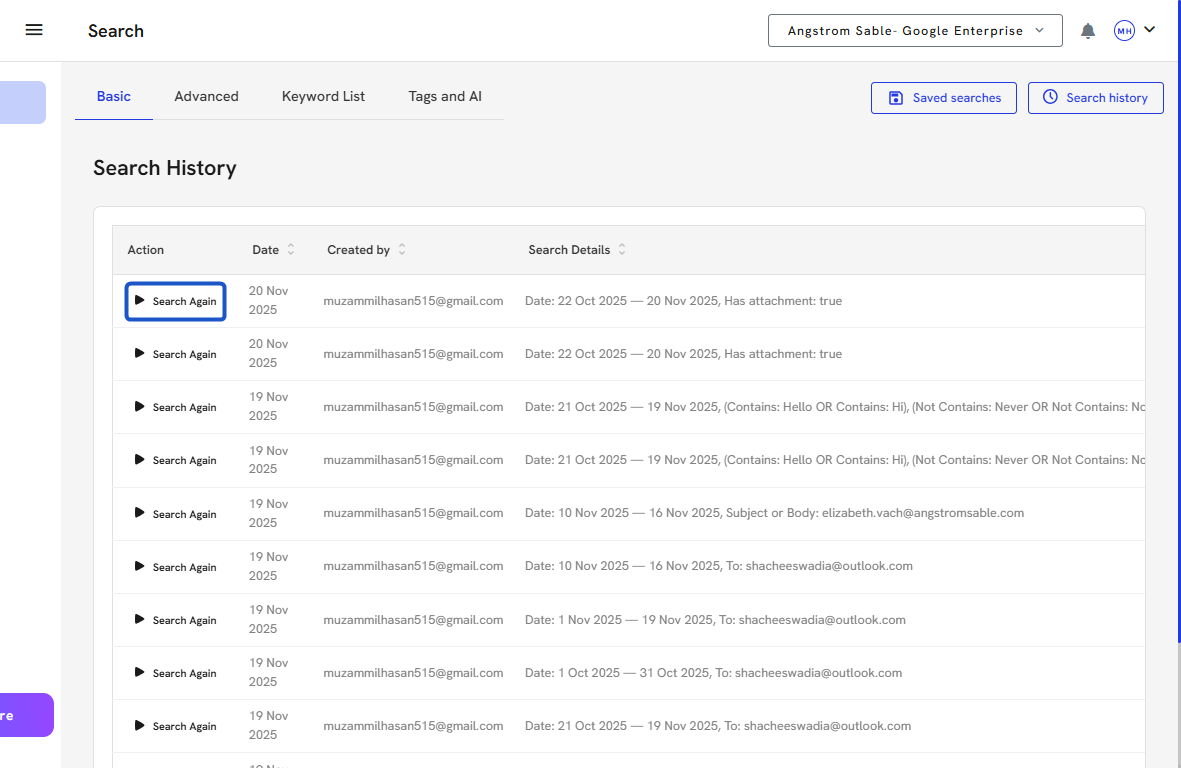
7. Select “Search Again” to rerun that specific search — the criteria and results will load automatically.