You can follow along here:
Or go at your own pace:
Managing Keyword Lists for Effective Keyword Search
Create and save keyword lists that you want to regularly search against.
Creation Date: May 21, 2024 Created By: Elizabeth Hanfman View most recent version on Tango.us
# Org IQ
1. Click on Keyword List tab.
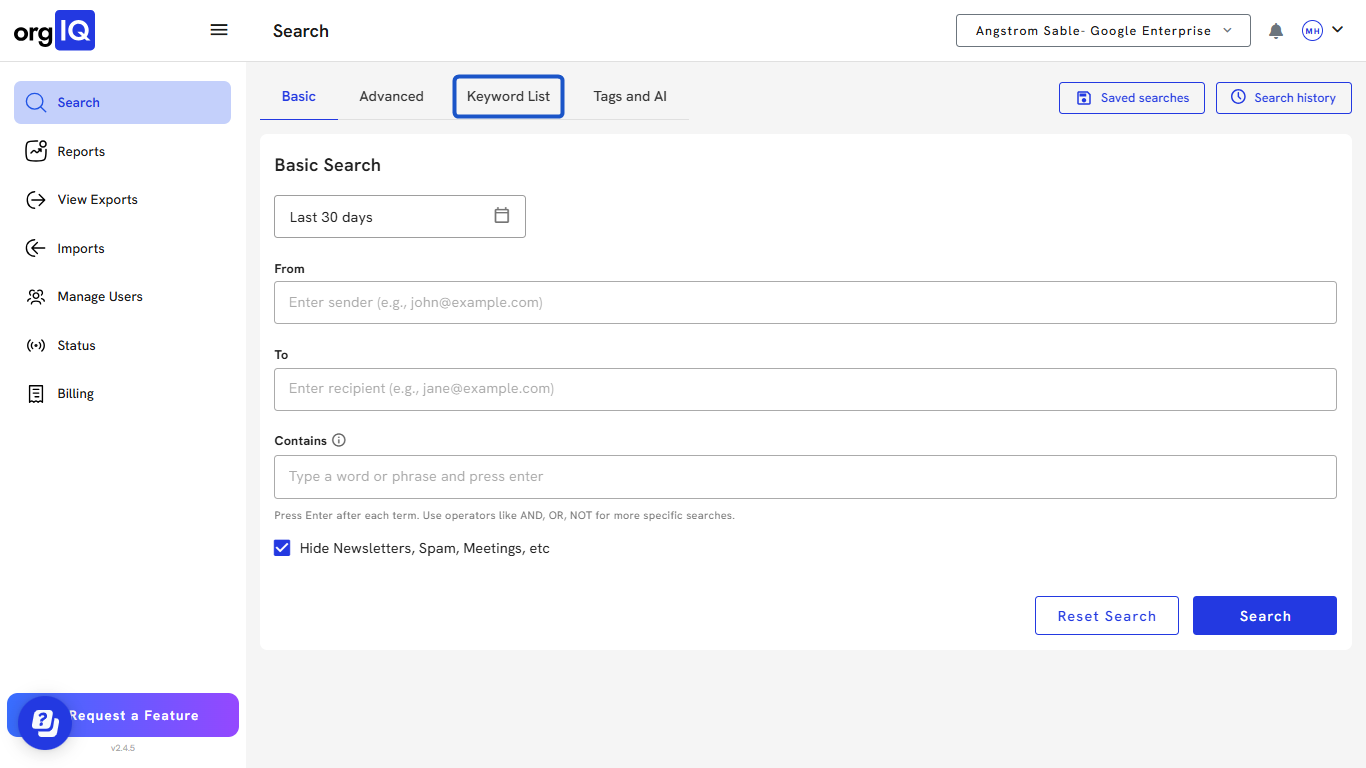
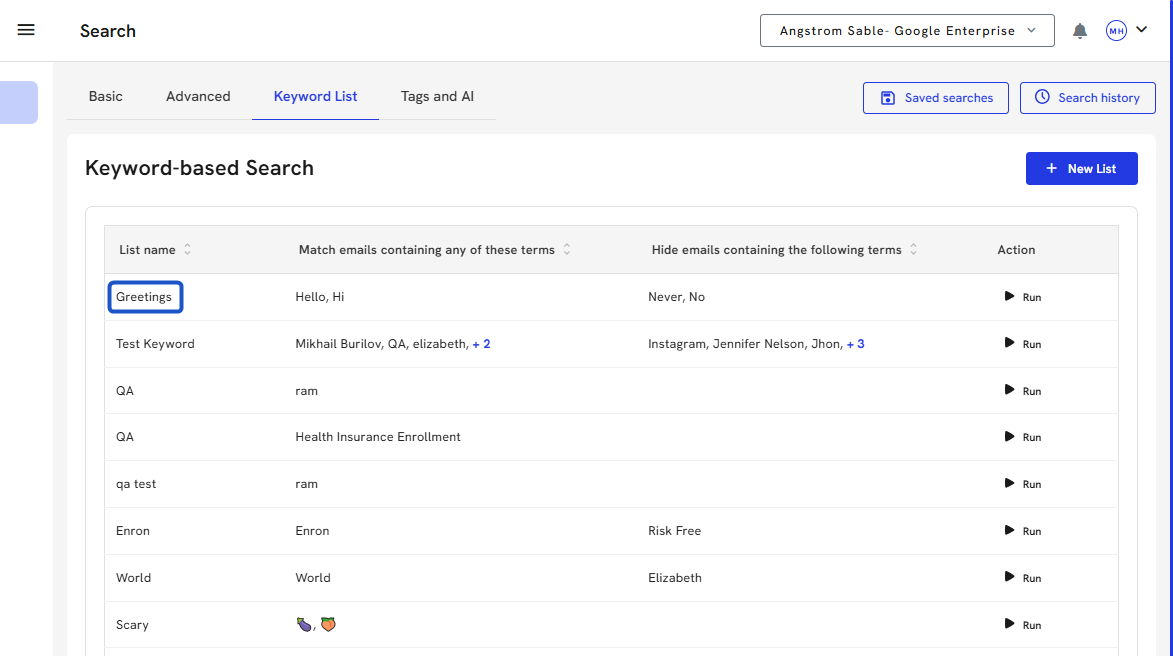
2. From the Keyword list, name, and a tooltip showing the list details.
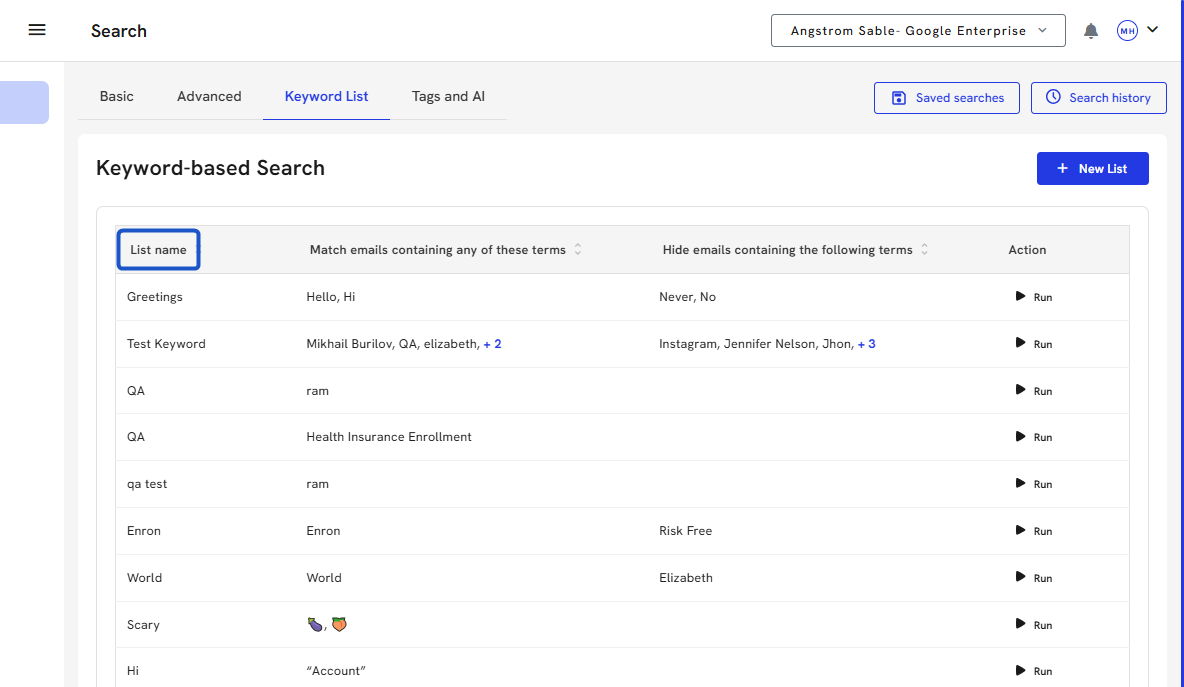
3. A matching term indicates that you want an email in your search to contain that specific term anywhere in the email.
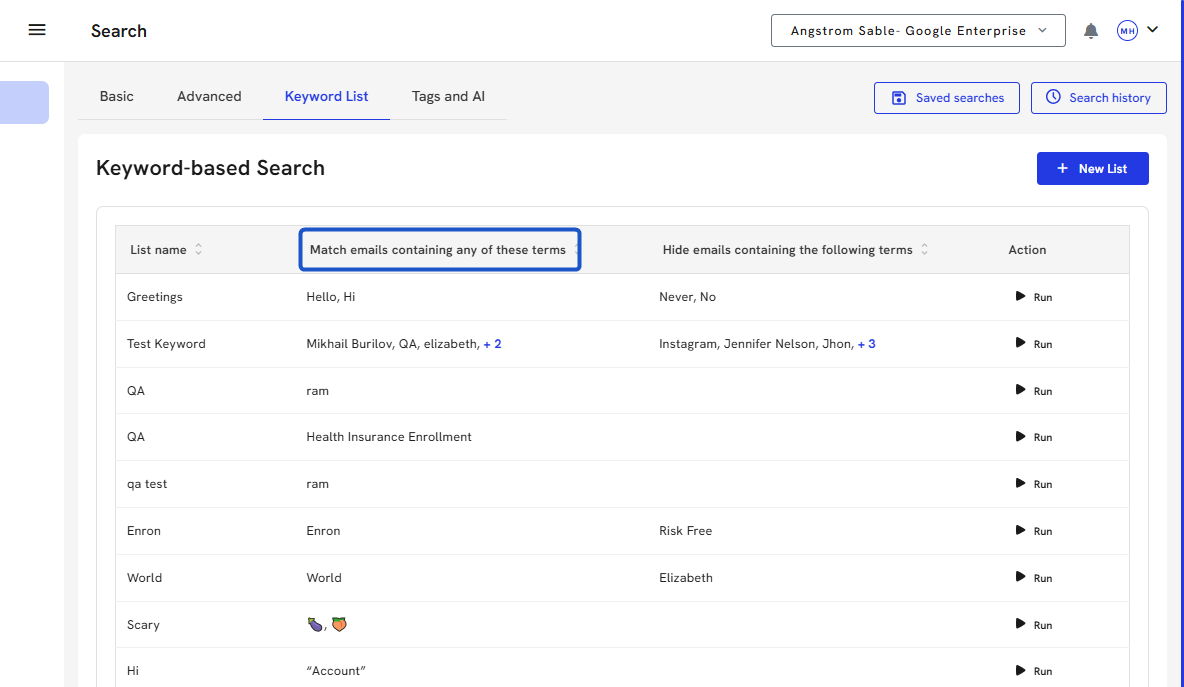
4. A hidden term indicates that you do not want an email in your search to contain that specific term anywhere in the email.
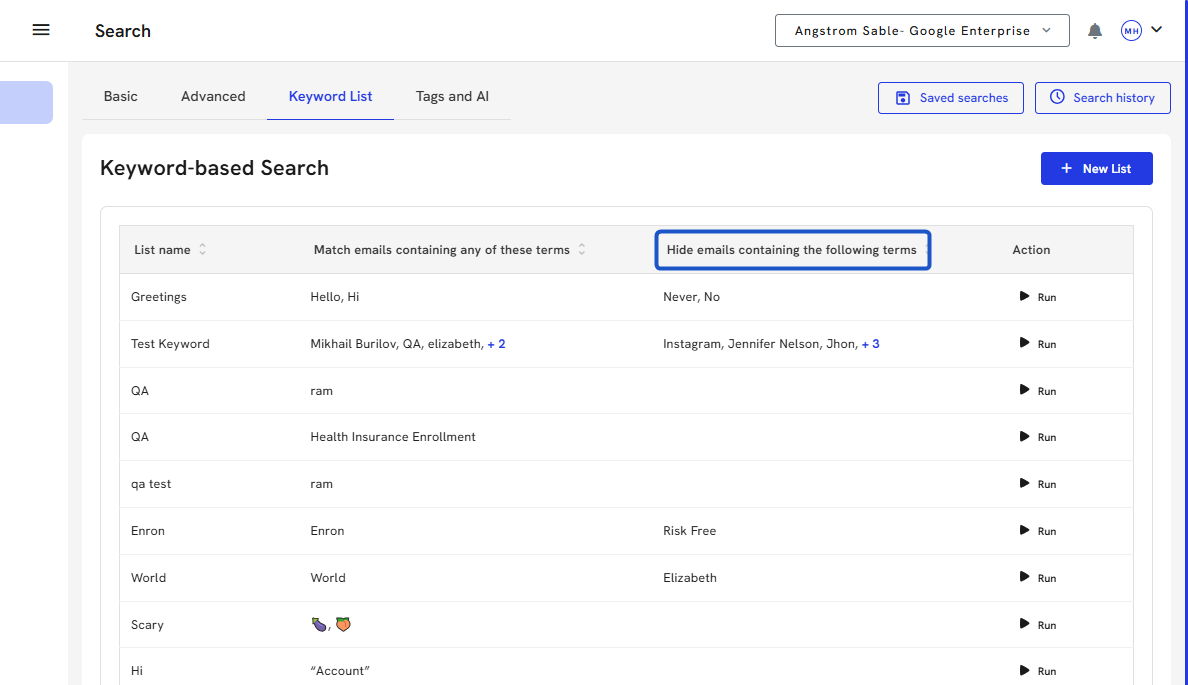
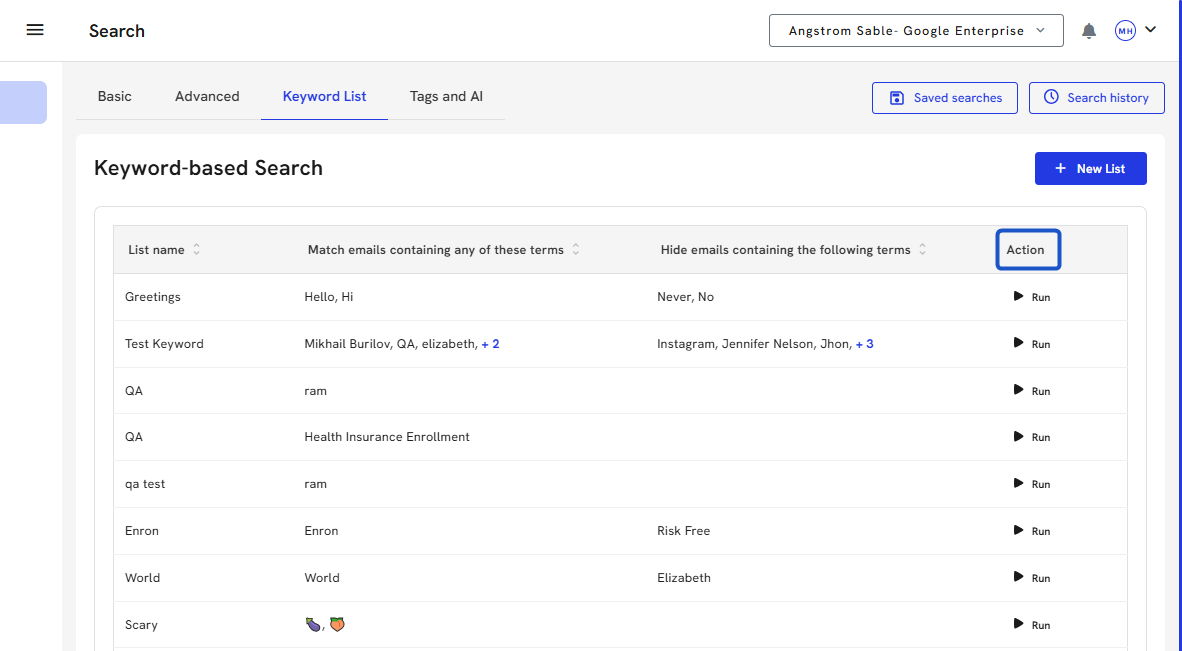
5. Click on the Run button under the Action column to run a search against these terms.
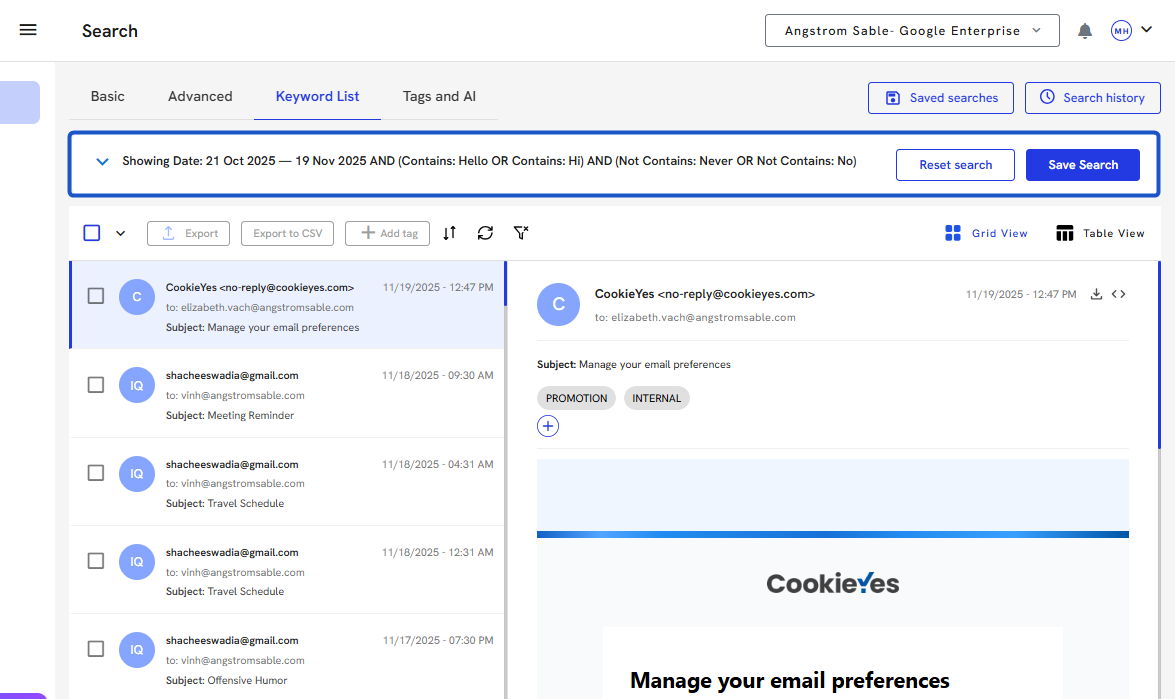
6. The search is run, and the search details appear at the top of the search screen. You can also adjust the details after this search is run. This will not change your saved list.
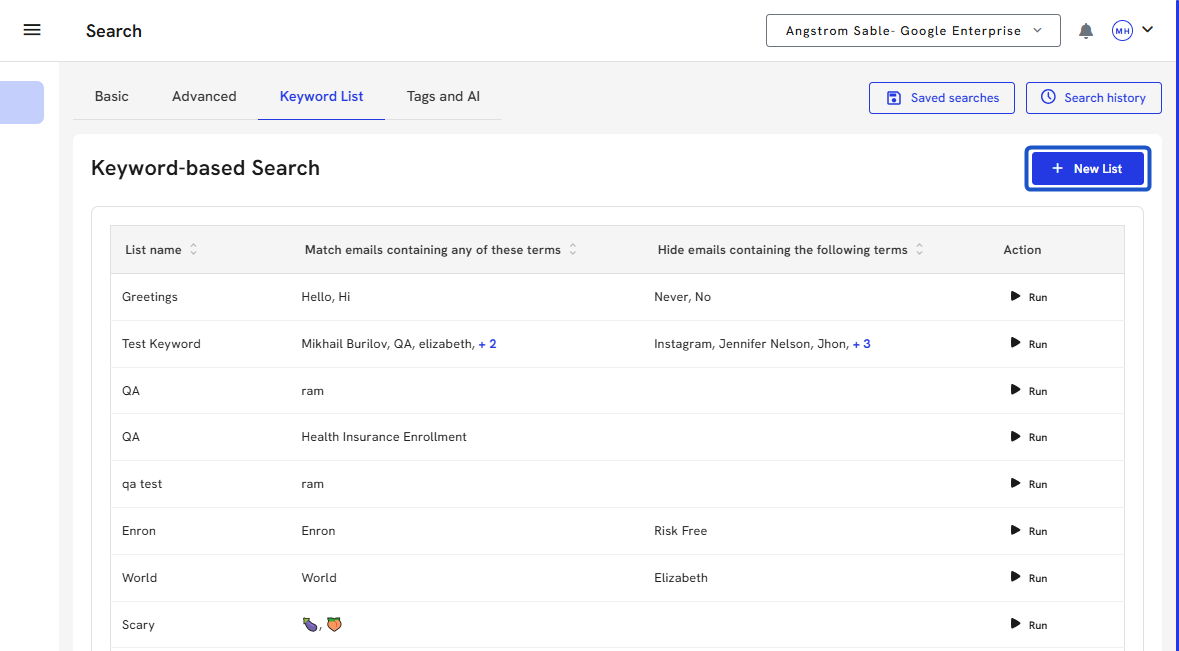
7. To create a new list, click New List.
8. Name your List
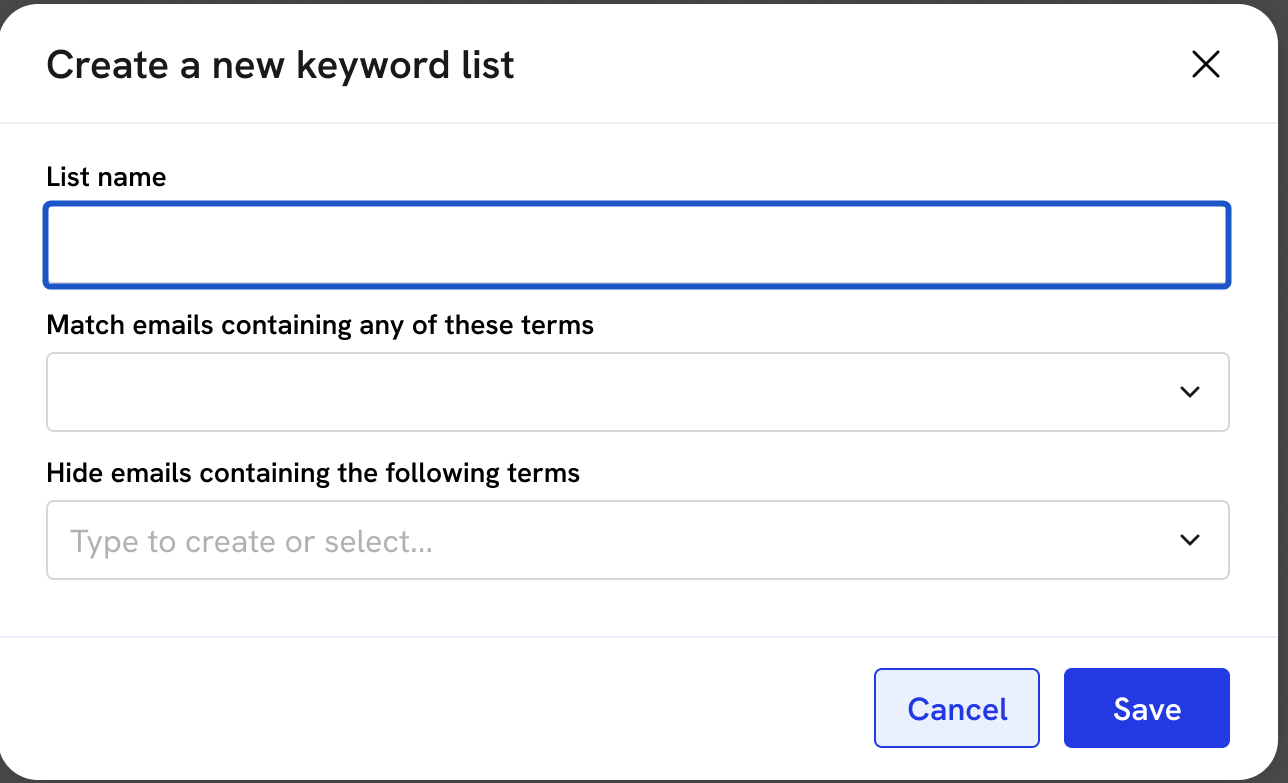
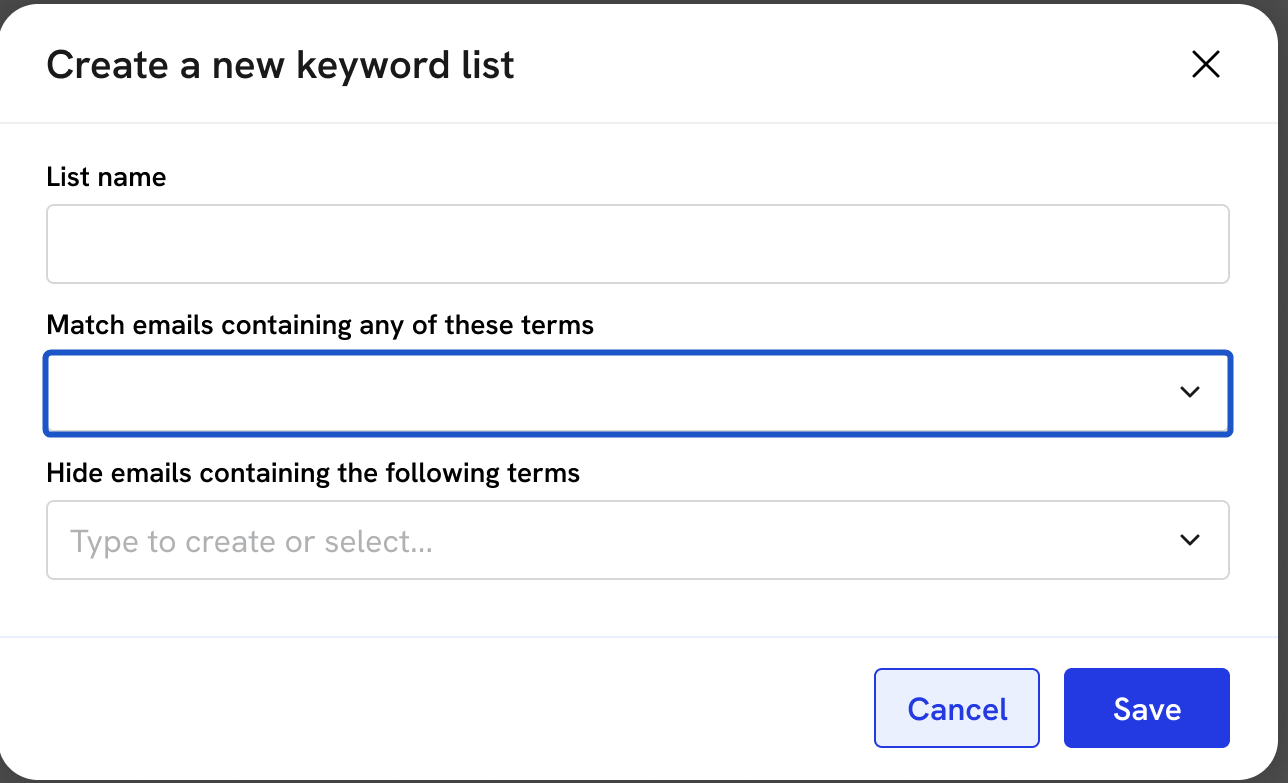
9. Enter a matching term.
A matching term indicates that you want an email in your search to contain that specific term anywhere in the email.
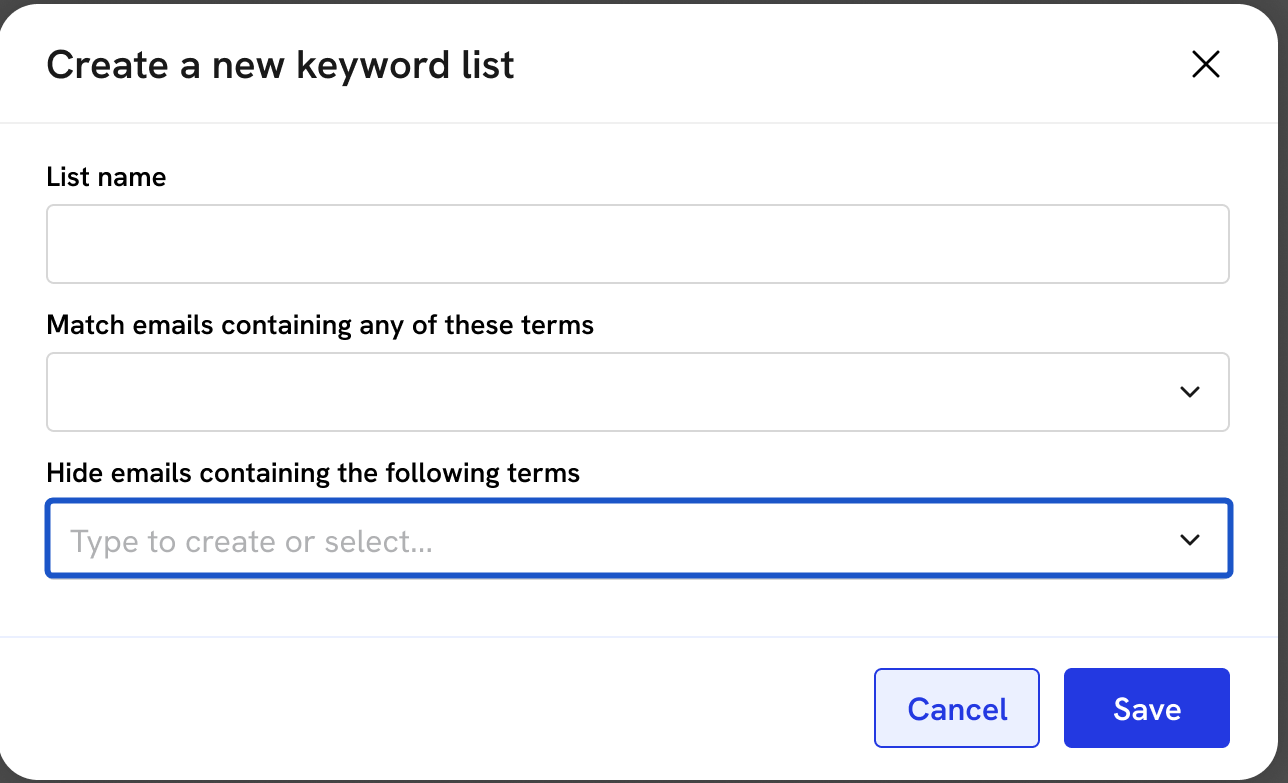
10. Enter hidden terms.
A hidden term indicates that you do not want an email in your search to contain that specific term anywhere in the email.
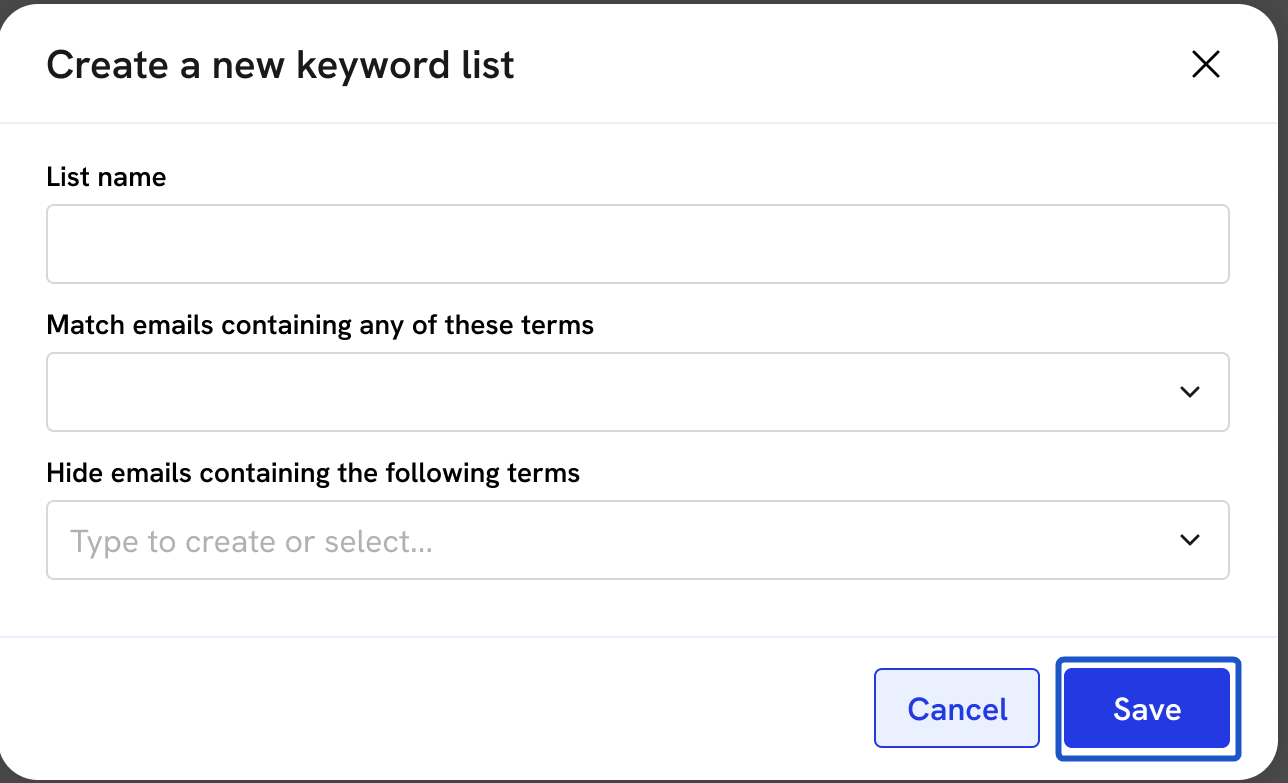
11. Click on Save once you are done adding terms.
12. To edit or delete a list, click on the List name.
Created with Tango.us
