You can follow along here:
Or you can go at your own pace here:
How to Search and Filter Emails in Org IQ
This is an overview of Org IQ's Search features.
Creation Date: July 21, 2025 Created By: Muzammil Hasan View most recent version on Tango.us
1. Go to app.orgiq.com
2. Welcome to the dashboard.
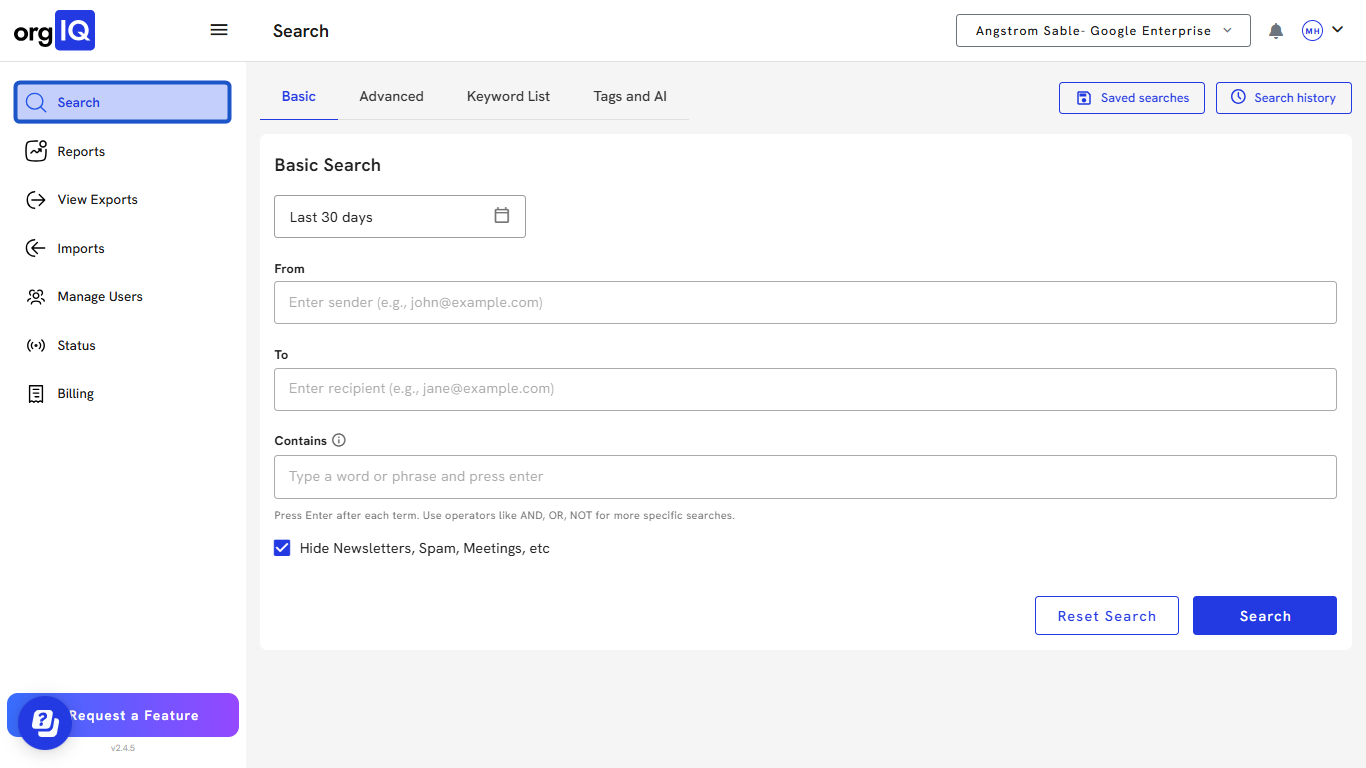
3. The search filter window is automatically expanded when you visit the page.
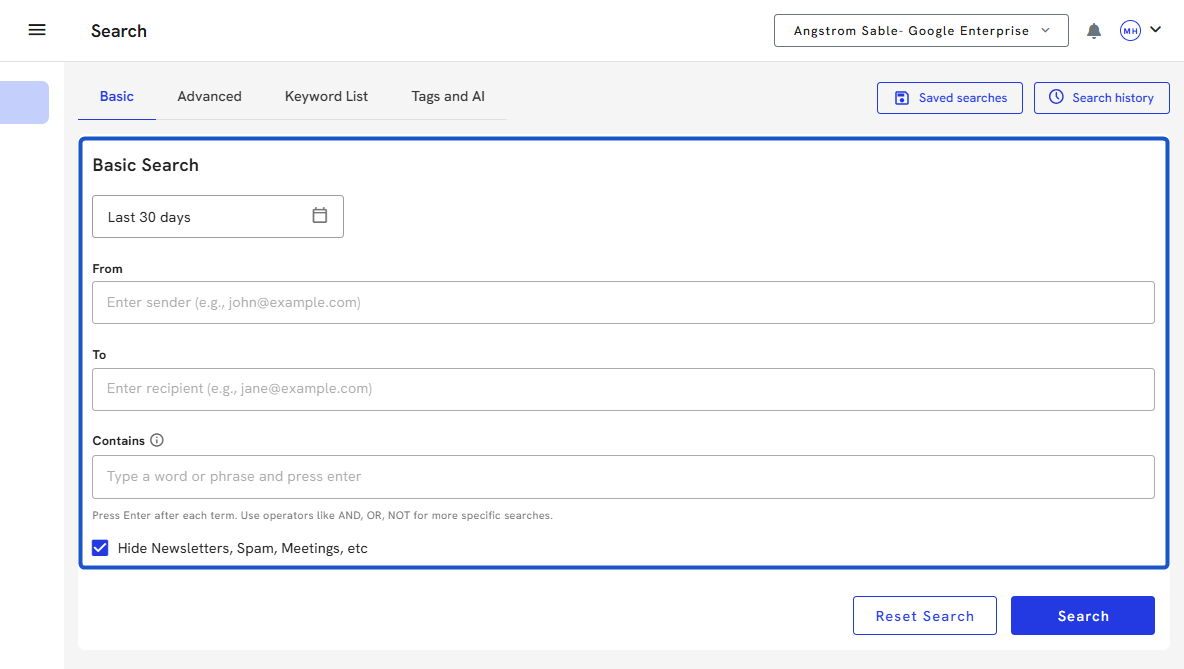
4. Select a date range by clicking on the calendar icons in the Date Range field.
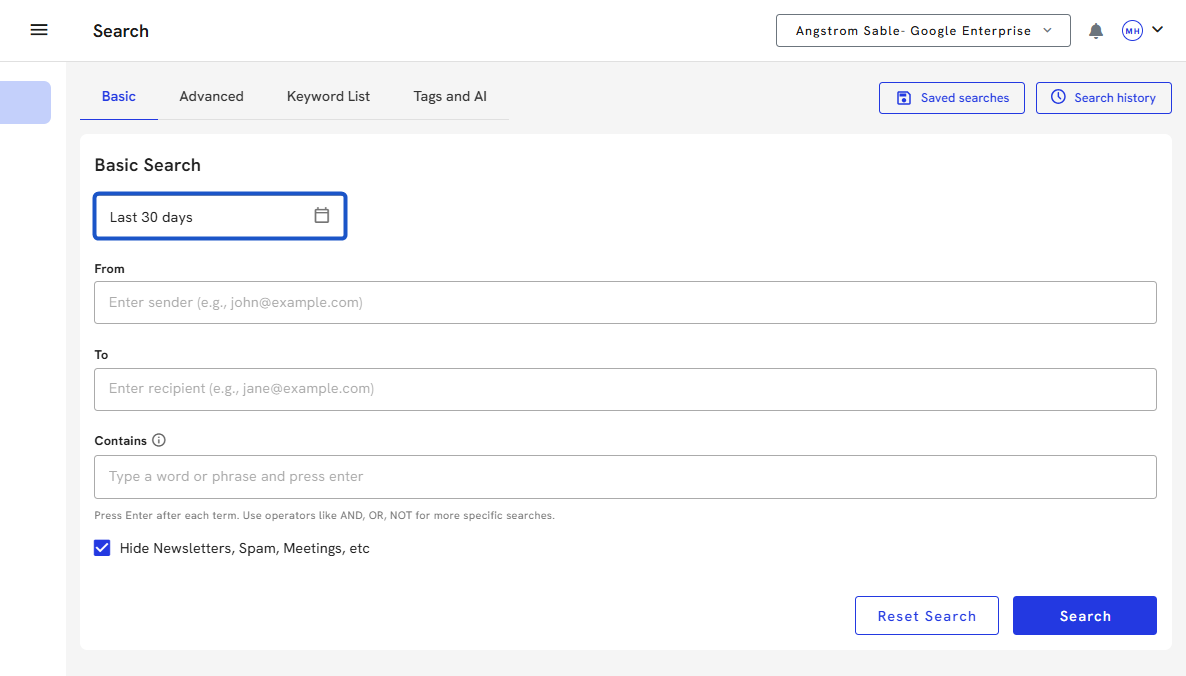
5. Enter the sender's email in the From field.
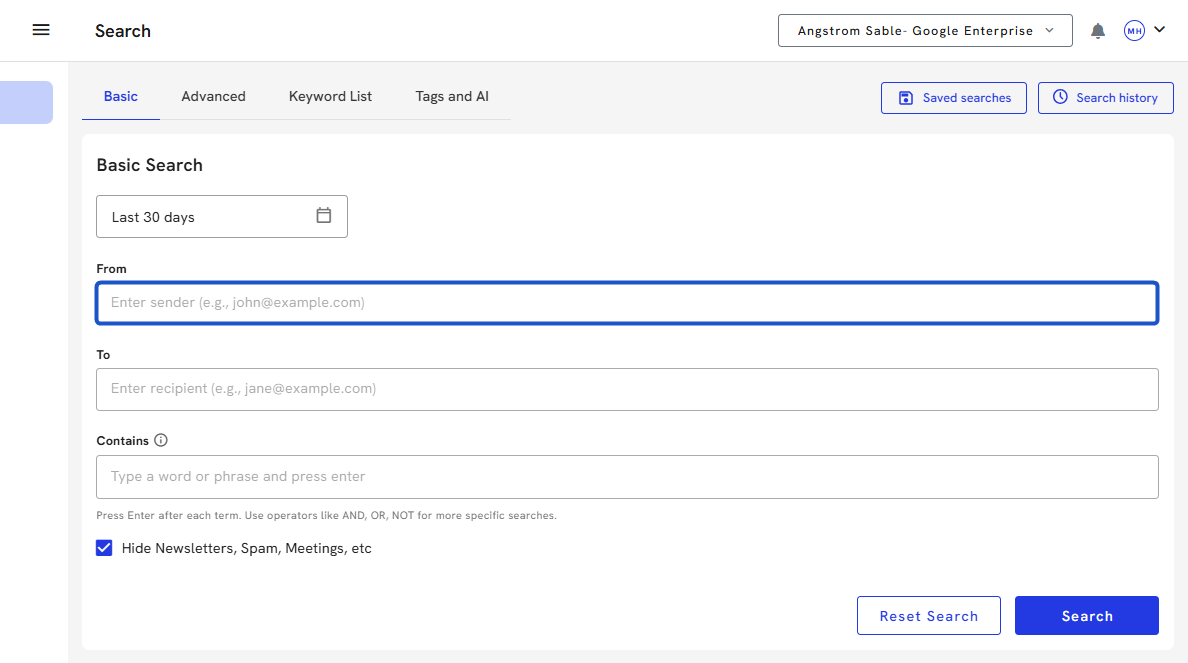
6. Enter the recipient's email in the To field
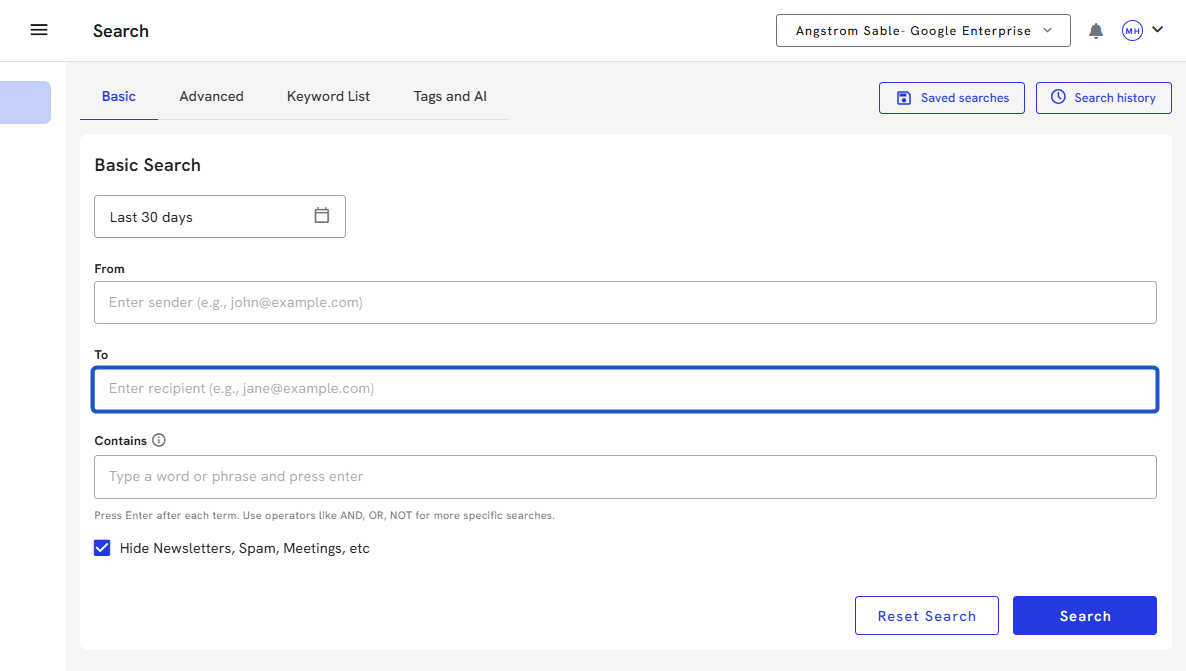
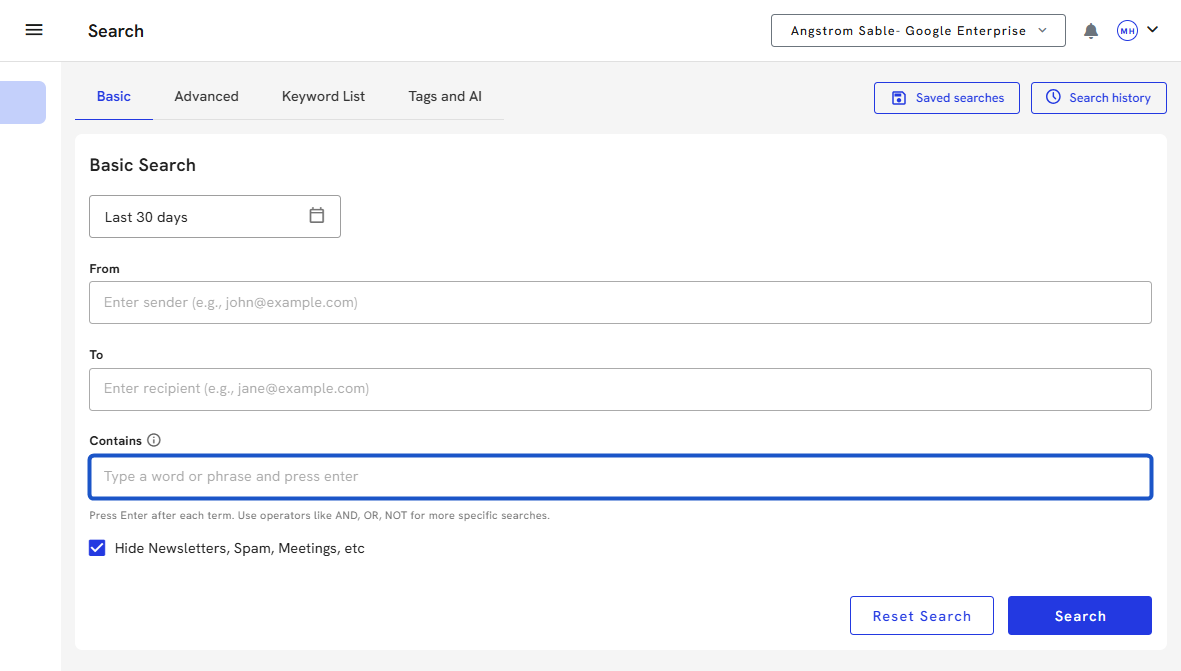
7. Enter keywords in the Contains field
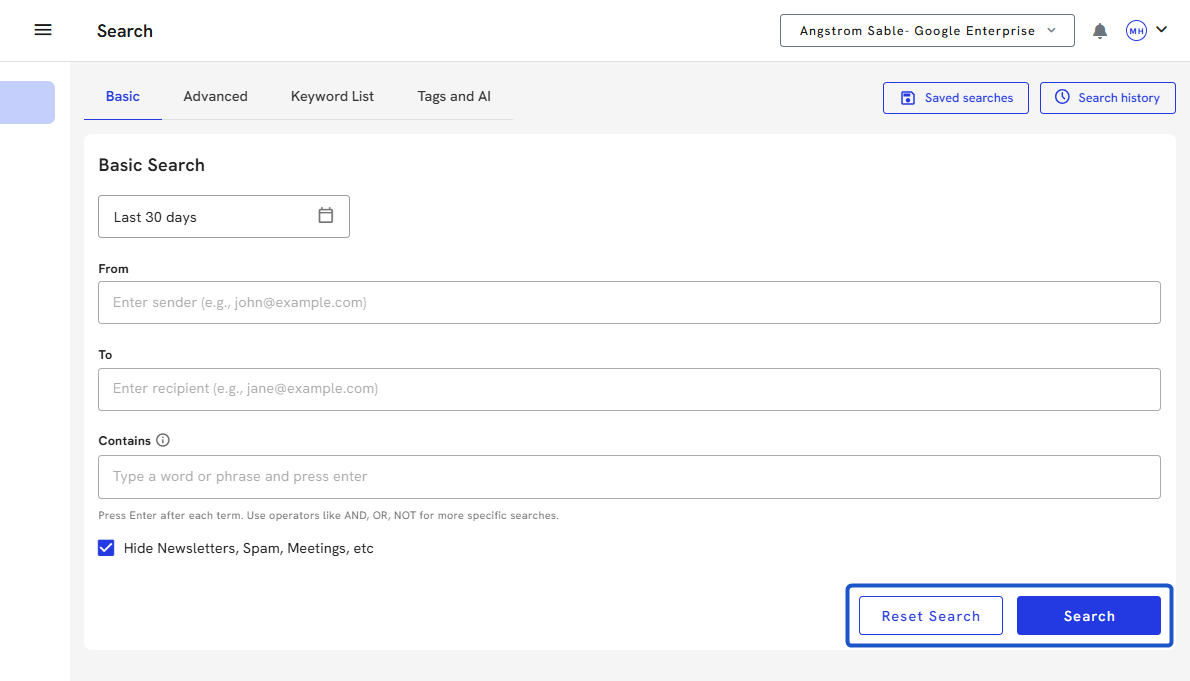
8. Click on the Search button to execute the search, or click on the Reset Search button to clear all filters.
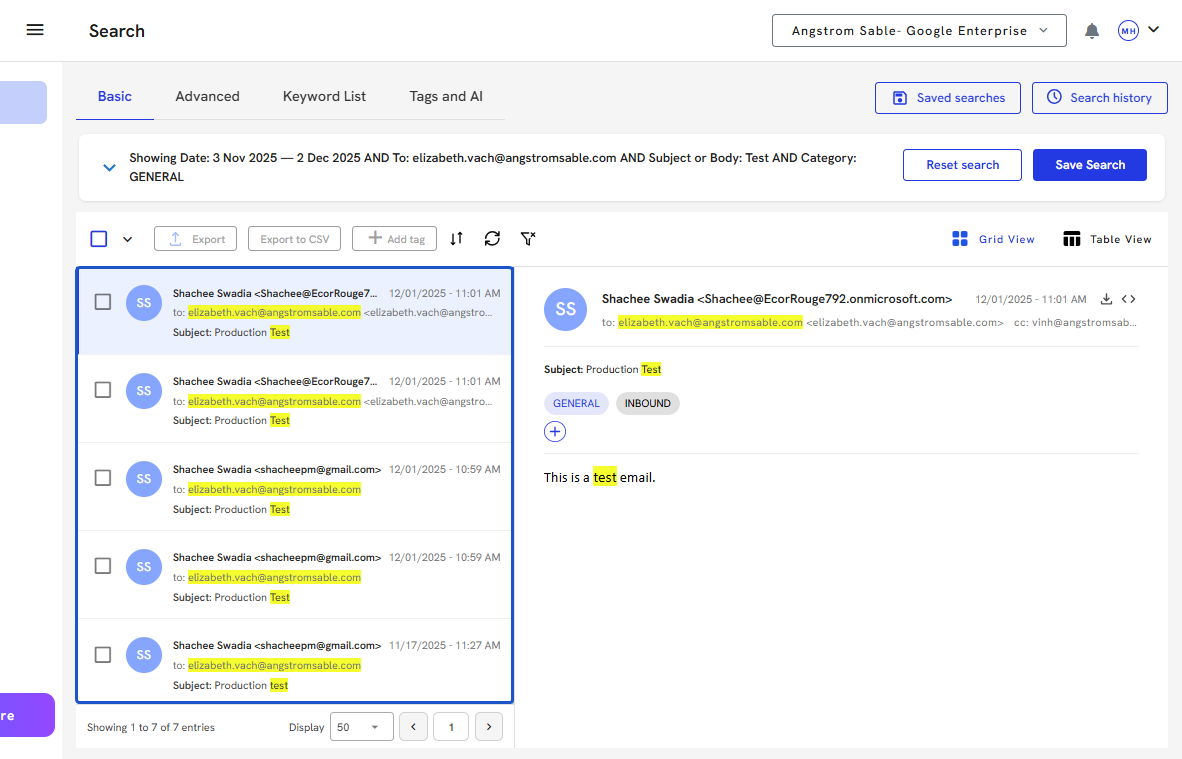
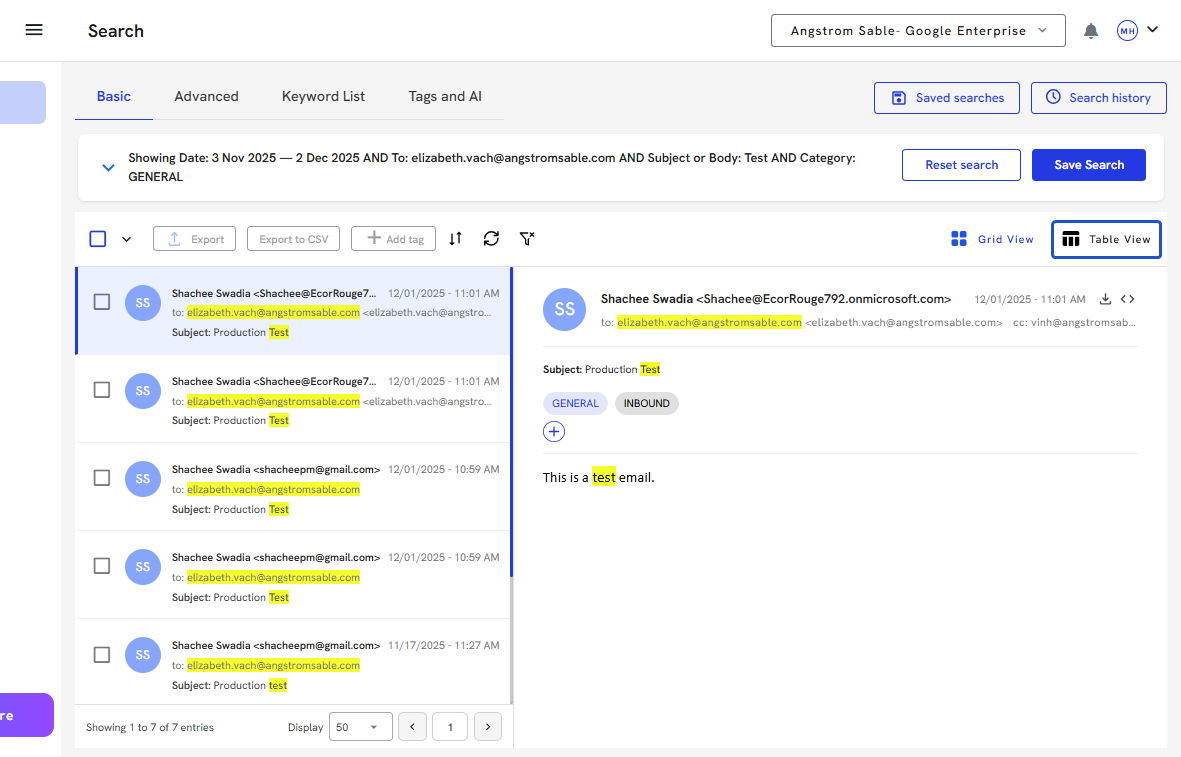
9. Org IQ will display any email with the keyword "test" and highlight the word every time it is found. Here we have highlighted the test email sent by Org IQ.
 Created with