You can follow along here:
Or go at your own pace:
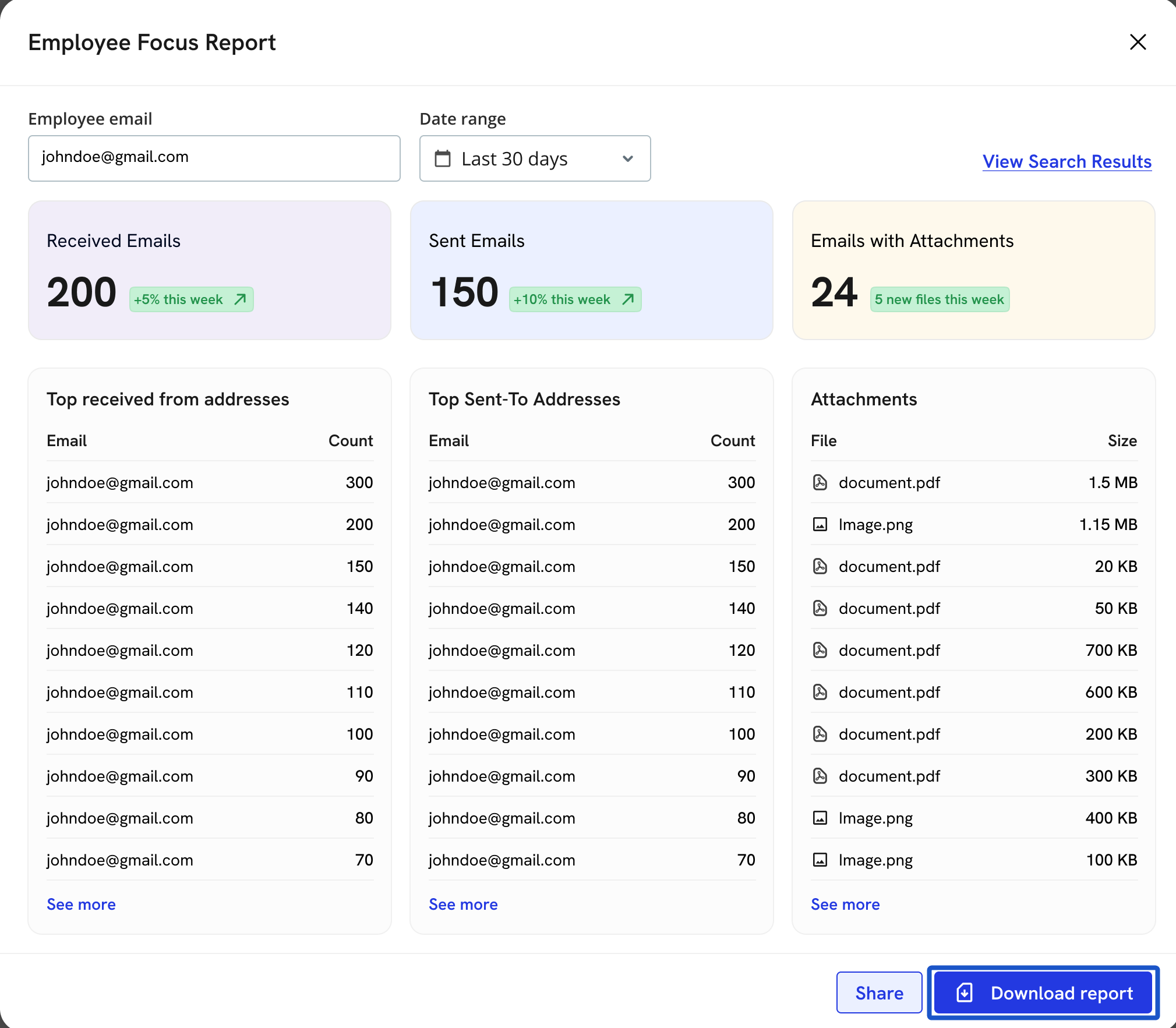
Employee Focus Report
Creation Date: May 21, 2024 Created By: Elizabeth Hanfman View most recent version on Tango.us
# Org IQ
1. Click on Reports.
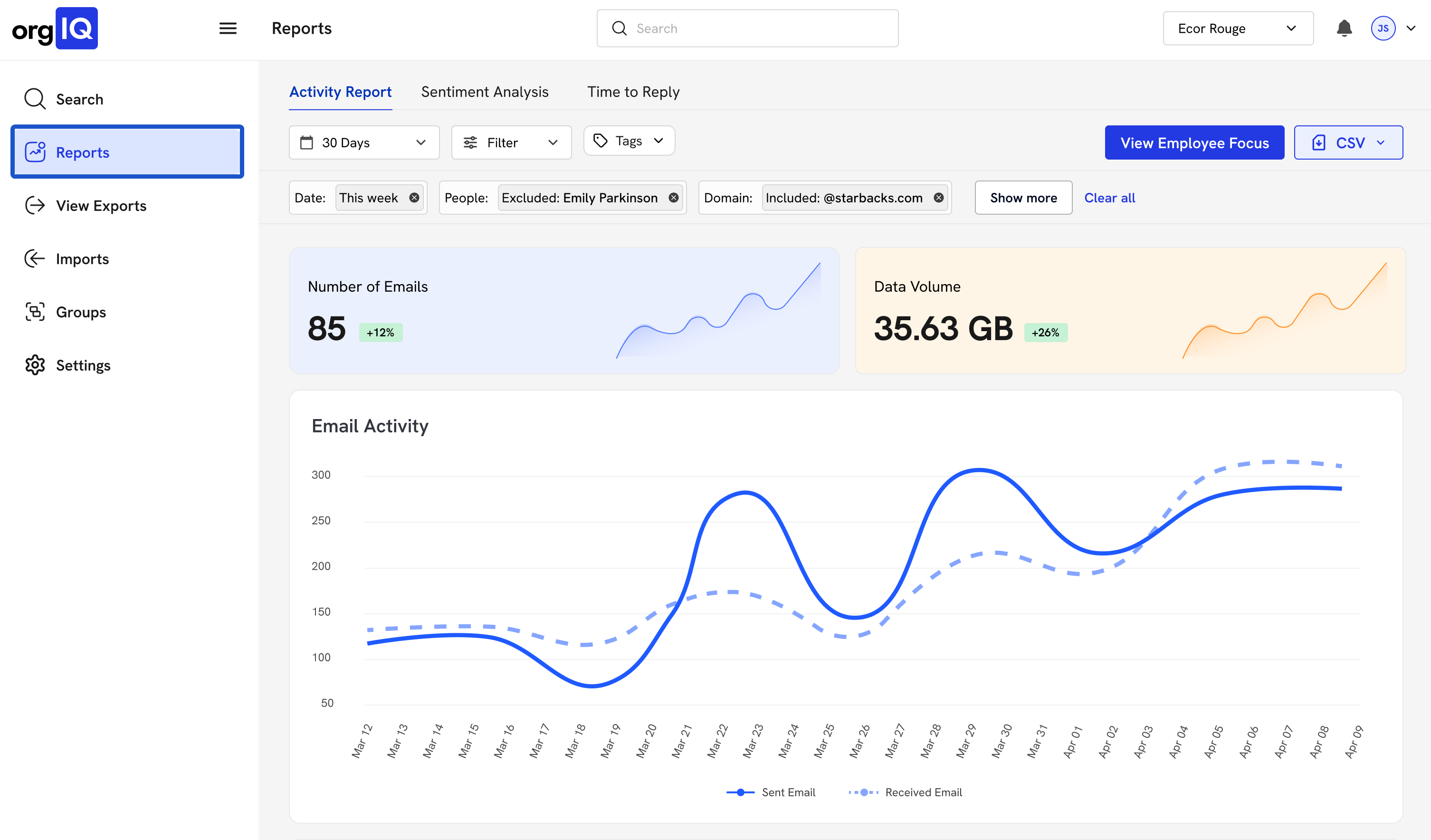
2. Input email address
You can do this for any email address, even those not part of your organization, like a client you interact with regularly.
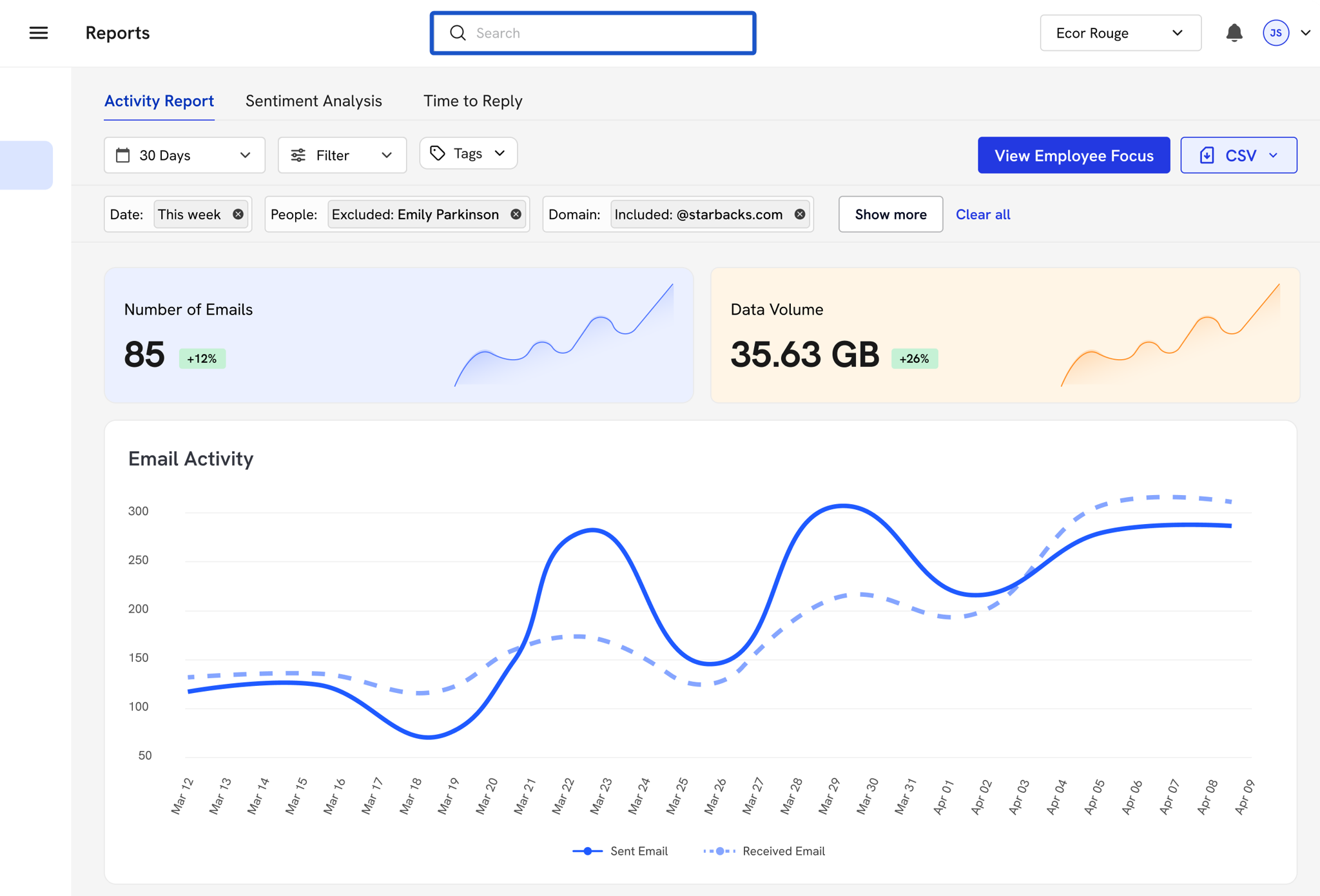
3. Choose a date range.
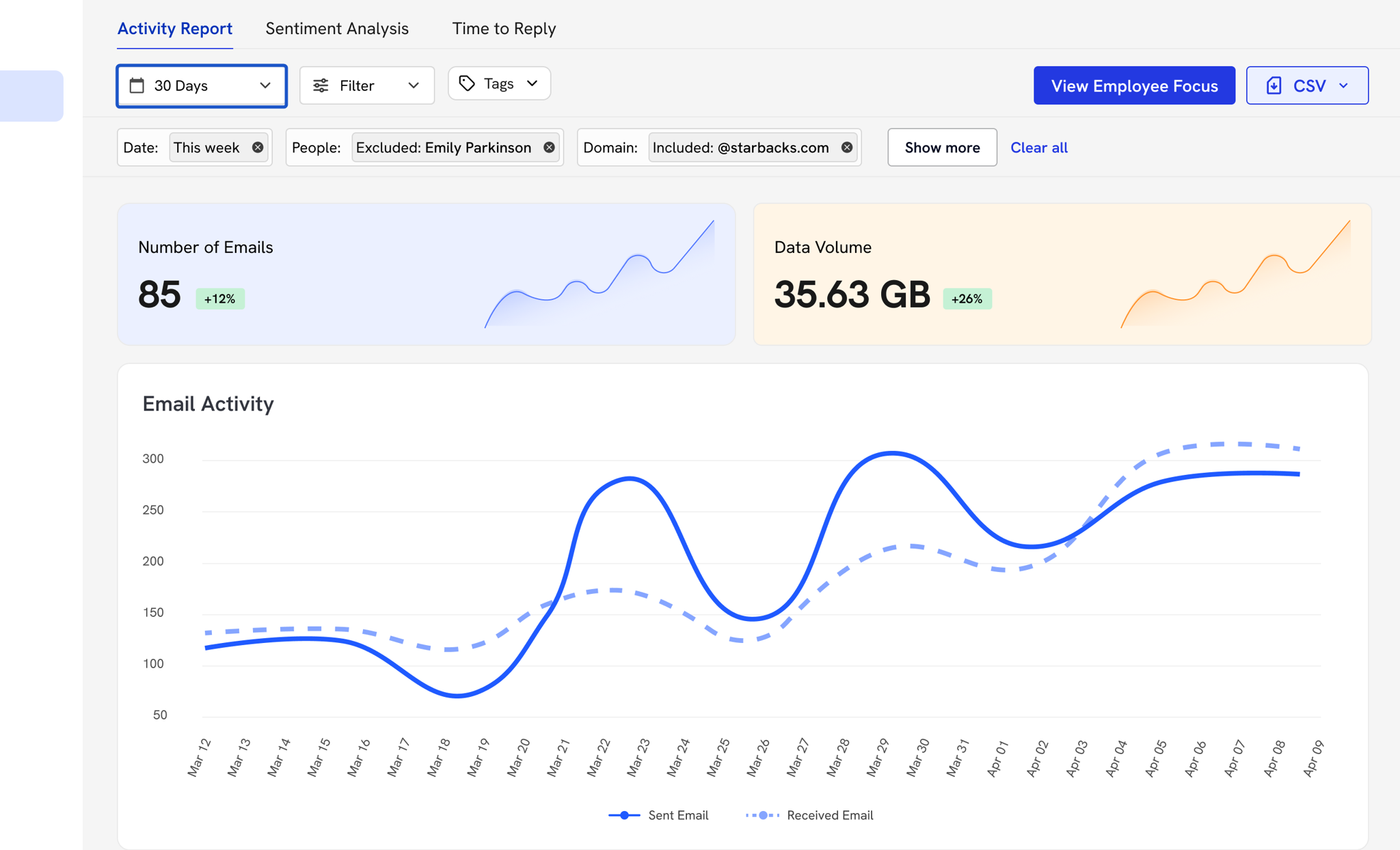
4. Click on View Employee Focus.
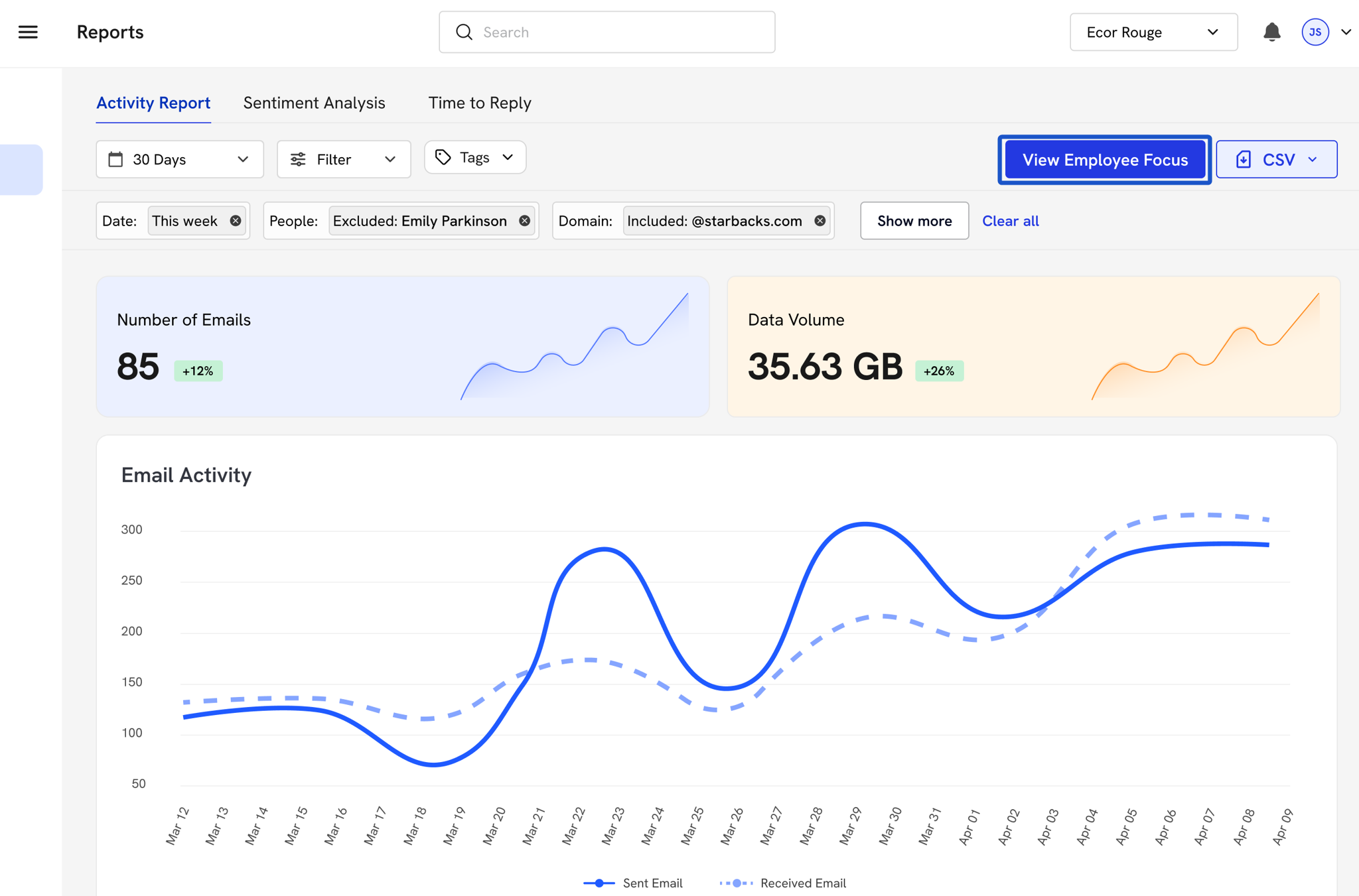
5. The report will contain the: Employee email and Date range.
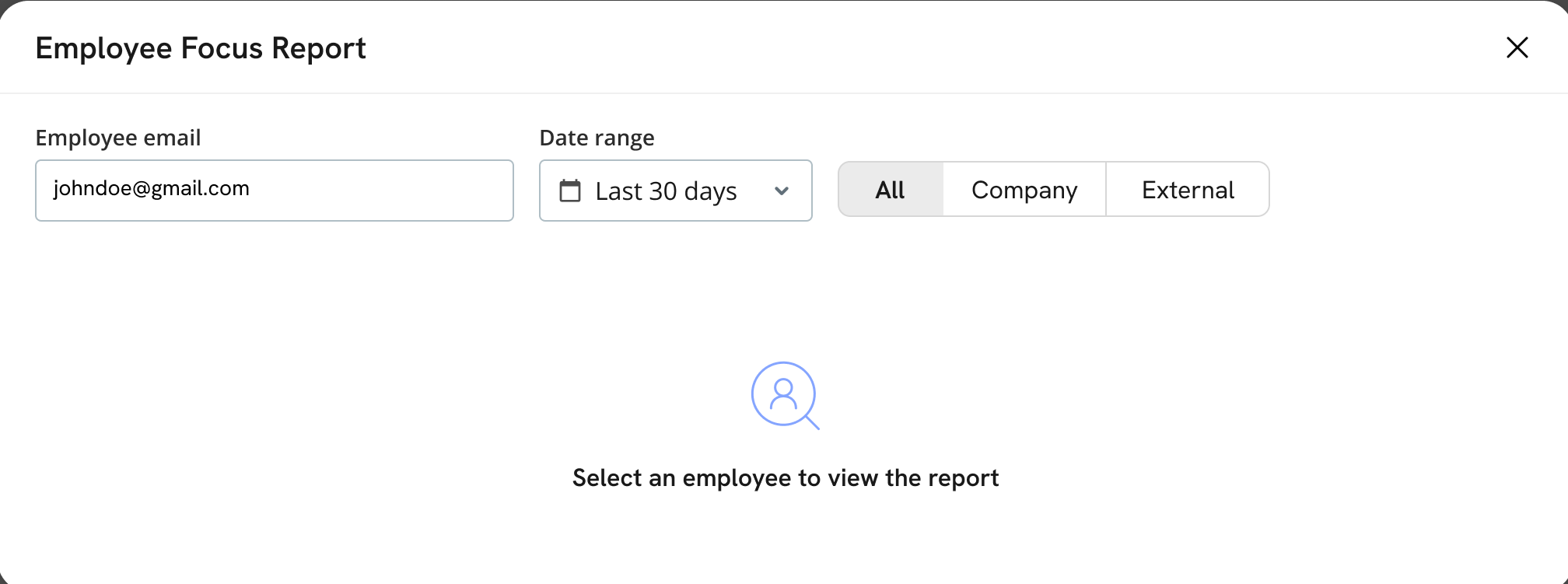
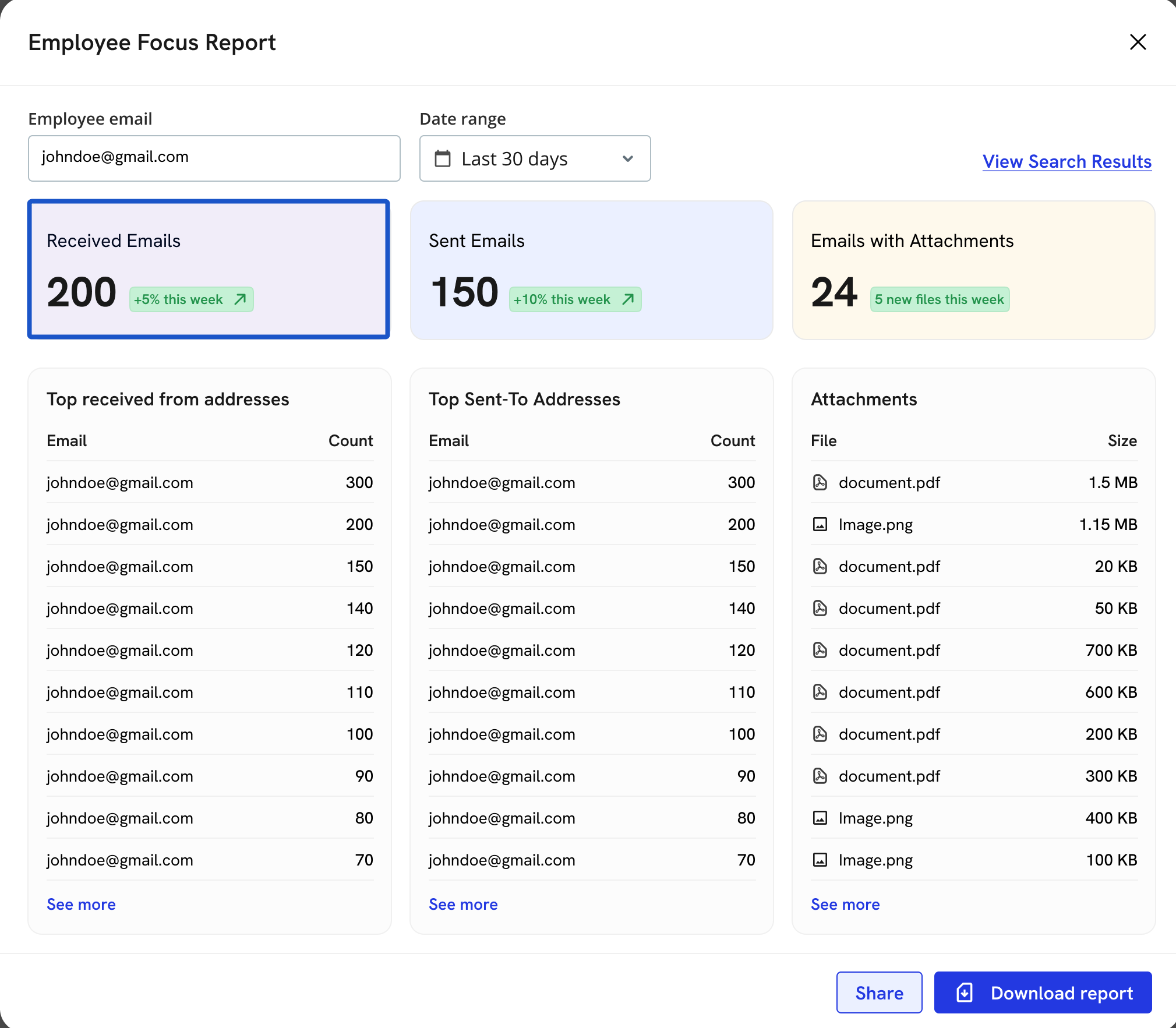
6. Total number of emails received by that address during that date range.
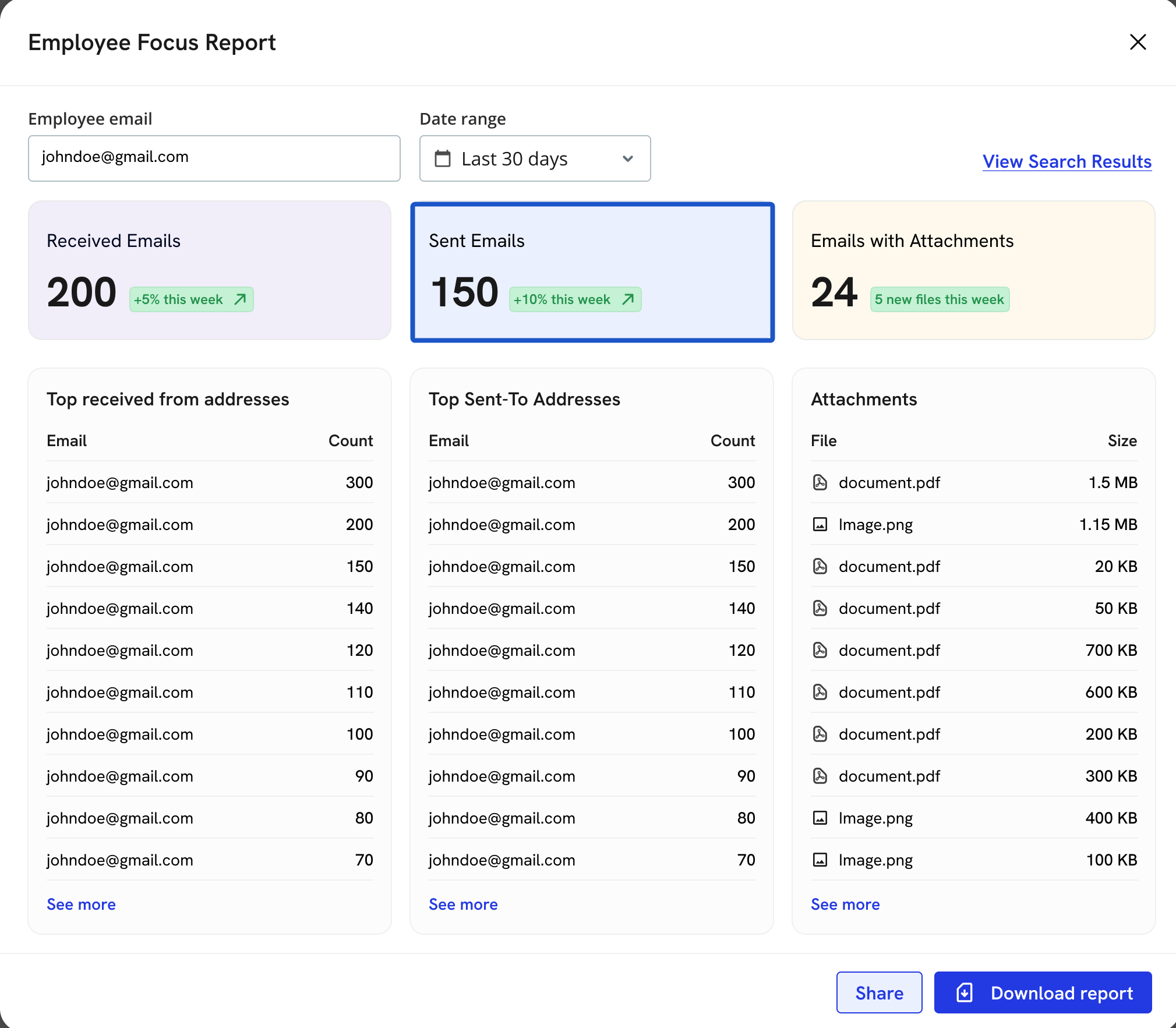
7. Total number of emails sent by that address during that date range.
8. Emails with attachments.
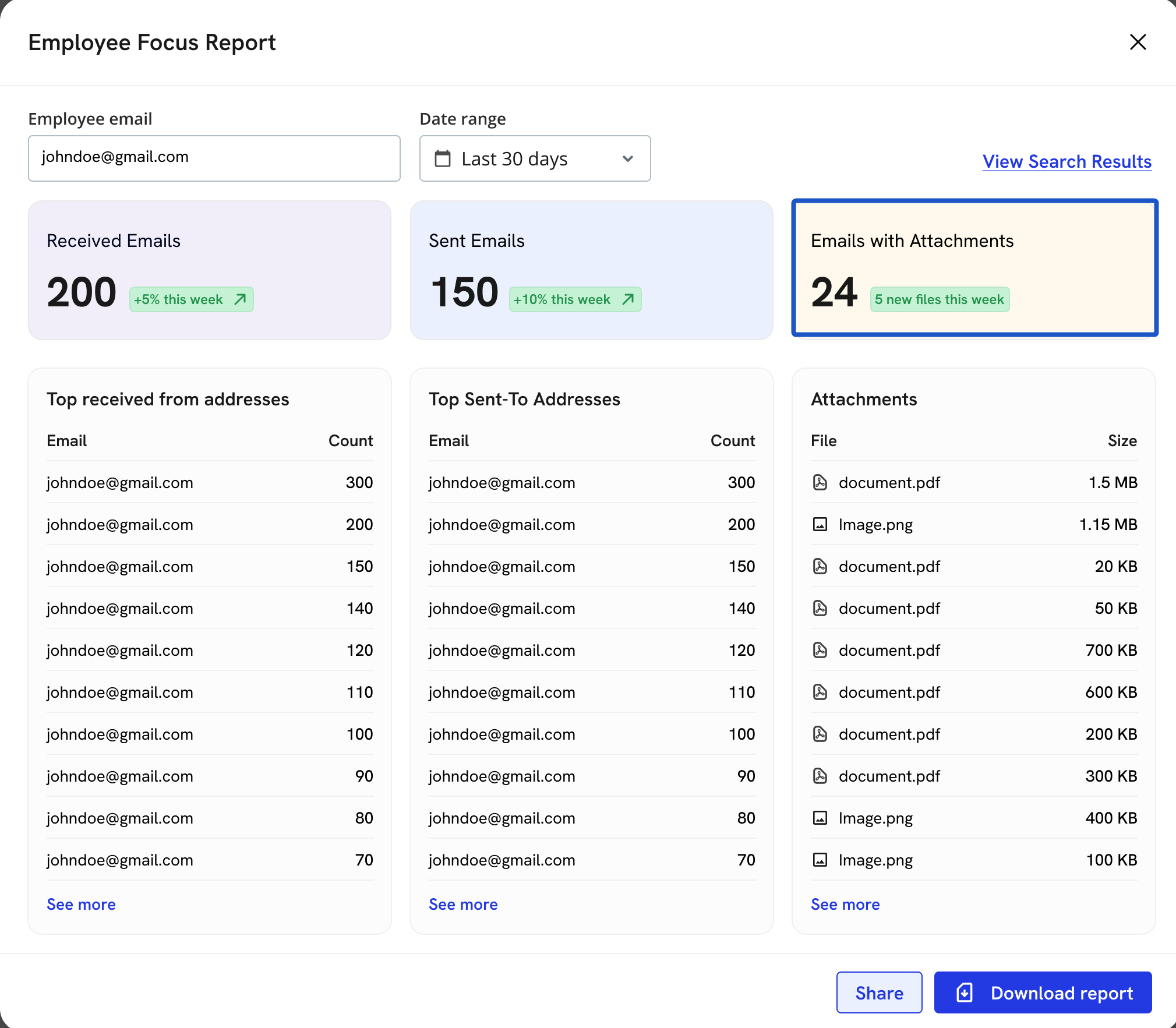
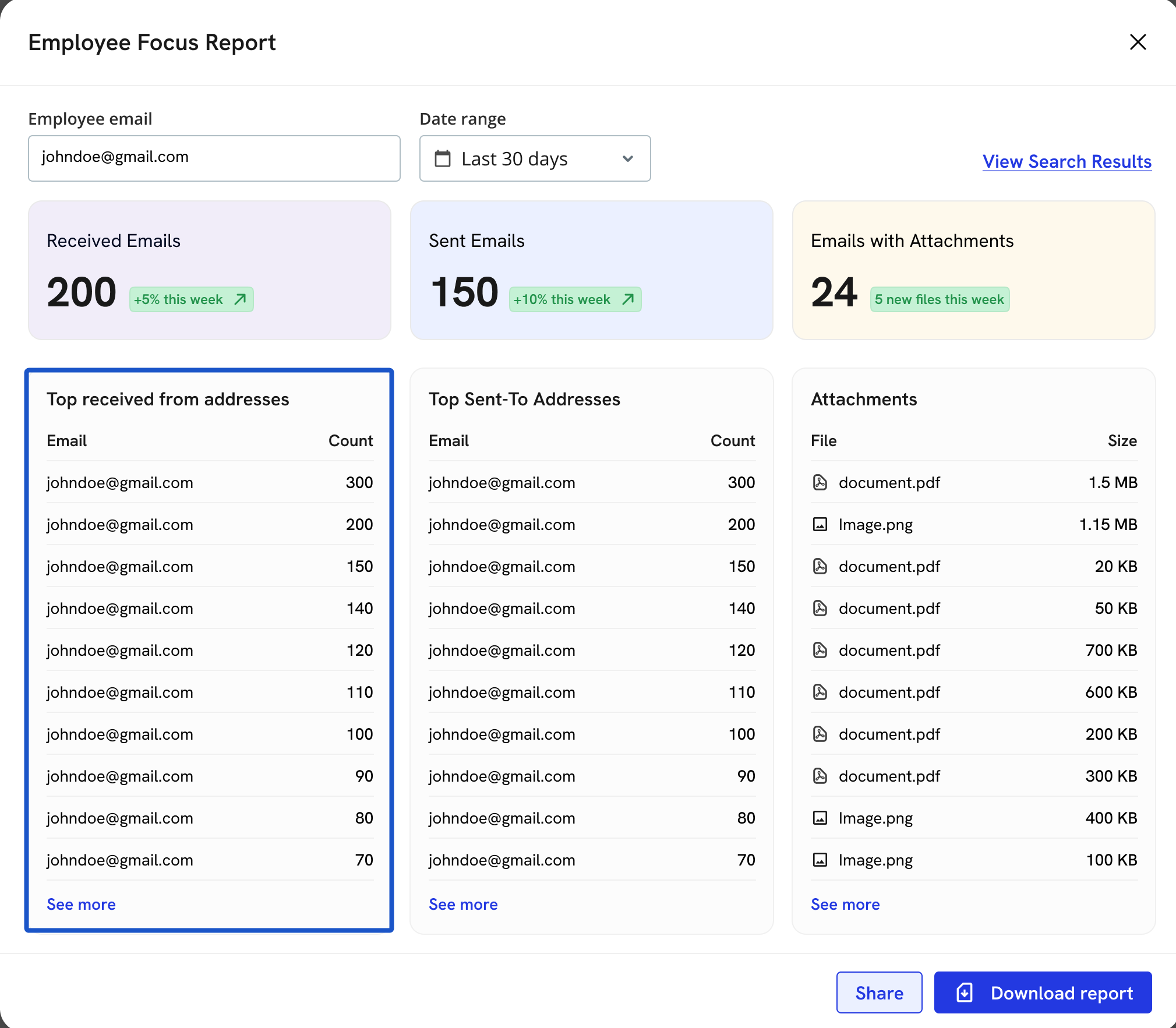
9. Top Received from Addresses
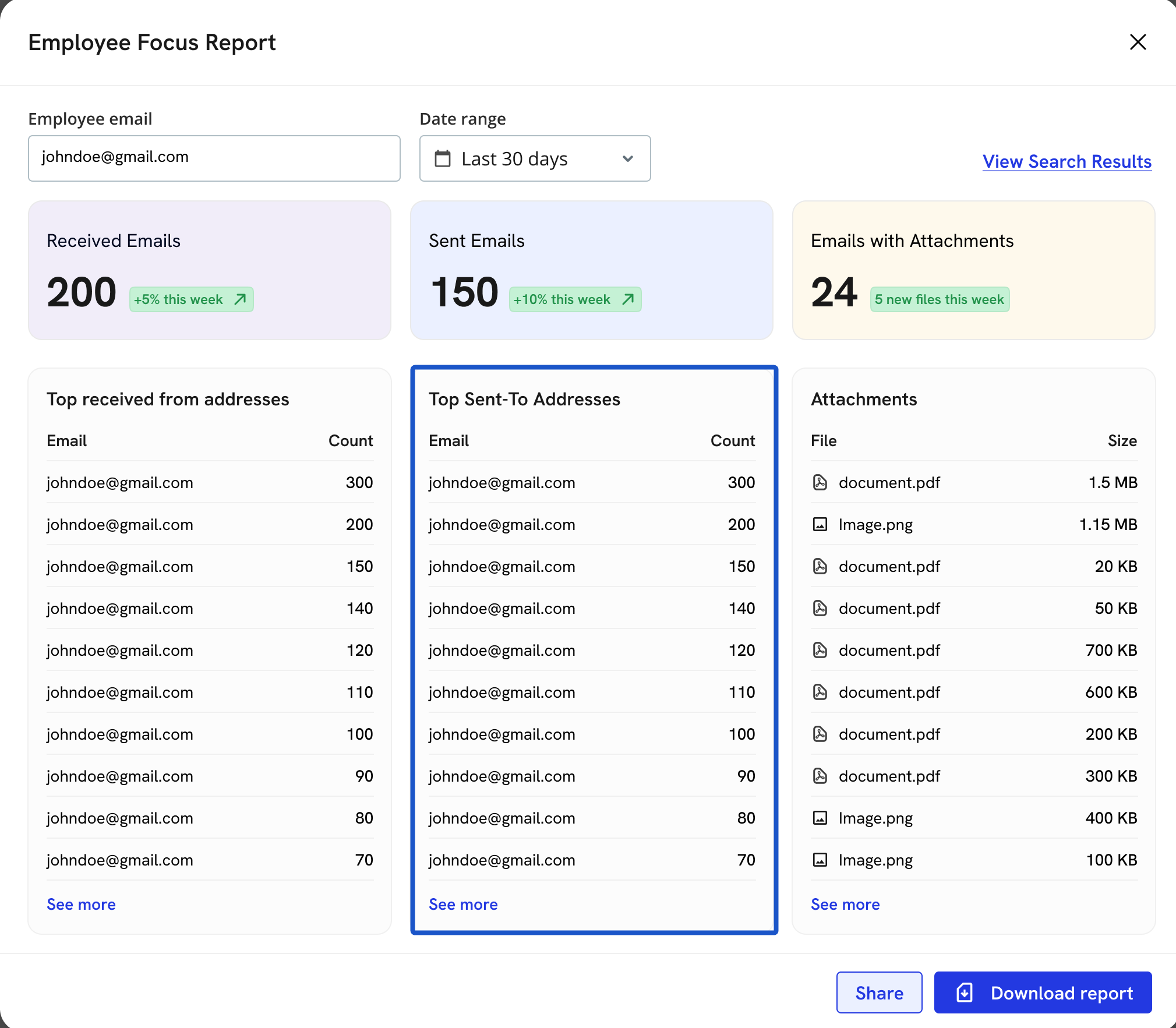
10. Top Sent to Addresses
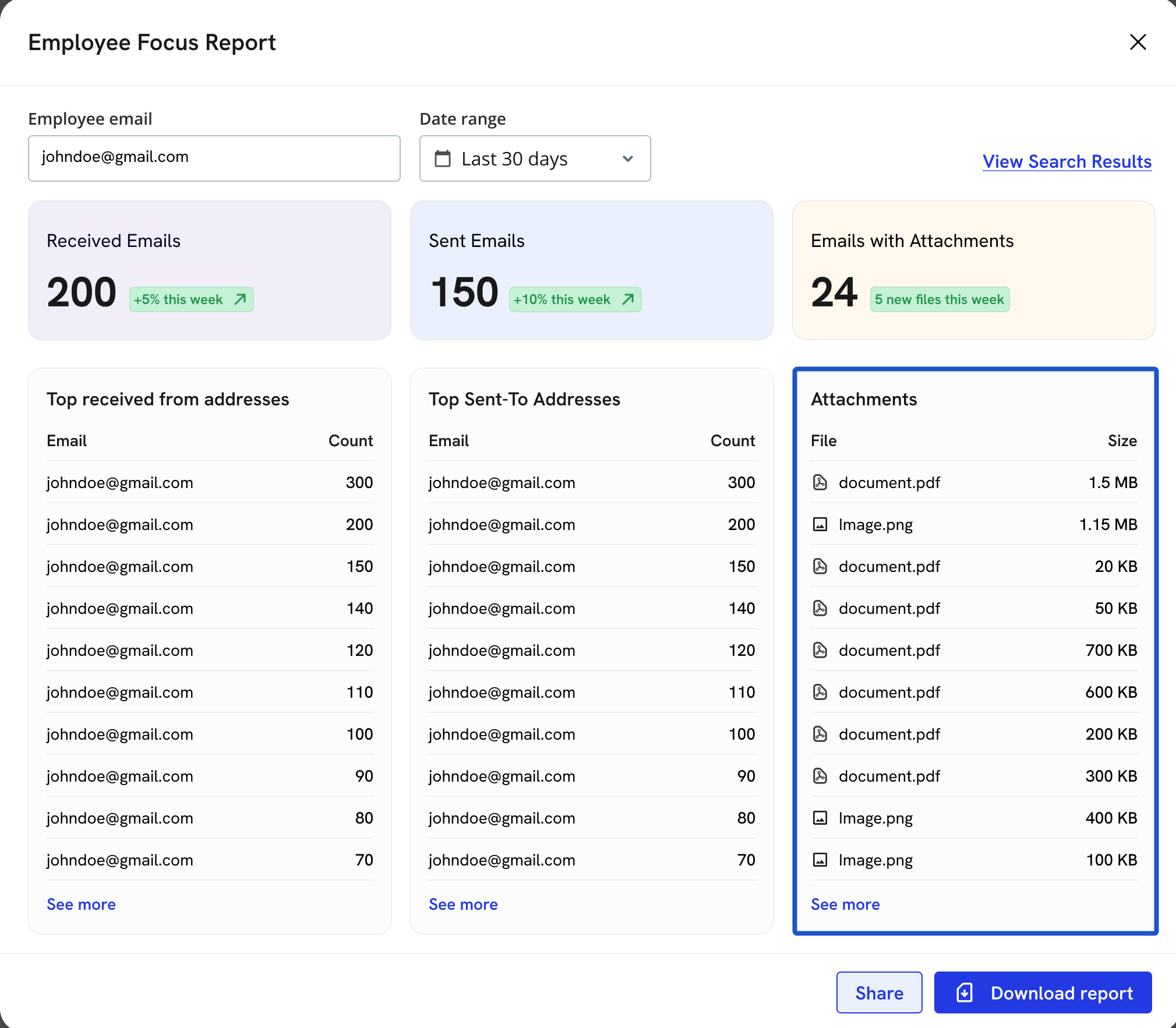
11. Attachment files
12. Click on Download Reports to download a PDF of this report
13. Click on View Search Results to view the emails mentioned in this report.
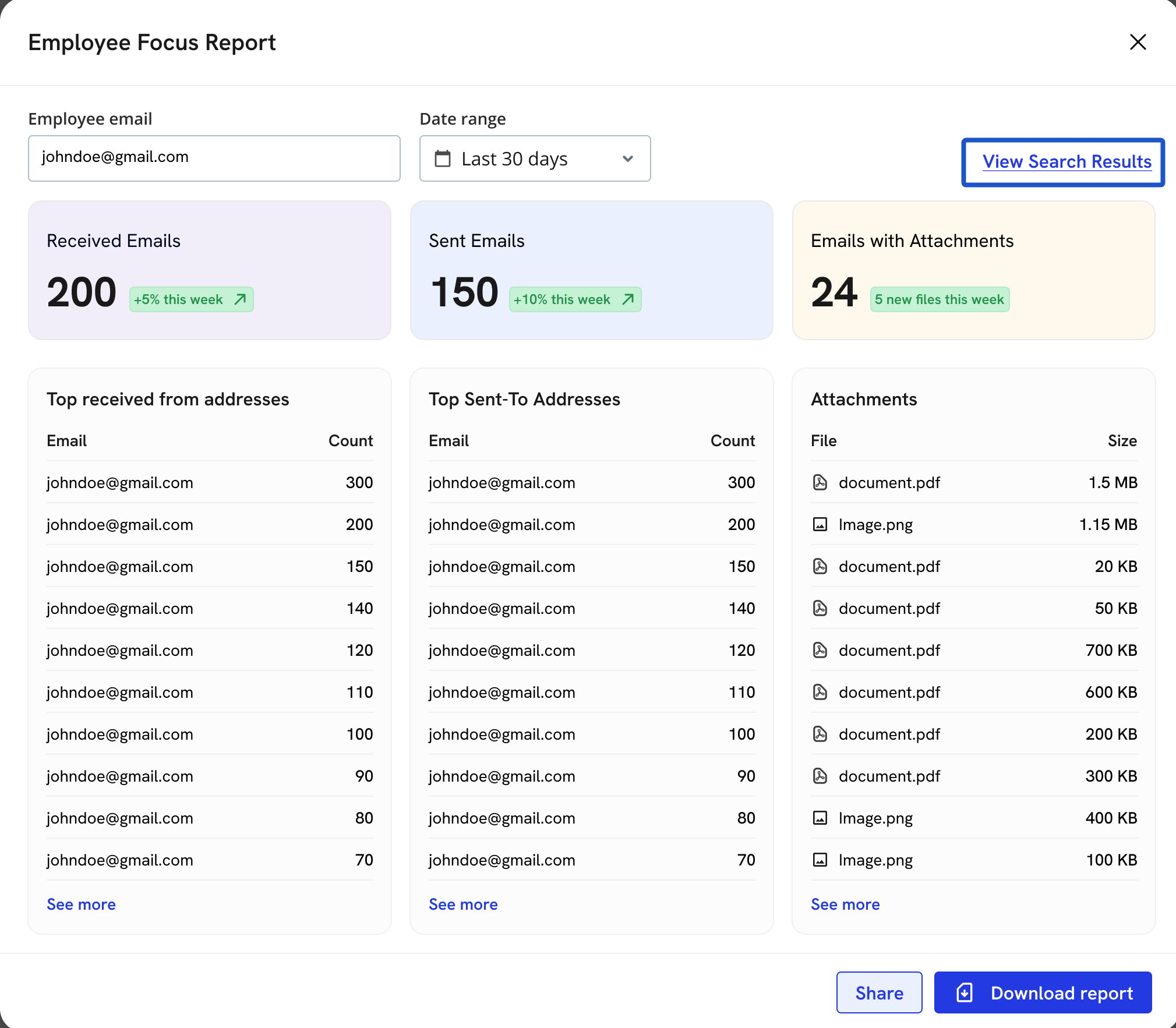
14. View results with emails mentioned in the report.