You can follow along here:
Or you can go at your own pace:
Accessing Partners User Emails on the Client Dashboard
Navigate between the Partners dashboard and the clients' accounts.
Creation Date: July 15, 2025 Created By: Muzammil Hasan View most recent version on Tango.us
# Org IQ
1. Go to Client Dashboard.
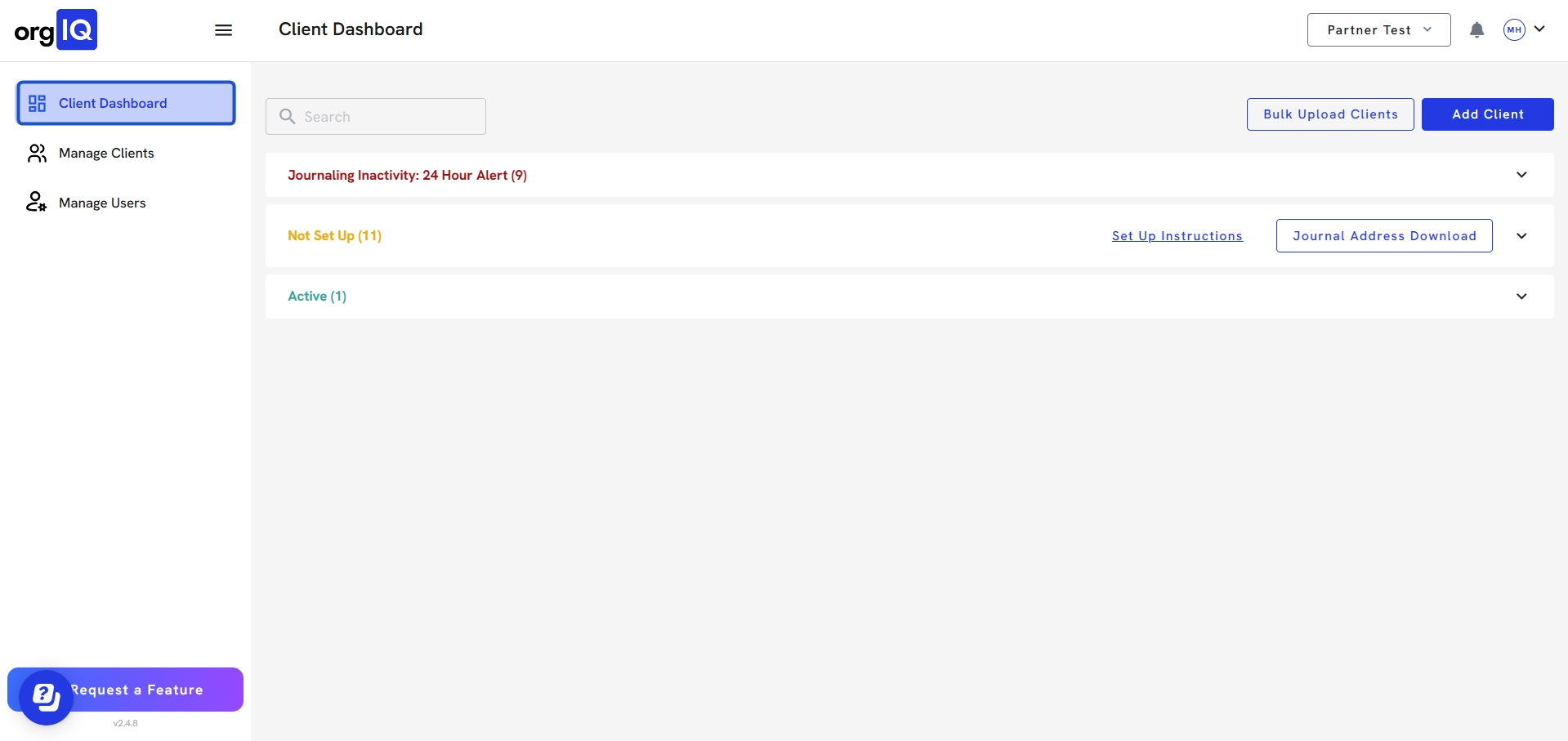
2. Click on Active list.
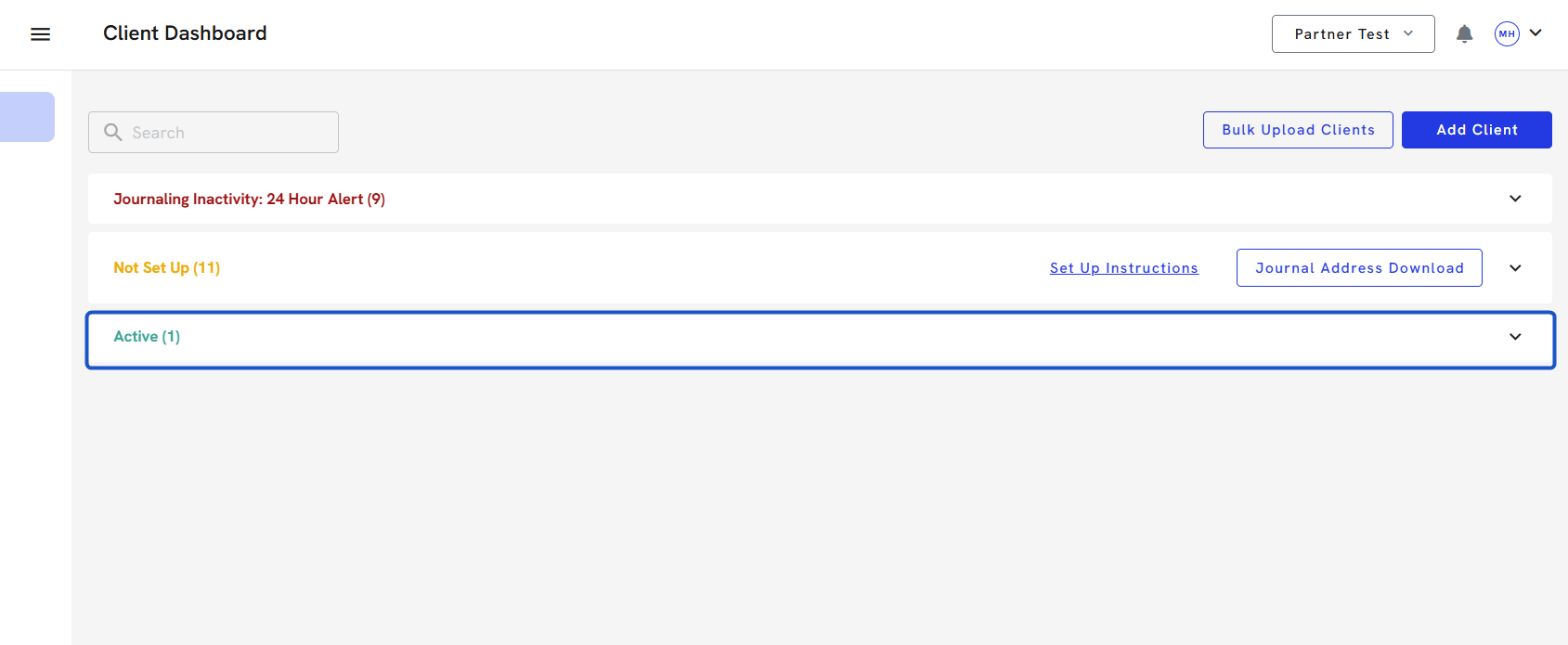
3. Click on a Client Name listed in any of the dashboard panels.
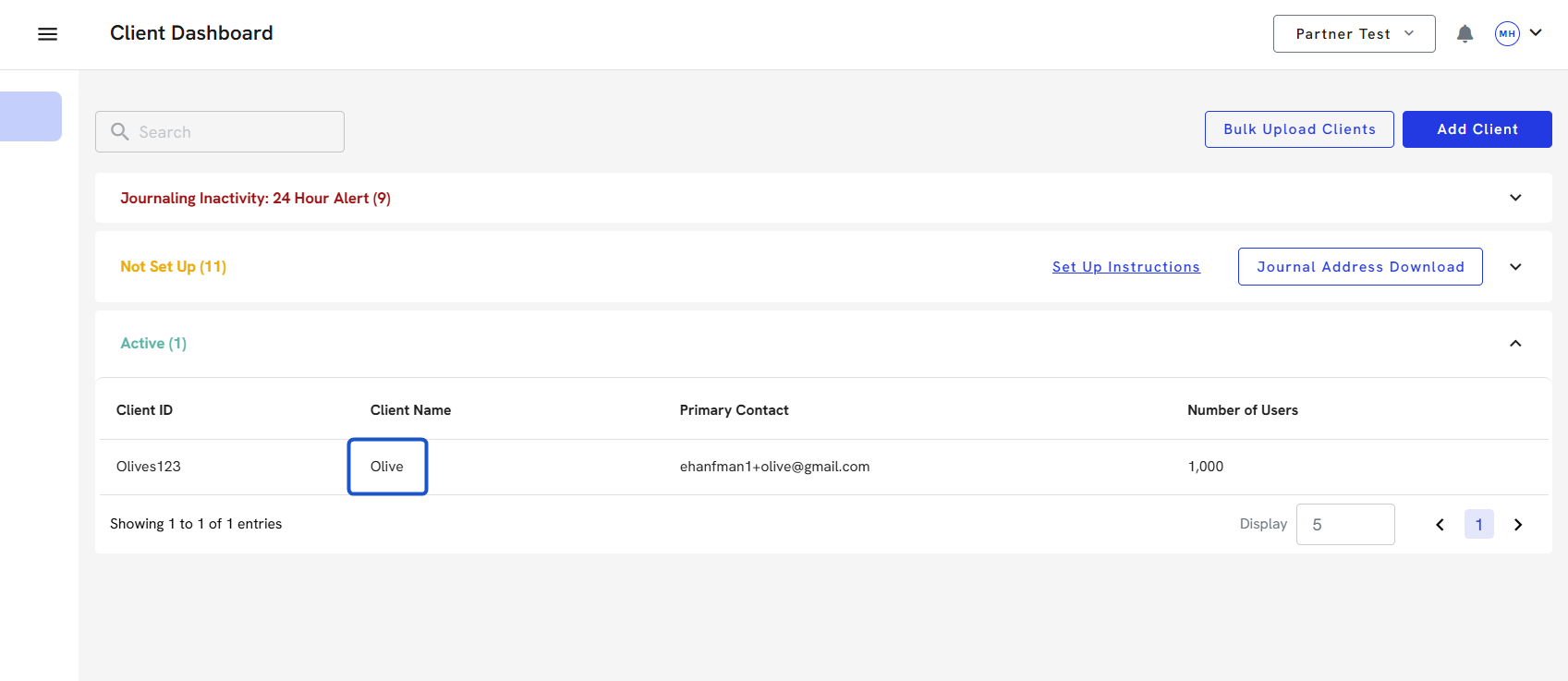
3. This will take you immediately to the client's Org IQ account.
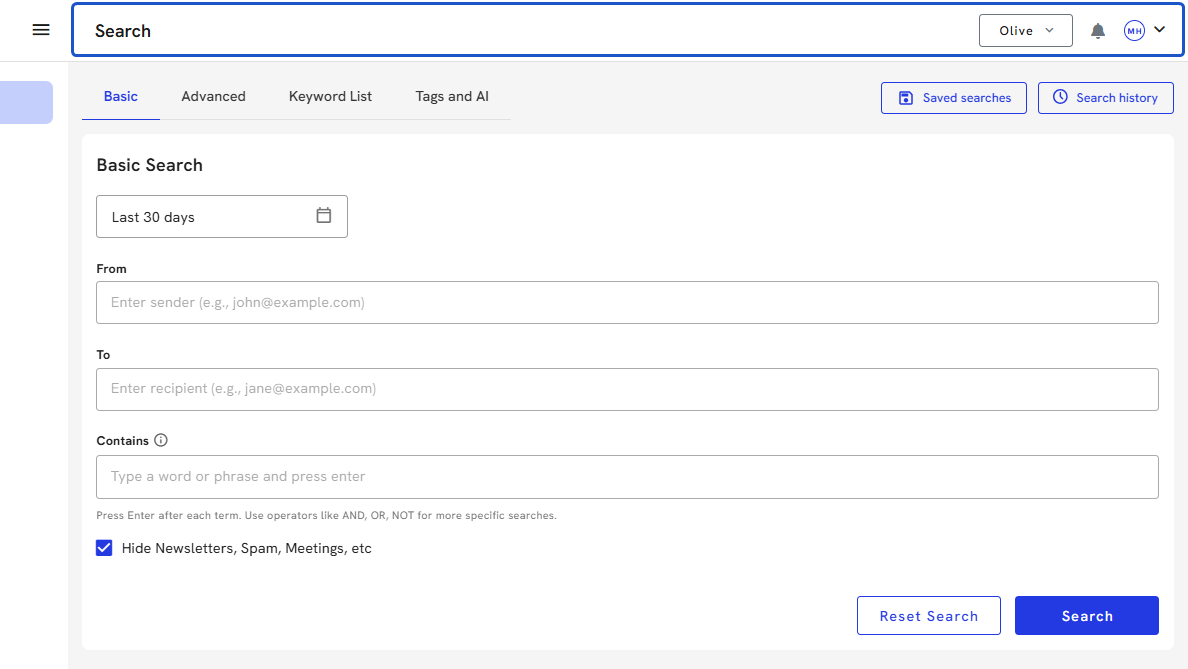
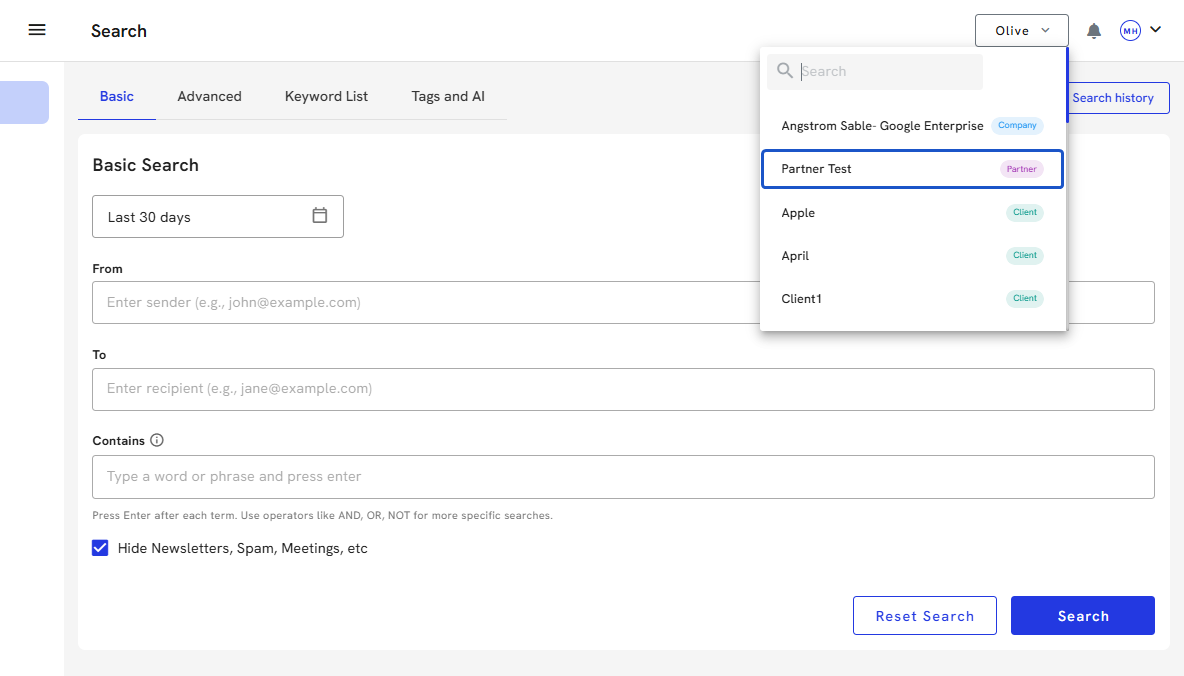
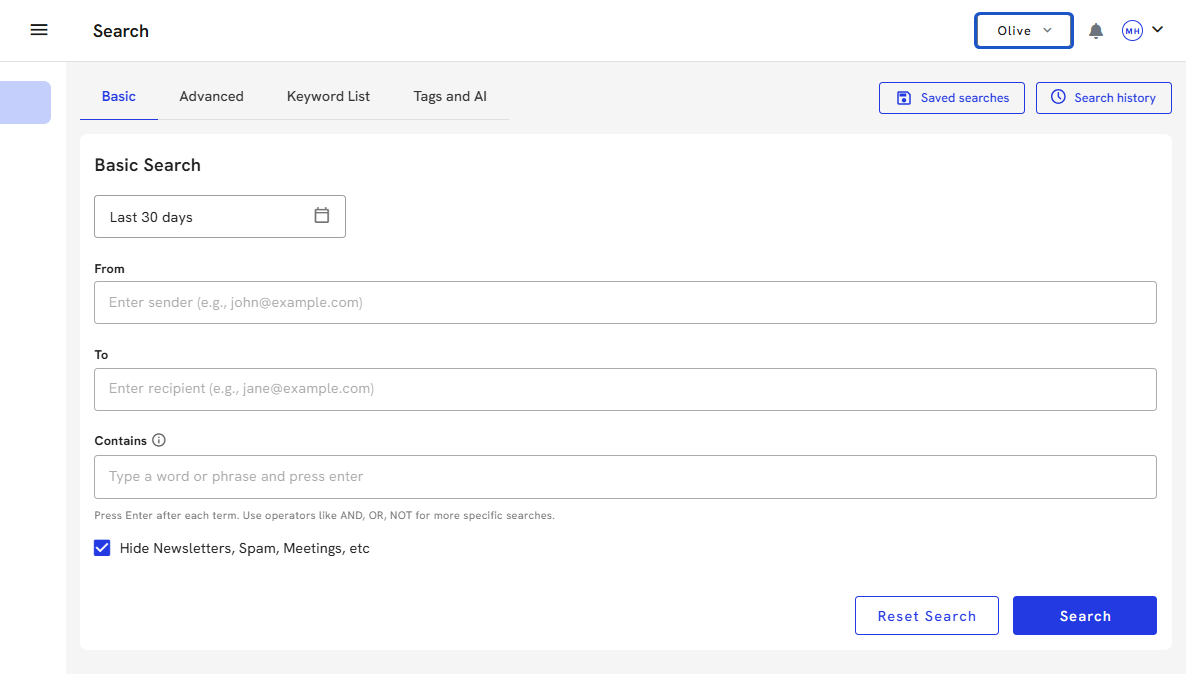
4. To navigate back to the Partners Dashboard or another client account, click on the Client name at the top of the screen.
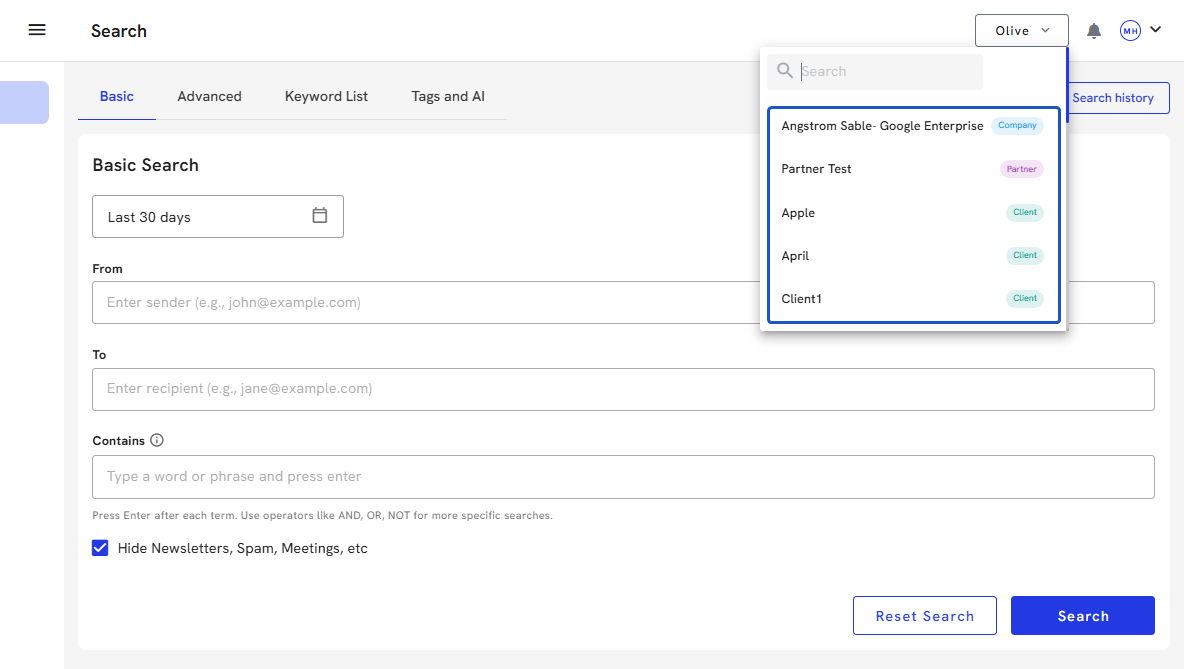
5. A drop-down will appear with a Search bar and a list of names.
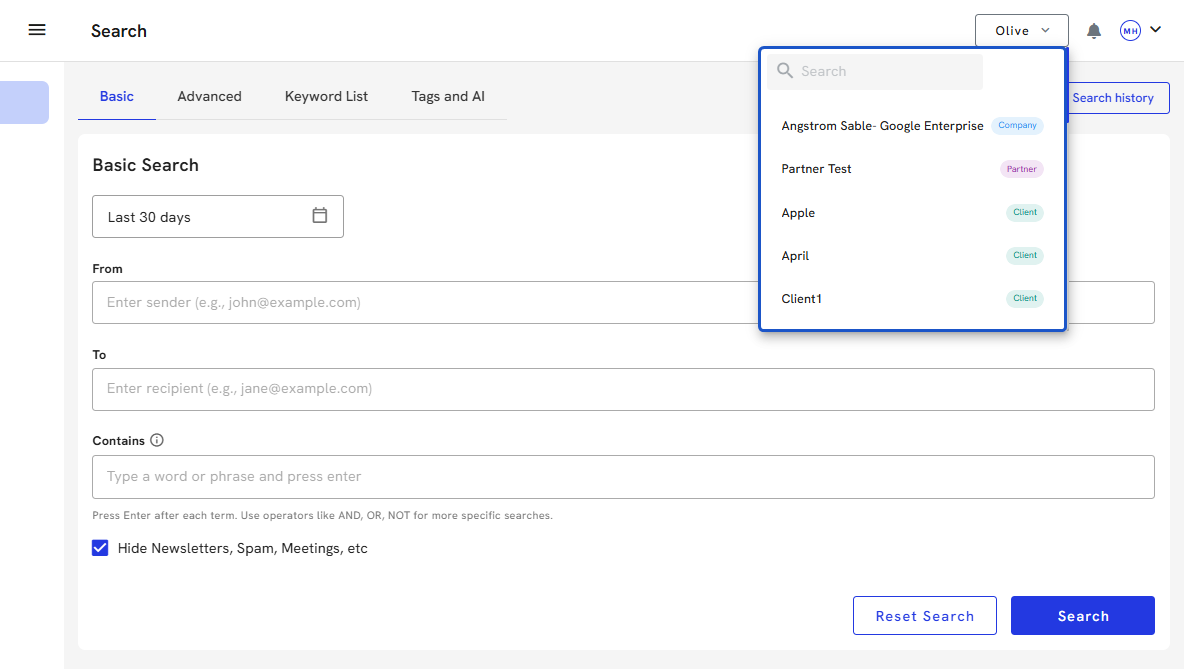
6. You can quickly search for a client's name in the search bar.
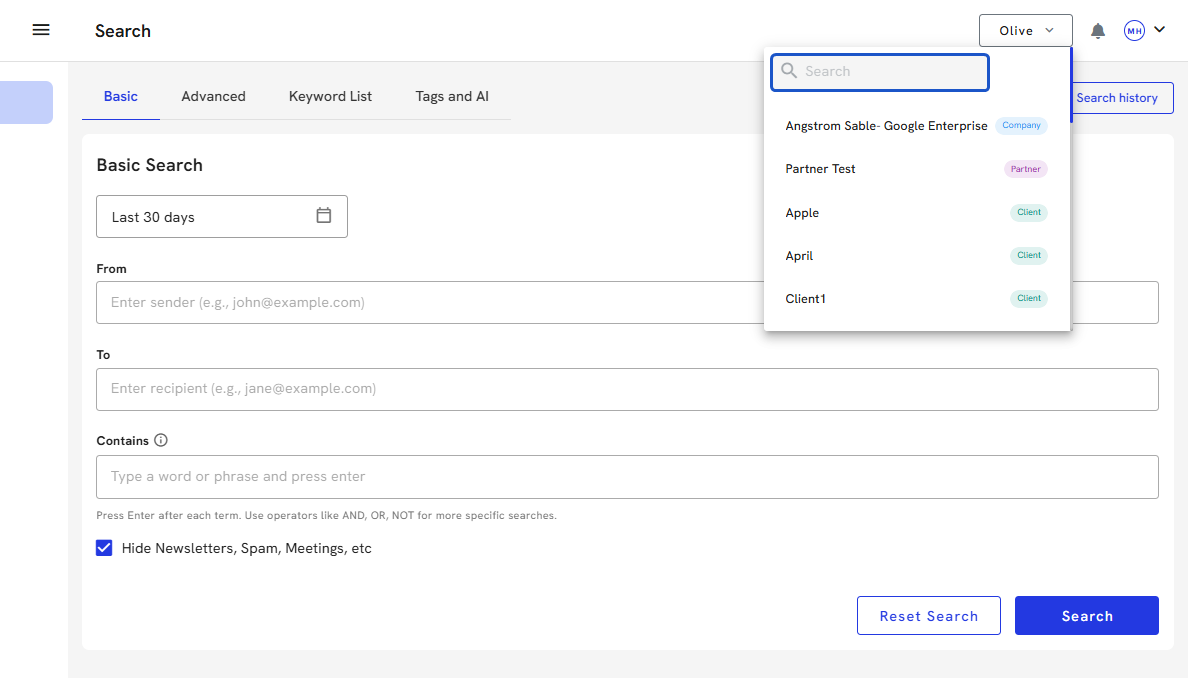
7. The Partners account will always be listed at the top, so you can return easily to the Dashboard.