You can follow along here:
Or you can go at your own pace:
Managing Email Imports in the Org IQ
Creation Date: July 16, 2025 Created By: Muzammil Hasan View most recent version on Tango.us
# Org IQ
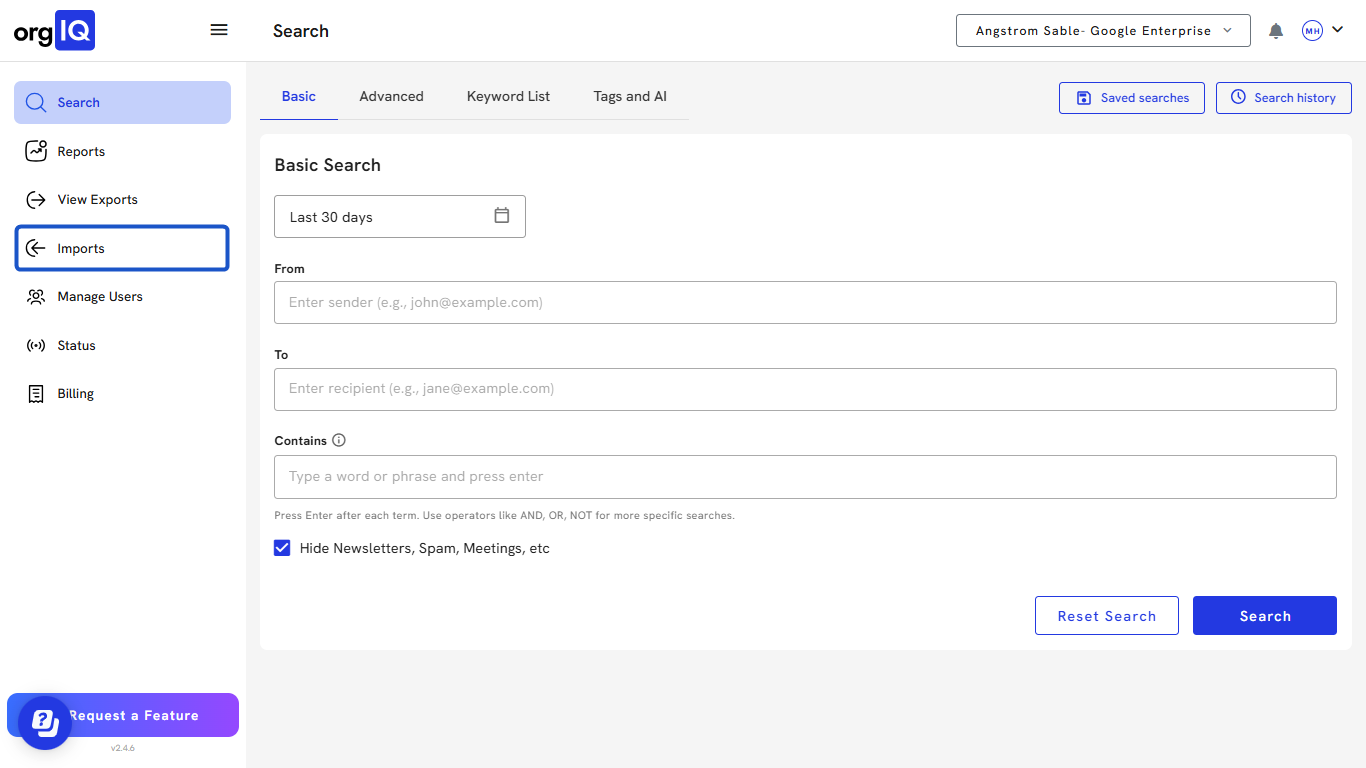
1. Click on Imports
2. The import page is separated into four sections: All imports.
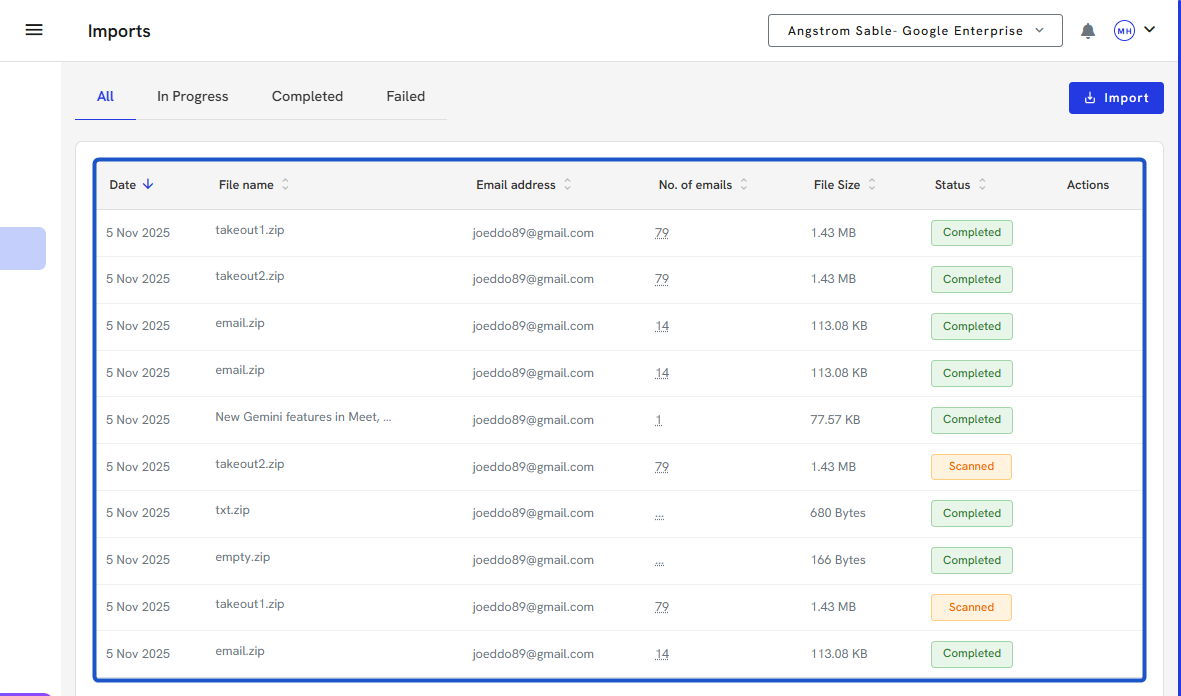
3. In Progress imports
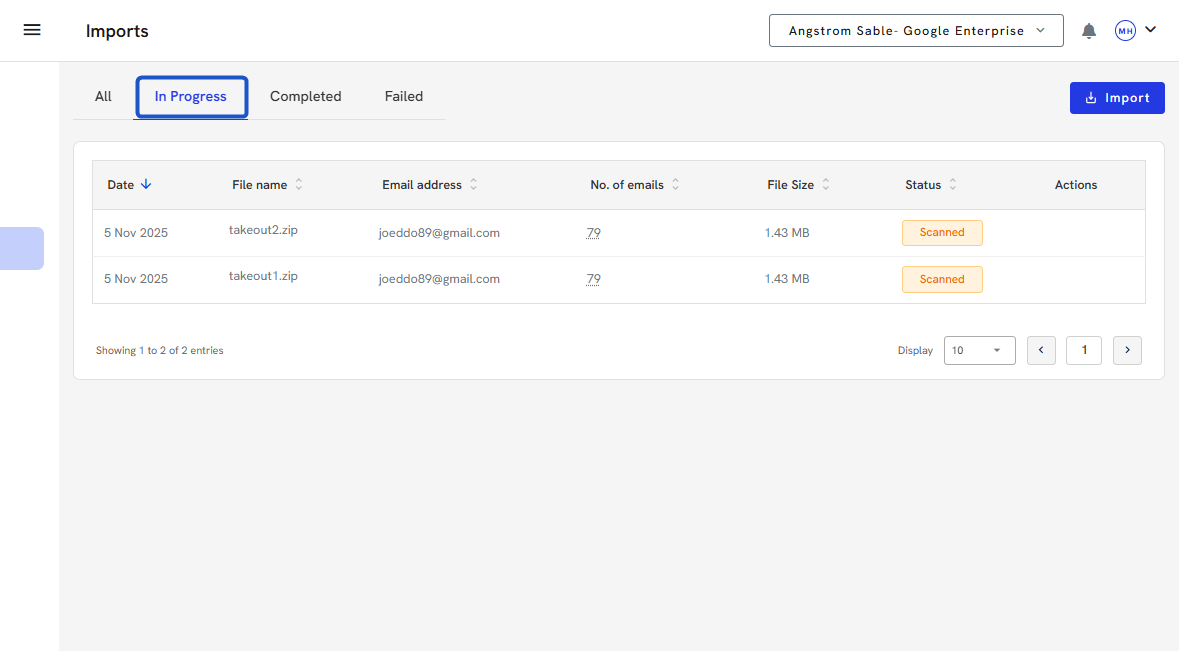
4. Completed Imports
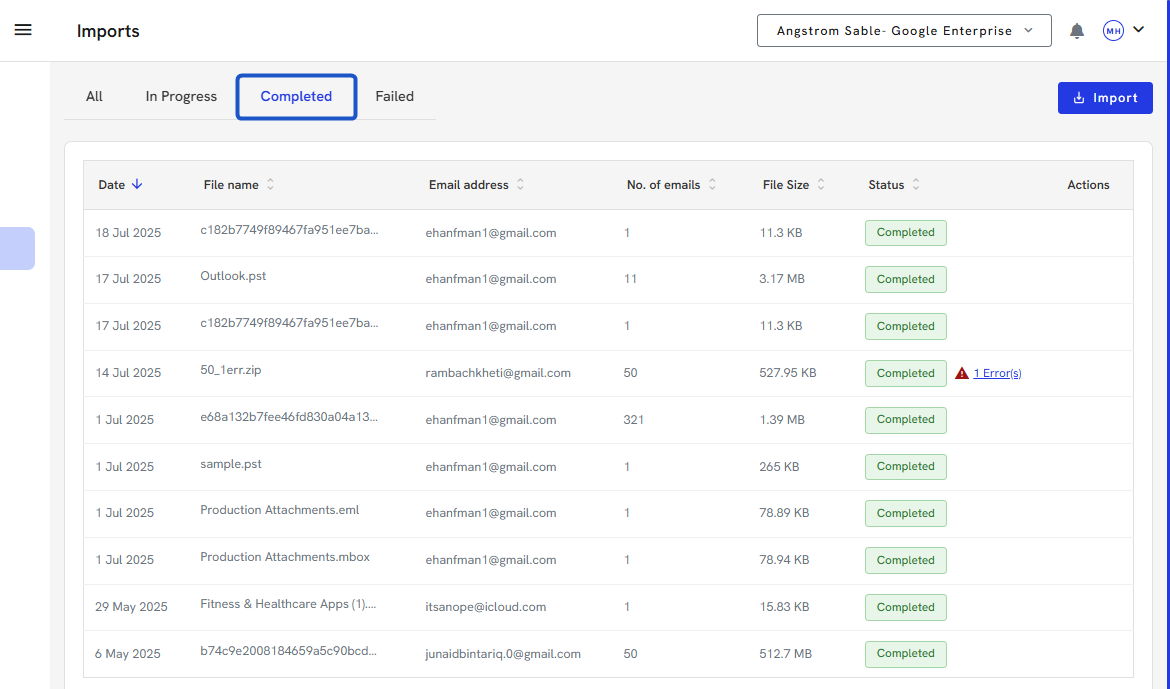
5. and Failed imports.
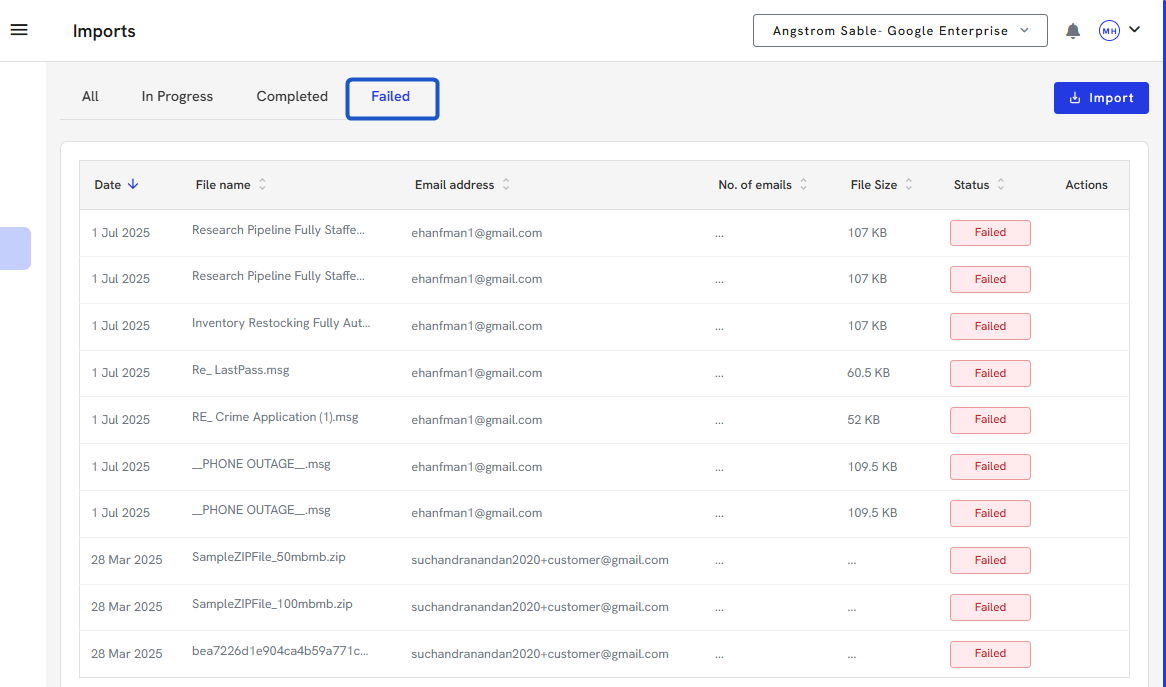
6. Click on Import
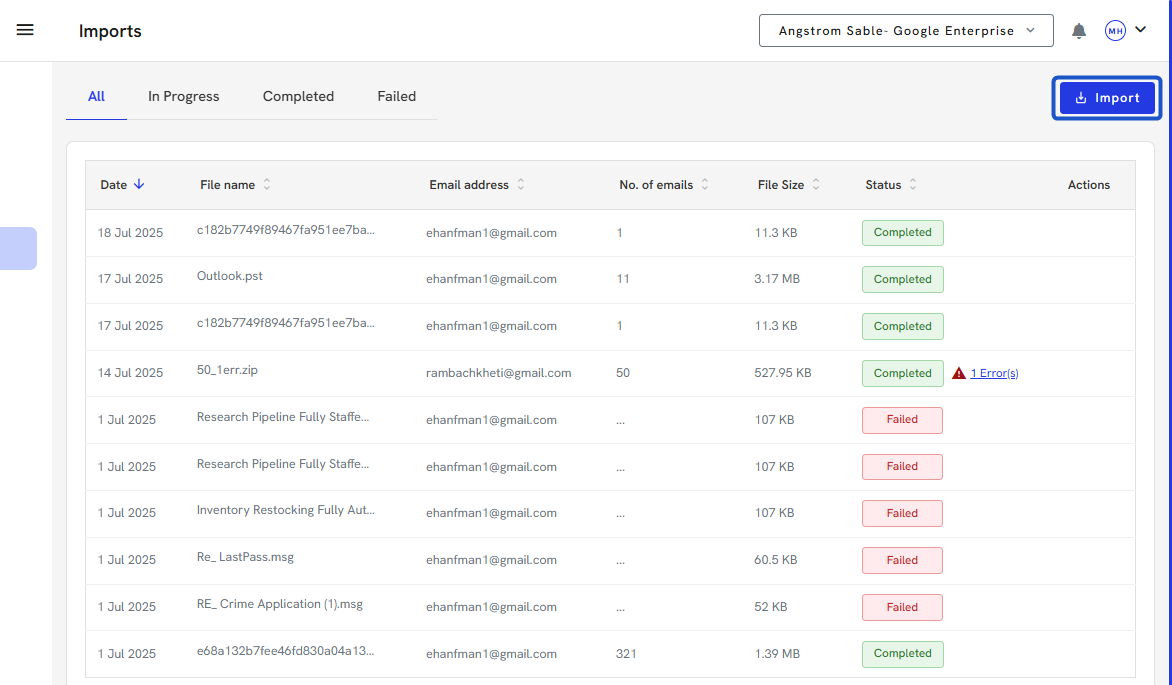
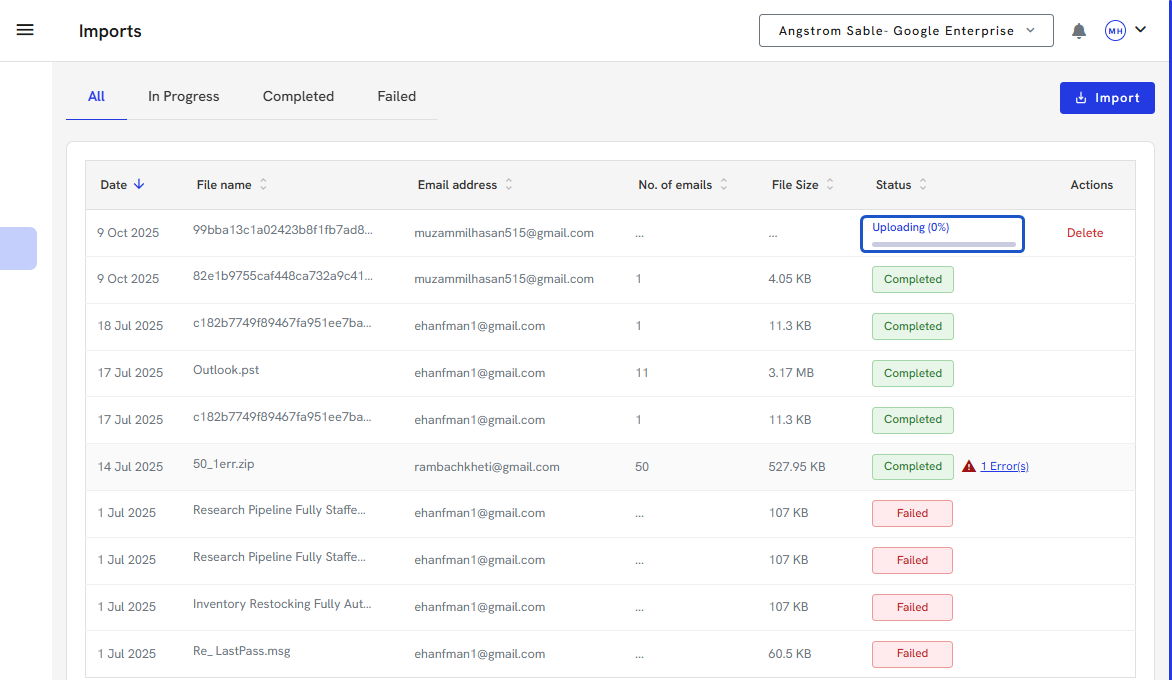
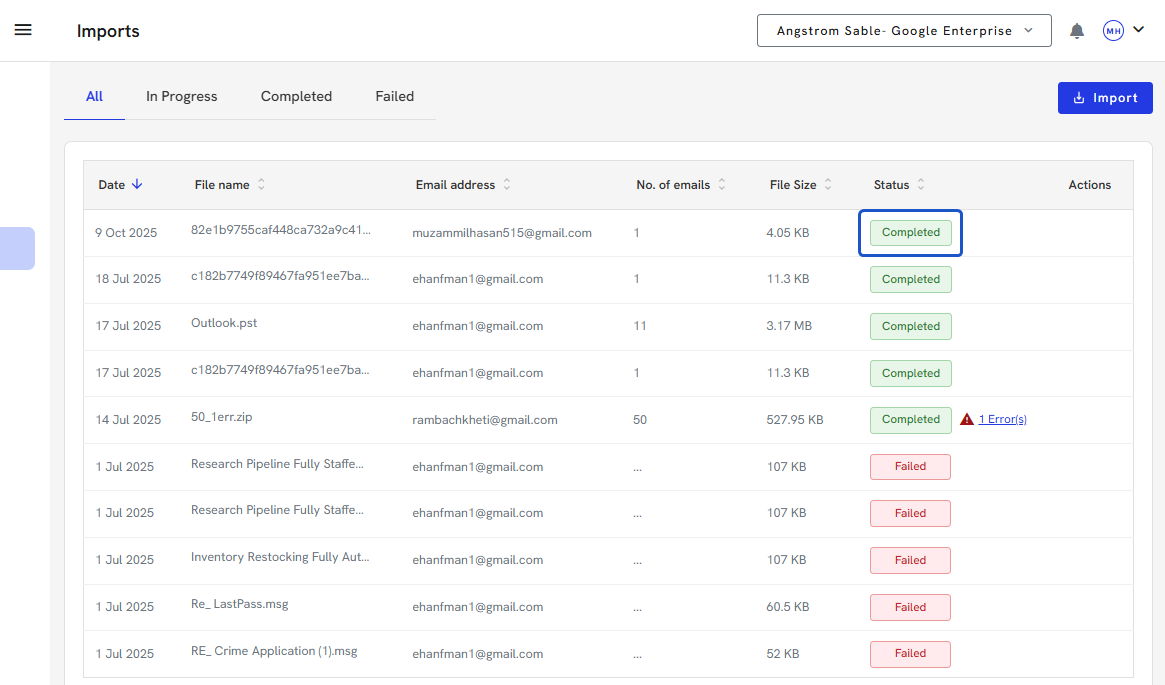
7. We currently support .eml, .zip, .pst, .msg and .mbox
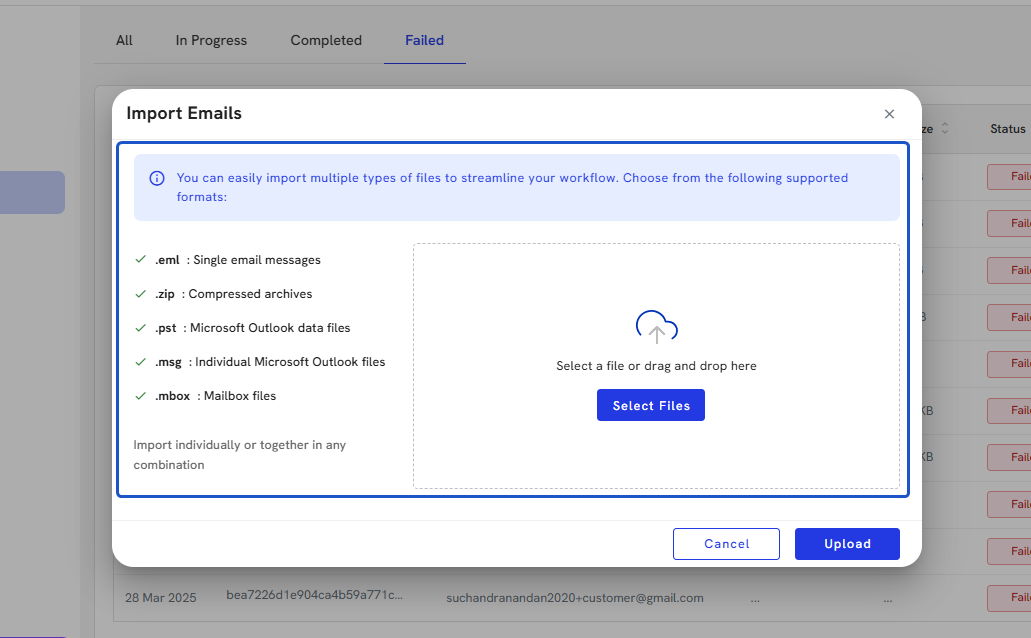
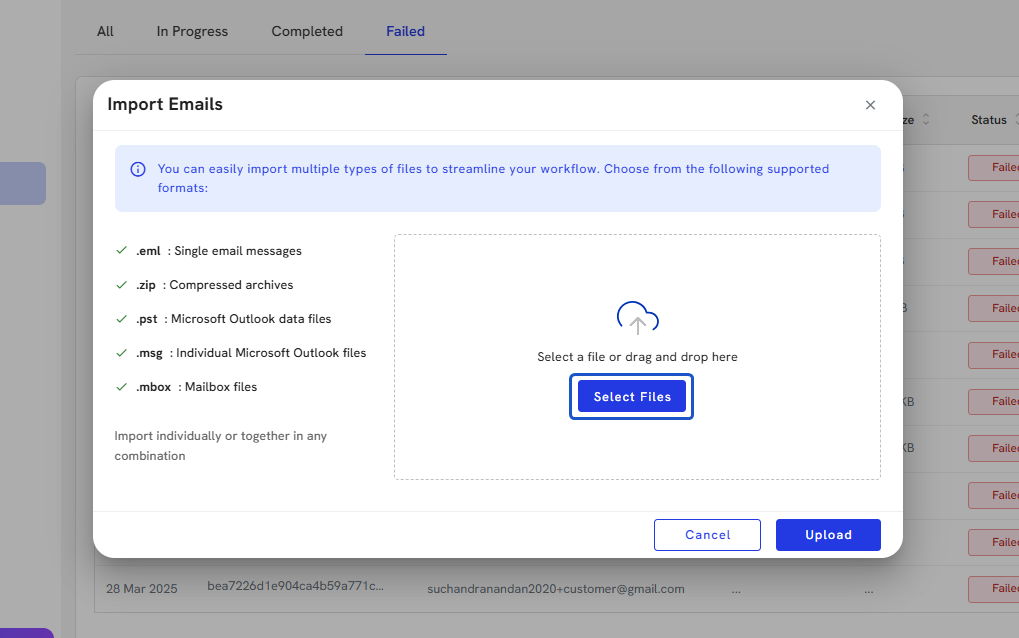
8. Click on Select Files or Drag and drop the files you wish to import
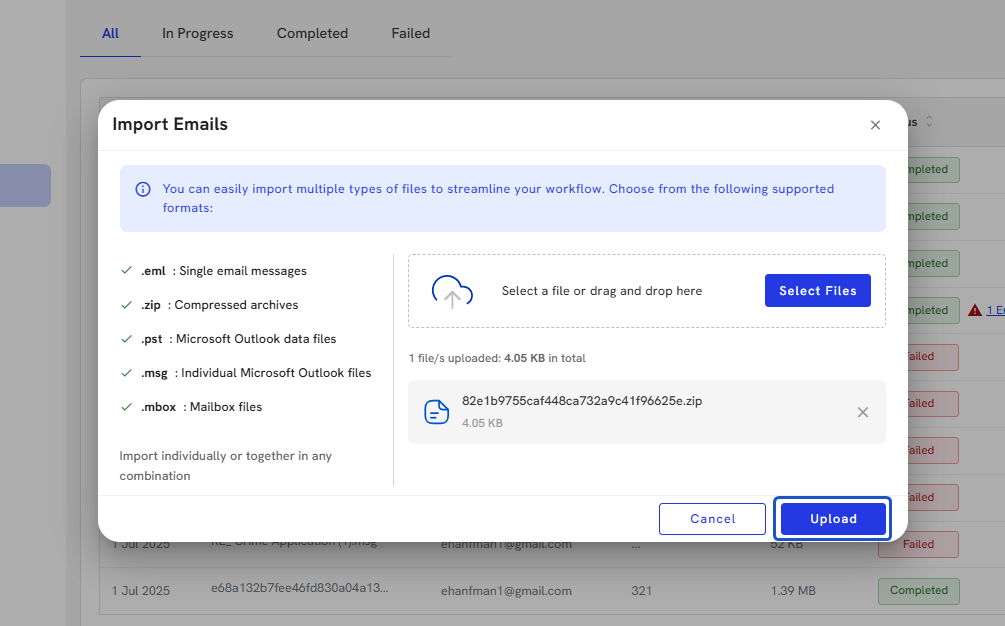
9. Click on Upload
10. Click on Close
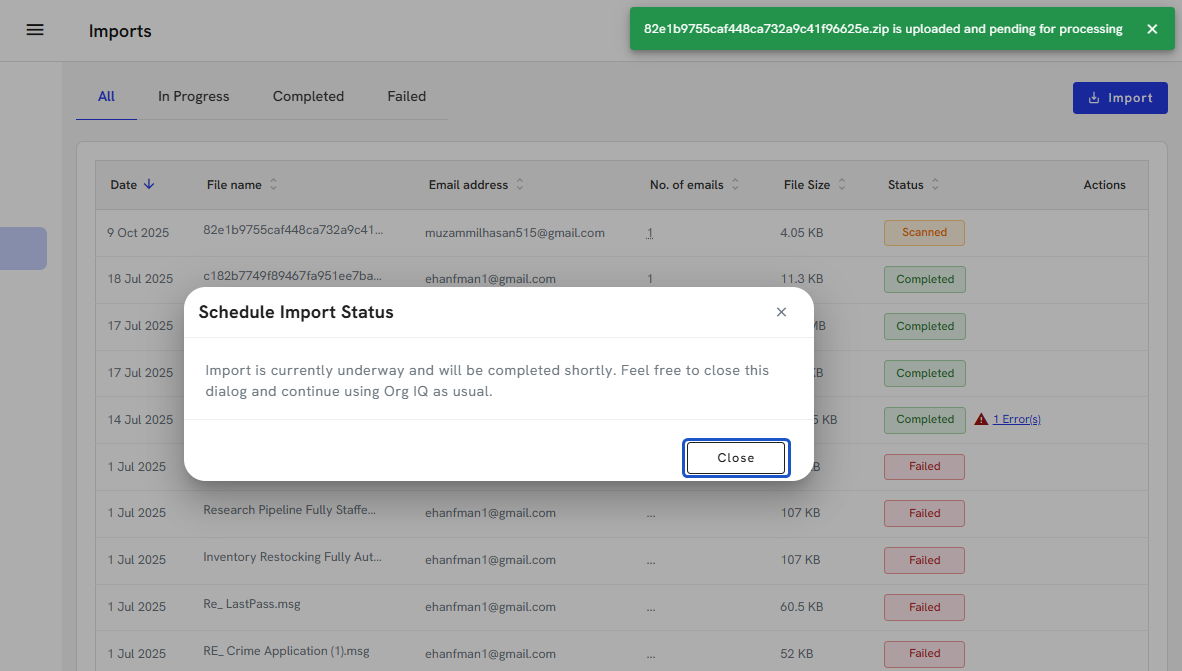
11. Your import will move to the Uploading status. At this time, you can continue to use Org IQ, but you cannot close your tab until the upload is over. Then the status updates to Importing.