You can follow along here:
Or go at your own pace:
Updating Your Organization Name
This article will guide you through updating your organization's name in Org IQ. Keeping your organization's details accurate ensures proper account management and visibility across Org IQ services.
Creation Date: August 22, 2025, Created By: Muzammil Hasan. View the most recent version
1. Log in to your Org IQ account.
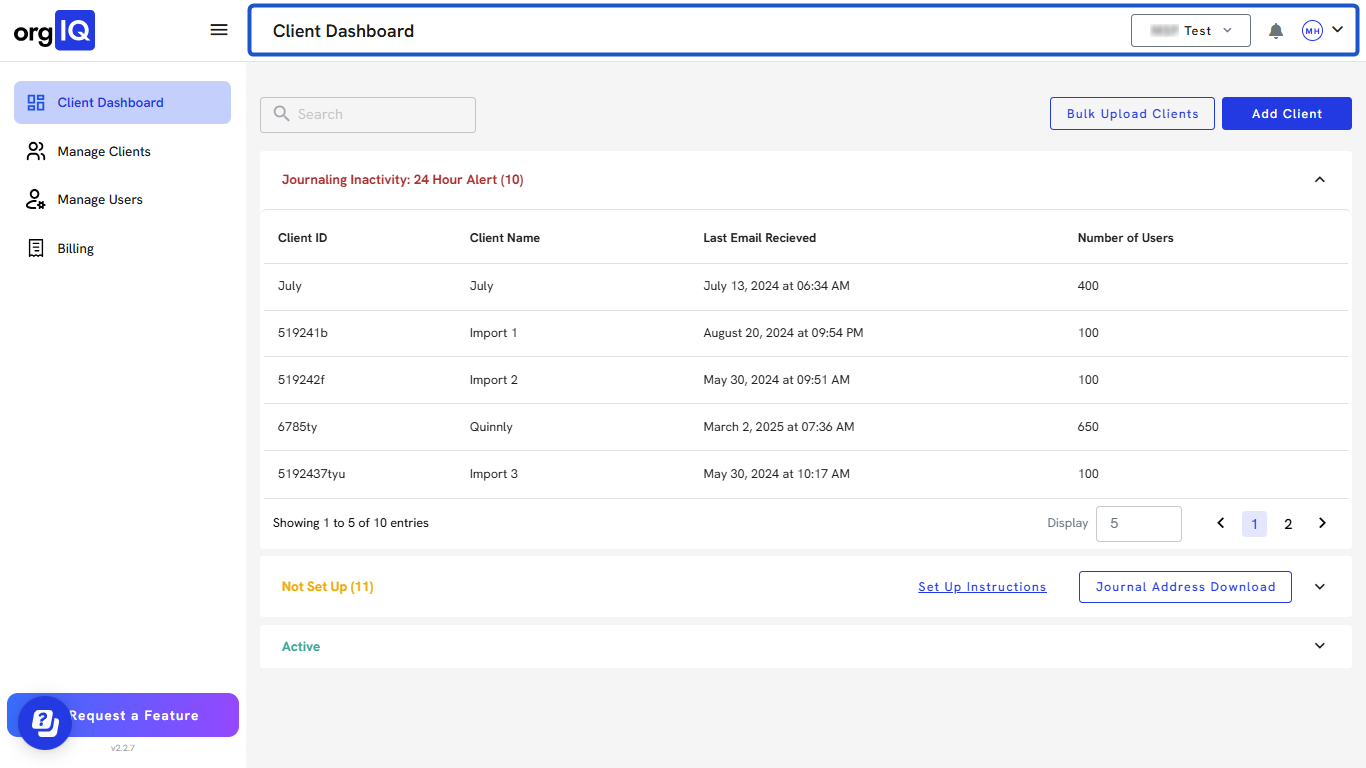
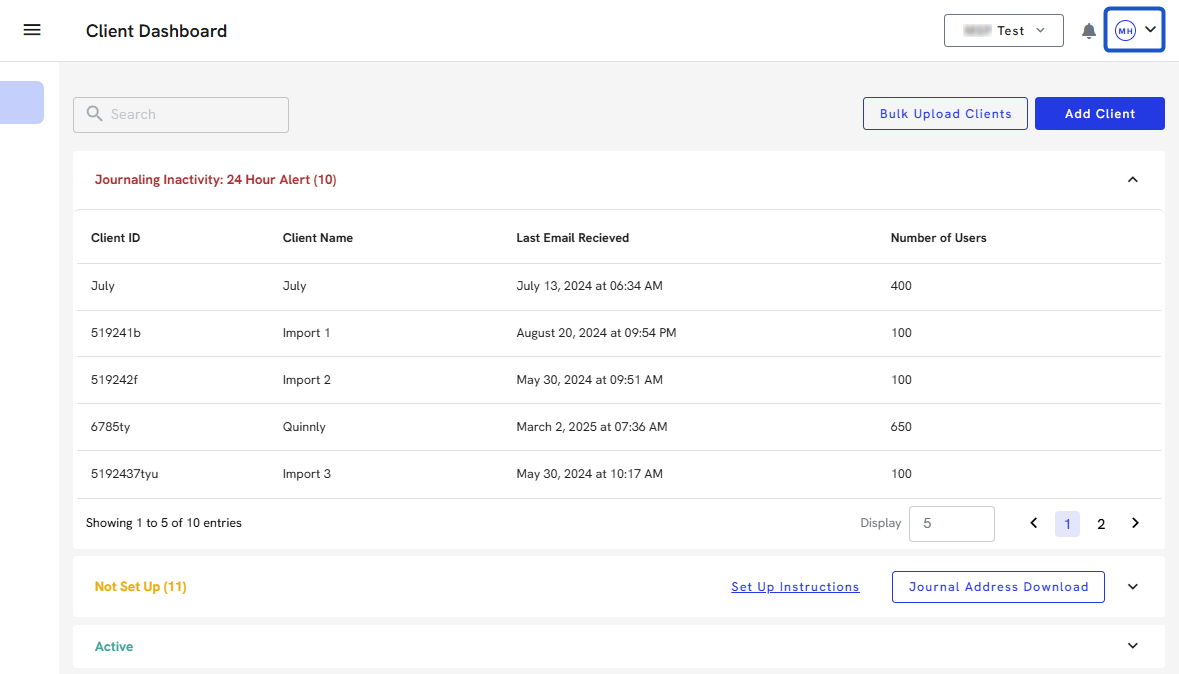
2. In the left-hand menu, click the Profile icon.
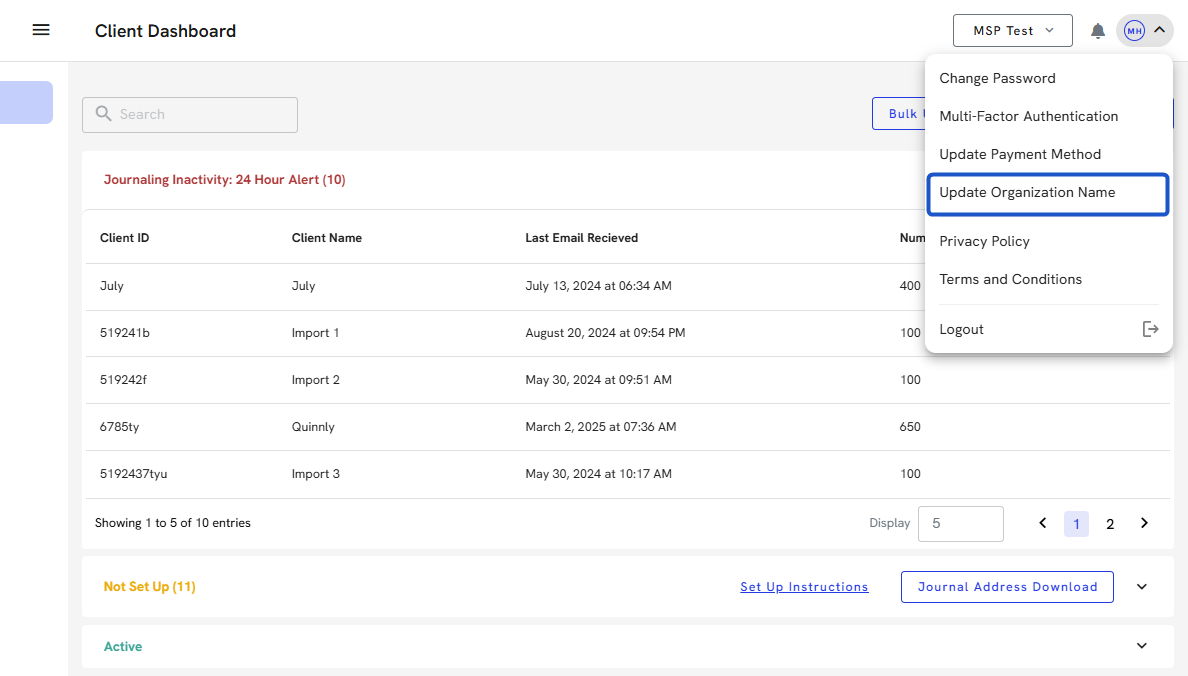
3. Select the Update Organization Name option.
4. An Update Organization modal window will open.
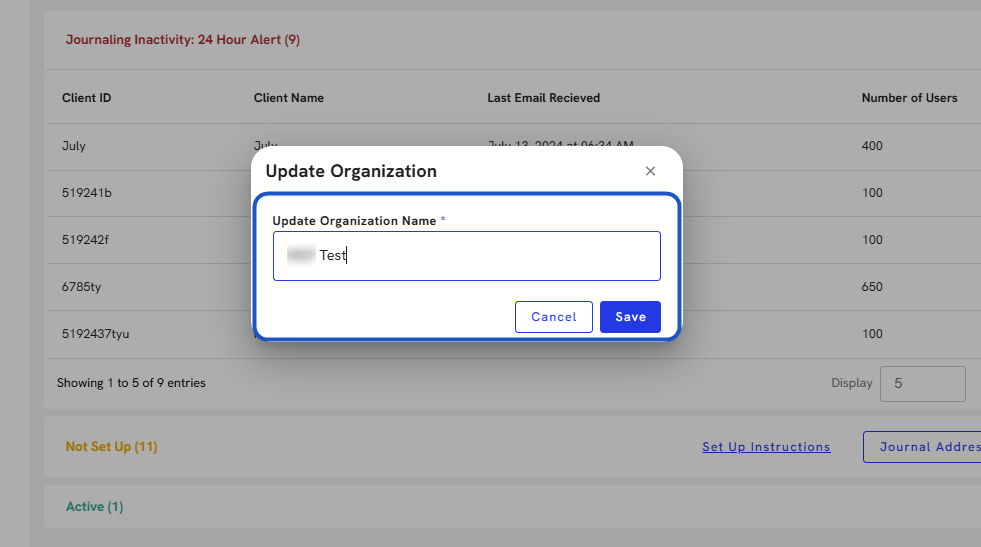
5. Enter your updated Organization Name.
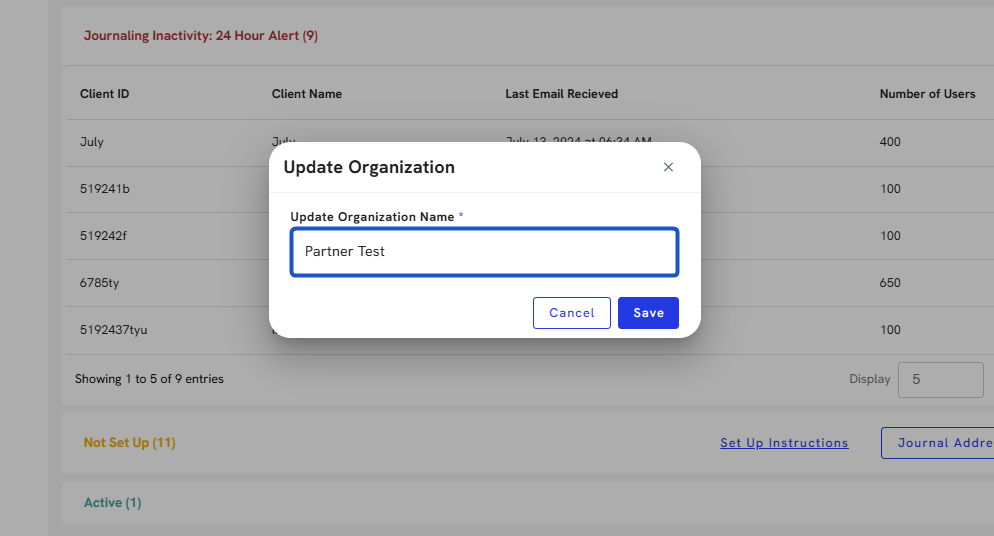
6. Click Save to apply the changes.
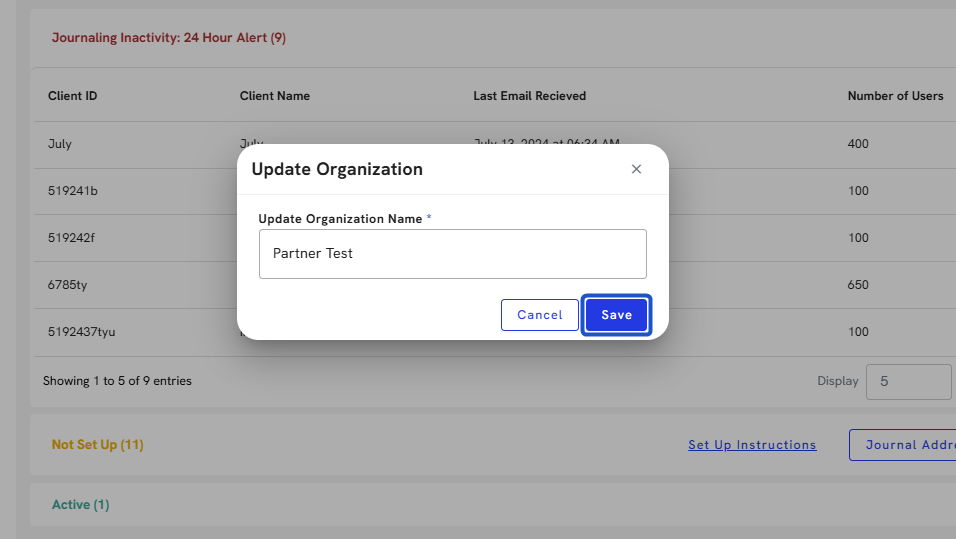
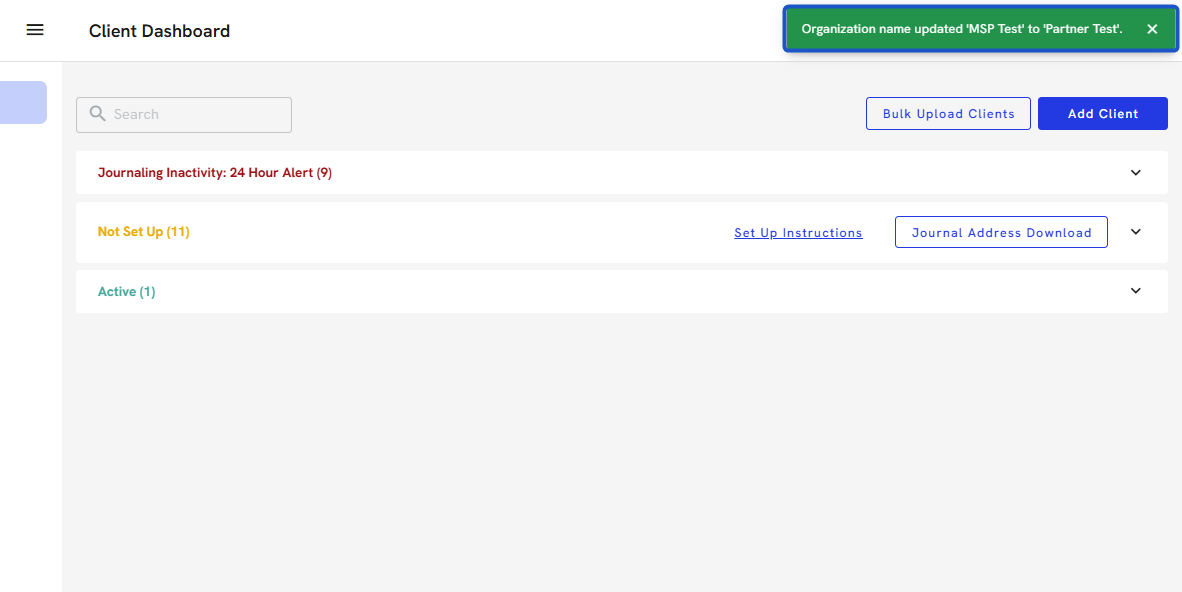
7. A success message will confirm that your organization's name has been updated.