You can follow along here:
Or go at your own pace here:
Setting up Multi-Factor Authentication and Resetting Recovery Codes
Creation Date: July 3, 2023 Created By: Elizabeth Hanfman View most recent version
# Org IQ - Our email journaling solution grants you security, compliance, and peace of mind.
1. Go to app.orgiq.com
2. Click on Account profile.
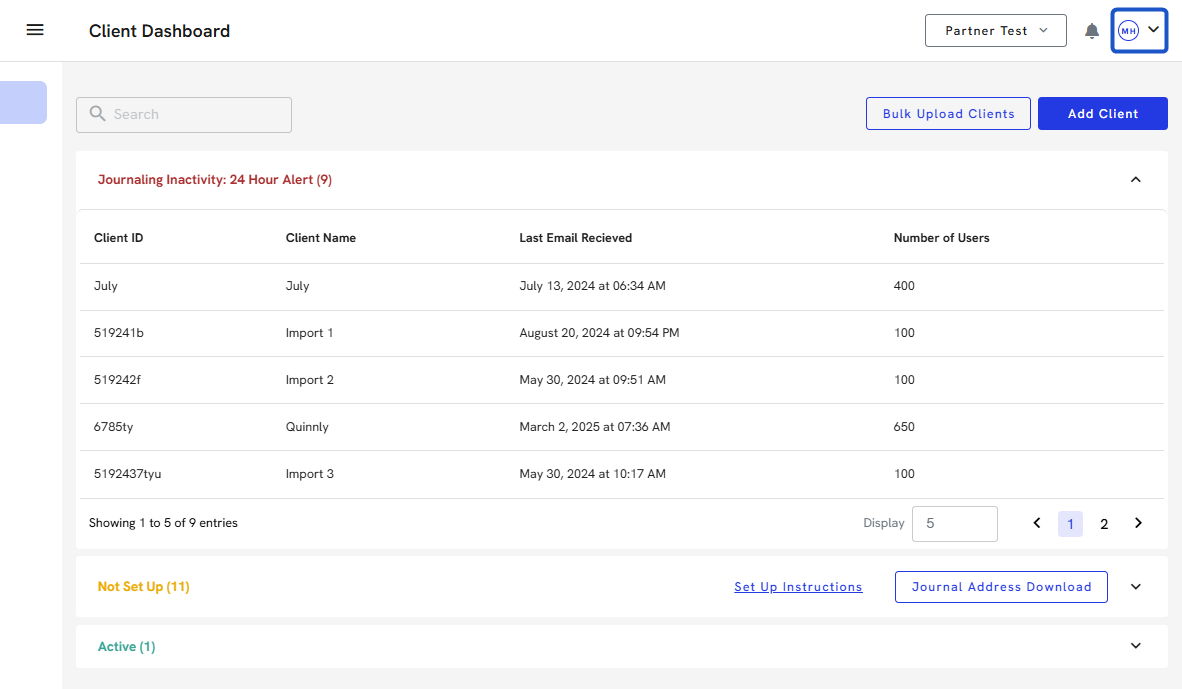
3. Select the Multi-Factor Authentication option.
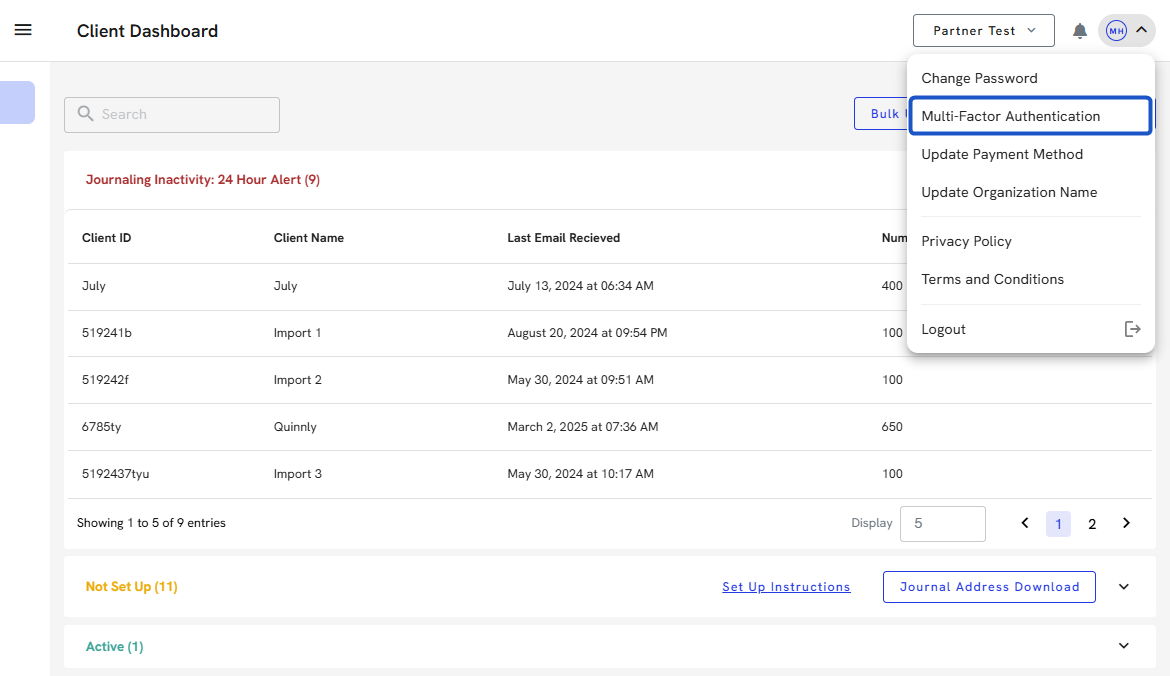
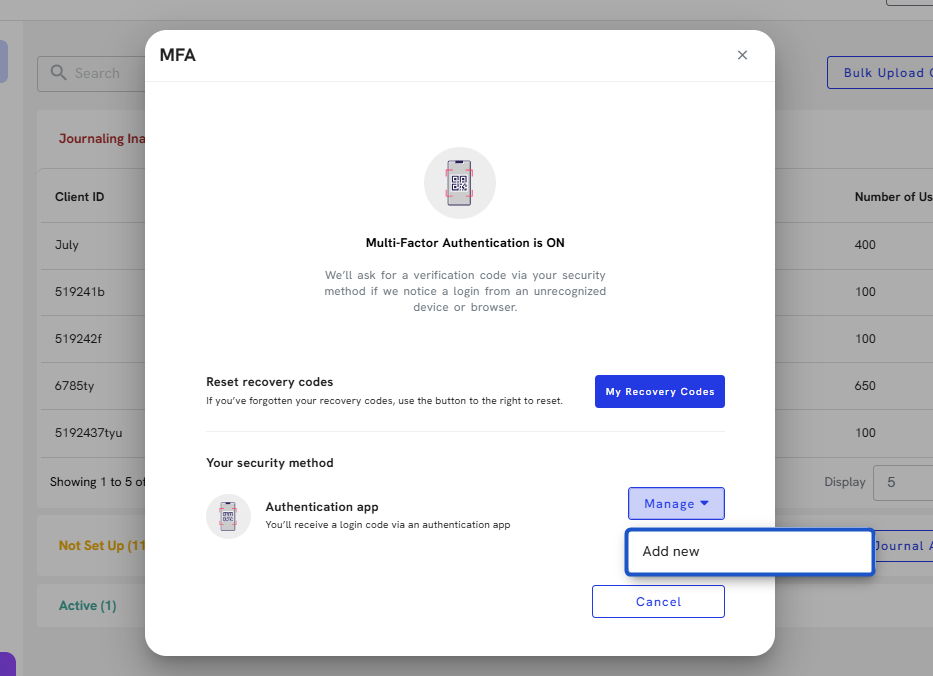
4. Click on the Manage option.
Note: Click on the Recommended option for first-time setup.
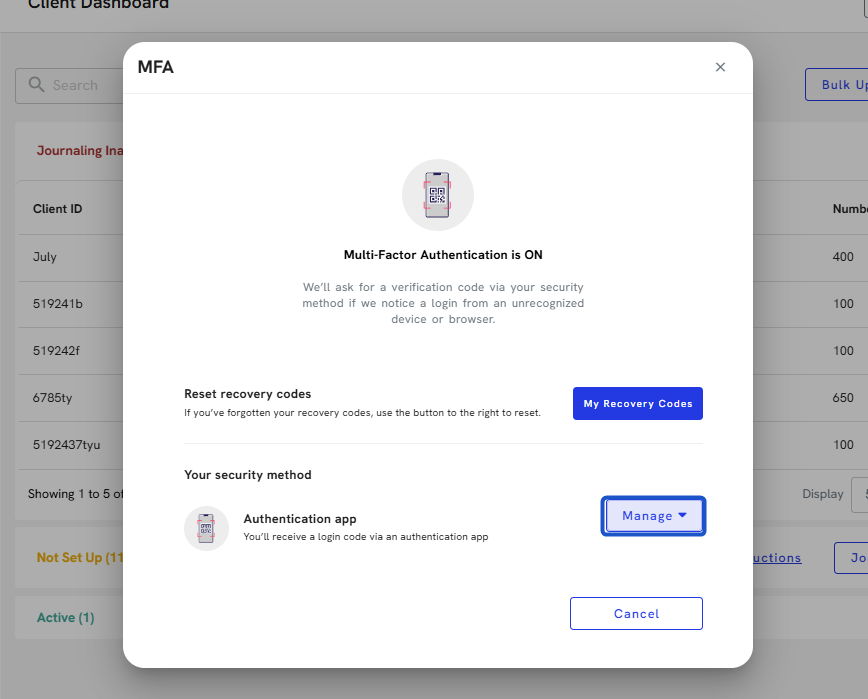
5. Click on Add new
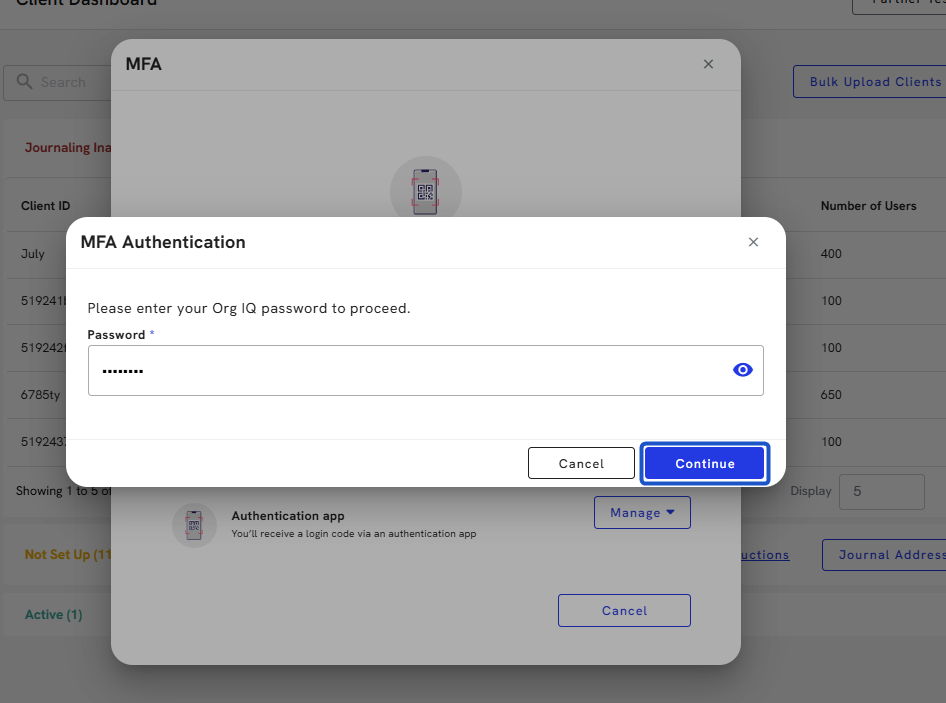
6. Type the password and Continue
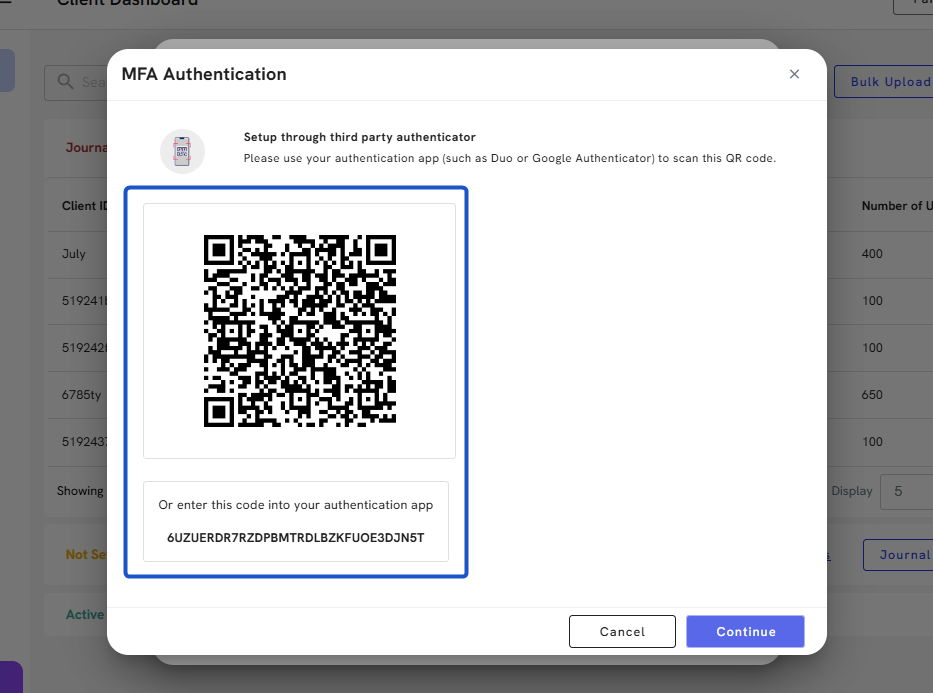
7. Using your phone, download an authentication app, like Google Authenticator, and scan the QR code or enter the unique code provided.
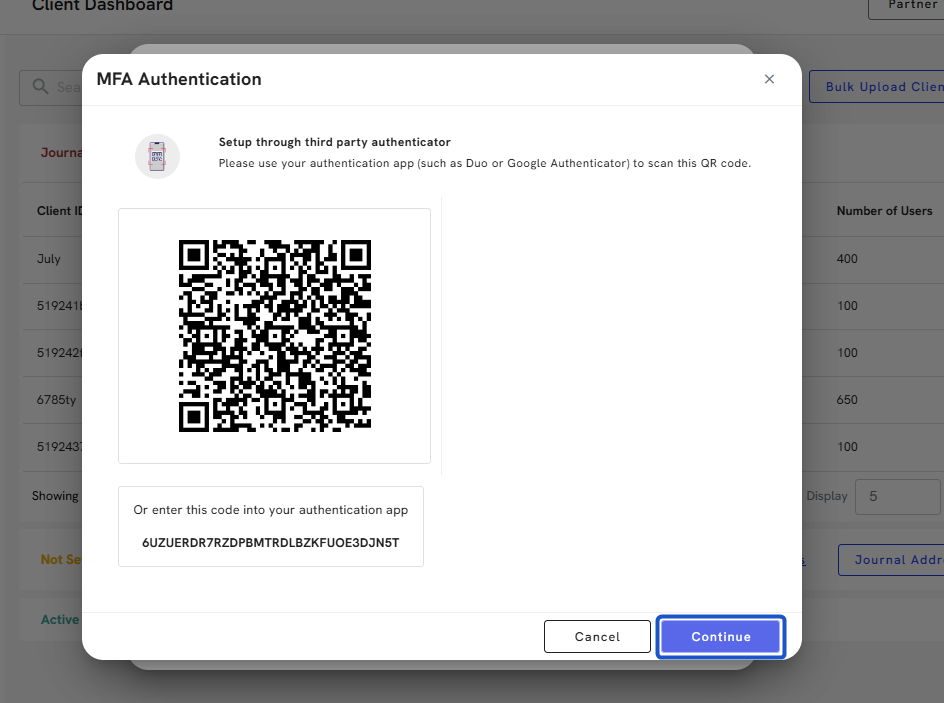
8. Click on Continue.
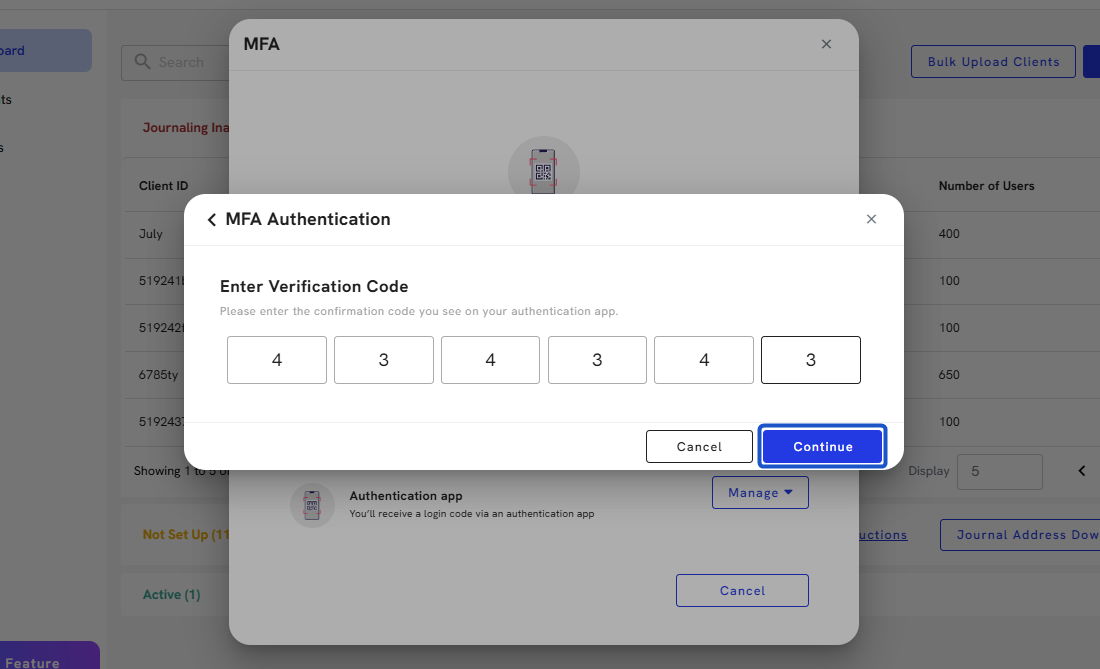
9. Enter the confirmation code you see on your authentication app.
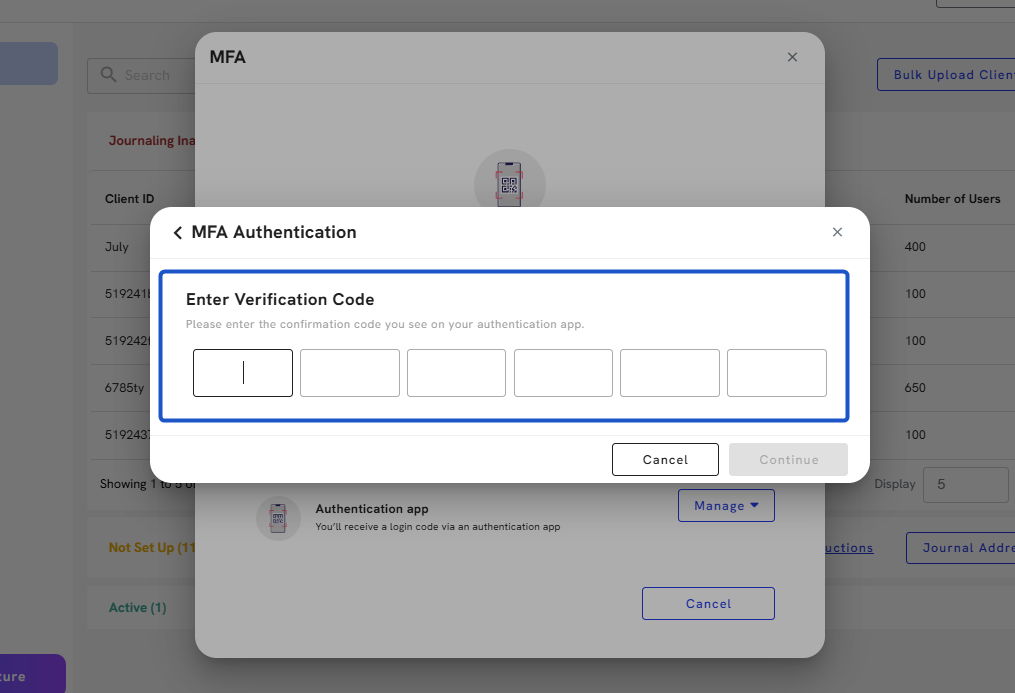
10. Click on Continue.
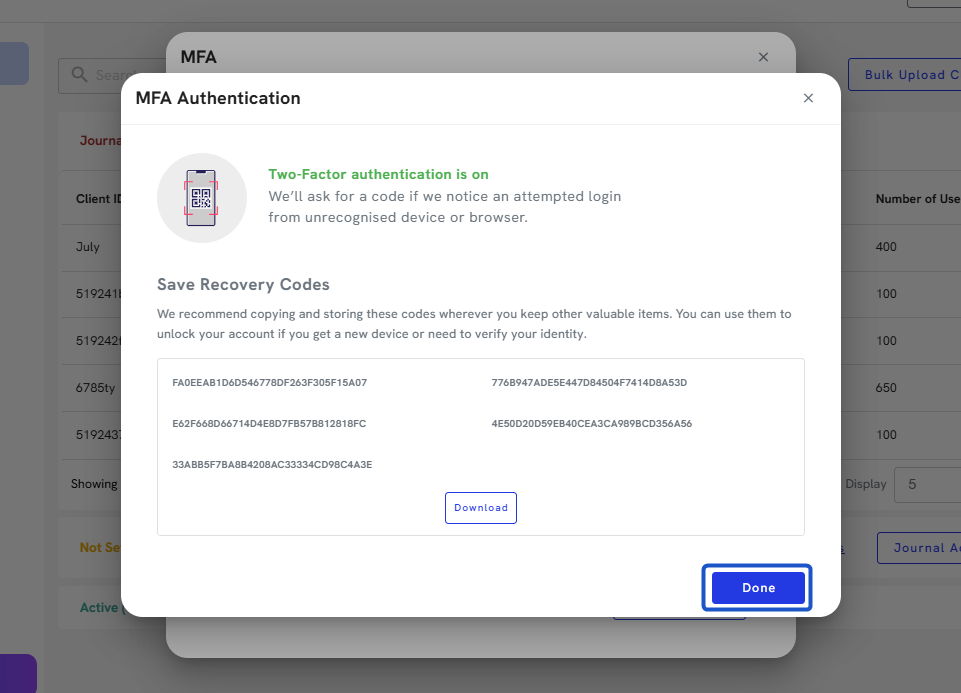
11. Org IQ will provide you with your recovery codes so you can access your account in case something goes wrong with your authentication app.
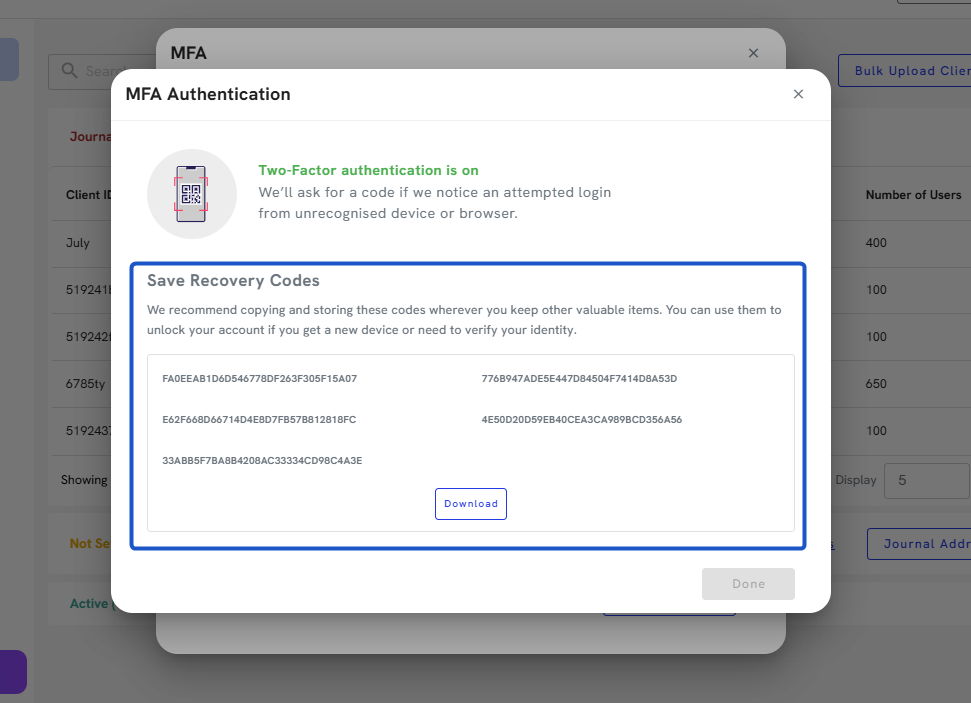
12. You will need to keep these codes in a safe place. Org IQ provides an easy download, so you can print this file and store it in a safe or save it in a secure file.
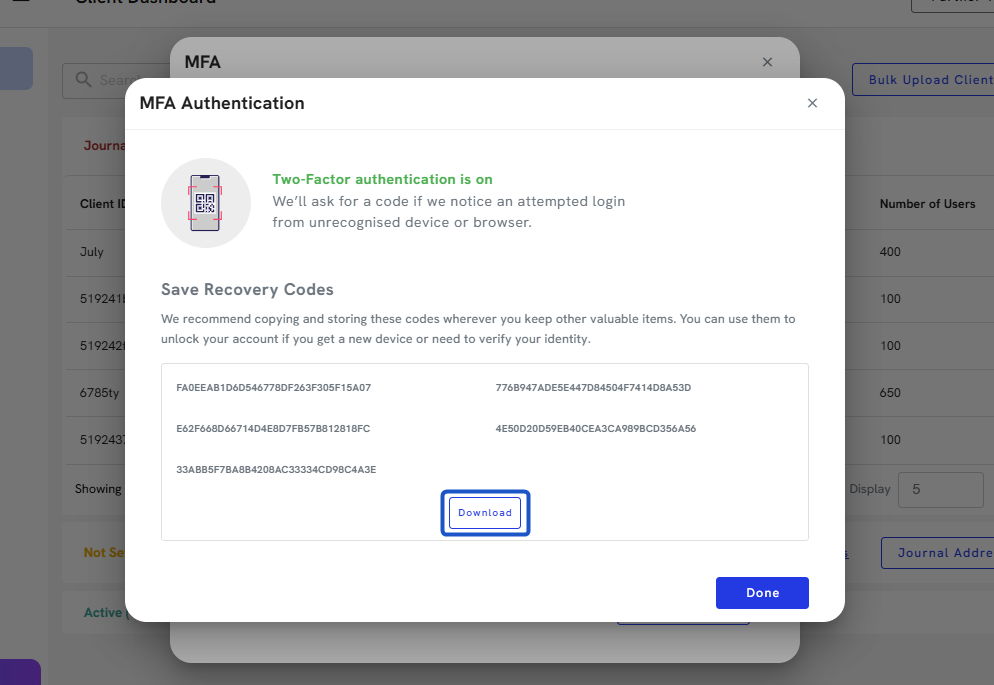
13. Click on Done.