You can follow along here:
Or go at your own pace:
Requesting a Feature
In this guide, we’ll walk you through how to submit a feature request within the Org IQ platform.
Creation Date: August 1, 2025, Created By: Muzammil Hasan. View most recent version
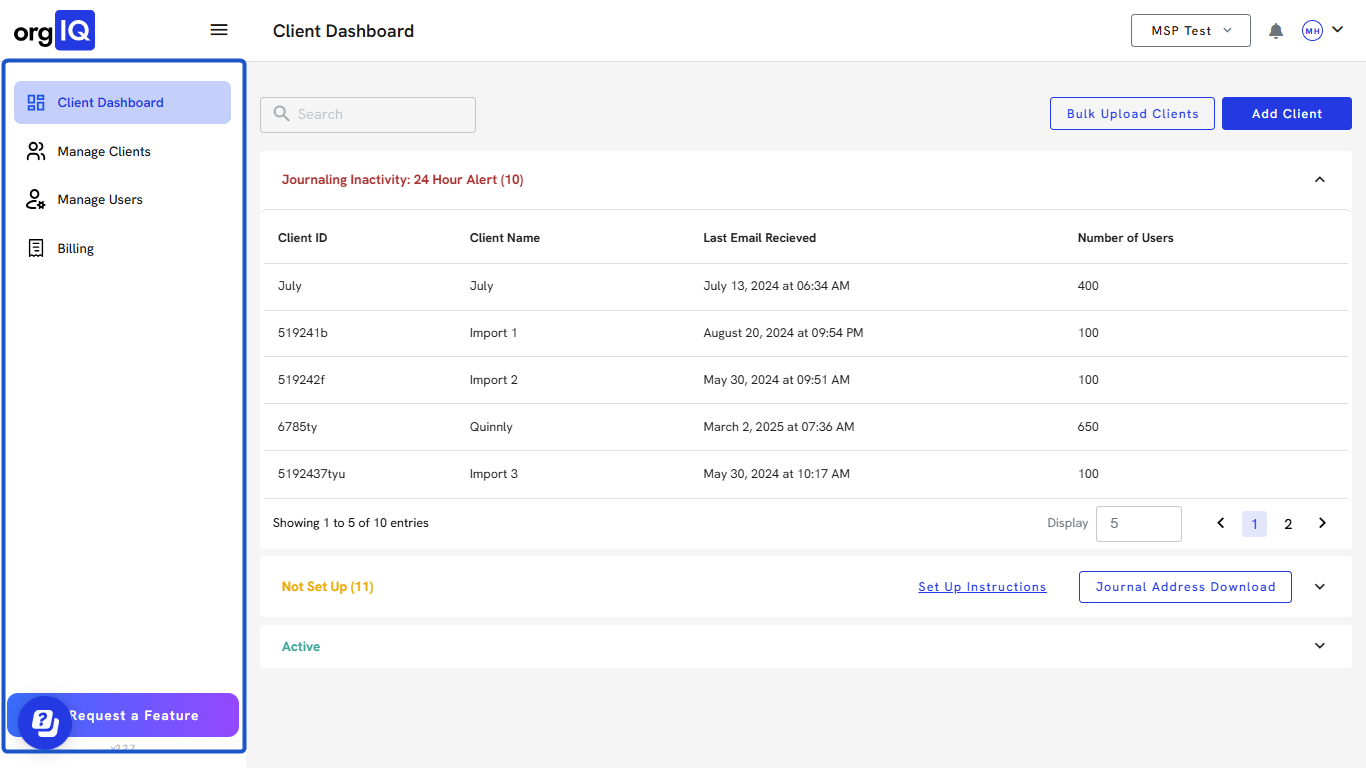
1. Go to Org IQ in the sidebar.
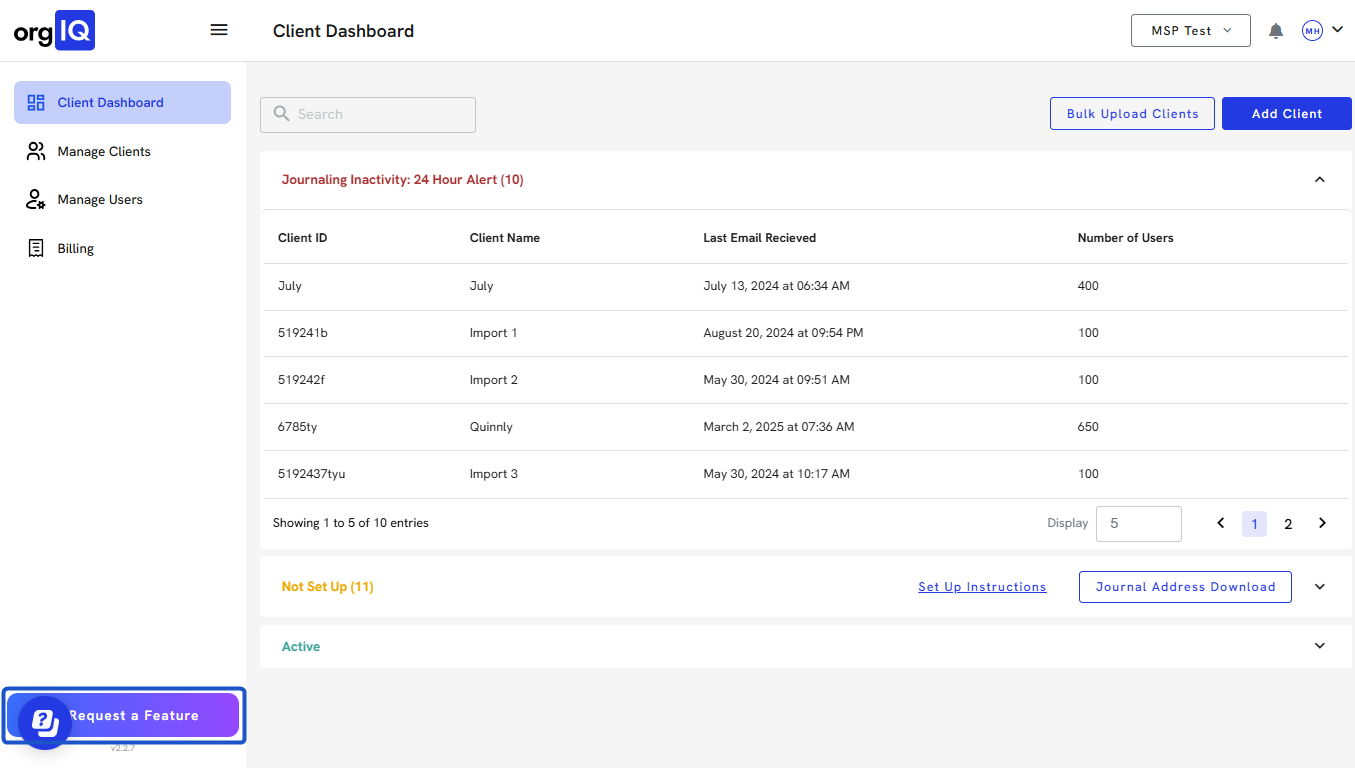
2. Scroll down and click on Request a Feature at the bottom left.
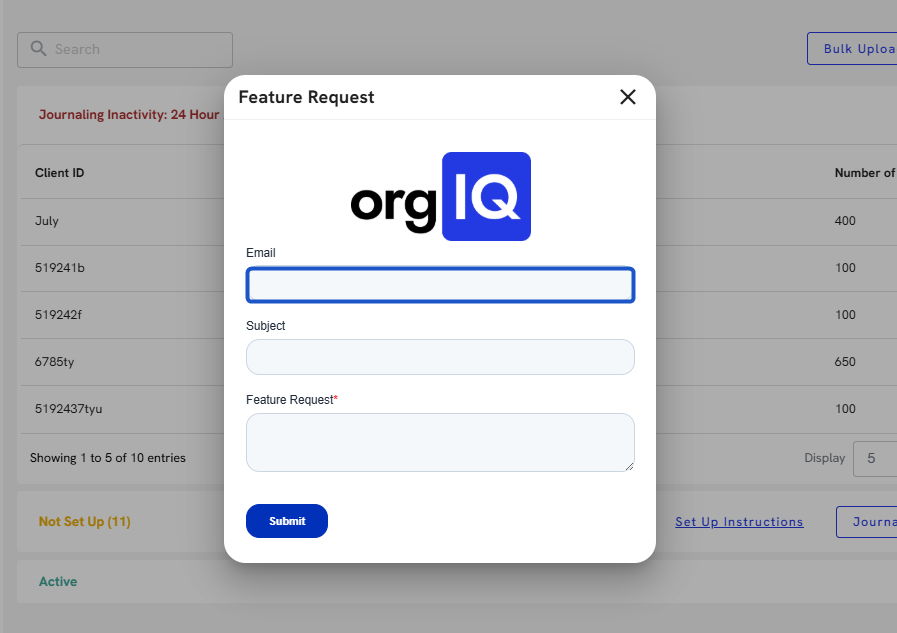
3. A Feature Request window will appear in the center of the screen.
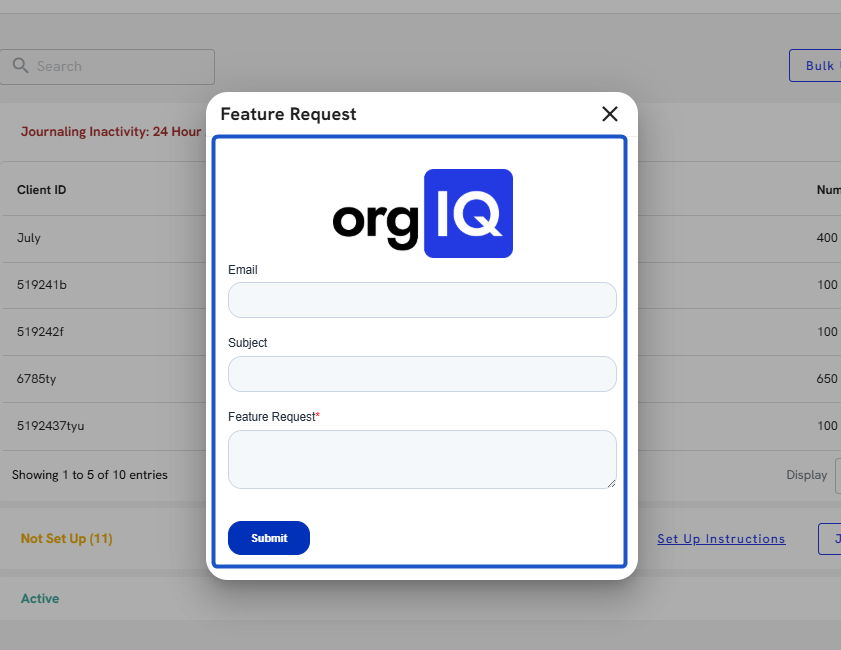
4. Enter your Email in the first field.
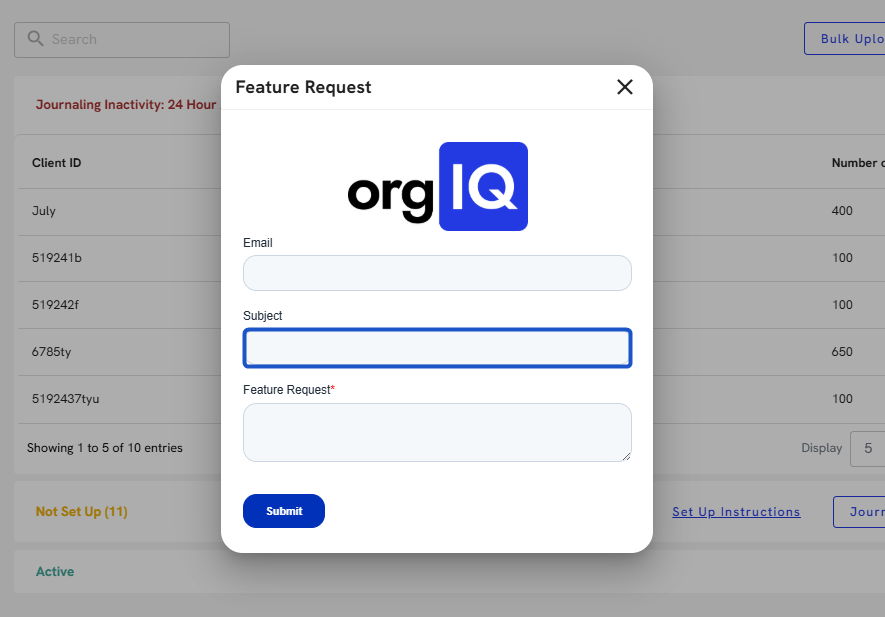
5. Type a Subject summarizing your request.
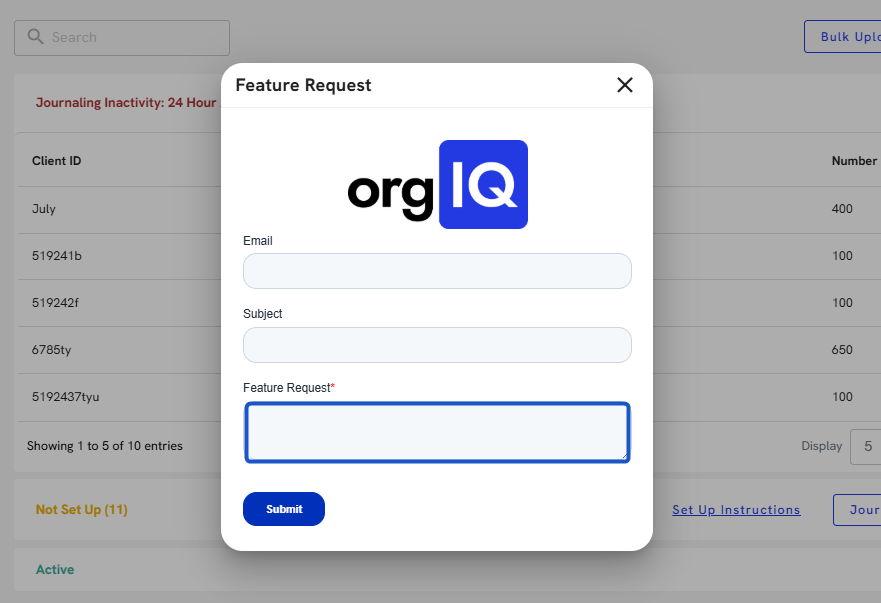
6. Enter a clear description of the feature you’d like to see implemented.
7. Click the Submit button.
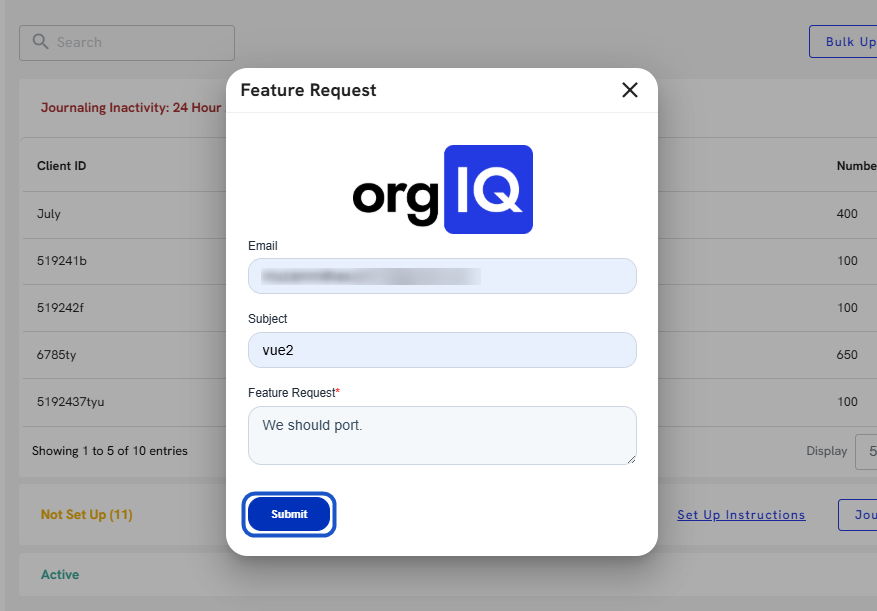
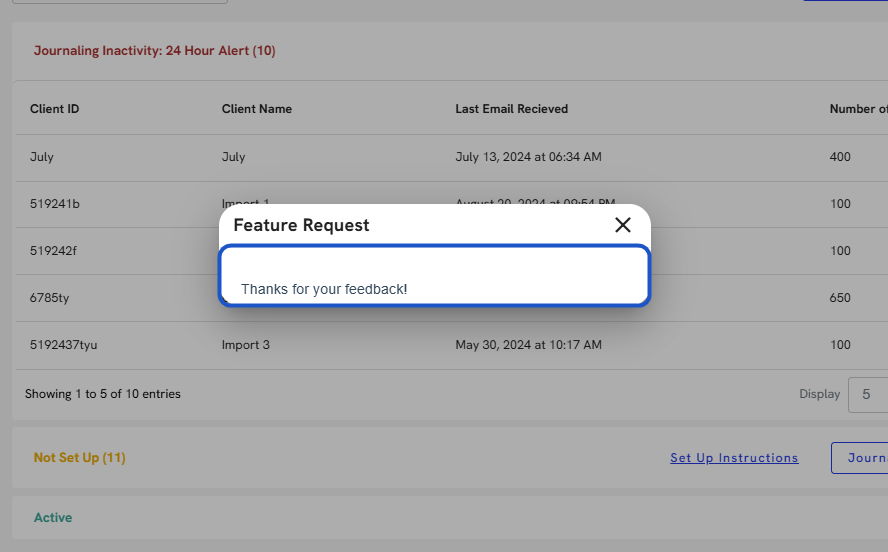
8. The request will be recorded and sent to the product team for review.