You can follow along here:
Or go at your own pace:
Navigating the Billing Features
The Billing page helps you easily track your usage, review your charges, manage your payment method, and view your billing history. Here’s a breakdown of what each section means and how to use it:
Creation Date: May 23, 2025 Created By: Muzammil Hasan View most recent version
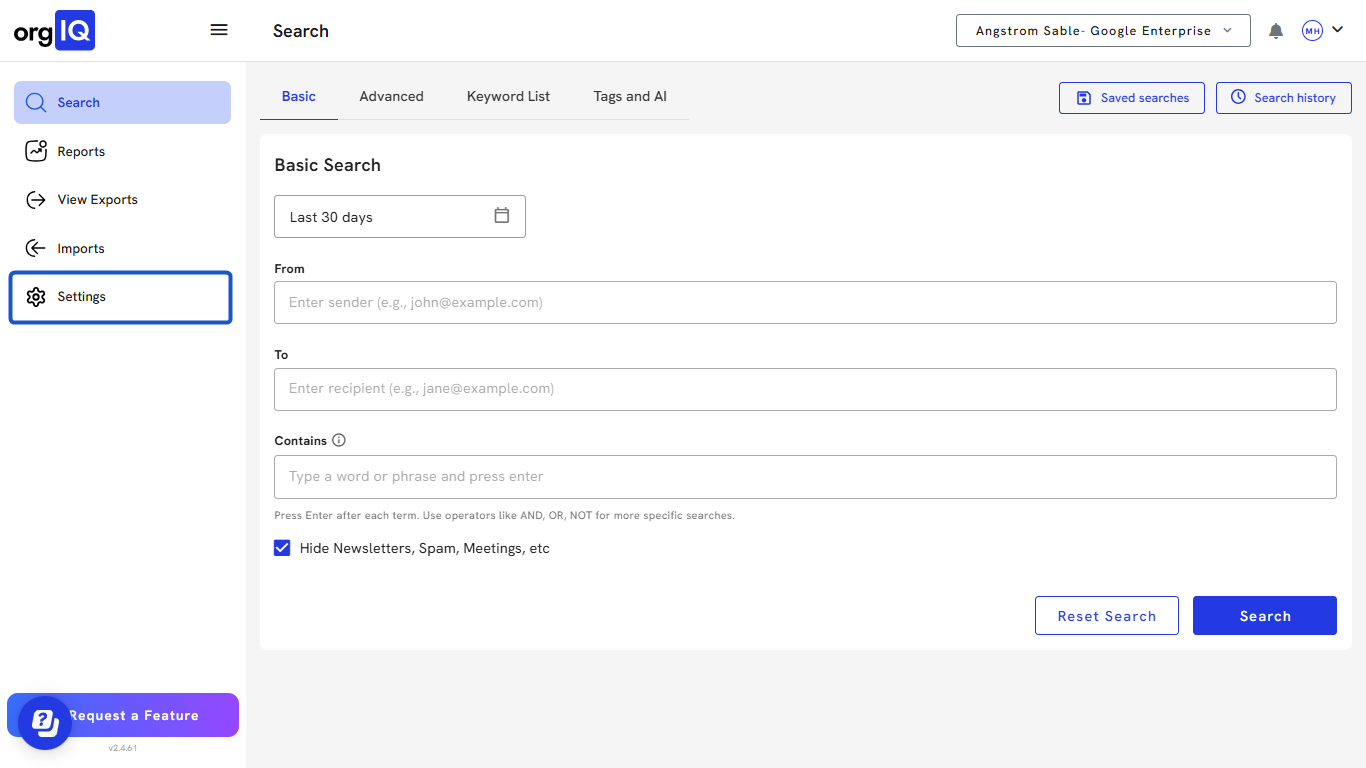
1. Click on Settings.
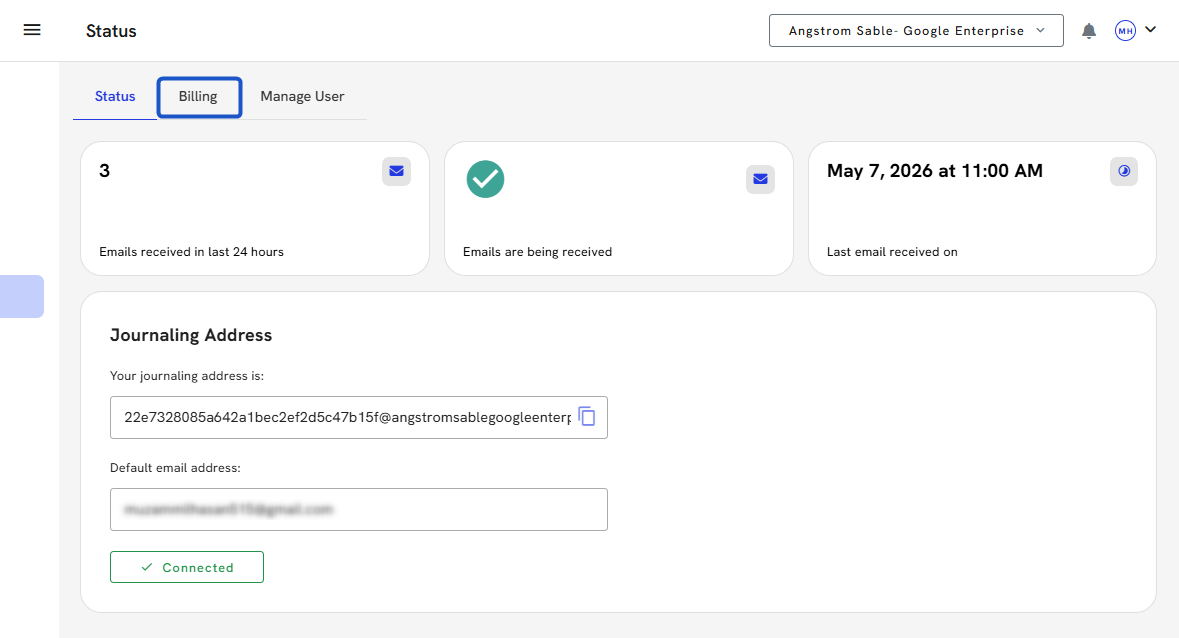
2. Click on the Billing tab.
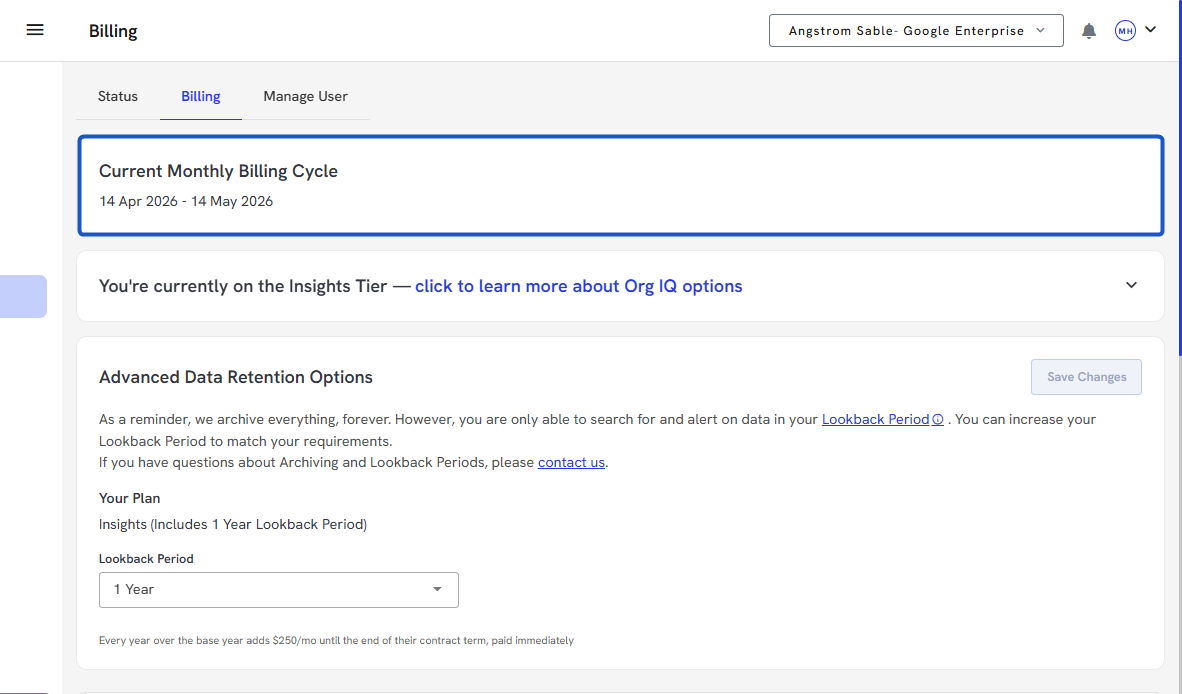
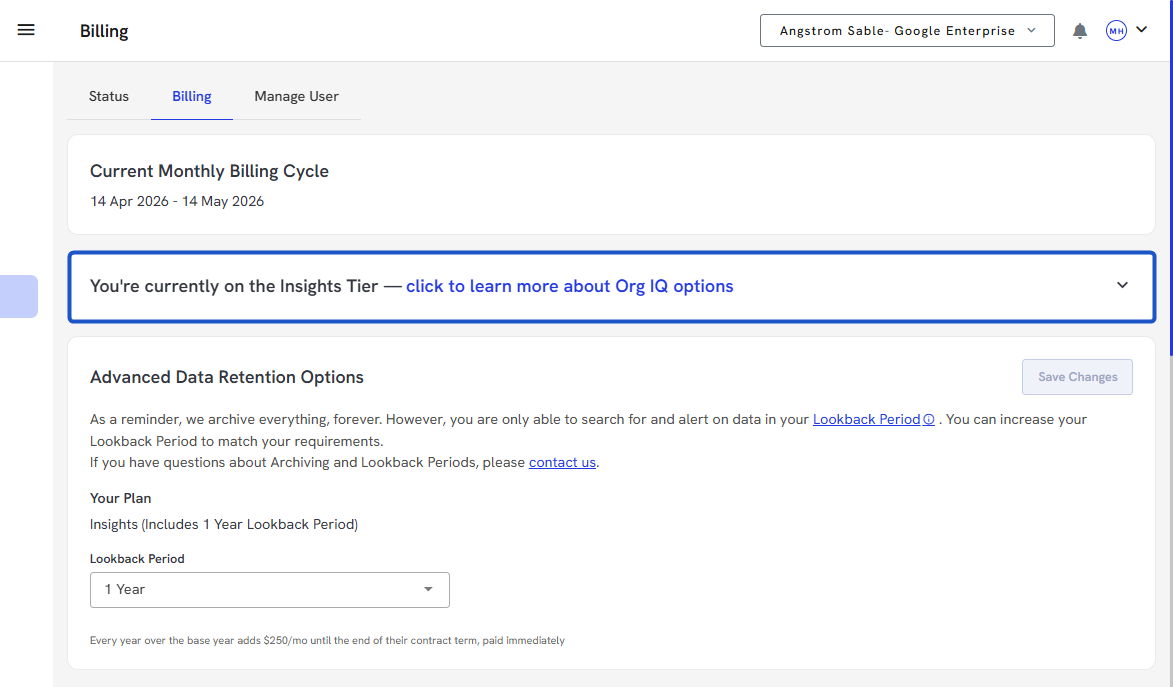
3. View the Current Monthly Billing Cycle.
4. Click to view available plans under Pricing
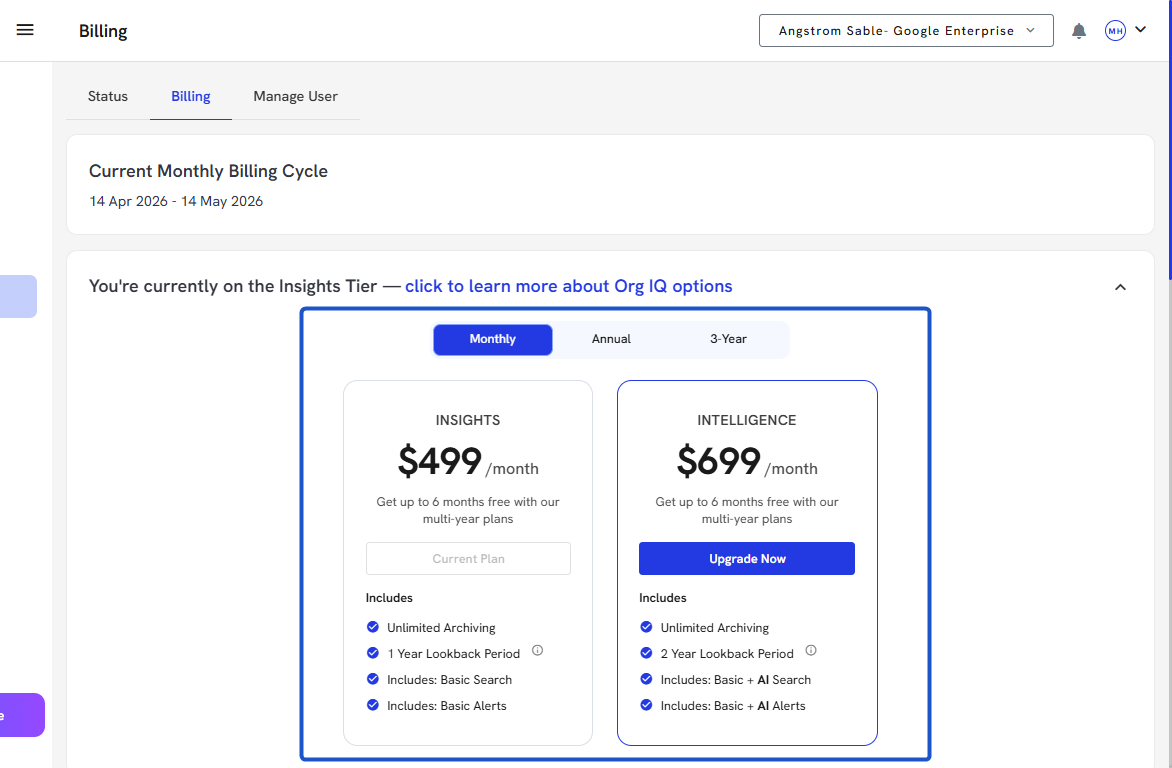
5. Compare Pricing Plans
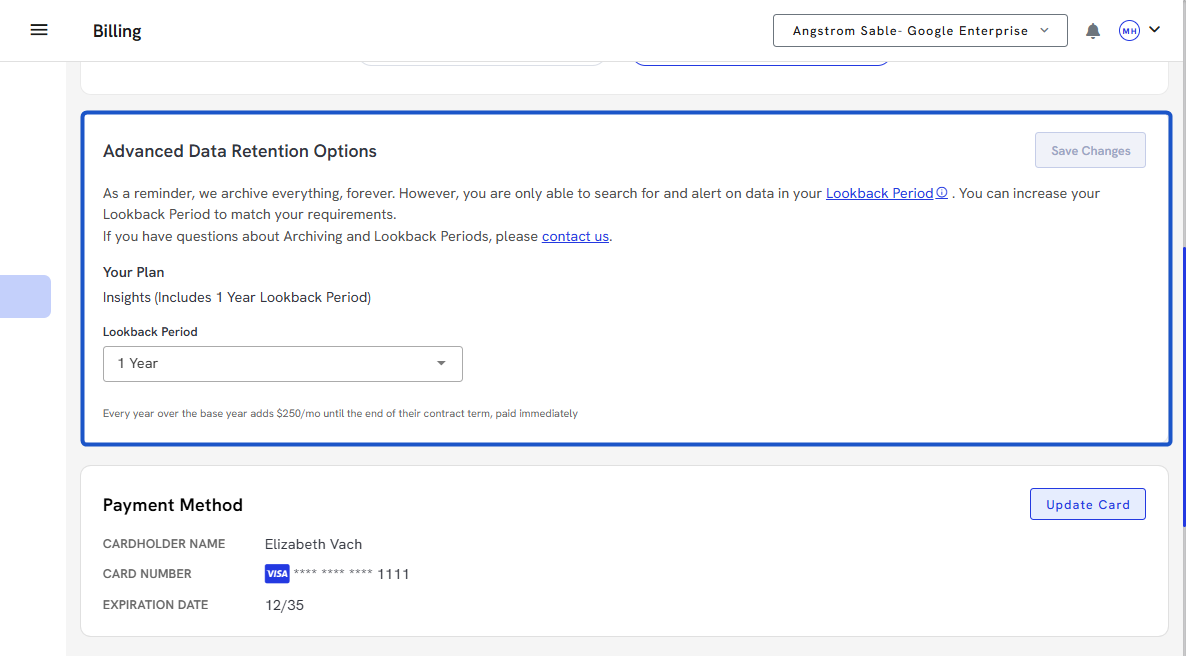
6. Check the Lookback Period under Advanced Data Retention Options.
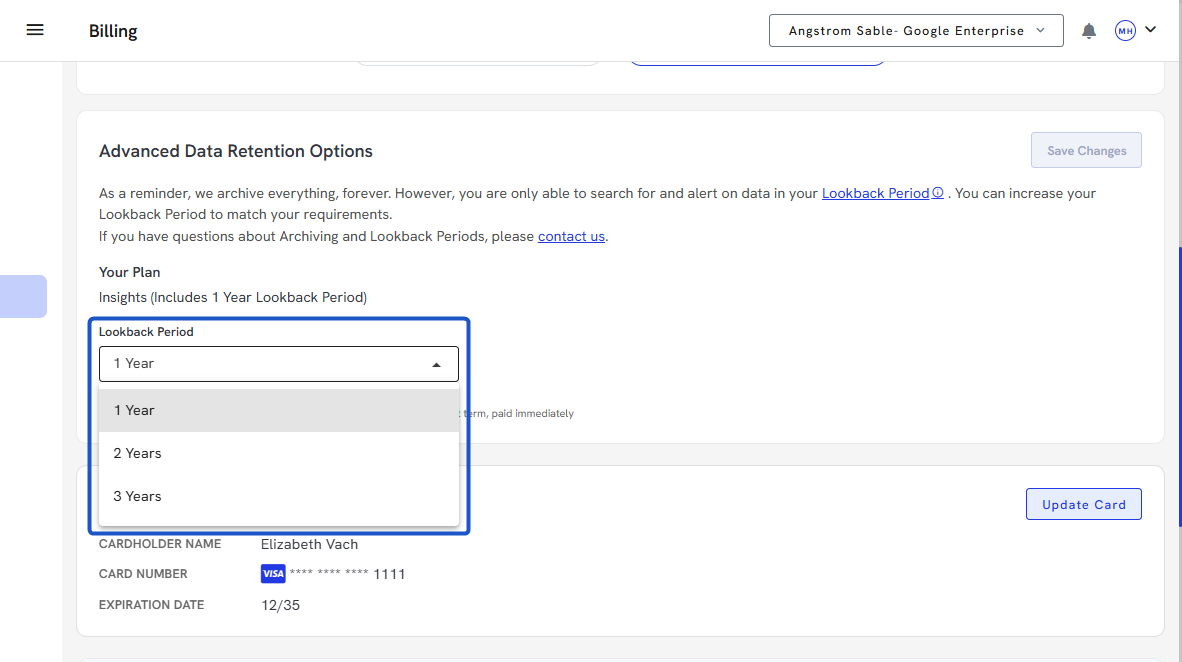
7. Choose the Duration.
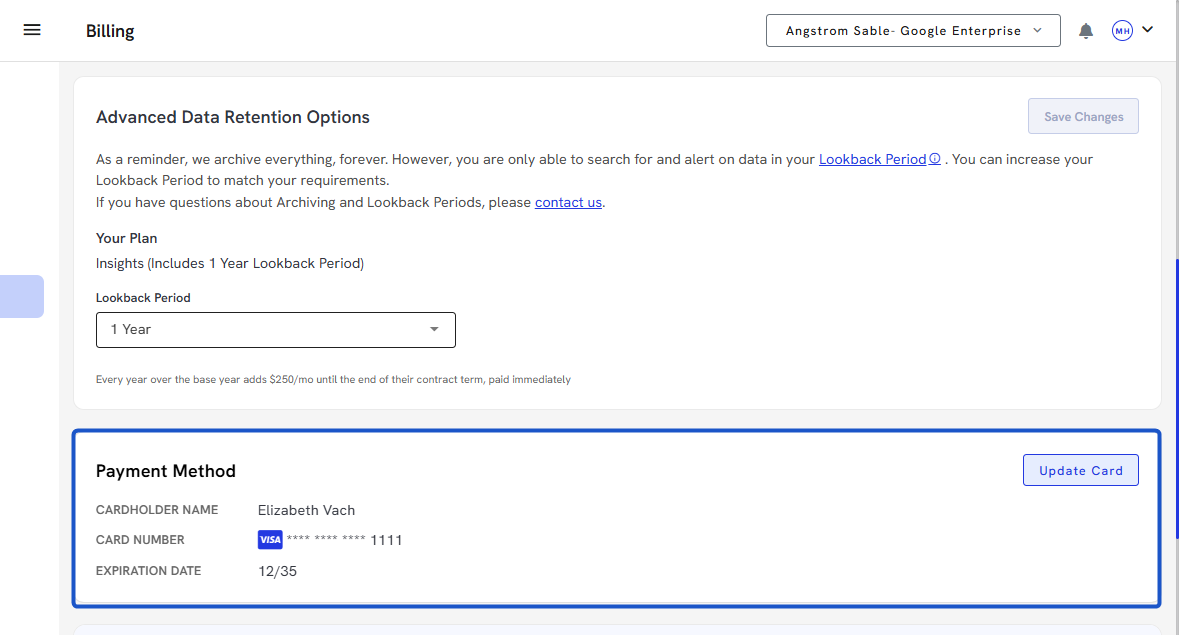
8. Verify the Payment Method details and update the card if required.
9. Check Usage to Date numbers.
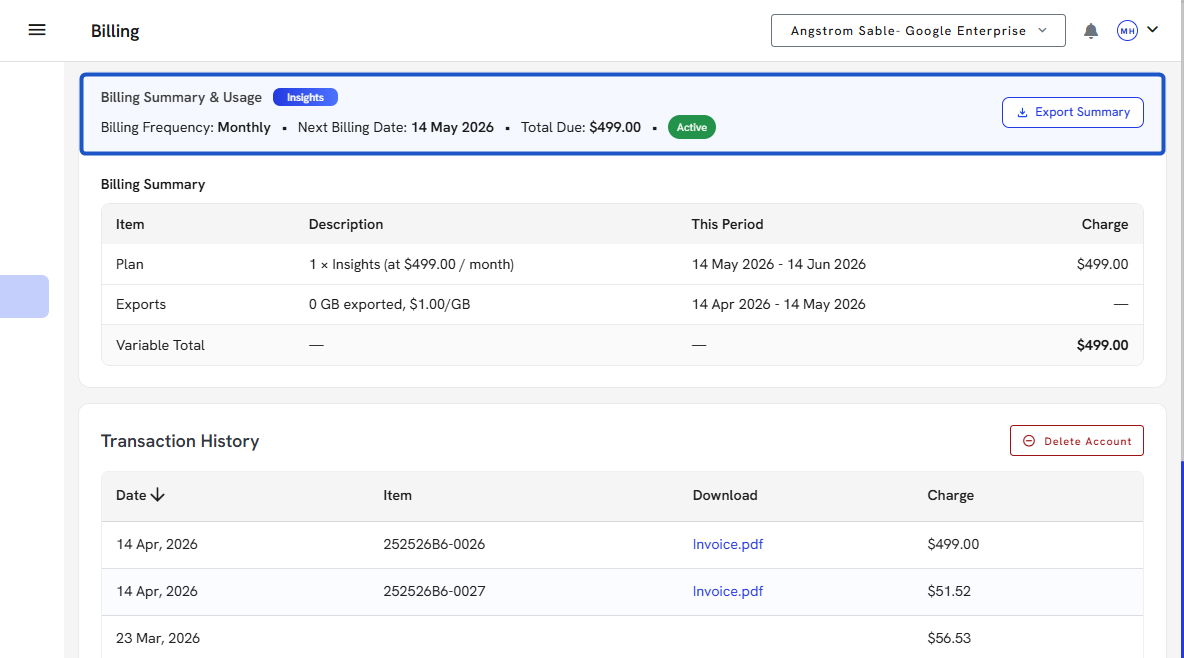
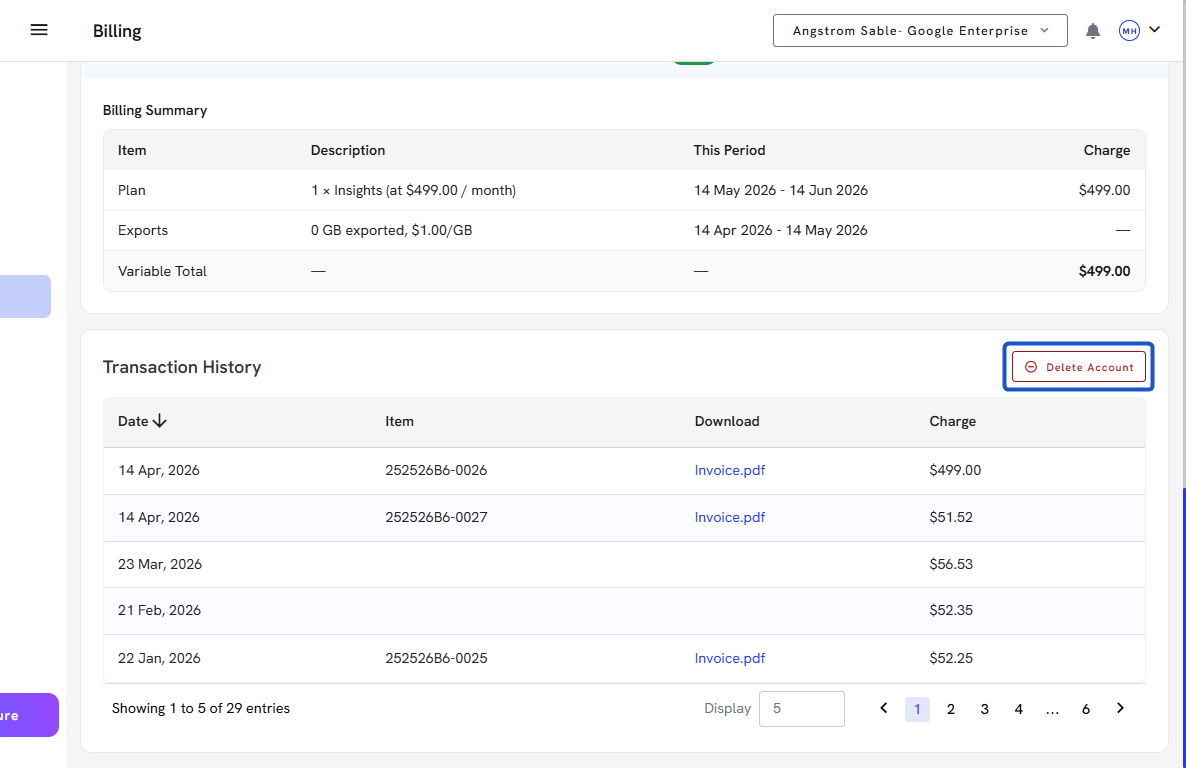
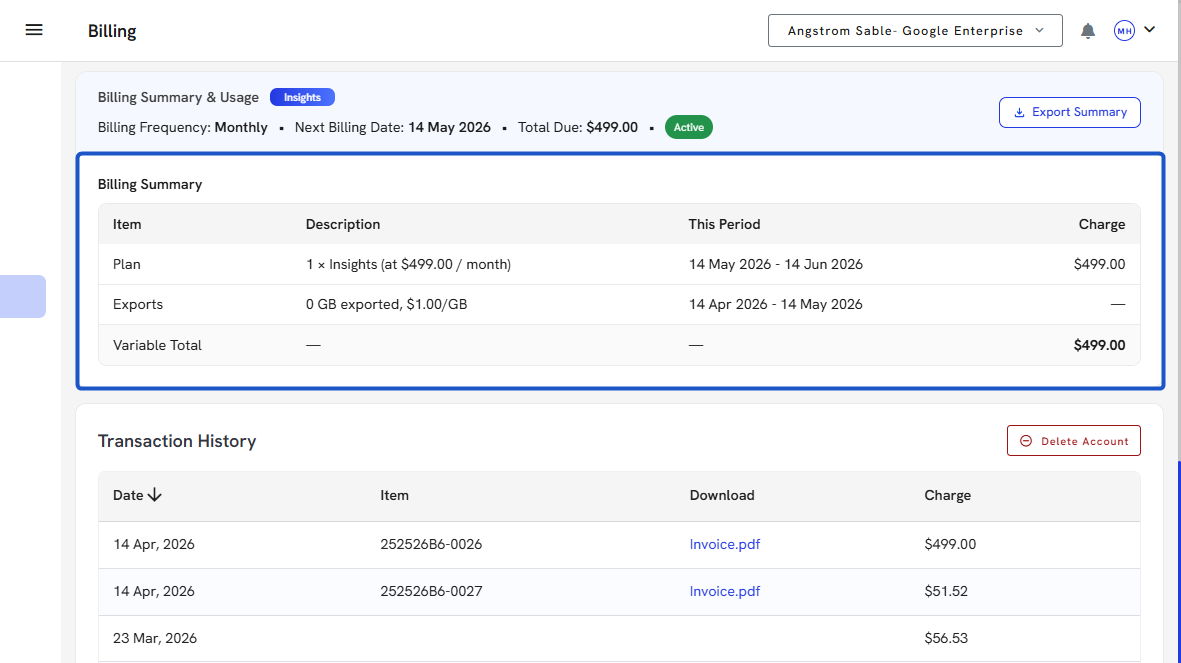
10. Check Billing Summary.
11. Review the Transaction History table:
- Date of billing
- Billing frequency
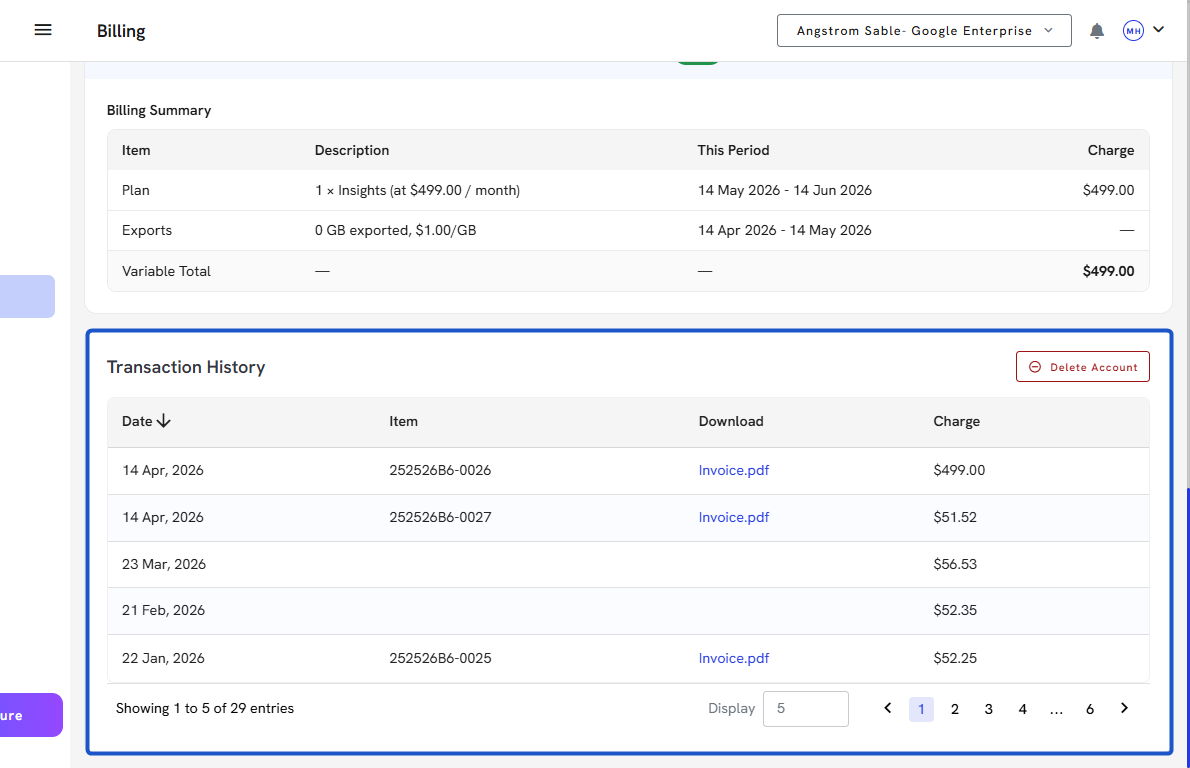
12. Click Invoice.pdf to download bills.
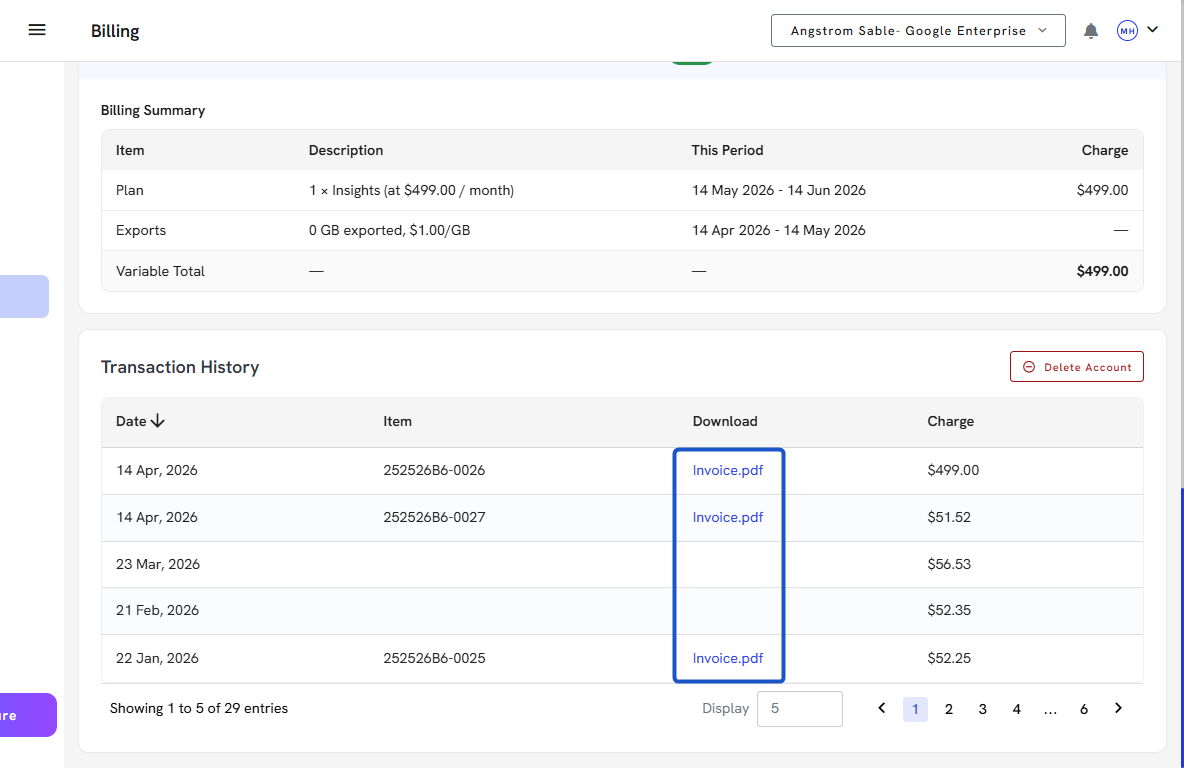
13. Click Delete Account to remove the account.