You can follow along here:
Or go at your own pace:
Accessing Settings in Org IQ
In this guide, you’ll learn how to manage your user interface preferences and account settings within Org IQ. View the most recent version
Creation Date: August 1, 2025, Created By: Muzammil Hasan
1. Go to Dashboard
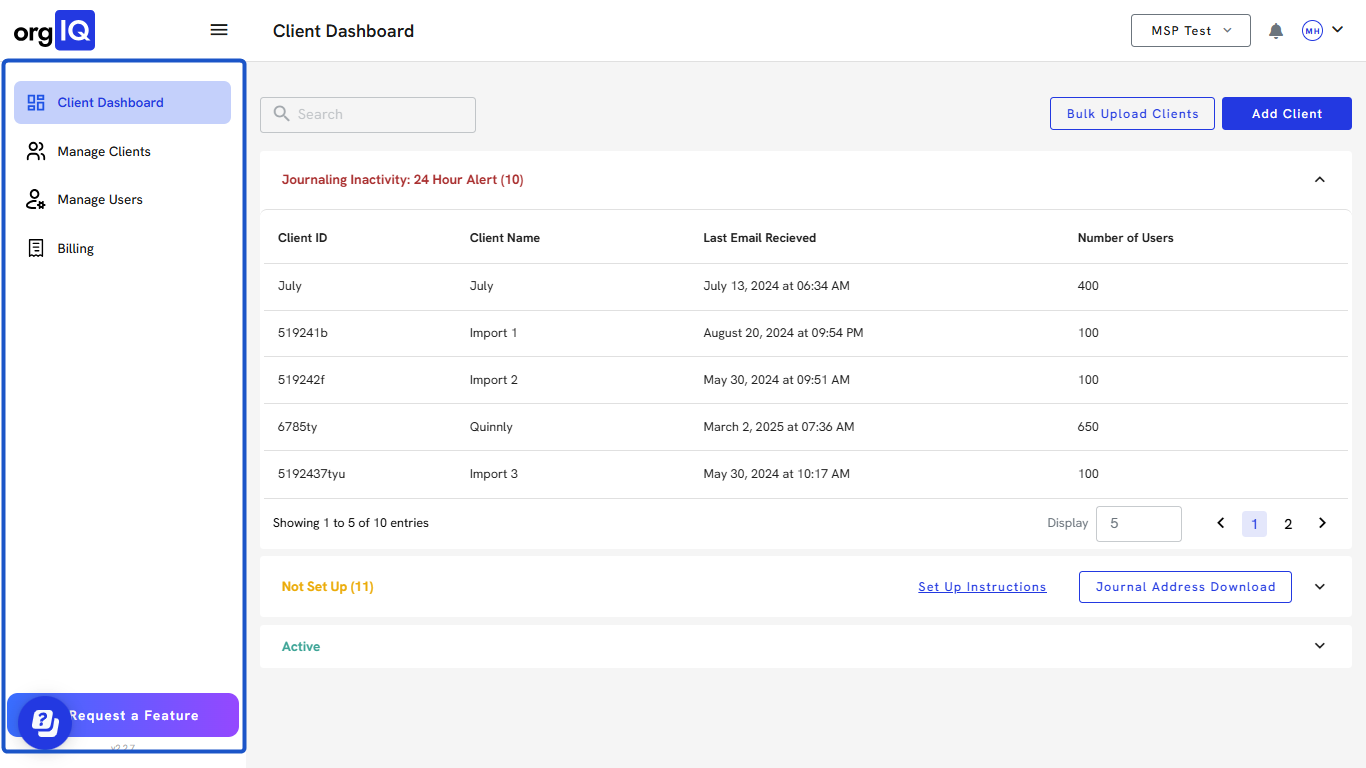
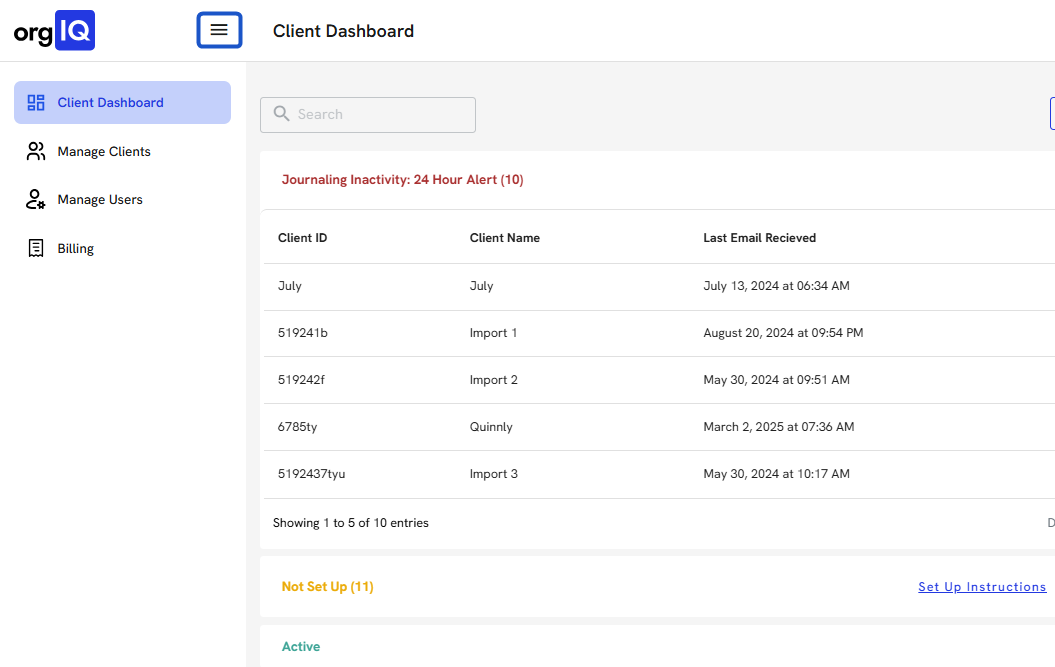
2. Click the App Bar Menu Icon (☰) in the top-left corner to collapse or expand the sidebar.
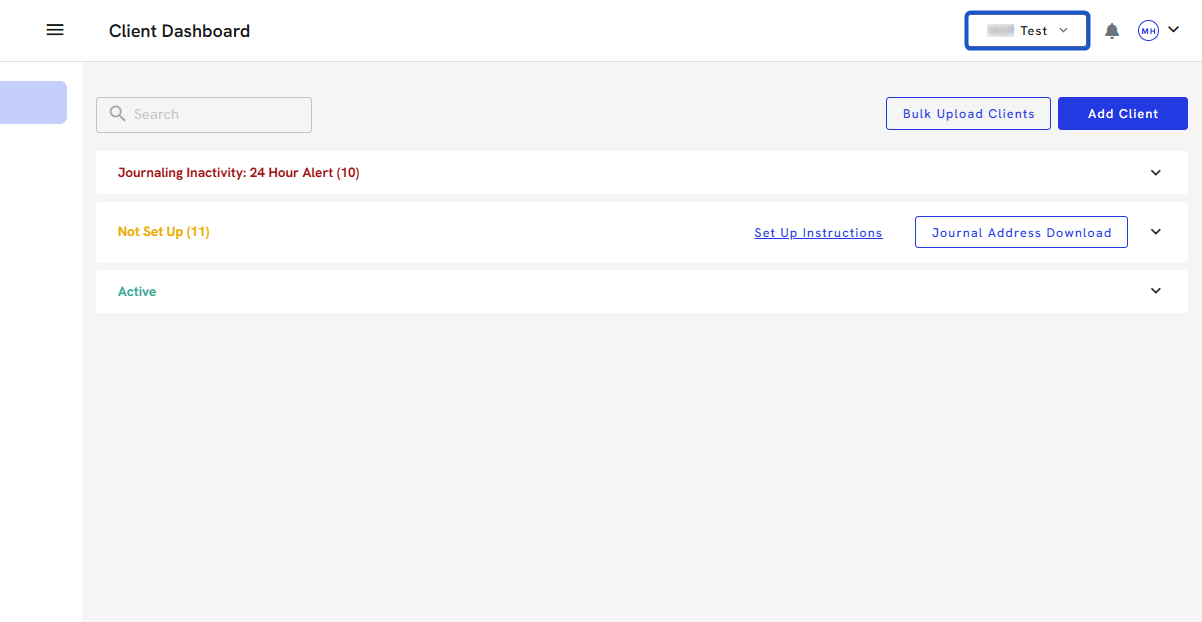
3. Click on the Partner/Company name to view or switch it.
4. Click the Notification Bell Icon in the top-right corner to view system alerts and updates.
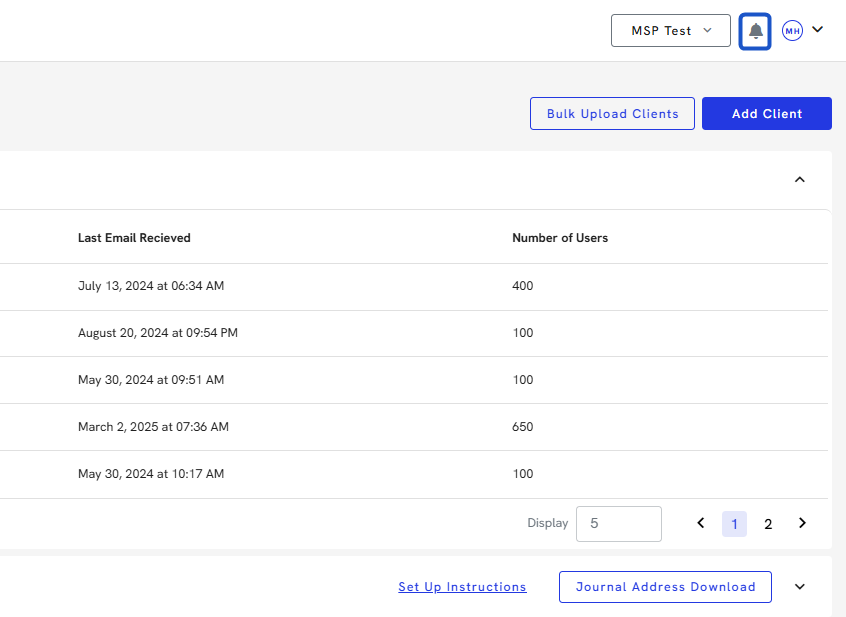
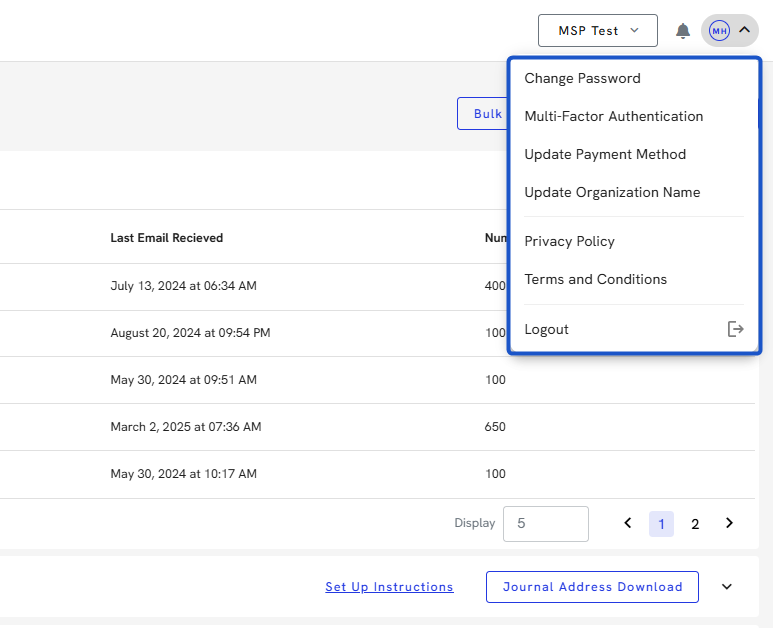
5. Click your Profile Icon (initials avatar) in the top-right corner.
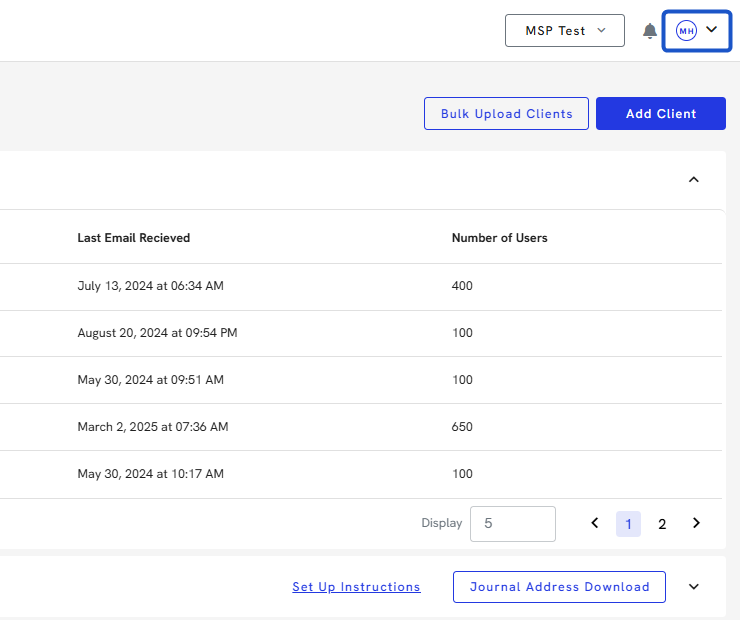
6. From the Profile Menu, you can:
-
Change your Password
-
Enable Multi-Factor Authentication (MFA)
-
Update your Payment Method
-
Edit your Organization Name