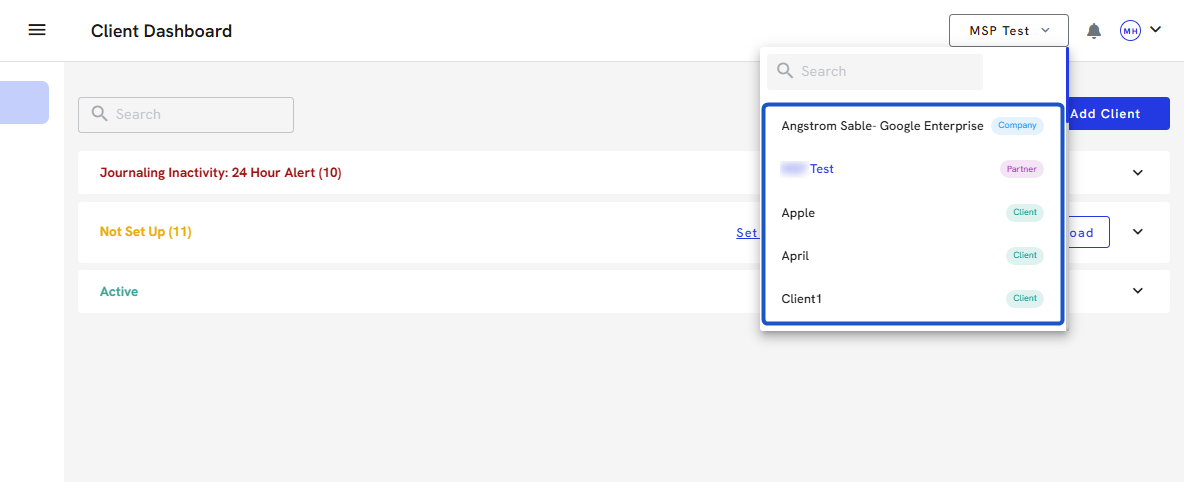
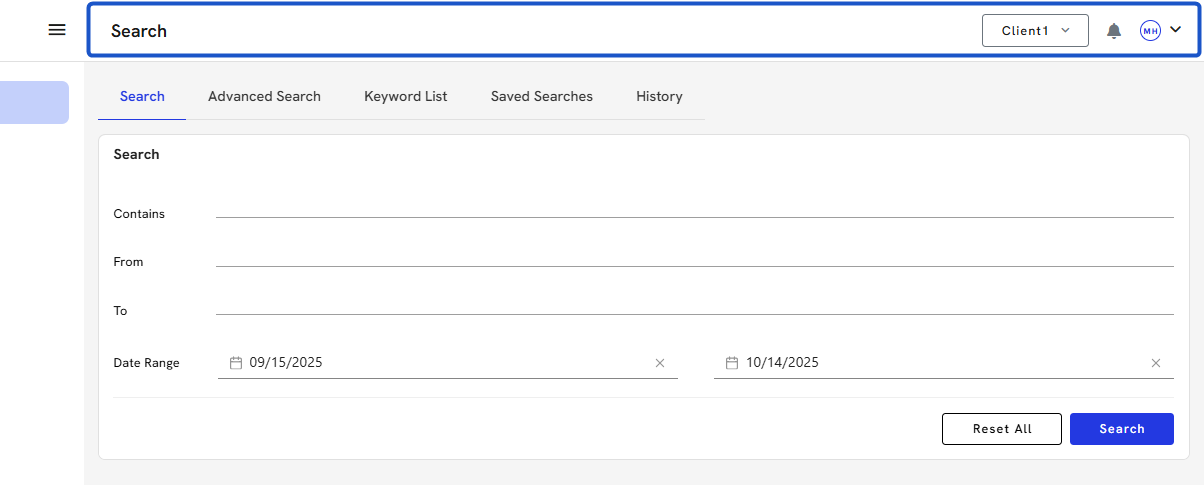
To manage multiple companies/organizations with one login in Org IQ, it is important to ensure that the same email address is set as the Admin across all companies. While creating each company, providing an individual email address is necessary. However, the same email address can be invited into multiple companies once they are created.
This will help simplify the management process and ensure you can easily access all your companies.
Or you can follow along at your own pace here:
How to Switch Companies in Org IQ
To manage multiple companies with one login in Org IQ, set the same email as Admin in each company. Use unique emails during setup, then invite your main email to all companies for easy access and management.
Creation Date: July 22, 2025 Created By: Muzammil Hasan View most recent version on Tango.us
1. Go to https://app.orgiq.com/
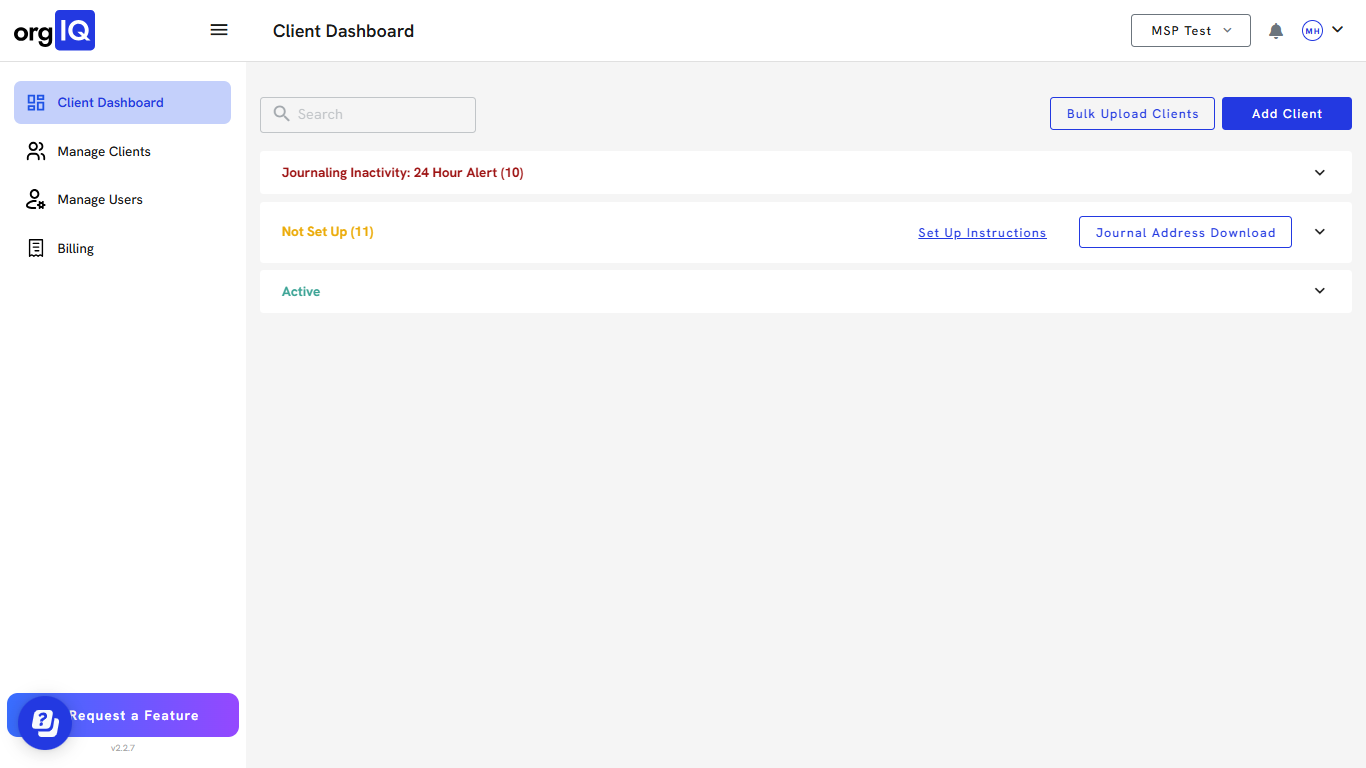
2. Click on Company Name.
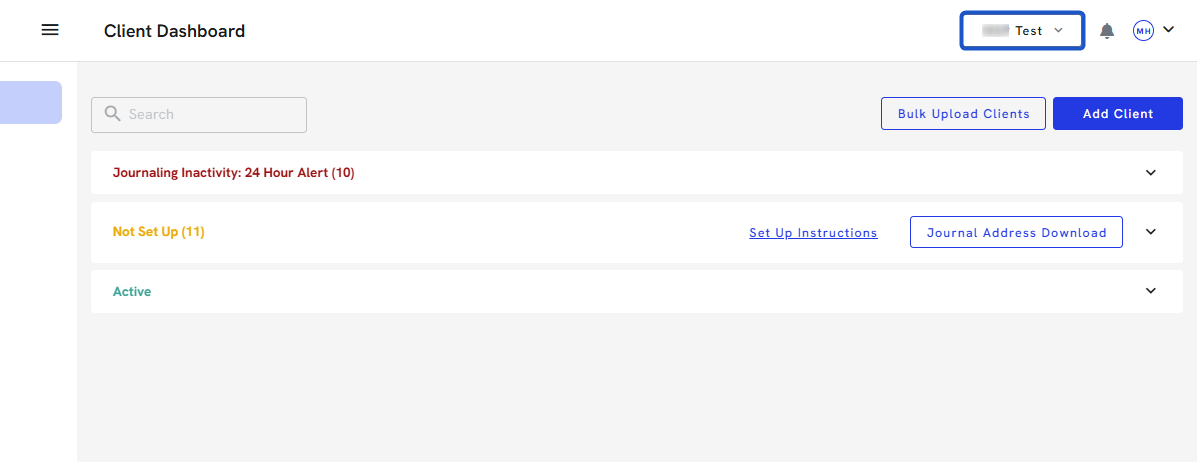
3. A dropdown will appear, search to find the company name.
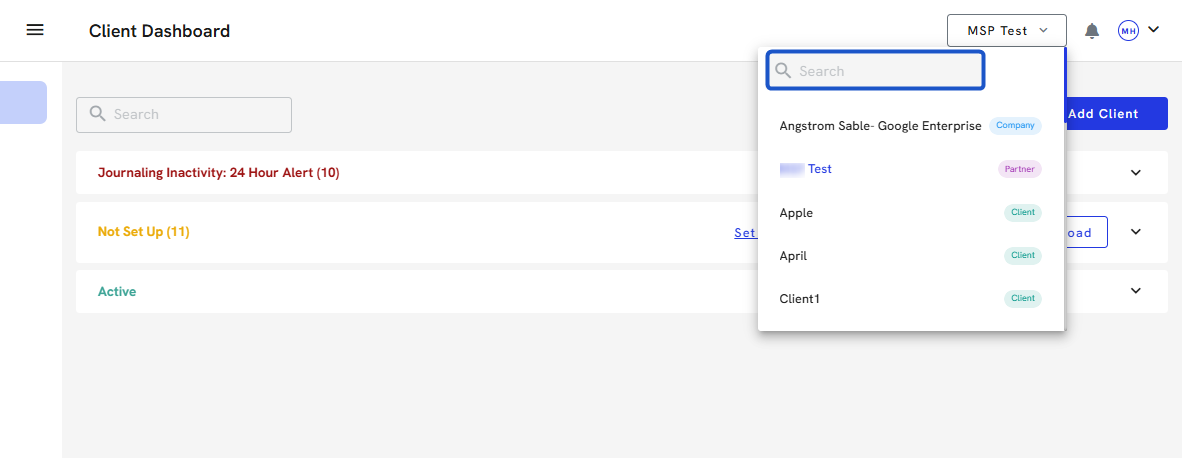
4. Click on the company you would like to switch to.